 Your PC in instalments (up to 12x)
From the FlowUP team, PC gaming system builder in Genappe (Belgium) · Updated 29 September 2026
In brief: in 2026, aim for at least 8GB of VRAM at 1080p, 12GB at 1440p and 16GB at 4K, or if you use a lot of ray tracing. 8GB is still enough for competitive games and most 1080p titles, but it has become the bare minimum. The numbers prove it: according to Tom's Hardware, the RTX 5060 Ti 16GB is only 5% faster than its 8GB version at 1080p, but 43% faster at 4K, because the 8GB model runs out of memory. Same chip: pick the version with the most VRAM.
What is VRAM?
VRAM (for video RAM) is the graphics card’s memory. It’s soldered to the card all around the GPU chip, and it stores what the GPU needs to render every frame: textures, 3D models, lighting data, and, when using ray tracing or image generation, additional data.
Not to be confused with the PC’s RAM (the memory sticks on the motherboard), which the CPU uses. Both matter, but they don’t replace each other: 32GB of RAM doesn’t compensate for a graphics card that lacks VRAM. For RAM, see 16GB or 32GB RAM.
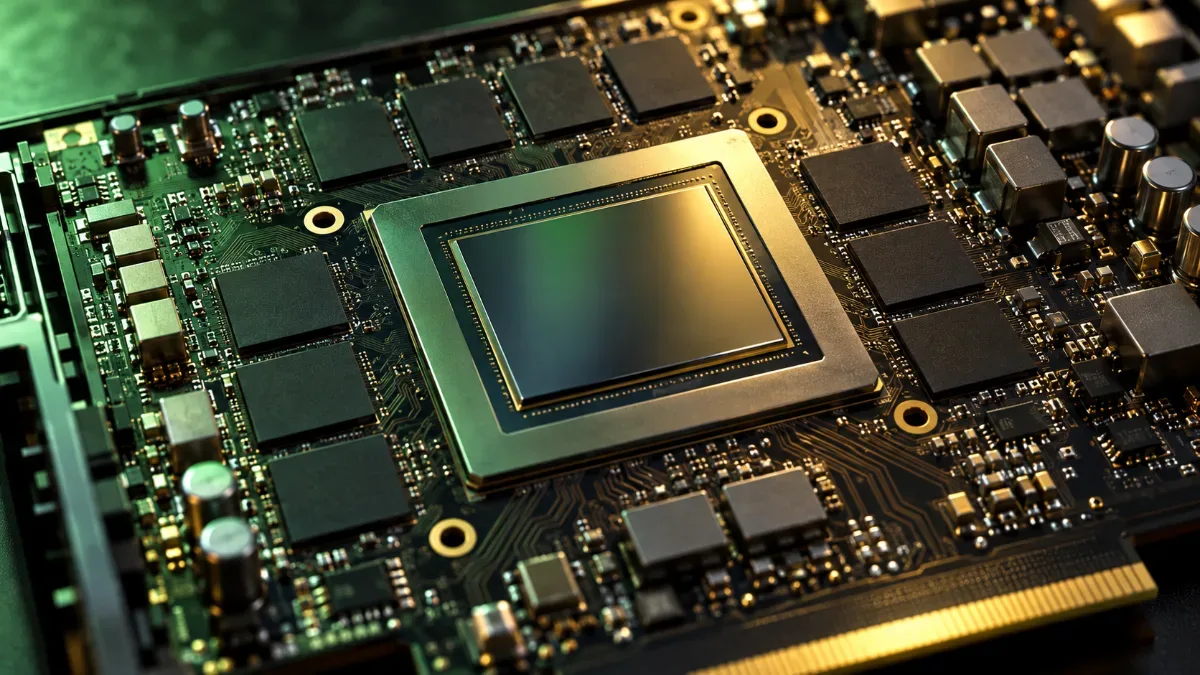
The VRAM chips surround the graphics chip: their number and capacity determine the card’s memory.
How much VRAM depending on usage: the summary
| Usage | Minimum | Recommended | What you need to know |
|---|---|---|---|
| 1080p, competitive games | 8GB | 8GB | Valorant, CS2 or Fortnite on competitive settings run comfortably |
| 1080p, AAA games | 8GB | 12GB and up | With 8GB, you’ll sometimes need to step down the textures by one level |
| 1440p | 12GB | 16GB | 12GB is okay today; 16GB gives you headroom for the coming years |
| 4K | 16GB | 16GB and up | Ultra textures and ray tracing quickly fill up the memory |
| Creation (3D, 4K video editing, local AI) | 12GB | 16GB and up | Heavy projects and AI models use a lot of VRAM |
FlowUP recommendations for recent games at high settings, September 2026.
The resolution-by-resolution details, with game examples, are in our guide 8 GB, 12 GB or 16 GB of VRAM: how much do you need in 2026?
What happens when you run out of VRAM?
When a game needs more memory than the card has, it overflows into your PC’s RAM, much slower for the graphics card to access. The result: stuttering, sudden drops in frames per second, or textures that stay blurry. Some games quietly degrade texture quality to stay smooth: the game runs, but it looks worse than the settings promise.
The best way to illustrate it is to compare the same card in two versions. The RTX 5060 Ti exists in 8GB and 16GB versions, using the same chip:
| Card (same chip) | 1080p ultra | 1440p ultra | 4K ultra |
|---|---|---|---|
| RTX 5060 Ti 16GB | 105.2 FPS | 73.4 FPS | 40.2 FPS |
| RTX 5060 Ti 8GB | 100.4 FPS | 68.6 FPS | 28.1 FPS |
| Difference | +5% | +7% | +43% |
Source: Tom's Hardware, ranking of graphics cards (average of 11 games in rasterisation, no upscaling), updated 24 June 2026 and accessed 29 September 2026. Differences calculated by FlowUP.
At 1080p, 8GB is almost enough: the gap is small. As the resolution increases, the memory gets filled faster, and at 4K the 8GB version collapses. And since these are averages, they smooth things out: in the most demanding games, the performance gap you actually feel is bigger than what the average suggests.
How much VRAM do today’s graphics cards have?
| Graphics card | VRAM | Our tip |
|---|---|---|
| RTX 5060 | 8GB GDDR7 | 1080p |
| RTX 5060 Ti | 8 or 16GB GDDR7 | Go for the 16GB model |
| RTX 5070 | 12GB GDDR7 | 1440p |
| RTX 5070 Ti and RTX 5080 | 16GB GDDR7 | High-refresh 1440p and 4K |
| RTX 5090 | 32GB GDDR7 | 4K and creation |
| RX 9060 XT | 8 or 16GB GDDR6 | Go for the 16GB model |
| RX 9070 and RX 9070 XT | 16GB GDDR6 | 1440p and 4K with upscaling |
Sources: official NVIDIA and AMD specifications, accessed 29 September 2026.
Our builder’s take: VRAM doesn’t equal raw power. An RTX 5070 and its 12GB remains much faster than an RTX 5060 Ti 16GB, because its chip is more powerful. The useful rule is rather: same chip, choose the version with the most memory (RTX 5060 Ti 16GB instead of 8GB, RX 9060 XT 16GB instead of 8GB), and don’t go below 12GB for gaming at 1440p.
Upscaling also helps: DLSS and FSR calculate the image at a lower resolution, which reduces the memory used a bit. It’s not a miracle solution for an 8GB card at 4K, but it gives some breathing room. To choose the card as a whole, read how to choose your graphics card in 2026.
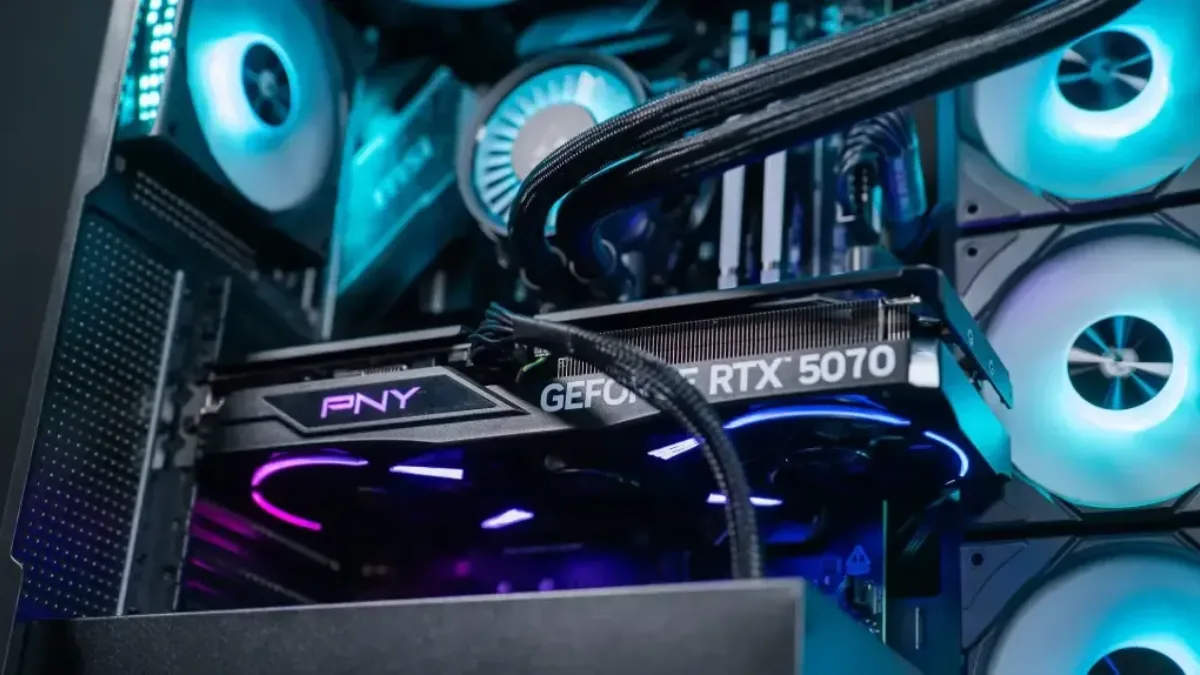
An RTX 5070 and its 12GB of GDDR7 in one of our PCs: the right balance for 1440p.
What should you do if your card runs out of VRAM?
- Step down textures by one level: it’s the setting that consumes the most memory, and the visual difference between “ultra” and “high” is often minimal.
- Reduce ray tracing, which is a big VRAM consumer.
- Enable DLSS or FSR in Quality mode.
- Monitor the memory used with your driver’s overlay or the game’s graphics menu, which often shows a VRAM gauge.
- Close memory-hungry apps in the background (browser with video, streaming software).
Our PCs with 16 GB of VRAM
Our Rift PC comes with the 16 GB version of the Radeon RX 9060 XT. Mathis et Gauthier tested it in games:
Mathis et Gauthier, FlowUP Rift PC test, September 2026.
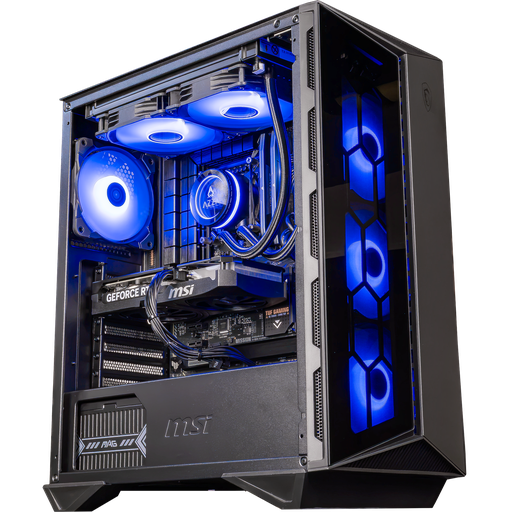
Swift PC: RTX 5060 Ti 16 GB
The 16 GB version of the RTX 5060 Ti: spare memory for 1080p and 1440p.
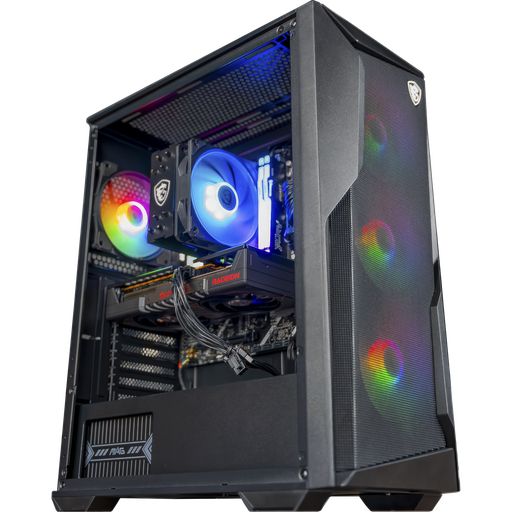
Rift PC: RX 9060 XT 16 GB
Ryzen 5 7500F and RX 9060 XT in the 16 GB version: the entry-level option without the 8 GB trap.
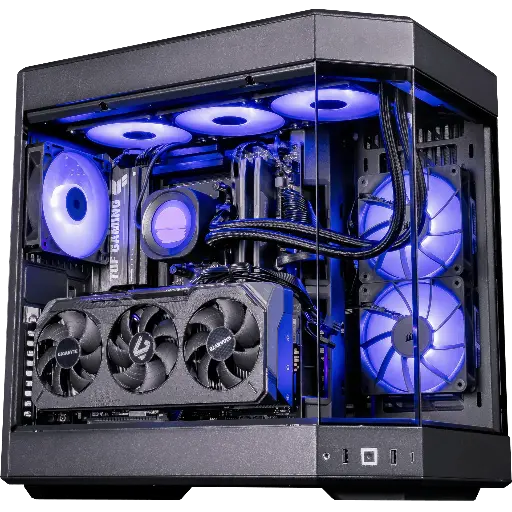
Shadow V2 PC: RX 9070 XT 16 GB
RX 9070 XT 16 GB and Ryzen 7 9800X3D: 1440p at high refresh rates and 4K with upscaling.
FAQ: VRAM
8 GB of VRAM, will that be enough in 2026?
For 1080p and competitive games, yes. For recent AAA games at 1440p or 4K, no: aim for 12 GB at 1440p and 16 GB at 4K.
Is 12 GB of VRAM enough?
Yes for 1080p and 1440p. In 4K with ultra textures and ray tracing, 16 GB are preferable.
What’s the difference between VRAM and RAM?
VRAM is the graphics card’s memory; RAM is the processor’s memory. One doesn’t replace the other.
Can you add VRAM to your graphics card?
No. VRAM is soldered onto the card: to get more, you need to change your graphics card.
Is it better to get more VRAM or a more powerful chip?
A more powerful chip, so long as the VRAM is enough for your resolution. With the same chip, choose the version with the most memory.
