
By the FlowUP team, gaming PC builder in Genappe (Belgium) · Updated 29 September 2026
In short: the best gaming PC for value for money is the one whose graphics card matches your screen, without an oversized part or a weak link. In 2026, the cards that deliver the most frames per euro are mid-range: RTX 5060 and RX 9060 XT for 1080p, RX 9070, RX 9070 XT and RTX 5070 for 1440p. Beyond that, every FPS costs more and more. The parts you don’t see matter too: quality power supply, dual-channel memory, and an SSD of at least 1 TB. At FlowUP, the Aqua PC, which gave its name to this article, is available today as Aqua V2 with RTX 5060 Ti 16 GB.
What’s good value for money for a gaming PC?
The classic trap is judging a PC by just one component: a big processor, 64 GB of RAM or a spectacular case. For gaming, what drives the FPS first and foremost is the graphics card. A good value-for-money PC is therefore one where the graphics card matches your screen, and where the rest doesn’t hold it back, without costing more than necessary.
The second rule is to look at what you don’t see in the photo: the power supply, cooling, and the memory configuration. That’s often where “cheap” PCs cut corners, and it’s also where many problems start.
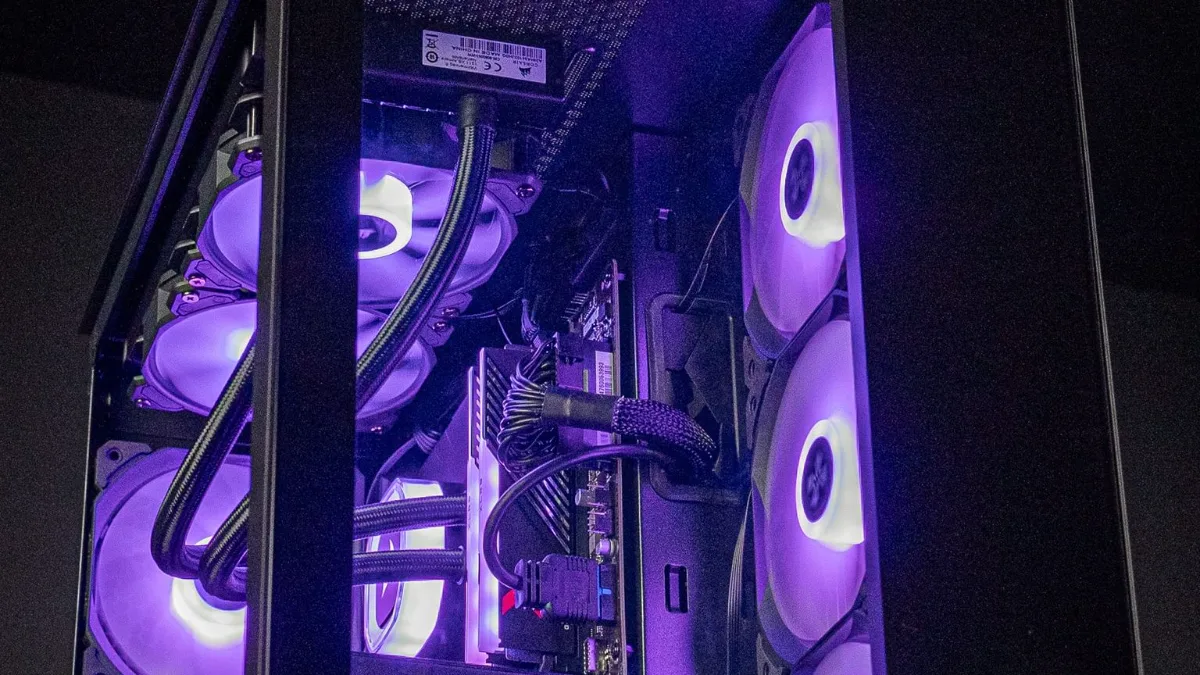
The Aqua PC, in 2024: the one that gave its name to this article.
Which graphics card delivers the most FPS per euro?
To compare objectively, we divided the average measured FPS at 1440p by the launch price of each card:
| Graphics card | 1440p ultra (average) | US launch price | FPS per $100 |
|---|---|---|---|
| RTX 5060 (8 GB) | 59.8 FPS | $299 | 19.9 |
| RX 9070 XT (16 GB) | 116.5 FPS | $599 | 19.4 |
| RX 9060 XT (16 GB) | 67.3 FPS | $349 | 19.2 |
| RX 9070 (16 GB) | 104.0 FPS | $549 | 18.9 |
| RTX 5070 (12 GB) | 96.4 FPS | $549 | 17.5 |
| RTX 5060 Ti (16 GB) | 73.4 FPS | $429 | 17.1 |
| RTX 5070 Ti (16 GB) | 116.8 FPS | $749 | 15.6 |
| RTX 5080 (16 GB) | 128.3 FPS | $999 | 12.8 |
| RTX 5090 (32 GB) | 167.3 FPS | $1,999 | 8.4 |
FPS: Tom's Hardware, average of 11 games in rasterisation, 1440p ultra, without upscaling (updated 24 June 2026, accessed 29 September 2026). US launch prices before tax. FlowUP calculation; real prices in Europe vary.
Three takeaways. The mid-range delivers the most frames per euro, and the RX 9070 XT is the most cost-effective card for 1440p. The RTX 5070 and the 5060 Ti 16 GB lag a little behind on this metric, but they bring DLSS 4 and better ray tracing performance, which aren’t included in this calculation. Finally, the high end comes at a steep price: an RTX 5090 provides around 30% more FPS than an RTX 5080 at 1440p, for double the price. For model details, see how to choose your graphics card in 2026.
The 5 traps that ruin value for money
- “No name” power supplies. This is the component that protects everything else. An 80+ certified unit from a well-known brand, with power headroom, helps prevent plenty of failures.
- Single-channel memory. One 16 GB stick instead of two 8 GB sticks halves the memory bandwidth and costs you FPS in CPU-heavy games. Check for “2 x 8 GB” or “2 x 16 GB”.
- A 500 GB SSD. With games of 100 GB and up, it fills up after a few installations. Aim for at least 1 TB.
- A poorly matched processor. A high-end CPU paired with an entry-level graphics card won’t produce more FPS in games; the opposite will hold the card back in 1080p.
- A poorly ventilated case. A graphics card that runs hot reduces its clock speeds, and you lose some of the performance you paid for.
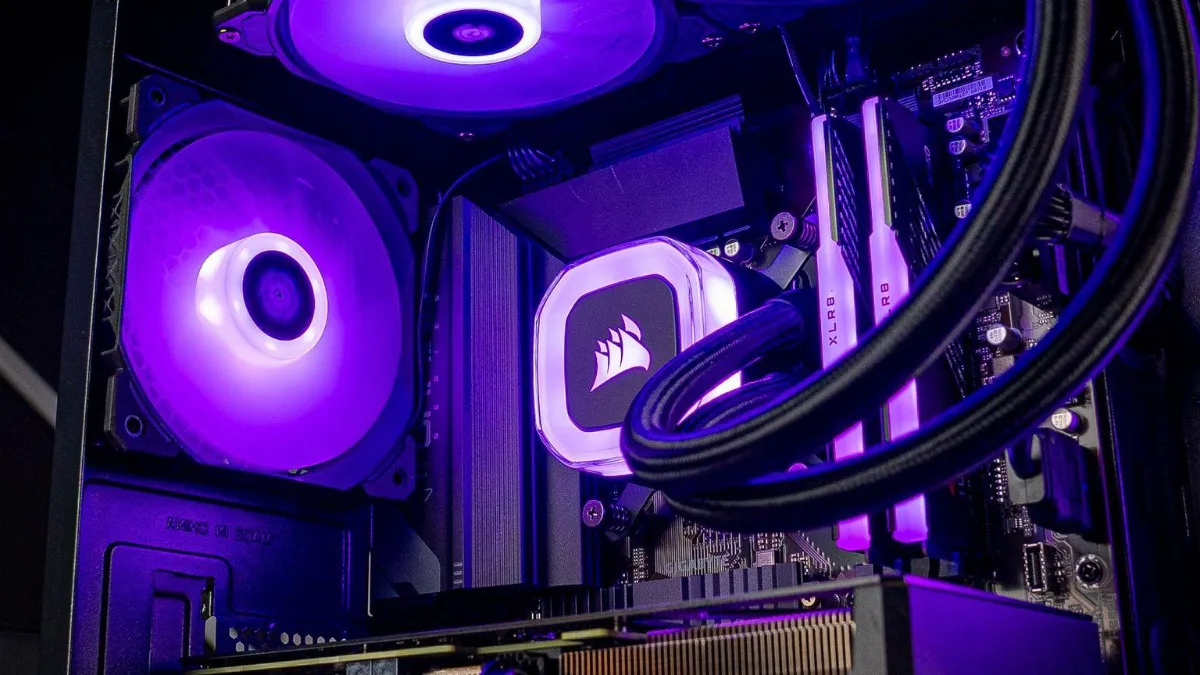
Power supply, memory, cooling: the things you don’t see still determine value for money.
For more, depending on your budget, read our guide best gaming PC for your budget, our article Gaming PC for €1,000 and our tips for finding a cheap gaming PC.
And what about the Aqua PC, then?
In 2024, this article presented our Aqua PC with an RTX 4070 SUPER, a Core i5-14400F and 32 GB of DDR5. It still exists, in an updated version Aqua V2: RTX 5060 Ti 16 GB, Core i5-14400F or i5-14600KF, 16 or 32 GB of DDR5, and a Cooler Master MWE 750 W power supply certified 80+ Bronze. Full specifications are on the product page.
Our PCs with the best value for money
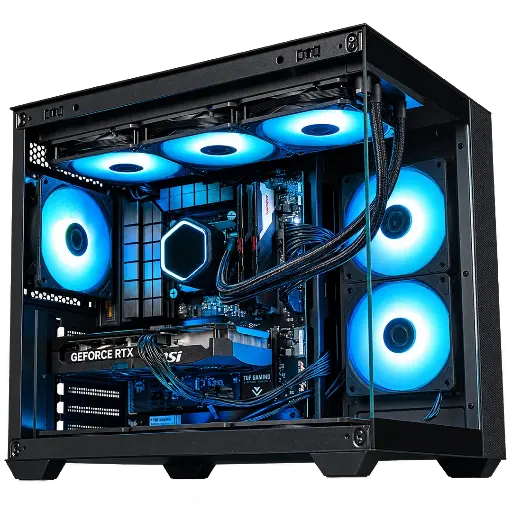
Aqua V2: the successor to the Aqua
RTX 5060 Ti 16 GB, 14th-gen Core i5 and DDR5: a versatile PC for gaming and streaming in 1080p and 1440p.

Novara PC: the balanced 1440p setup
Ryzen 5 7500X3D and RTX 5070: 3D cache and DLSS 4 for smooth 1440p without overspending.
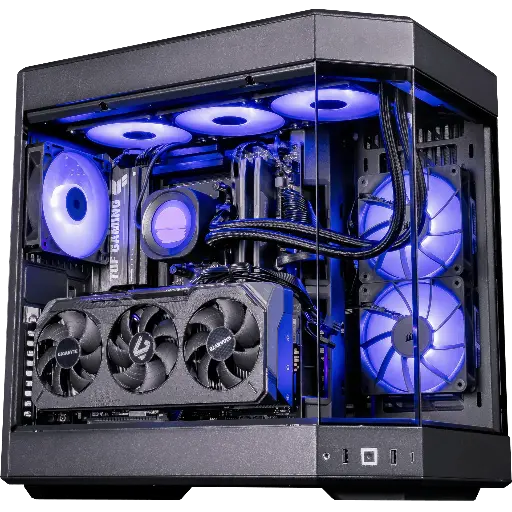
Shadow V2: the most FPS per euro
Radeon RX 9070 XT 16GB, the most cost-effective card at 1440p, and Ryzen 7 9800X3D.
FAQ: gaming PC value for money
What’s the best value-for-money gaming PC in 2026?
One where the graphics card matches your screen: RTX 5060 or RX 9060 XT at 1080p, RX 9070, RX 9070 XT or RTX 5070 at 1440p, with a quality power supply, two memory sticks, and a 1TB SSD.
Which graphics card offers the best value for money?
In 1440p, the RX 9070 XT delivers the most FPS per euro according to Tom’s Hardware measurements based on launch prices. On the NVIDIA side, the RTX 5070 is the best compromise, with DLSS 4 included.
Is a big processor or a big graphics card better?
For gaming, the graphics card. A recent 6- or 8-core processor is enough for most games; a Ryzen X3D brings a real advantage in competitive 1080p.
What happened to FlowUP’s Aqua PC?
It’s now offered as the Aqua V2, with a 16GB RTX 5060 Ti, a 14th-generation Core i5, and DDR5 memory.
Is a pre-built PC more expensive than a PC you build yourself?
Usually a little, but the difference includes the assembly, testing, Windows 11 Pro (trial version with us), and a warranty that covers everything. We compare the two options in building your PC or buying it pre-built.
