
By the FlowUP team, gaming PC builder in Genappe (Belgium) · Updated 29 September 2026
In brief: playing in 4K on a PC around €1,500 is possible, but with upscaling (DLSS or FSR), not native 4K with all settings maxed out. To exceed an average of 60 FPS in native 4K on ultra, you need at least a RTX 5070 Ti or an RX 9070 XT (68.6 and 65.8 FPS average over 11 games at Tom’s Hardware), a RTX 5080 to be comfortable, and a RTX 5090 to target 100 FPS and more. Add 16 GB of video memory, 32 GB of RAM, and a power supply sized for the card. With €1,500, the real sweet spot remains 1440p at high settings, and 4K via DLSS or FSR.
What “playing in 4K” really requires
4K is 8.3 million pixels to render in every frame: 2.25 times more than in 1440p and 4 times more than in 1080p. At this level, it’s almost only the graphics card that determines the FPS. The CPU matters far less than in competitive 1080p, while a card that’s too underpowered collapses the moment you enable ray tracing.
So you first need to agree on what we call “playing in 4K”: native 4K in ultra at more than 60 FPS, or 4K as displayed on the screen, rendered at a lower resolution and then reconstructed by DLSS or FSR. They look similar on screen, but they don’t require the same budget at all.
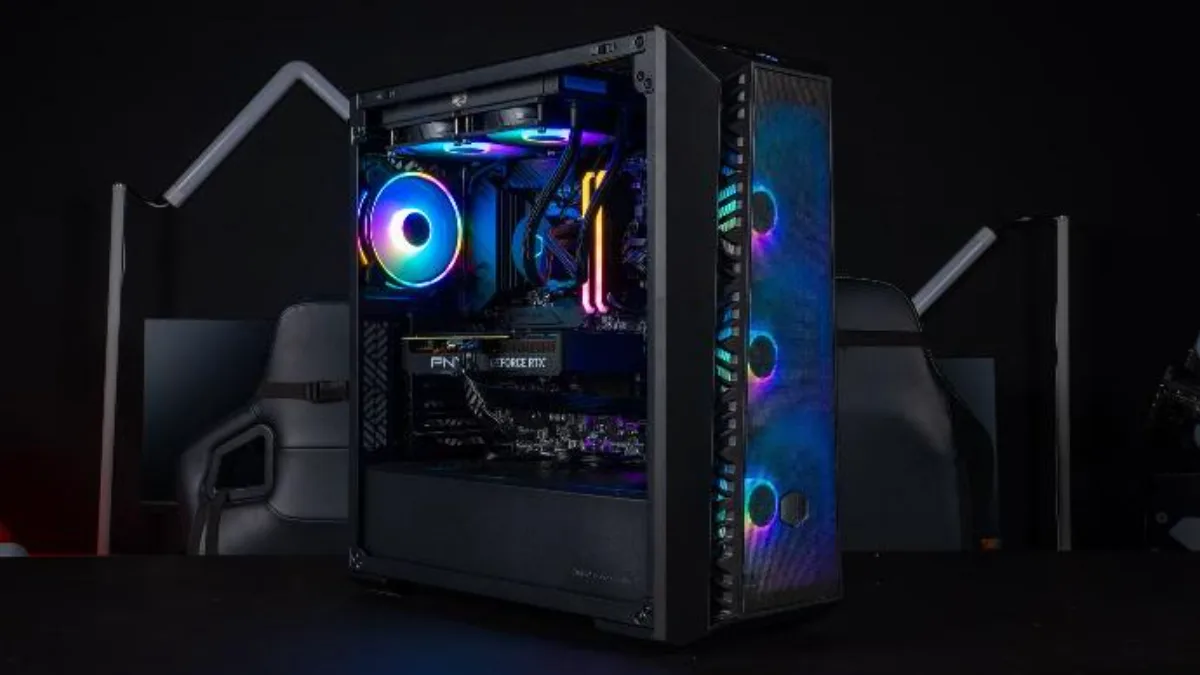
In 4K, the graphics card delivers most of the FPS: it’s the one that sets the budget.
Which graphics card for 4K in 2026?
Here are the measured averages in native 4K, ultra settings, with no upscaling or frame generation, across 11 games:
| Graphics card | 4K ultra native (average) | US launch price | Our take |
|---|---|---|---|
| RTX 5090 (32 GB) | 110.8 FPS | $1,999 | 4K ultra at high FPS, even with ray tracing using DLSS |
| RTX 5080 (16 GB) | 77.4 FPS | $999 | Comfortable 4K ultra |
| RTX 5070 Ti (16 GB) | 68.6 FPS | $749 | The entry point for native 4K |
| RX 9070 XT (16 GB) | 65.8 FPS | $599 | Native 4K at the best price, FSR for the rest |
| RX 9070 (16 GB) | 57.7 FPS | $549 | 4K at high settings or with FSR |
| RTX 5070 (12 GB) | 54.3 FPS | $549 | 4K with DLSS, mainly a 1440p card |
| RTX 4070 SUPER (12 GB) | 49.2 FPS | $599 | Previous generation, 1440p card |
Source: Tom’s Hardware, graphics card rankings (geometric mean of 11 games, 4K ultra, rasterisation), updated 24 June 2026 and consulted on 29 September 2026. US launch prices excluding tax, given as a reference.
The conclusion is clear: a 60 FPS average in native 4K starts with the RTX 5070 Ti and the RX 9070 XT. Below that, 4K is still playable, but by lowering a few settings or enabling upscaling. And it’s an average: the heaviest games will drop below 60 FPS, especially with ray tracing. For more on choosing the graphics card, see how to choose your graphics card in 2026.
€1,500 to play in 4K: our straight answer
Even just the graphics card for a real native 4K setup is heavy: an RTX 5070 Ti launched at $749, an RX 9070 XT at $599, excluding tax. With a total budget of around €1,500, you still have to pay for the processor, the motherboard, 32 GB of RAM, the SSD, a serious power supply, and the case. It can work with an RX 9070 XT and reasonable choices elsewhere, but without much margin.
Our take as a PC builder: €1,500 is the budget for an excellent 1440p PC, capable of displaying 4K with DLSS or FSR in recent games. If native 4K in ultra is your priority, plan for the budget of an RTX 5070 Ti, an RTX 5080 or higher. To put each tier in context, our guide best gaming PC for your budget and our article Gaming PC for €1,000 detail the options.
A word on the history of this article: its first version featured our Cheetoh PC of the time, with a Ryzen 7 5800X and an RTX 4070 SUPER. A very good 1440p machine, but not a native 4K machine: the 49 FPS average from the 4070 SUPER in 4K ultra makes that clear. The current Cheetoh has moved on to the RTX 5070 and the Ryzen X3D.
DLSS and FSR: the key to affordable 4K
Upscaling calculates the image at a lower resolution (often 1440p in Quality mode) and then reconstructs it in 4K. On a 4K screen, the result in Quality mode is very close to native 4K, with a significant FPS gain. Frame generation adds even more smoothness to the display, but without making the game more responsive: it’s best reserved for single-player games, starting from at least 50 to 60 FPS.
NVIDIA keeps the advantage with DLSS, which is available in more games and is generally cleaner. AMD has clearly caught up with FSR 4 on the RX 9000. We compare the two in detail in DLSS 4.5 vs FSR Redstone.
The other parts of a 4K gaming PC
- Video memory: 16 GB is the right level for 4K in 2026, especially with ultra textures. 12 GB is still workable with upscaling.
- RAM: 32 GB of DDR5, for open-world games and multitasking. More details in 16 GB or 32 GB of RAM in 2026.
- The processor: a recent 6- or 8-core CPU is enough for 4K. A Ryzen X3D is still useful if you also play in 1440p at high FPS.
- Power supply: NVIDIA recommends 750 W for an RTX 5070 Ti, 850 W for an RTX 5080 and 1,000 W for an RTX 5090. See how to choose your power supply.
- Storage: at least a 1 TB NVMe SSD; recent games often exceed 100 GB.
- The display: for 4K at over 60 Hz, you need a DisplayPort or HDMI 2.1 connection, and a 4K 144 Hz screen to enjoy FPS beyond 60.
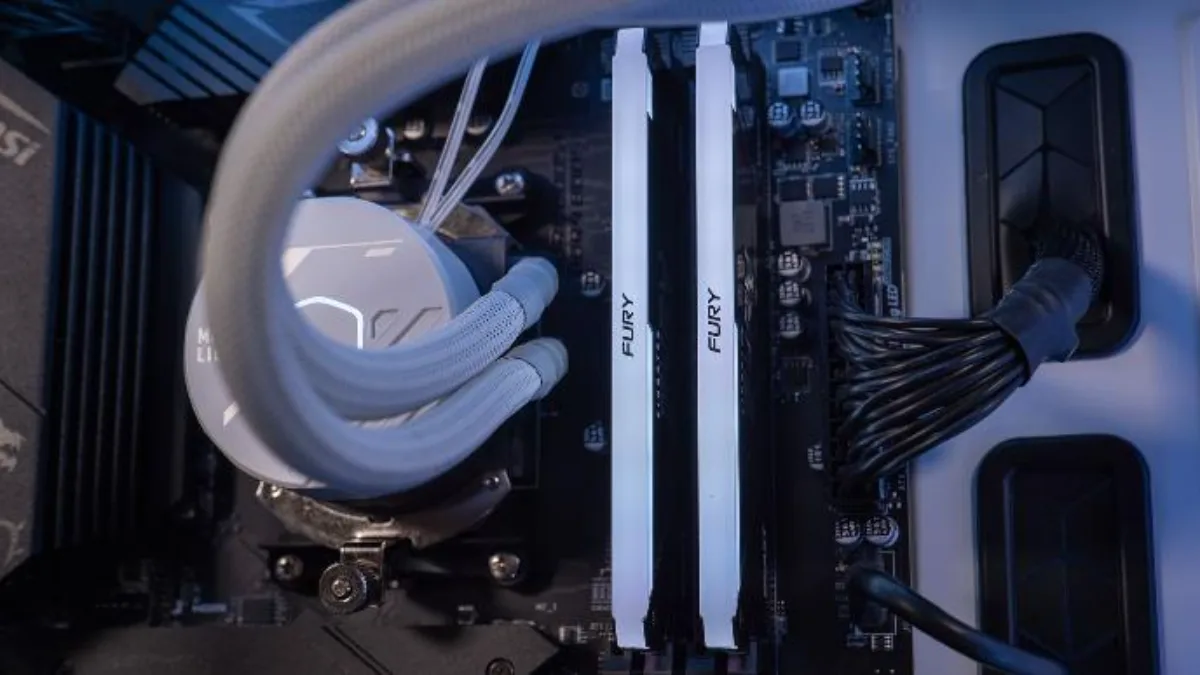
For 4K: 32 GB of RAM, a power supply worthy of the graphics card, and good cooling.
Our 4K gaming PCs
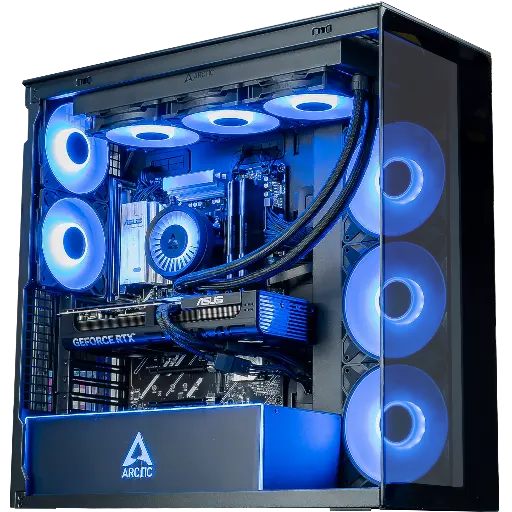
Cheetoh PC: 1440p and 4K with DLSS
RTX 5070, Ryzen 7 7800X3D or 9800X3D and DDR5: the successor to the Cheetoh tested here, very comfortable in 1440p, and in 4K with DLSS.
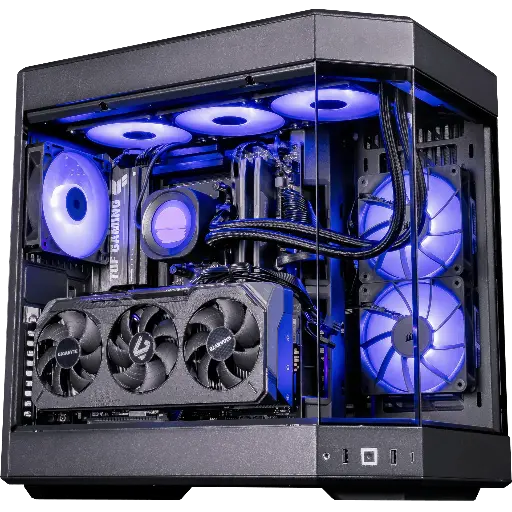
Shadow V2 PC: native 4K at the best price
Radeon RX 9070 XT 16 GB and Ryzen 7 9800X3D: over 60 average FPS in native 4K, plus FSR 4 for the heaviest games.
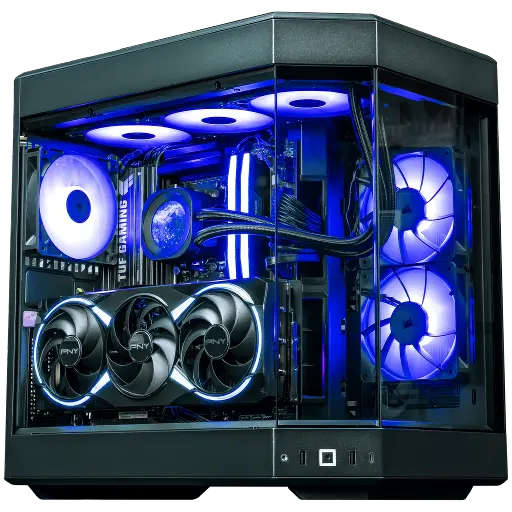
Orion PC: ultra-comfortable 4K
RTX 5080 16 GB and Ryzen 7 X3D: ultra 4K, and DLSS with frame generation for ray tracing.
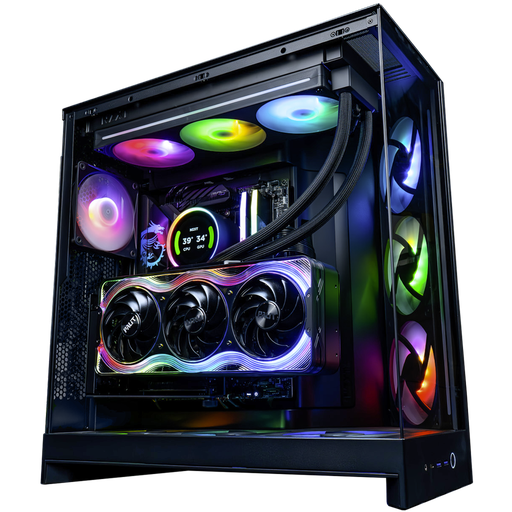
Kraken PC: 4K without compromise
RTX 5090 32 GB: the most powerful card right now, for ultra 4K at high FPS.
In between, the Rainbow V2 PC and its 16 GB RTX 5070 Ti open the door to native 4K on the NVIDIA side.
FAQ: 4K gaming PCs
Can you play in 4K with a PC for €1,500?
Yes, with DLSS or FSR on recent games. Native 4K in ultra at over 60 FPS requires at least an RTX 5070 Ti or an RX 9070 XT, leaving little room for the rest of the components within this budget.
Which graphics card for playing in 4K?
The RTX 5070 Ti or the RX 9070 XT to get started, the RTX 5080 for plenty of comfort, and the RTX 5090 if you’re aiming for over 100 FPS in ultra.
How much video memory for 4K?
16 GB to be safe in 2026. 12 GB is still workable for 4K with upscaling and textures one step lower.
Is the processor important in 4K?
Less than in 1080p: in 4K, the graphics card determines the FPS almost on its own. A recent 6- or 8-core CPU is enough.
Is DLSS really 4K?
The image is calculated at a lower resolution and then reconstructed in 4K. In Quality mode, the difference from native 4K is hard to spot in-game, for a significant FPS boost.
