
By the FlowUP team, gaming PC builder in Genappe (Belgium) · Updated 28 September 2026
In short: 16GB of RAM is still enough to play the vast majority of games in 2026: Fortnite recommends 16GB, and it’s the most common capacity on Steam (41% of Windows PCs in August 2026). 32GB becomes useful if you play very memory-hungry simulators like Microsoft Flight Simulator 2024 (32GB recommended), if you stream, or if you keep lots of applications open. More RAM doesn’t automatically mean more FPS: it mainly prevents stuttering when memory fills up.
16 or 32GB RAM: the quick answer
For a gaming PC used mainly for playing, 16GB dual-channel (2× 8GB sticks) still forms the healthy baseline in 2026. That’s what most games call for, competitive titles as well as AAA.
Go for 32GB (2 × 16GB) if you check at least one of these boxes: heavy simulation, streaming or recording while you play, Discord, browser and tools that stay open all the time, or if you want to keep your PC for four or five years without touching it.
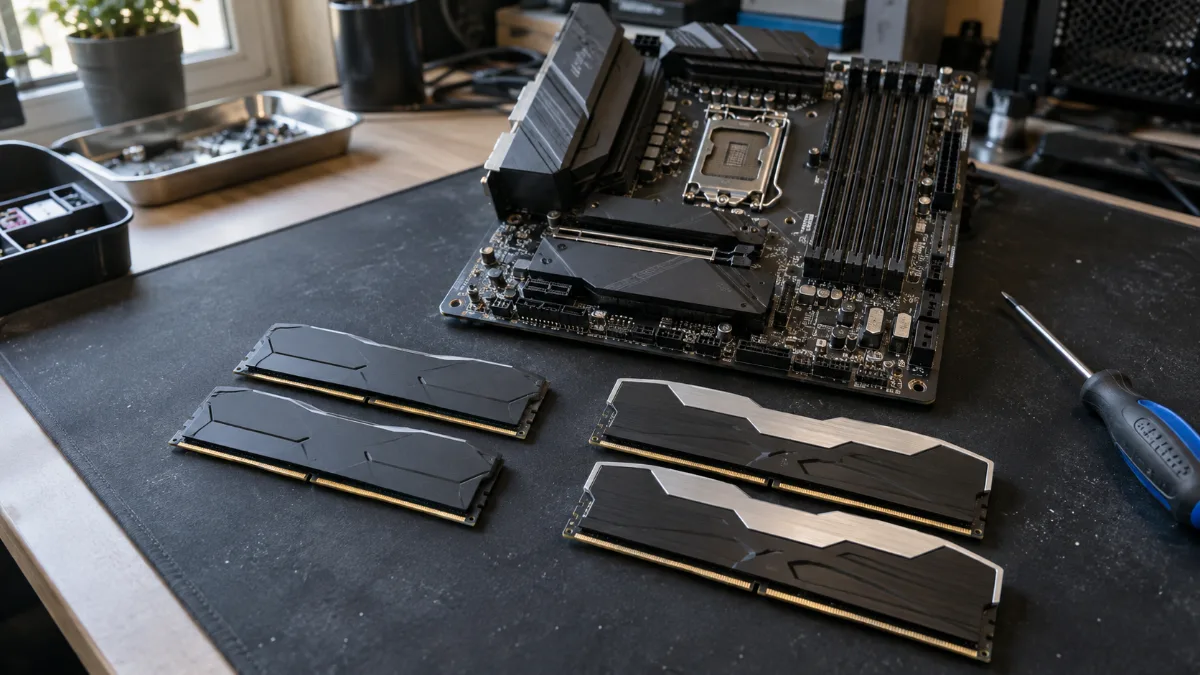
Two sticks for dual-channel: 2 × 8GB for 16GB, 2 × 16GB for 32GB.
16GB of RAM: is that enough to play in 2026?
Yes, in most cases. Epic Games recommends 16GB for Fortnite, including for the Epic graphics presets. And on Steam, 16GB remains the most common capacity: 41.07% of surveyed Windows PCs in August 2026.
On a balanced setup, 16GB is almost never the first component that limits you. The graphics card and the processor determine far more of the FPS. If you mainly play Valorant, Counter-Strike 2, Fortnite, Rocket League, or well-optimised AAA titles, and you close anything you don’t need during the match, 16GB will do the job very well.
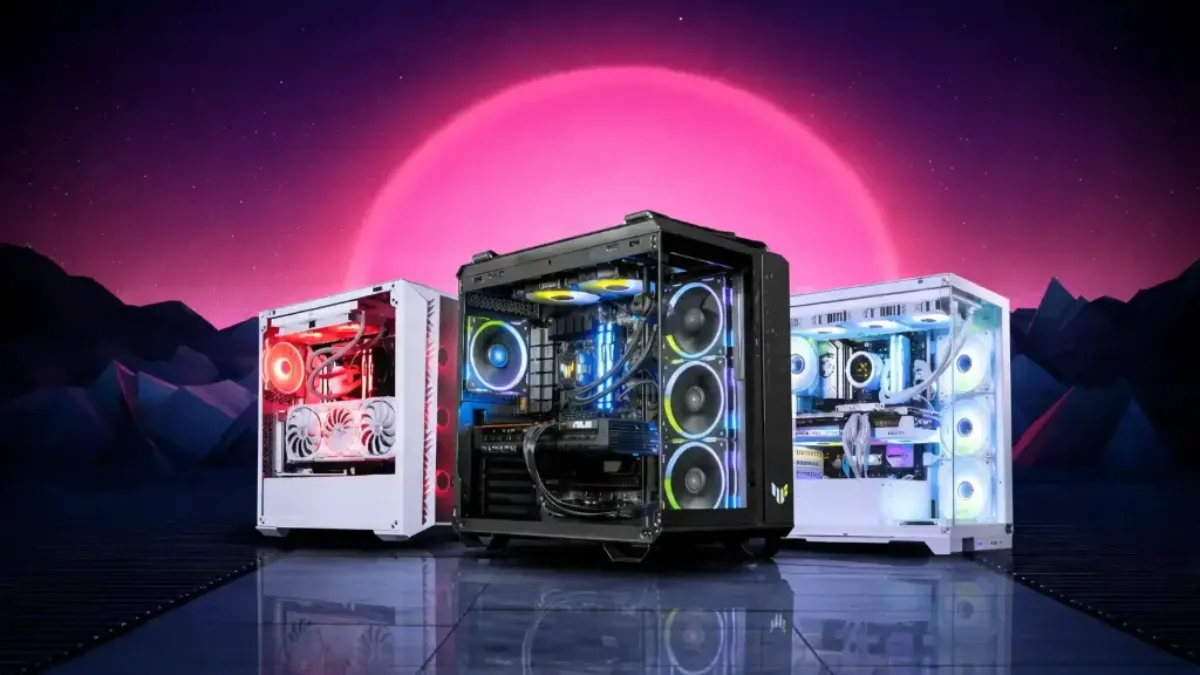
On an entry-level or mid-range PC, it’s better to get 16GB and a better graphics card than 32GB with a budget graphics card.
In which cases are 32GB of RAM really worth it?
32GB gives you headroom. They’re relevant in four situations:
- Simulators and very demanding games: Microsoft Flight Simulator 2024 recommends 32GB and lists 64GB as the ideal configuration.
- Streaming or recording during the match, with OBS, Discord and your browser open.
- Creation: video editing, 3D, large photo projects alongside the game.
- Longevity: as time goes on, game recommendations rise; 32GB pushes back the moment when you’ll need to add more sticks.
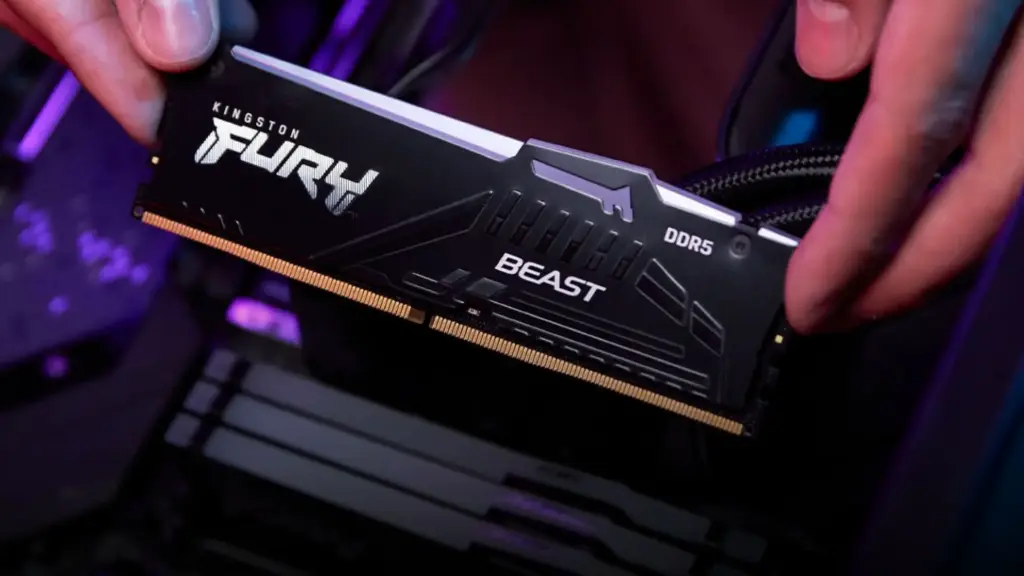
| Game | Minimum RAM | Recommended RAM |
|---|---|---|
| Fortnite | 8GB | 16GB or more |
| Microsoft Flight Simulator 2024 | 16GB | 32GB (64GB in the ideal configuration) |
Sources: Epic Games support (Fortnite PC system requirements) and the configuration published by Microsoft for Flight Simulator 2024 (relayed by Tom’s Hardware, September 2024).
Does 32GB of RAM give more FPS?
Not directly. As long as the game and whatever runs alongside it fit within 16GB, switching to 32GB changes almost nothing in the FPS counter. The difference shows up when the memory saturates: Windows then moves data to the SSD, and you’ll feel it in micro-stutters, slower texture loading, and a drop in the lowest frame rates (the famous 1% low).
If you notice these symptoms, open the Task Manager during a session: if the used memory regularly goes above 90%, 32GB will give you real peace of mind. Otherwise, your budget is better spent elsewhere.
Our FrenchHardware channel tested the gap between 4, 8, 16, 32 and 64GB of RAM in games, so you can see concretely from when the amount of memory changes the experience.
FrenchHardware, “How much RAM do you need? 4GB vs 8GB vs 16GB vs 32GB vs 64GB”.
RAM prices in 2026: why the balance of your setup matters
Memory costs significantly more than in 2025. TrendForce expected a 55 to 60% increase in the contract prices of conventional DRAM over just the first quarter of 2026, with manufacturers reserving production for servers and AI.
Direct consequence for your setup: forcing 32GB on a tight budget can cost you a tier of graphics card. For pure gaming, that’s a bad trade-off. Our guide best gaming PC 2026 for your budget shows how to split the budget, and the one on how to choose your RAM in 2026 details frequency, latency and DDR4 or DDR5.

In 2026, RAM weighs more heavily in the price of a PC: every gigabyte has to count.
So, 16 or 32GB of RAM: which should you choose?
| Your use | Our advice | Why |
|---|---|---|
| Competitive games (Valorant, CS2, Fortnite) | 16GB | More than enough; budget to put into the graphics card |
| Recent AAA games; single screen | 16GB | 32 GB if you keep lots of applications open |
| Simulation (Flight Simulator 2024) | 32 GB | Official publisher recommendation |
| Game + stream or recording | 32 GB | OBS and the browser use additional resources alongside the game |
| Game + video editing or 3D | 32 GB | 64 GB for big projects |
| PC kept for 4 to 5 years | 32 GB | Buffer for upcoming games |
Our gaming PCs in 16 GB and 32 GB of RAM
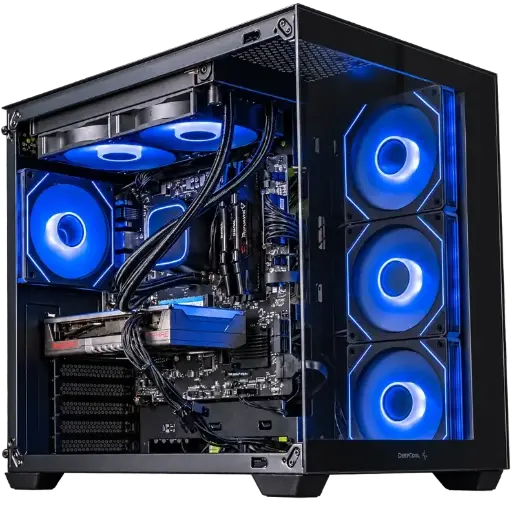
Spike PC, Radeon RX 9060 XT, 16 GB DDR4
A Ryzen 7 5700X, a Radeon RX 9060 XT and 16 GB of DDR4: the standard setup where 16 GB are enough, and where your budget goes where it matters, into the graphics card.

PC Novara GeForce RTX 5070 12GB
Ryzen 5 7500X3D, RTX 5070 12GB, 16GB DDR5 RAM and 1TB M.2 SSD: a ready-to-play configuration straight out of the box.
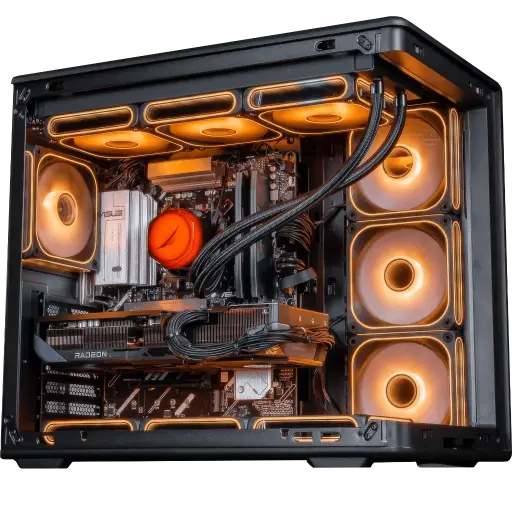
Apex V2 PC, Radeon RX 9070 XT, 32 GB DDR5
RX 9070 XT 16 GB, Ryzen 7 7800X3D and 32 GB DDR5: a configuration built to last, including simulators and big AAA titles.
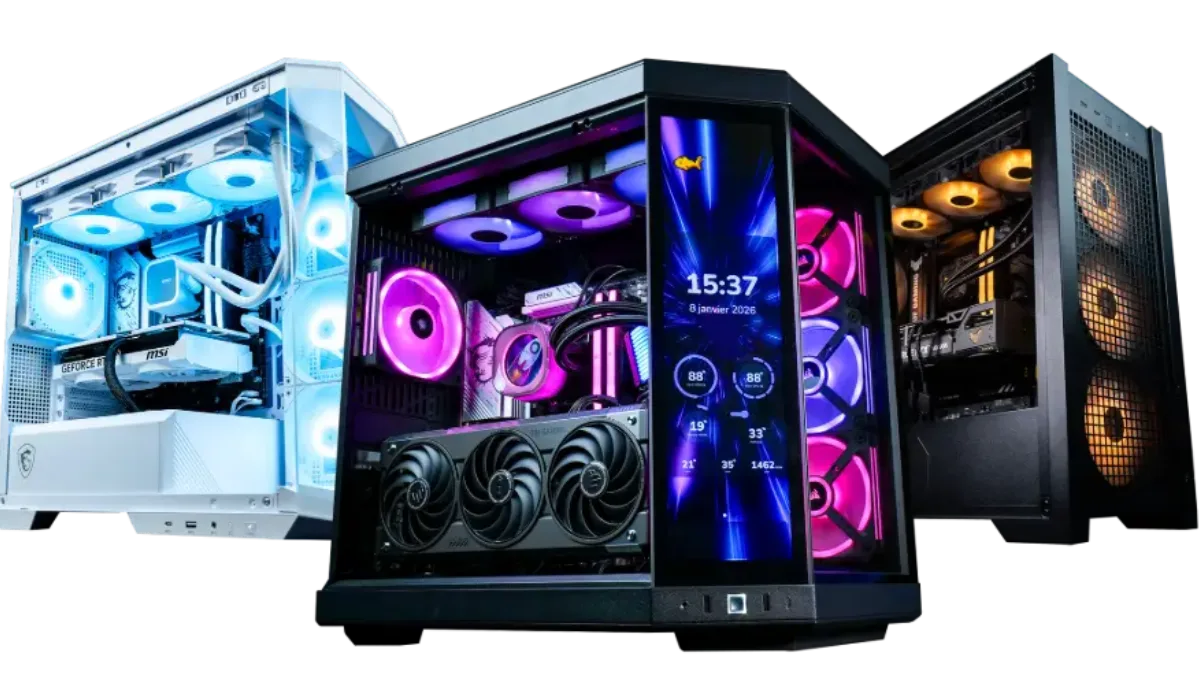
All our configurations, whether 16 GB or 32 GB, are in the category FlowUP gaming PC.
FAQ 16 GB or 32 GB of RAM
Is 16 GB RAM enough to play in 2026?
Yes for the vast majority of games. Fortnite recommends 16 GB, and 16 GB remains the most common capacity on Steam players’ PCs as of August 2026.
How much RAM for a gaming PC?
16 GB in dual channel for gaming, 32 GB if you stream, do video editing or play heavy simulators. 8 GB is no longer enough for a recent gaming PC.
Does 32GB of RAM give more FPS?
Not by itself. It helps avoid stuttering when 16 GB are no longer sufficient, for example, with a heavy game and a stream running at the same time.
Is it better to get 16 GB of DDR5 or 32 GB of DDR4?
The memory type depends on the motherboard and the processor: you can’t choose either one freely. For gaming, 16 GB of DDR5 in dual channel are enough for most games; 32 GB of DDR4 are preferable if you do lots of multitasking or play simulators.
Can you upgrade from 16 to 32 GB later?
Yes, if the motherboard has spare slots. The simplest and safest option is to add an identical kit or replace both sticks with a 2 × 16 GB kit, to keep dual channel.
Do you need 64 GB of RAM to play?
No. 64 GB are mainly for heavy video editing, 3D, or Flight Simulator 2024, its ideal configuration, according to Microsoft.
