
By the FlowUP team, gaming PC builder in Genappe (Belgium) · Updated 29 September 2026
In short: there is no single best brand overall. NVIDIA (GeForce RTX 50) retains the edge in ray tracing, with DLSS 4 widely adopted, and it’s the only one offering true high-end (RTX 5080, 5090). AMD (Radeon RX 9000) often delivers more VRAM and better performance per euro without ray tracing, especially with the RX 9070 and 9070 XT. For streaming, NVIDIA is still the safe bet; on Linux, AMD is easier.
AMD or NVIDIA: the quick answer
In 2026, both brands make excellent graphics cards. The right choice depends much more on how you use it than on the logo: competitive games, big single-player games with ray tracing, streaming, your budget, or Linux.
At FlowUP, we build both. Here’s what really makes the difference between a GeForce and a Radeon, model by model, and how to decide.
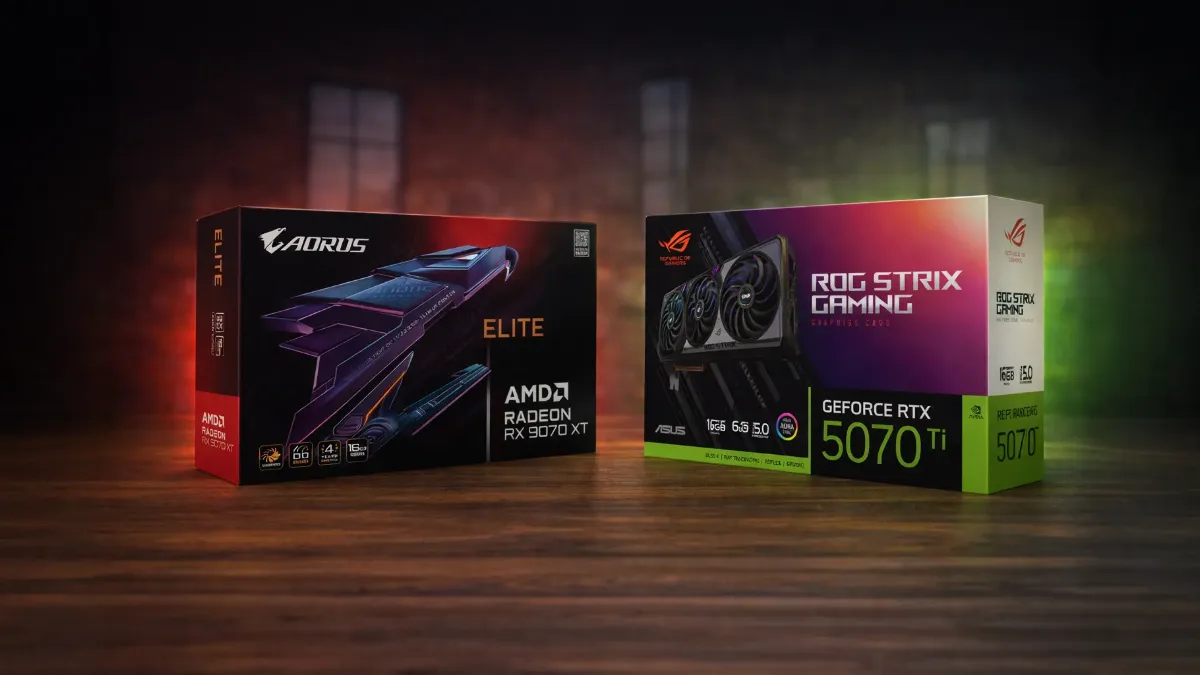
Radeon RX 9070 XT versus GeForce RTX 5070 Ti: the closest duel of 2026
Model-by-model matchup
| Use case | NVIDIA | AMD | Who wins? |
|---|---|---|---|
| 1080p | RTX 5060 (8GB), $299 | RX 9060 XT (16GB), $349 | AMD for VRAM, NVIDIA for DLSS 4 |
| 1440p | RTX 5070 (12GB), $549 | RX 9070 (16GB), $549 | AMD without ray tracing, NVIDIA with |
| Demanding 1440p and 4K | RTX 5070 Ti (16GB), $749 | RX 9070 XT (16GB), $599 | AMD for value for money, NVIDIA for ray tracing |
| Ultra high-end | RTX 5080 (16GB) and RTX 5090 (32GB) | No equivalent | NVIDIA only |
Suggested launch prices in the United States, before tax. European prices are different and increased in 2026 due to the memory price surge. Verdicts: FlowUP summary based on Tom’s Hardware’s GPU rankings (24 June 2026).
In this ranking, Tom’s Hardware names the RX 9070 as the best deal for 1440p without ray tracing, and the RX 9070 XT as the cheapest way to play in 4K at 60 frames per second, natively. With ray tracing, however, the RTX 5070 Ti clearly outpaces the RX 9070 XT. Our comparison RX 9070 vs RX 9070 XT details these two cards.
DLSS or FSR: the argument that changes everything in 2026
Both brands render the image at a lower resolution and then reconstruct it using AI, and can also generate extra frames:
- NVIDIA DLSS 4 and 4.5: Super Resolution, Ray Reconstruction and Multi Frame Generation, available in a very large number of games. This is NVIDIA’s strongest argument.
- AMD FSR: FSR 4 (AI upscaling on Radeon RX 9000), FSR Frame Generation and Ray Regeneration to reduce the cost of ray tracing. The quality has made a big leap, but support in games is still more limited.
Our advice: look at what your games offer. If you mainly play recent AAA titles in 1440p or 4K, DLSS often tips the balance.
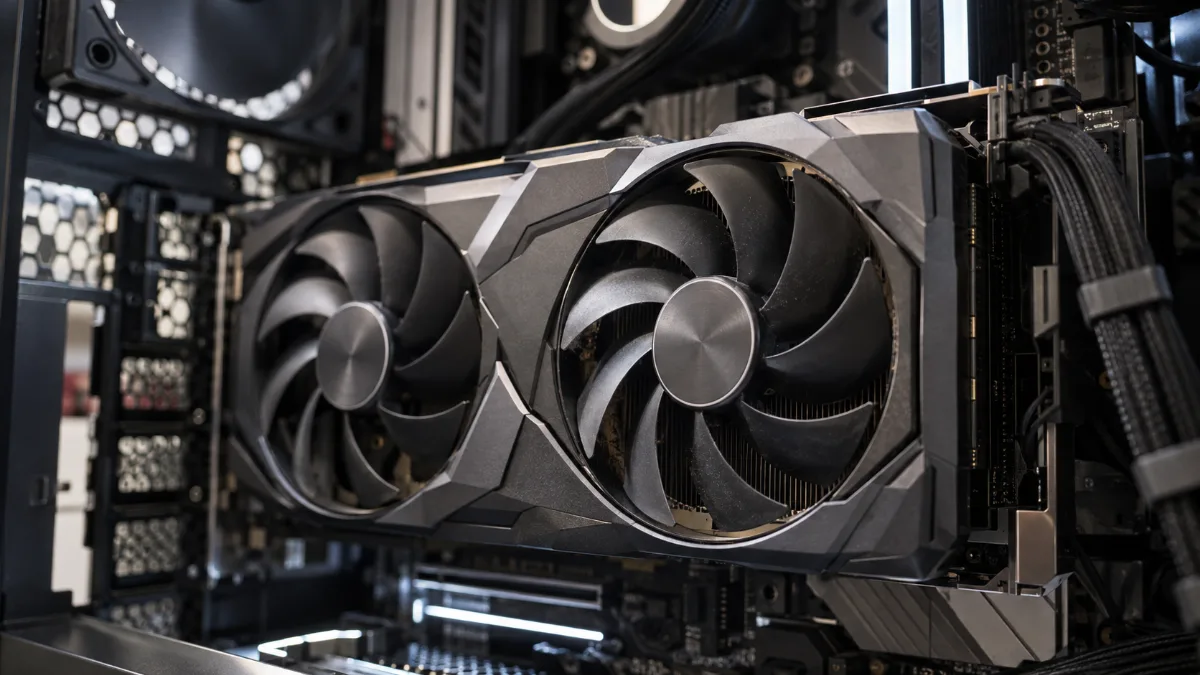
Upscaling and frame generation: an advantage just as important as raw power.
Ray tracing and path tracing
NVIDIA remains the reference: with heavy ray tracing and path tracing (Cyberpunk 2077, Indiana Jones, Resident Evil Requiem), a GeForce at the same price goes further. AMD has made a lot of progress with the RX 9000, but according to Tom’s Hardware, the RX 9070 XT only matches an RTX 4070 Ti from the previous generation when ray tracing is enabled. If fully cranked ray tracing is your priority, choose NVIDIA; if it’s occasional, AMD is a very good fit. See also our selection of the most realistic PC games of 2026.
To see one of our PCs in real-world use, here’s the in-games test of our Rift PC (Radeon RX 9060 XT) by Mathis and Gauthier:
Mathis and Gauthier, review of the FlowUP Rift PC, September 2026.
Latency in competitive play: Reflex or Anti-Lag 2
NVIDIA Reflex and AMD Anti-Lag 2 both reduce the delay between your click and the action on screen, provided the game supports them. Either way, your processor, a high refresh rate monitor and the right settings matter as much as the brand of the card.
Streaming and creation
For streaming with OBS or for editing, NVIDIA remains the safe choice thanks to its NVENC encoder (including AV1) and its broad support in creative software. AMD has closed part of the gap on encoding, but NVIDIA’s ecosystem is still more widespread. We detail the streaming hardware in our guide 2026 streaming setup.
Linux
On Linux, AMD is the easiest choice: the open-source driver RADV (Mesa) works right from installation and even supports the Steam Deck. NVIDIA is progressing with its open-source kernel modules, but integration still depends on the distribution.
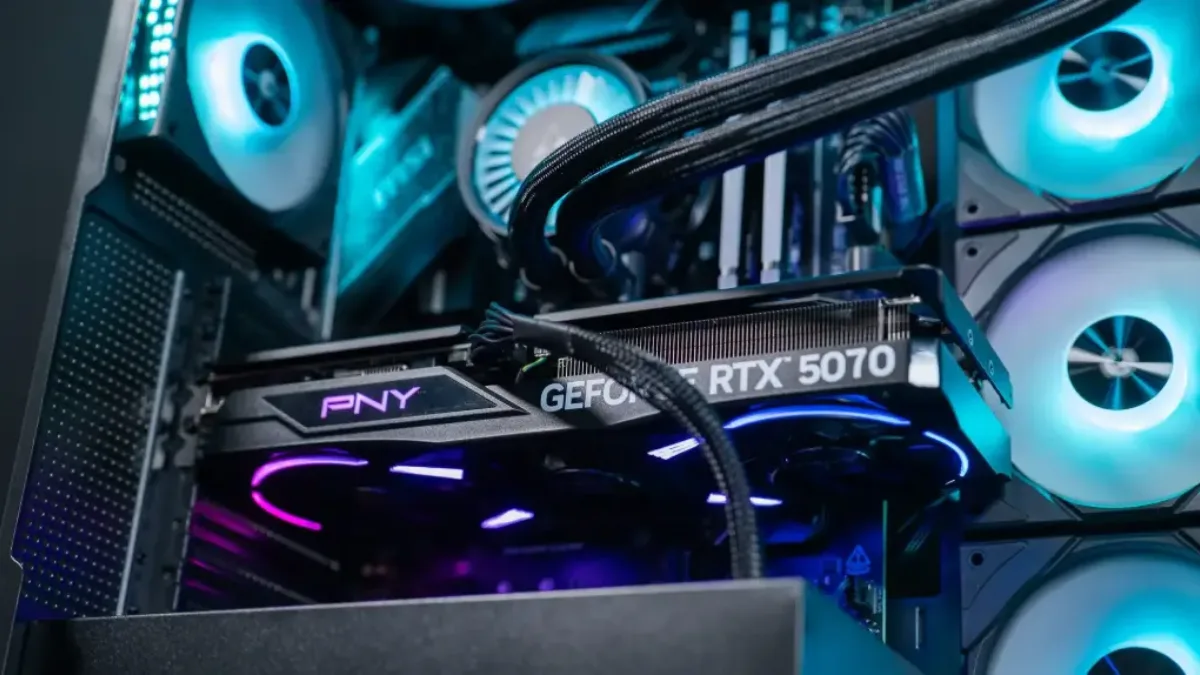
For streaming, the NVENC encoder remains a real advantage.
So, AMD or NVIDIA?
| Your profile | Our pick | Why |
|---|---|---|
| Competitive games in 1080p or 1440p | Both | Check Reflex or Anti-Lag 2 in your games, and the processor |
| Best value for money without ray tracing | AMD | RX 9060 XT 16GB, RX 9070, RX 9070 XT |
| AAA in 1440p or 4K with ray tracing | NVIDIA | RTX 5070, RTX 5070 Ti |
| Streaming, editing, AI | NVIDIA | NVENC, CUDA, software ecosystem |
| Linux | AMD | Integrated open-source driver |
| As powerful as possible | NVIDIA | RTX 5080, RTX 5090 |
Memory capacity also matters for keeping a graphics card going for longer: read 16 GB of VRAM, is that enough? And for the processor, see Intel or AMD for a gaming PC.
Our gaming PCs, in NVIDIA or AMD versions
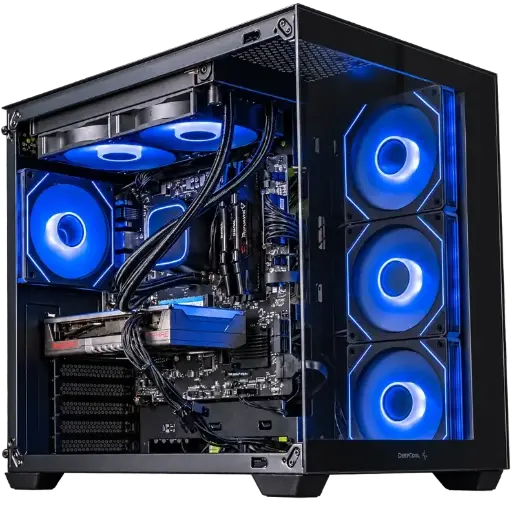
Spike PC, Radeon RX 9060 XT
AMD: Radeon RX 9060 XT and Ryzen 7 5700X for 1080p at high settings.

Novara GeForce RTX 5070 PC 12GB
Ryzen 5 7500X3D, RTX 5070 12GB, 16 GB DDR5 and 1 TB M.2 SSD: a gaming-ready setup straight out of the box.
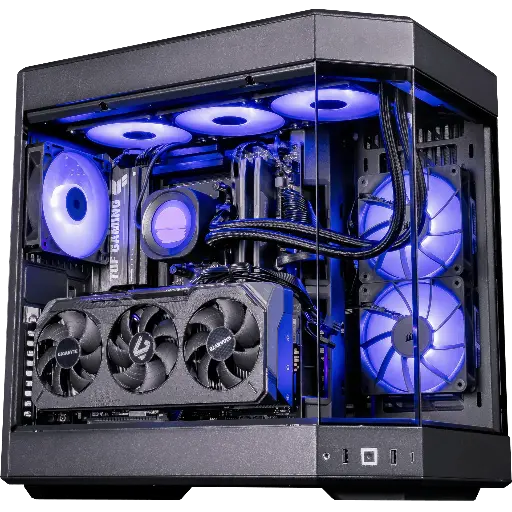
Shadow V2 PC, Radeon RX 9070 XT
AMD: RX 9070 XT 16 GB and Ryzen 7 9800X3D, for demanding 1440p and 4K.
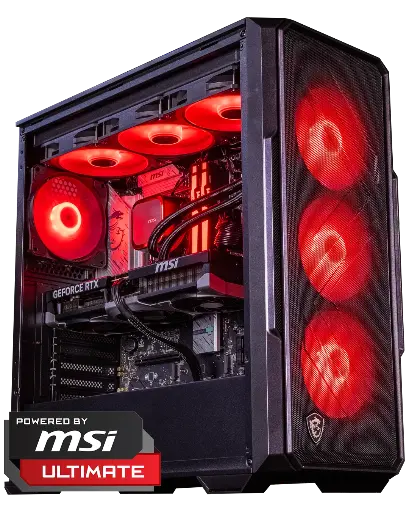
Abyssin PC, GeForce RTX 5070 Ti
NVIDIA: RTX 5070 Ti 16 GB, for 1440p and 4K ray tracing with DLSS.
FAQ: AMD or NVIDIA
AMD or NVIDIA, which is the best graphics card brand?
None, in the strict sense. NVIDIA dominates in ray tracing, streaming and the very high end; AMD often offers more VRAM and better performance per euro without ray tracing.
RX 9070 XT or RTX 5070 Ti?
The RX 9070 XT is cheaper at launch ($599 vs $749) and is very efficient without ray tracing. The RTX 5070 Ti is significantly faster in ray tracing and benefits from DLSS 4.
Is DLSS better than FSR?
DLSS 4 is still more widely supported in games. FSR 4 from the Radeon RX 9000 has improved a lot in quality, but it’s available in fewer titles.
Which graphics card for streaming?
A GeForce RTX, thanks to its NVENC encoder and support in OBS and video-editing software.
Does AMD have an equivalent to the RTX 5090?
No. The most powerful Radeon of the RX 9000 generation is the RX 9070 XT, which is positioned against the RTX 5070 Ti.
