
By the FlowUP team, gaming PC builder in Genappe (Belgium) · Updated 7 October 2026
In short: A 2.4 GHz wireless gaming headset adds almost no extra latency compared with a wired model (around 15 to 25 ms versus close to 0 ms), while a standard Bluetooth gaming headset climbs to 50-100 ms depending on the codec used. Comfort (weight, padding, headband tightness) weighs as much as the spec sheet during a multi-hour session. A detachable microphone with noise reduction means you don’t have to invest in a separate mic for voice chat or streaming. At FlowUP, the choice goes from an entry-level wired gaming headset to a more complete wireless gaming headset, available in two colours.
You’ve just built or bought your gaming PC, the screen shows its first FPS, and there’s one more peripheral that people often choose last, almost at random: the gaming headset. On the product sheet, the numbers line up (40 mm, 8000 Hz, ANC) without saying much about the comfort after three hours of play, or the clarity of a step in the stairwell next door. This guide sticks to the criteria that truly change a gaming session, with the benchmarks used in the FlowUP workshop.
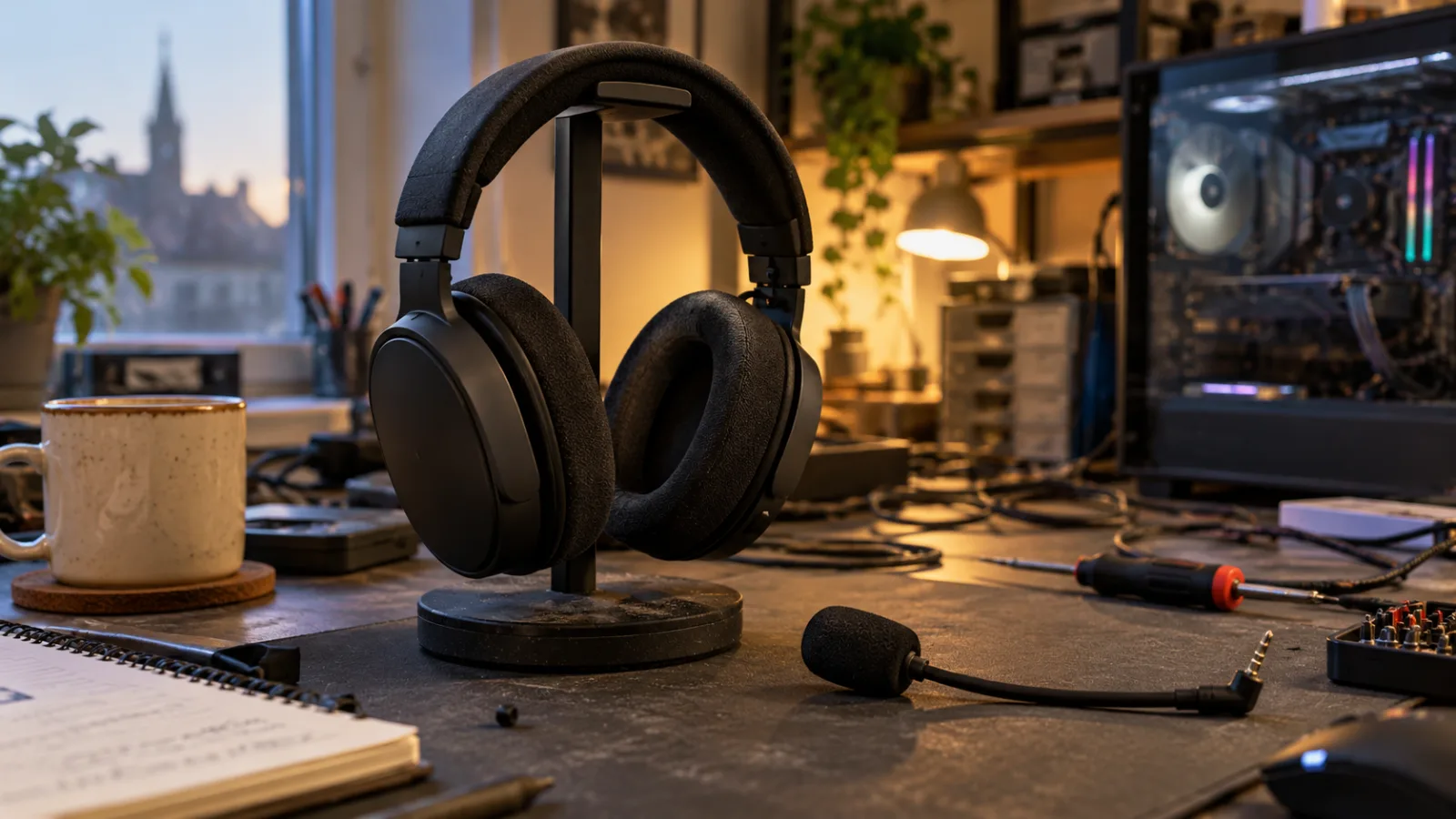
Choosing your gaming headset: wired or wireless, comfort, microphone
Wired or wireless gaming headset: the real difference in-game
For a long time, the rule in the workshop was simple: for competitive play, you stay wired; wireless is reserved for comfort. That rule has aged. A recent wireless gaming headset communicates over 2.4 GHz via a dedicated dongle, not Bluetooth, and shows latency of around 15 to 25 ms, compared with almost zero latency for a classic wired headset (source: Akko Gear connectivity comparison of gaming headsets, 19 March 2026). On a footstep you heard in Valorant, or a grenade pull on CS2, the gap is hardly noticeable.
Classic Bluetooth, on the other hand, is a different story. Depending on the codec, the waiting time rises to about 220 ms with SBC (the default codec), 70 ms with aptX, and 40 ms with aptX Low Latency (source: Avantree technical support, consulted 7 October 2026). It’s enough to watch a video without lip-sync issues, but far less suitable for a FPS where the sound arrives a handful of dozens of milliseconds too late. So no serious gaming headset relies on Bluetooth alone to play: it’s an extra option, for your phone or while commuting, not the main gaming mode.
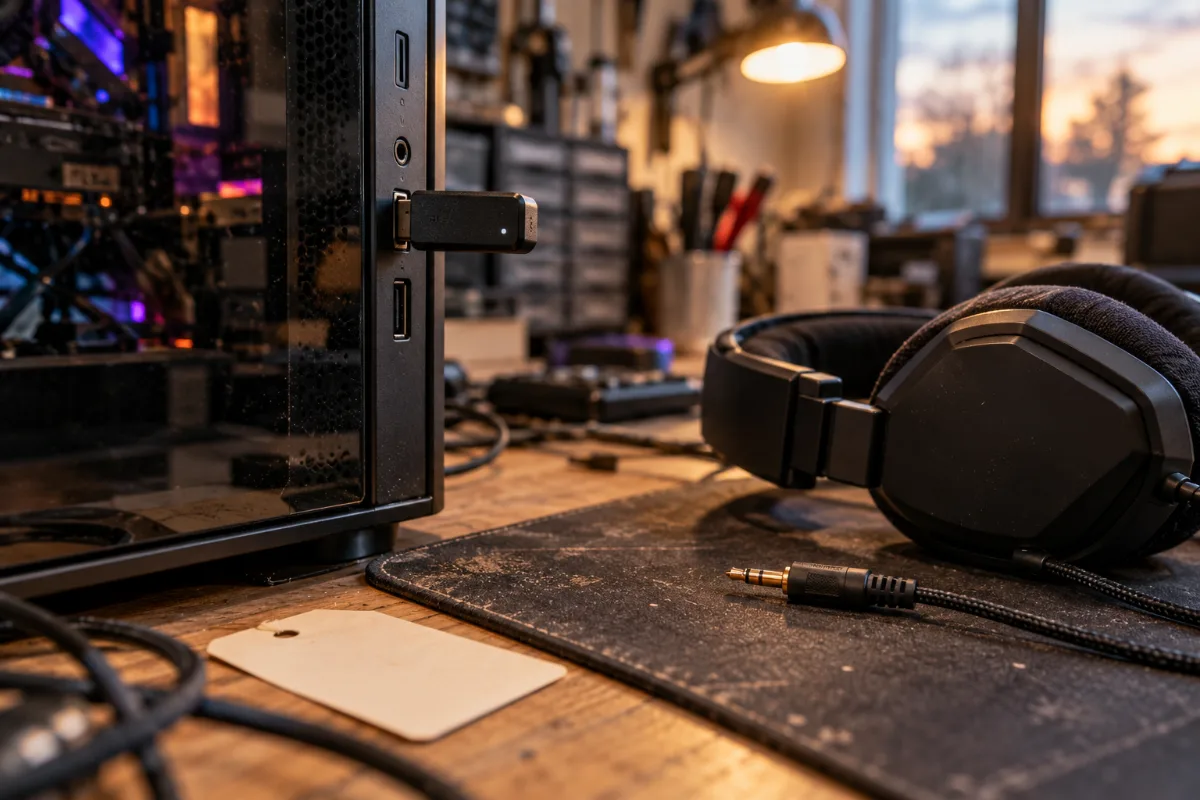
Wired or 2.4 GHz: the real choice for gaming on PC
Basically, for a wireless gaming headset designed for playing on PC, the real choice boils down to wired or 2.4 GHz, never just Bluetooth. Wired is still the simplest and cheapest at equivalent specifications, since you don’t have to fund a battery or a radio chip. Wireless only makes sense when you want to get up from your desk without having to unplug anything, or when a cable that’s lying around on the table annoys you more than it truly bothers you.
Comfort, the criterion you underestimate before buying
We’ve seen more than one customer come back satisfied with a headset that wasn’t even the best rated on paper, simply because they could wear it without thinking about it after two hours. Weight, how that weight is distributed across the headband, and the material of the pads often matter more than the driver size shown on the box.
Breathable fabric pads are better suited to long sessions and rooms that aren’t well air-conditioned; faux-leather pads isolate the sound a bit better but make your ears warmer. On the models sold in our workshop, an HATOR Hyperpunk 3 is close to 250 grams for headset and microphone included, while an MSI MAESTRO 300 wired headset comes in at around 247 grams thanks to its interchangeable mesh or leather pads, included in the box so everyone can adjust to their preference.
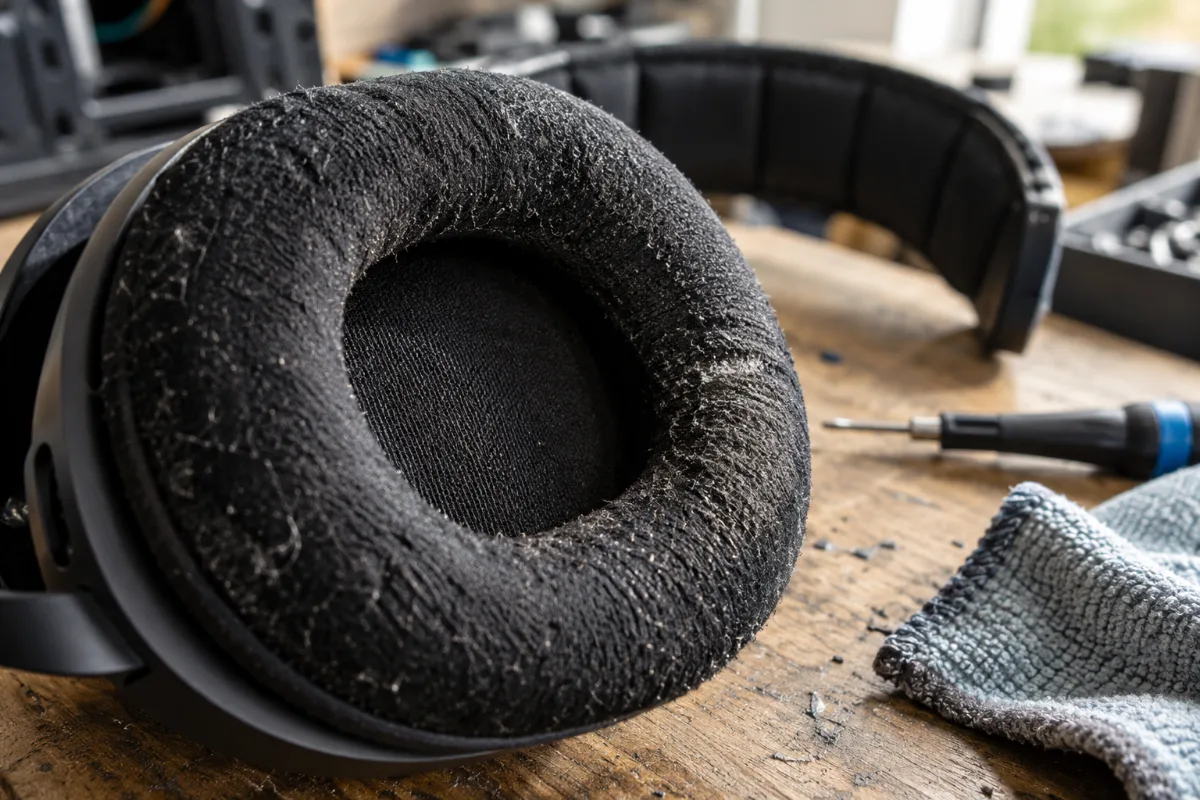
Weight and the material of the pads matter as much as the spec sheet.
The workshop’s take
It’s a trend we often see in the workshop: beyond 300 grams, quite a few players start feeling the headband after an hour or two.
If you’re also finishing the rest of your setup, our guide to choosing the right gaming mouse follows the same logic: comfort in the hand, or on your ear, is something you notice before you measure it.
The microphone on a gaming headset: useful or just a gimmick?
For a gaming headset with a mic aimed at vocal chat between friends, a decent built-in mic is more than enough, whether it’s for a ranked game on Discord or just a simple call. Where things get tricky is for streaming or recording: most headset mics, even good ones, pick up a bit more keyboard noise and breathing than a dedicated mic mounted on a flexible arm.
Two things make the difference here: the mic should be detachable, so you can take it off without it looking like you’re carrying a phone standard when you step out, and the noise reduction should target the voice without crushing the rest. The HATOR Hyperpunk 3 includes active noise reduction with 4 microphones on its detachable boom, designed to isolate your voice from the background noise of a gaming setup (fans, mechanical keyboard). For serious streaming, you keep an external mic; for everything else, a good headset mic does the job without you having to think about it.
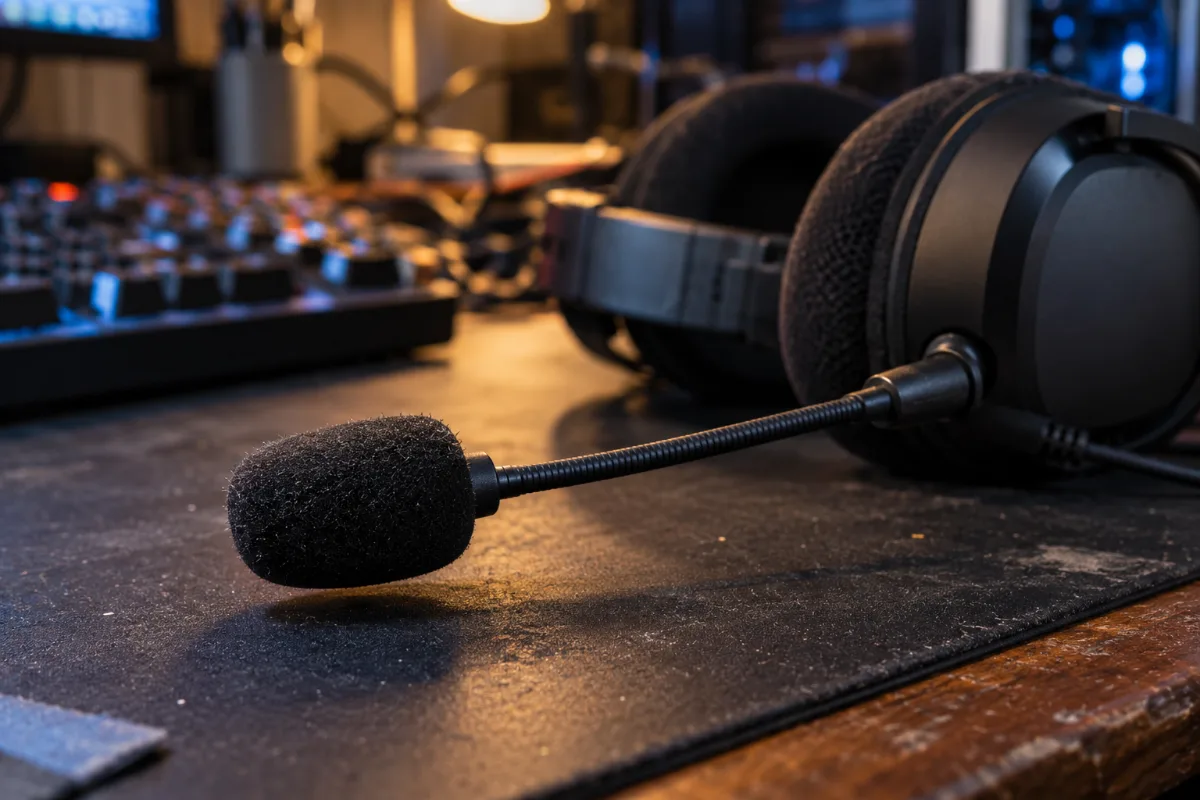
A detachable mic with noise reduction, enough for voice chat and Discord.
Gaming headset for PC: what changes depending on your setup
A PC gaming headset comes with a genuine software advantage that consoles don’t always offer: an equaliser, virtual surround, and per-game profiles. The MSI MAESTRO 300 goes through Nahimic 3D to simulate spatial audio on two standard speakers, useful for spotting the direction of footstep noise without buying a physical 7.1 headset. The HATOR Hyperpunk 3, meanwhile, uses the SyncHUB software to adjust the equaliser, the mic, and the connection mode (2.4 GHz or Bluetooth) from your desktop.
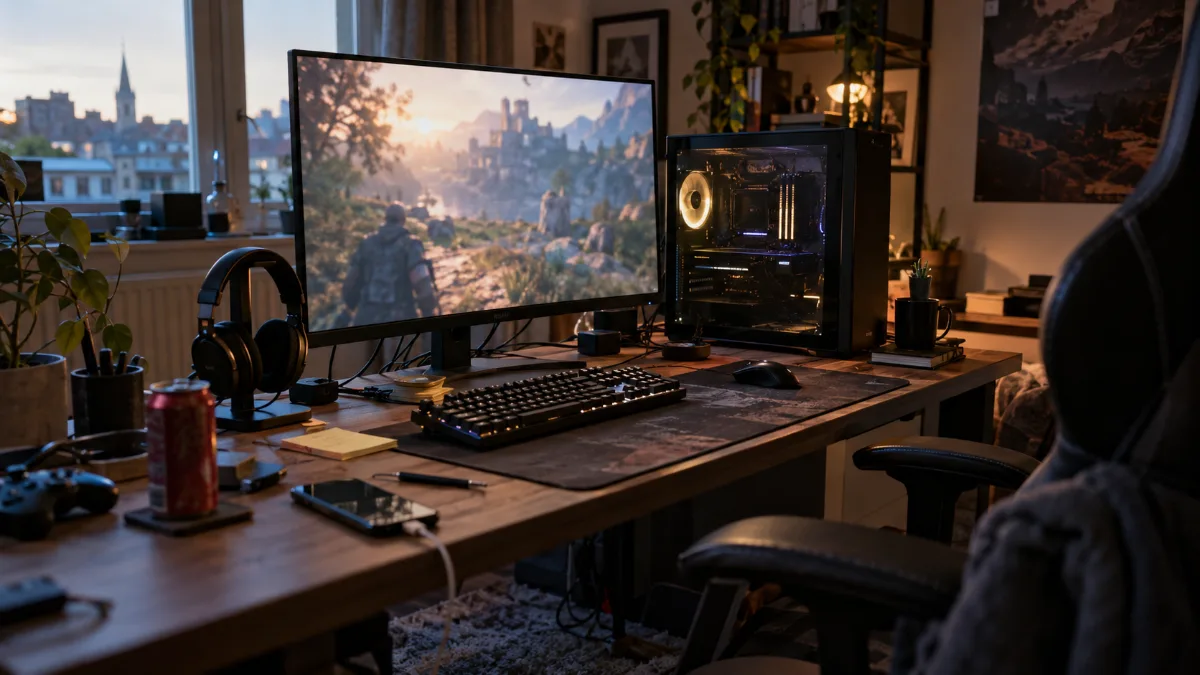
On a workshop-built PC, these programs run without any particular issues.
On a workshop-built PC, these programs run without any particular issues: no USB port to spare, no limitation caused by having a controller plugged in at the same time. It’s a real argument for gaming on PC rather than console with the same headset: the software configuration goes further, and you only set it up once, not every match.
Which is the best gaming headset on FlowUP for your budget?
There’s no absolute “best” gaming headset, only the one that fits your budget and how you play. At FlowUP, the choice honestly comes down to two categories: a wired entry-level headset, and a more complete wireless headset, available in two colours.
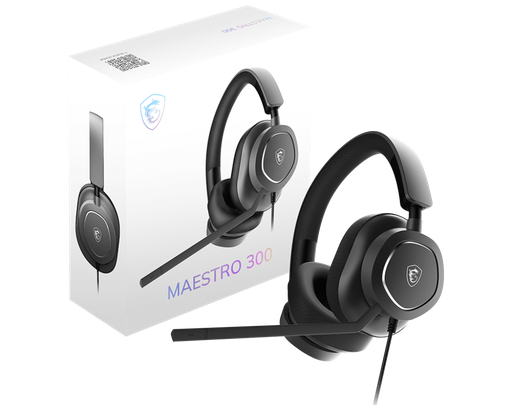
MSI MAESTRO 300, wired, entry-level
40 mm driver, detachable cardioid mic, interchangeable mesh or leather ear pads. The simplest gaming headset for playing without spending more than necessary.
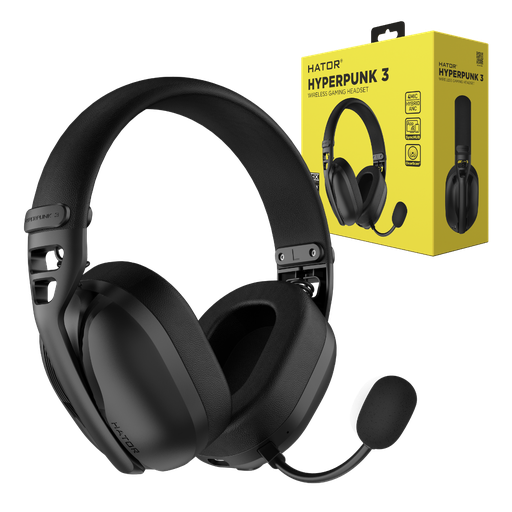
HATOR Hyperpunk 3, wireless, 2.4 GHz + Bluetooth
Dual connection: 2.4 GHz and Bluetooth, active noise reduction with 4 microphones on a detachable boom, up to 70-75 hours of advertised battery life. Also available in white.
The same model is also available in a lighter colour: HATOR Hyperpunk 3 White, with the same features, for anyone who prefers a lighter setup.
Whether you go wired or wireless, the headset is often just the last piece of a setup built up step by step. If the rest of your setup still matches your original build, take a look at our built gaming PCs or all our gaming peripherals to complete the picture without any compatibility surprises.
FAQ
Which gaming headset should you choose?
It depends first on how you’ll use it: wired if you never leave your desk and want the lowest price, wireless on 2.4 GHz if you want to stand up without unplugging. Using Bluetooth on its own isn’t meant for gaming, only for extra uses like a phone or commuting.
What is the best gaming headset?
There isn’t one gaming headset that’s better than all the others: a simple wired model is enough to play seriously, and a wireless model adds comfort and a more complete mic for those who need it. The choice is based on your use, not on the specs alone.
Wired or wireless for competition?
Both are suitable today: a recent 2.4 GHz wireless headset shows latency of around 15 to 25 ms, which is imperceptible to the vast majority of players, even in competitive play. Wired remains the simplest and cheapest option if latency needs to be reduced to the absolute minimum.
Is the built-in mic on a gaming headset enough for voice chat?
For a gaming headset mic used between friends or in ranked matches, yes, the built-in mic is more than enough. For streaming or recording, an external mic is still preferable: headset mics, even with noise reduction, pick up keyboard and breathing sounds more easily.
How long does the battery last on a wireless gaming headset?
On the newer models sold to the workshop, the battery life advertised by the manufacturer goes up to 70-75 hours without activating certain power-hungry functions such as RGB lighting, far above what daily use typically requires between two charges.
Sources
- "Wired vs. 2.4 GHz Wireless vs. Bluetooth Headsets: Which is the Best Choice for Gaming?", Akko Gear, 19 March 2026
- "Different Bluetooth Codecs (Latency)", Avantree support, consulted on 7 October 2026
- FlowUP product sheets (specifications verified on 7 October 2026 on flowup.shop)
