
By the FlowUP team, gaming PC builder in Genappe (Belgium) · Updated 19 October 2026
In short:
- Competitive FPS (Valorant, CS2, Fortnite): choose a magnetic keyboard with Rapid Trigger, it’s the clearest improvement of the past few years.
- Varied games and daily use: a mechanical keyboard remains the best compromise.
- Layout: a 65% or TKL leaves room for the mouse without sacrificing what matters.
- Wireless: yes, but at 2.4 GHz, never Bluetooth for gaming.
Type "gaming keyboard" into Google and you’ll find hundreds of models, all "ultra-responsive" and "made for esports". The truth is simpler: three criteria cover what really makes the difference, the key switches, the layout, and the connection. The rest is mostly down to taste.
At FlowUP, we build gaming PCs all year round. The keyboard, though, is often chosen at the last minute. Mistake: it’s the accessory you’ll use the most. Here’s how not to go wrong, without paying for features you’ll never need.
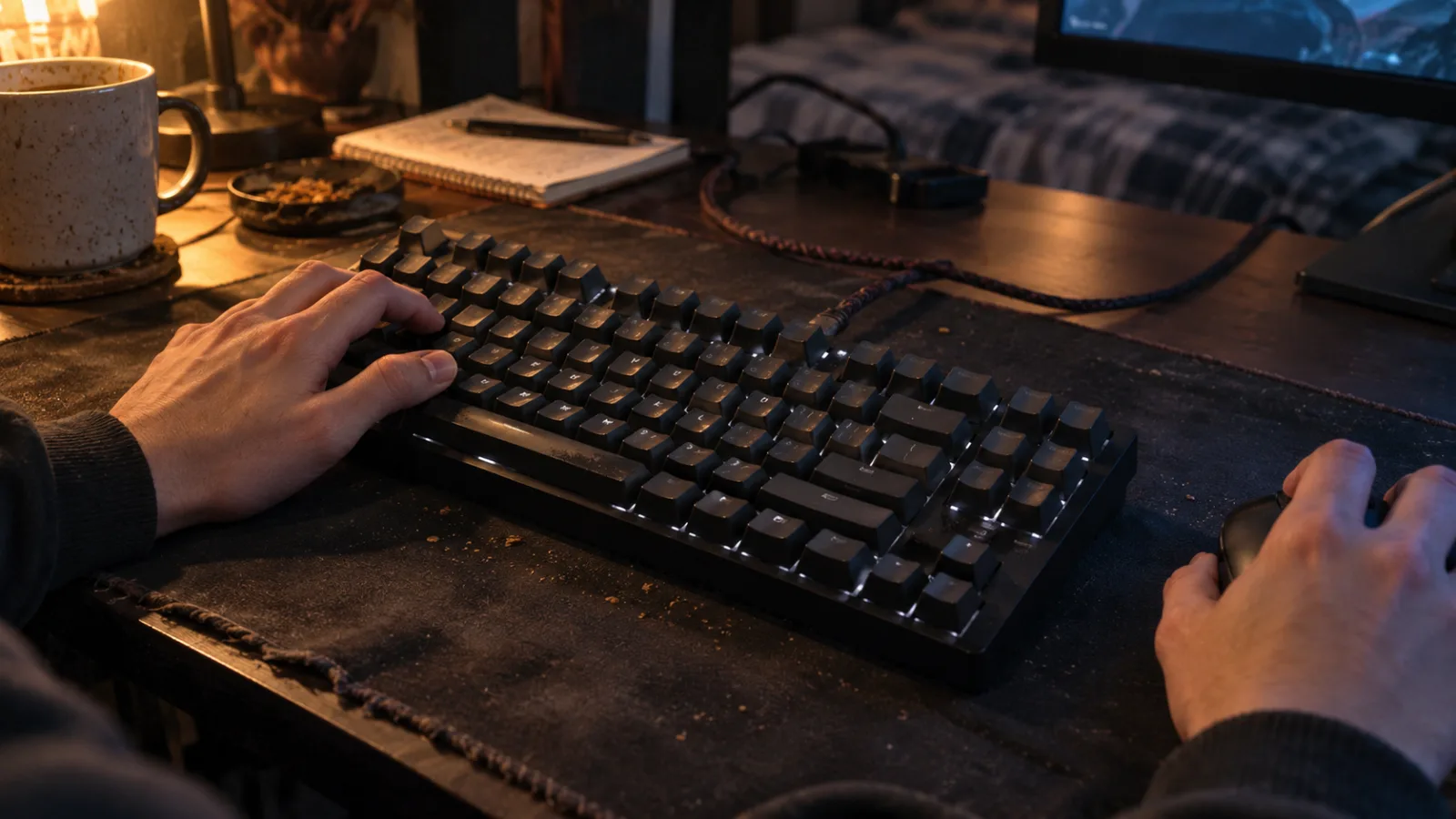
Your left hand spends hours on ZQSD: the keyboard deserves more than a last-minute purchase.
Mechanical, magnetic, or membrane: which gaming keyboard should you choose?
That’s the first question to ask, because it changes how the keys feel and how responsive they are. In 2026, three technologies share the market:
- Membrane (or mecha-membrane): rubber domes under the keys. Quiet and affordable, but the feel is softer and less precise.
- Mechanical: a real switch under each key. Crisp, durable actuation, with customizable feel: linear, tactile, or "clicky".
- Magnetic (Hall Effect): a sensor measures the exact position of the key thanks to a magnet. You set the activation point yourself, and Rapid Trigger becomes possible.
| Criteria | Membrane | Mechanical | Magnetic |
|---|---|---|---|
| Feel | soft, quiet | crisp, your choice | crisp, very light |
| Responsiveness | good | very good | the best (Rapid Trigger) |
| Activation point | fixed | fixed | adjustable |
| Durability | average | very good | very good (no physical contact) |
| For whom | tight budget, office use | varied games, everyday typing | FPS and competitive gaming |
Our take: for most players, mechanical is still the safest choice. If you mainly play competitive, magnetic is worth the gap. And if you’re still torn between mechanical and membrane, our comparison of mechanical vs membrane keyboards goes into the details.
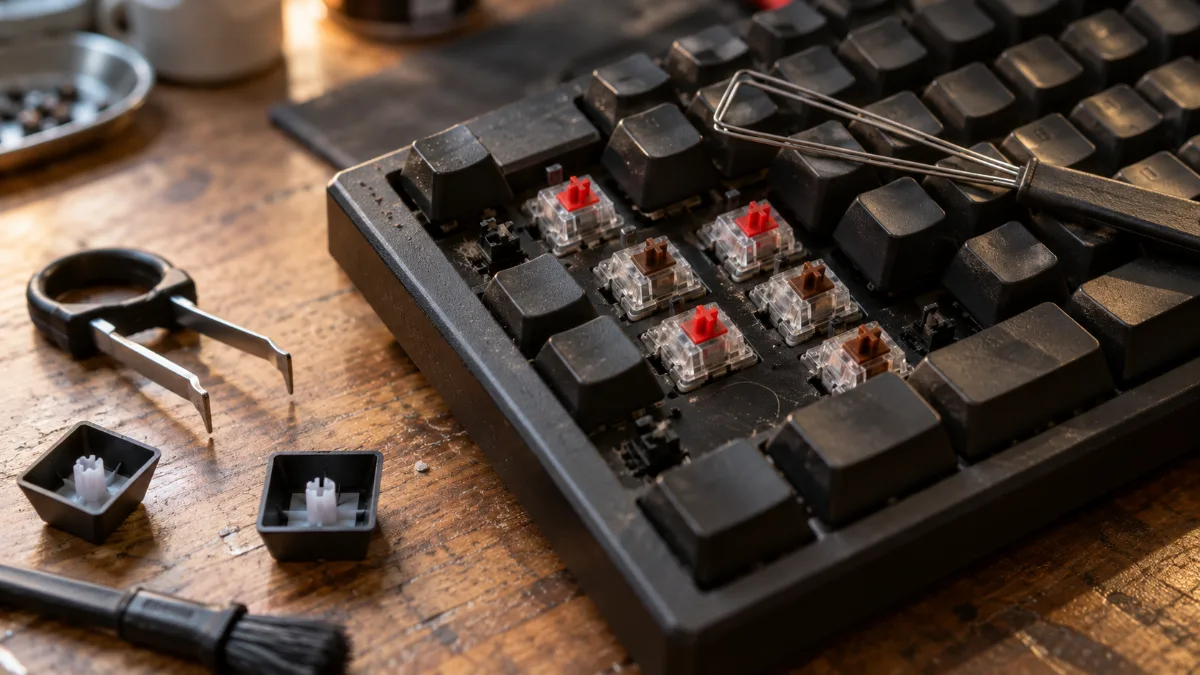
Under each key on a mechanical keyboard is a switch: linear (red) or tactile (brown), depending on your preferences.
Magnetic keyboard with Rapid Trigger: the real advantage for FPS
On a standard keyboard, a key activates at a fixed point, then has to return high enough to deactivate. Rapid Trigger removes that delay: the key deactivates as soon as you start to release it, and reactivates as soon as you press it again. In an FPS, your counter-movements ("counter-strafe") become faster and more precise.
- Adjustable activation point: up to 0.1 mm on the TRYHARD 65%, with a sensitivity of 0.01 mm on the HATOR Skyfall 80 MAG.
- 8,000 Hz: these two keyboards send up to 8,000 reports per second, one every 0.125 ms, compared with 1 ms for a standard 1,000 Hz keyboard.
- Hot-swap on the HATOR: you can change switches without soldering.
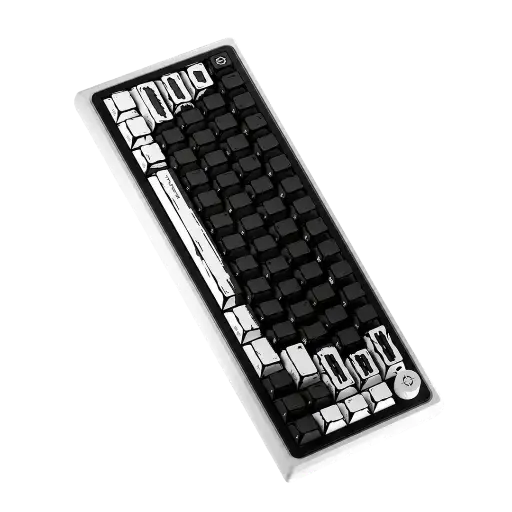
TRYHARD Magnetic Keyboard 65%
Hall Effect magnetic switches, Rapid Trigger, adjustable activation and 8,000 Hz wired: the keyboard we recommend for Valorant, CS2 or Fortnite. Available in several designs (Celshading black or white, Hayami, Unchained).
The only real downside: a magnetic keyboard requires a few minutes of setup in its software to find the right sensitivity. Set the activation point a bit lower in the first few days, until you get used to it.
60% keyboard, 65%, TKL or full-size: which layout for gaming?
The more compact the keyboard, the more room your mouse has, which matters as soon as you play with low sensitivity. In return, you lose some keys.
- Full (100%): includes a numeric keypad, ideal if you also work with spreadsheets.
- TKL keyboard (80%): without a numeric keypad, all other keys remain. The most versatile layout.
- 65%: keeps the arrow keys, but drops the F1 to F12 row (accessible via a Fn key). A favourite for FPS players.
- 60% keyboard: even shorter, without arrow keys. Very compact, but disorienting on a daily basis.
Our recommendation: 65% or TKL. The 60% only gives you a few extra centimetres and makes you lose the arrow keys.
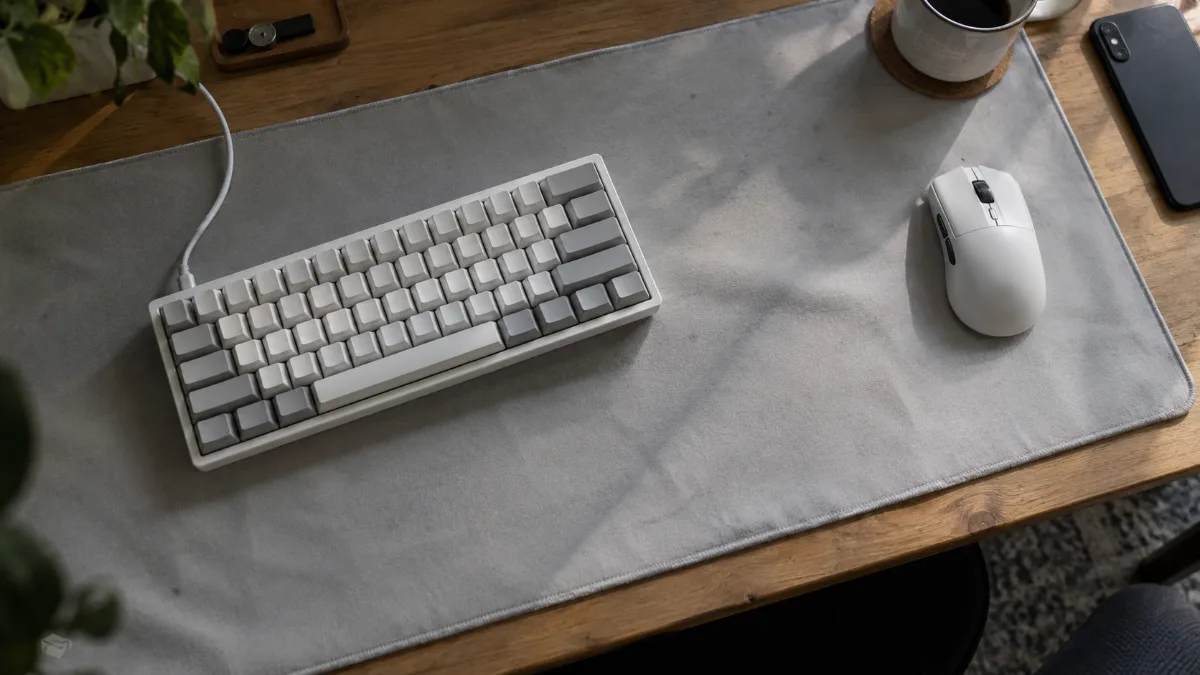
A 65% keyboard frees up space for big mouse movements.
Wireless gaming keyboard: a good idea, or not?
Yes, as long as you play on 2.4 GHz with the small USB receiver included. A recent 2.4 GHz wireless gaming keyboard is responsive, and your desk looks clearer. Bluetooth, on the other hand, adds latency: keep it for work or for controlling a living-room PC.
- Triple connection (2.4 GHz, Bluetooth and USB-C): this is the case with the Cooler Master MK770 and the HATOR Skyfall 80 MAG Ultima 8K.
- Battery life: RGB uses a lot of power, turn it down to last longer between charges.
- For tournaments or pure competitive play: the wired option remains the safe choice, also why the TRYHARD is exclusively wired.
To see what a good all-round wireless gaming keyboard looks like, here is the brand’s official presentation of the Cooler Master MK770:
Cooler Master, official presentation of the MK770 keyboard (video in English).
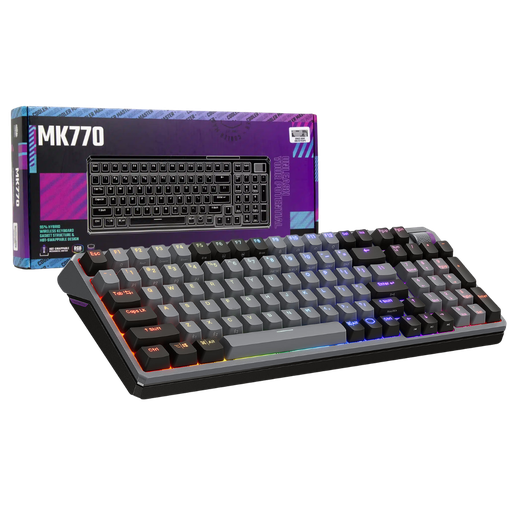
Cooler Master MK770
2.4 GHz wireless, Bluetooth or USB-C, replaceable switches without soldering and a structure that dampens noise: the wireless gaming keyboard you’ll keep for a long time, as good for gaming as for work.
Switches, PBT keycaps, AZERTY: the details that matter
Once you’ve chosen the type and layout, a few details make all the difference day to day:
- The switch type: linear (Red) for speed and smoothness, tactile (Brown) so you can feel the actuation, clicky (Blue) for the sound... which your surroundings will appreciate less. The MSI FORGE GK310, for example, uses 46 g Red switches.
- PBT keycaps: they don’t become shiny over time, unlike ABS.
- AZERTY: for a PC gaming keyboard you also use for typing, choose a French version (for example, MSI “FR” models).
- Hot-swap: switch keycaps change without soldering, handy if you want to evolve your keyboard.
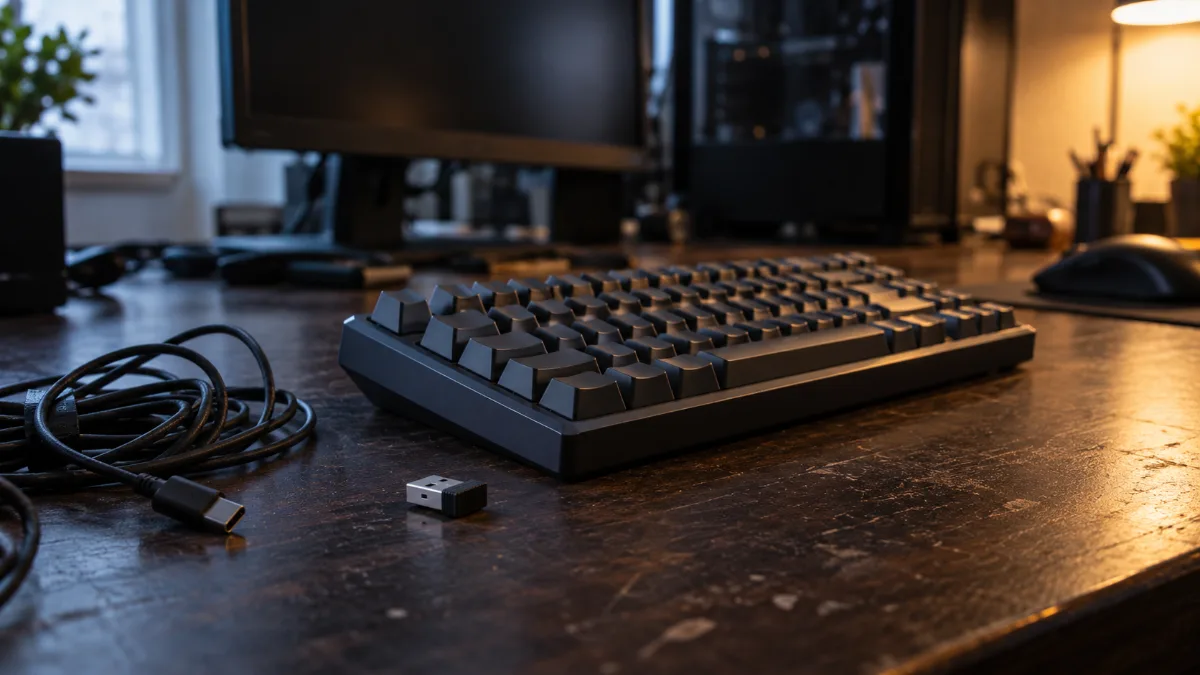
2.4 GHz receiver, Bluetooth and USB-C cable: modern wireless keyboards can do it all.
Gaming keyboard and mouse bundle: should you buy a pack?
A gaming keyboard and mouse bundle is a good idea for a first setup: one purchase, matching lighting, and a controlled budget. If you’re picky about the mouse shape, buy the two separately instead, because the mouse is the most personal component of the setup (our guide to choosing a gaming mouse will help).
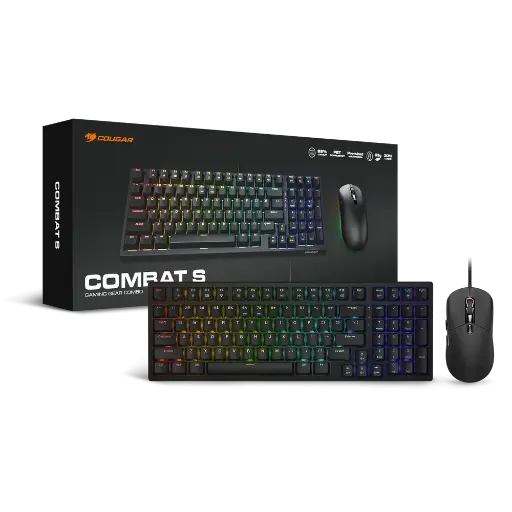
COUGAR COMBAT S, keyboard + mouse bundle
A compact mechanical keyboard in 98% layout (numeric keypad kept), PBT Doubleshot keycaps and a matching optical mouse in ARGB: the ideal bundle to get started with a new gaming PC.
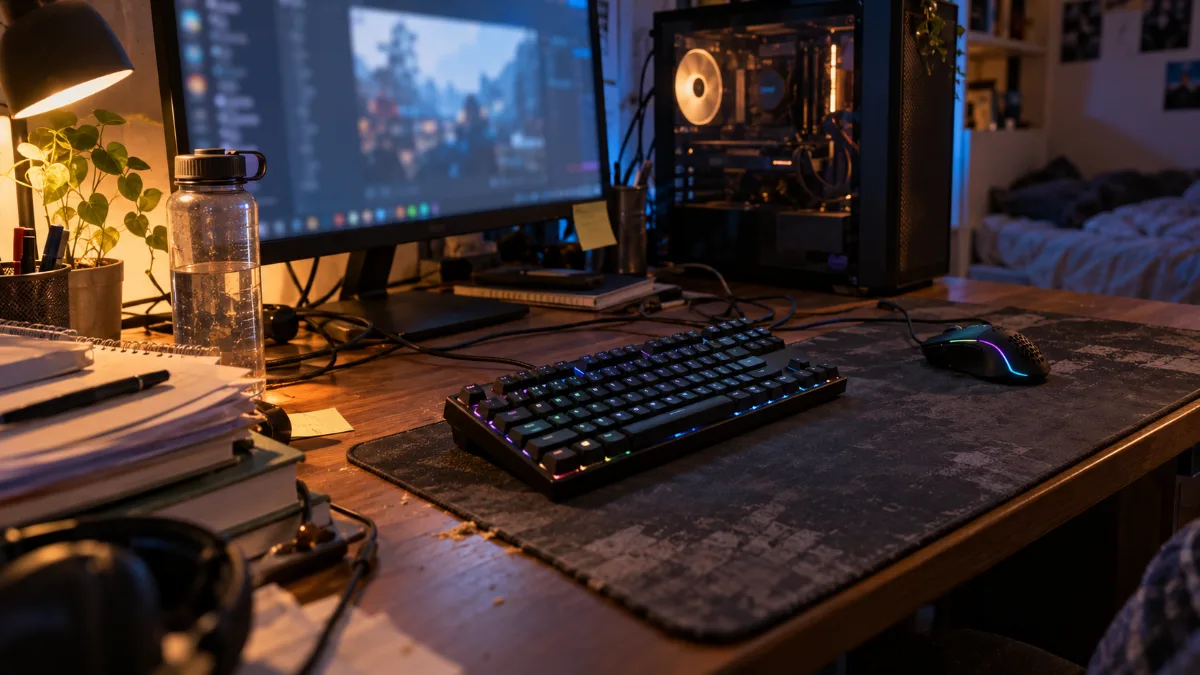
Matching keyboard and mouse: the simplest solution for a first setup.
Cheap gaming keyboard: when does it make sense?
You can absolutely game with a cheap gaming keyboard, as long as you know what you’re buying. Two serious options:
- Mecha-membrane, like the MSI VIGOR GK20: solid feel, AZERTY, shortcut keys and splash resistance. Perfect for beginners.
- The first real mechanical, like the MSI FORGE GK310: full-size layout, Red linear switches and hot-swappable switches. Best value for money to move to mechanical.
What we’d avoid: no-name keyboards that promise “mechanical” for a few pennies, with no serious warranty or replacement parts.
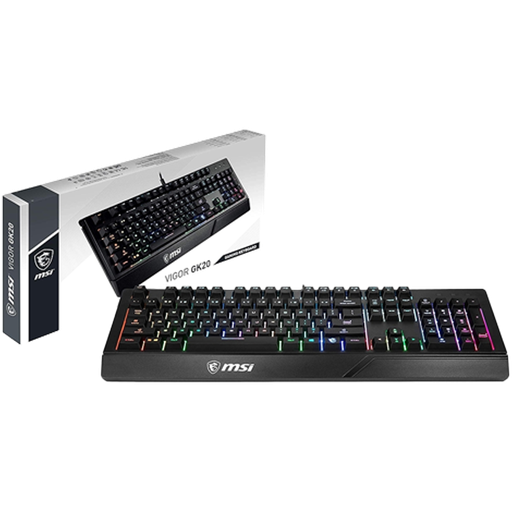
MSI VIGOR GK20 FR
Mecha-membrane AZERTY keyboard, RGB backlighting, shortcut keys and resistant to liquid splashes: the right keyboard to start with without breaking the bank.
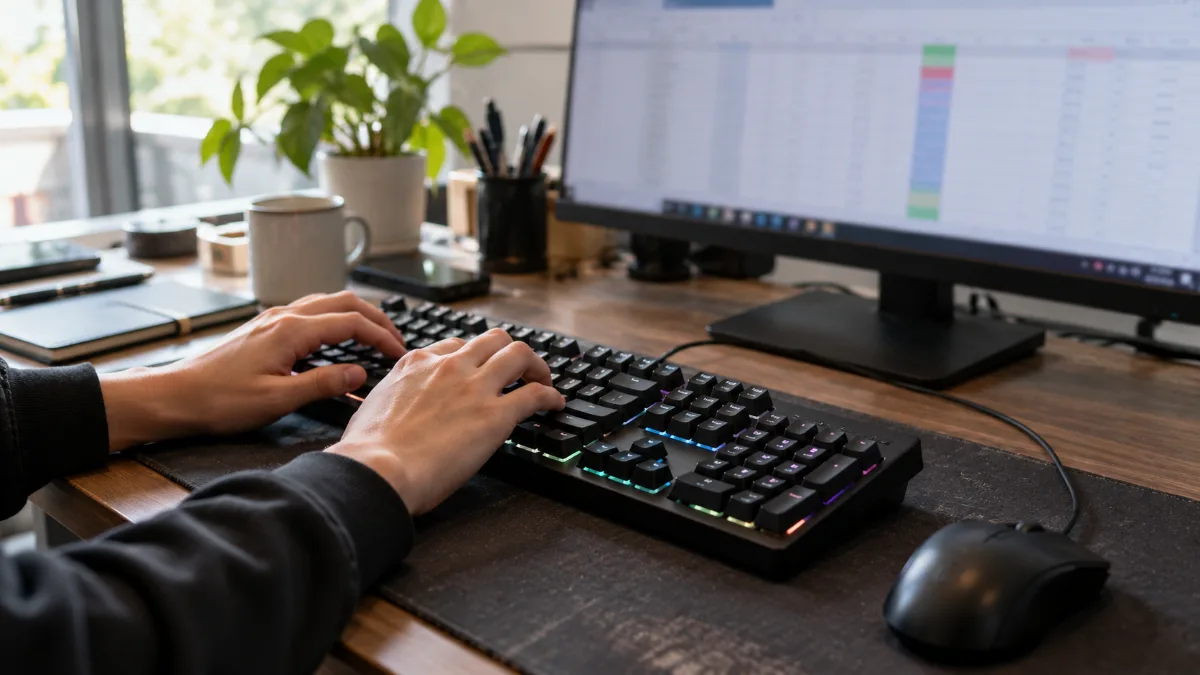
The full-size format keeps the numpad in place, practical if you also work on your PC.
What’s the best gaming keyboard for you?
There isn’t one single best gaming keyboard for everyone, but there’s a great choice for every type of user. Here are our recommendations, only among the keyboards we sell:
| Your profile | Our pick | Why |
|---|---|---|
| Competitive FPS (Valorant, CS2) | TRYHARD Magnetic 65% Keyboard | Hall Effect, Rapid Trigger, 8,000 Hz wired |
| Competitive and wireless | HATOR Skyfall 80 MAG Ultima 8K | magnetic, TKL, triple connection, built-in display |
| Gaming and work | Cooler Master MK770 | triple-mode wireless, hot-swappable switches, cushioned typing feel |
| Compact mechanical wireless | HATOR Skyfall 80 PRO Wireless | TKL, quiet switches, wireless |
| White setup | COUGAR ULTIMUS EX White | wired mechanical, brushed steel chassis |
| First mechanical | MSI FORGE GK310 | full-size, Red switches, hot-swappable switches |
| Small budget | MSI VIGOR GK20 | meca-membrane, AZERTY, splash-resistant |
Workshop opinion
If you mostly play FPS, go for magnetic: after a few matches with Rapid Trigger, going back is hard. For everyone else, a good mechanical in TKL will do the job for years. And if you’re building a full setup, don’t forget the gaming headset and, of course, the PC that goes with it.
Also read: PC controller: which one should you choose for gaming in 2026?
Also read: Gifts for gamers: 12 Christmas 2026 ideas they’ll genuinely love
Gaming keyboard FAQ
Which gaming keyboard should you choose to start out?
A meca-membrane like the MSI VIGOR GK20 is enough to get started. If your budget allows, switch straight to mechanical with a model like the MSI FORGE GK310: the typing feel is crisper and the keyboard will last longer.
Magnetic or mechanical keyboard, which is faster?
Magnetic keyboards are faster thanks to Rapid Trigger and the adjustable actuation point. The difference is especially noticeable in competitive FPS. For strategy games, MMOs, or adventure games, a good mechanical keyboard is still more than sufficient.
Does a wireless gaming keyboard have latency?
At 2.4 GHz, recent gaming keyboards are very responsive and work well for gaming. Bluetooth adds latency and is mainly for work. For pure competitive play, wired is still the reference.
TKL or 60% keyboard to play Valorant?
Both work. The 60% gives you a bit more room for the mouse, but it removes the arrow keys. The TKL keeps all keys except the numeric keypad. A 65%, in between, is often the best compromise.
Do you need an AZERTY or QWERTY keyboard to play?
If you also type in French on your PC, choose AZERTY. In games, the layout changes very little, since the keys can be remapped in each game’s options.
Sources
- Wooting, How to set up Rapid Trigger (accessed October 2026)
- Keyboard specs: FlowUP product sheets and manufacturer data (TRYHARD, HATOR, Cooler Master, COUGAR, MSI), October 2026.
