
By the FlowUP team, gaming PC builder in Genappe (Belgium) · Updated 29 September 2026
In brief: for most gaming PCs, the right choice in 2026 is a mid tower case with a mesh front, supplied with at least three fans. Before buying, check four measurements: the maximum length of the graphics card, the CPU cooler height, radiator mounting positions, and the PSU length. Panoramic glass and RGB come next: a good-looking but stuffy case makes your components run hotter and your fans spin harder.
Choosing a PC case: what really matters
The case is the part you often pick last, by feel, once you’ve settled your graphics-card budget. That’s a shame, because it determines how much fresh air reaches the CPU and the graphics card. An RTX 5070 Ti in a closed case runs hotter, makes its fans spin faster, and is louder than the same card in a well-ventilated case.
It also determines what you’ll be able to fit tomorrow: a longer graphics card, a 360 mm watercooling loop, an extra drive. In short, a good case doesn’t make your PC faster, but a bad one can stop it from delivering what it’s capable of.
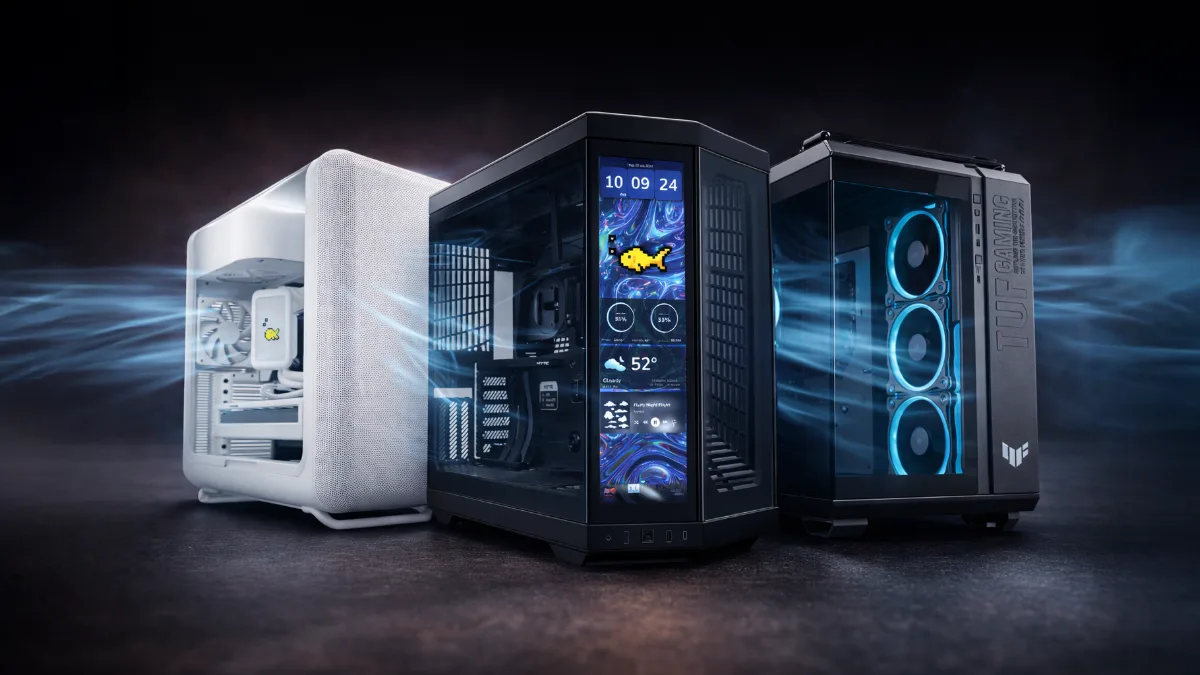
Mesh, glass, panoramic: three case families, three ways to move air.
Mid tower, full tower or mini-ITX: which case format?
The format depends first on the motherboard you’re aiming for, then on the space on your desk. In 2026, the mid tower remains the default choice: it supports the longest graphics cards on the market in most recent models and leaves enough space for good airflow.
| Format | Motherboards | Footprint | Weak point | Who is it for? |
|---|---|---|---|---|
| Mini-ITX (SFF) | Mini-ITX | Very compact | Finicky ventilation, demanding build | Small living-room PC, narrow desk |
| Micro-ATX | Micro-ATX, Mini-ITX | Compact | Fewer slots and less room for cables | Compact gaming setup |
| Mid tower | ATX, Micro-ATX, Mini-ITX | Standard | Seldom limiting | The vast majority of gaming PCs |
| Full tower | E-ATX, ATX and smaller | Big | Space and weight | Custom full watercooling, workstations |
FlowUP summary. Always check the case manufacturer’s compatibility list.
The mini-ITX is tempting, and the Fractal Design Terra (10.4 litres) shows you can make it both beautiful and tiny. But everything is tighter there: low-profile CPU coolers, a graphics card with limited length, cables to bend down to the millimetre. For a first PC or a big graphics card, it’s rarely a good idea.
The full tower, on the other hand, is mainly justified for a custom watercooling loop or multiple radiators. For a standard gaming PC, even a high-end one, a good mid tower performs just as well, with less space taken up.
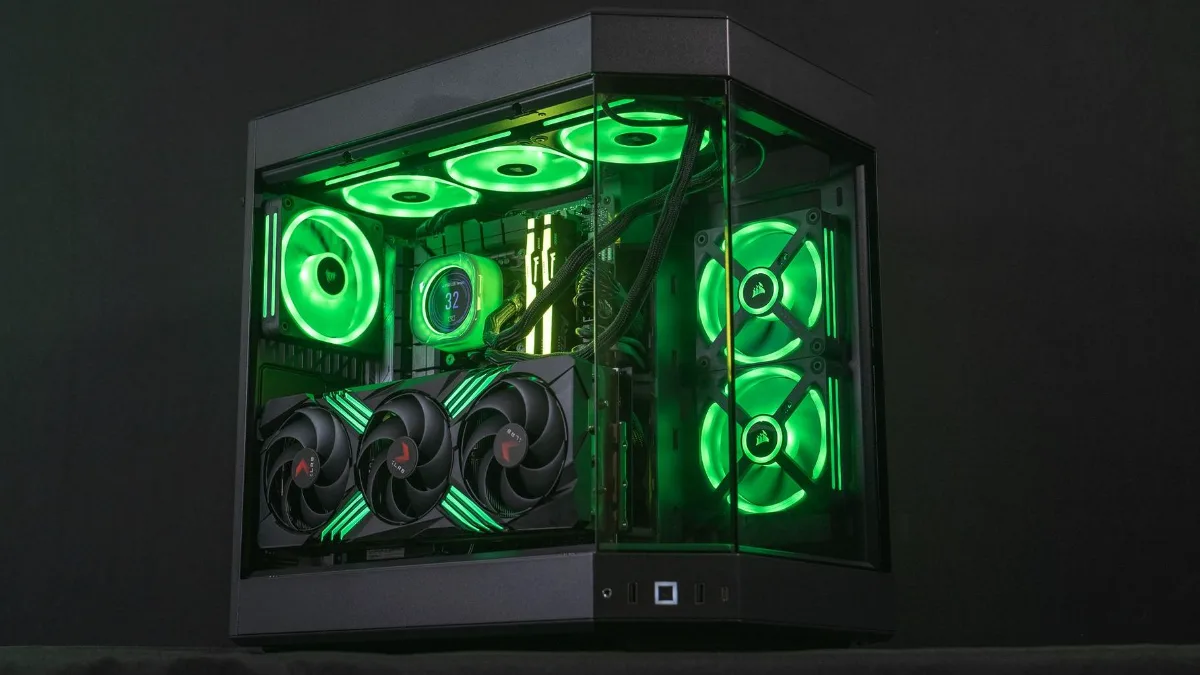
The mid tower: enough room for a big graphics card and six to nine fans.
Compatibility: the 4 measurements to check before buying
Each case’s spec sheet lists these values. Compare them with the specs of your components, and keep some margin: the graphics card’s power cables and the tubes of an AIO also take up space.
| Measurement | To compare with | What we recommend |
|---|---|---|
| Max. graphics card length | Graphics card sheet (in mm) | Card length + 1 to 2 cm |
| Max. CPU cooler height | CPU cooler sheet | 165 mm and up for a large dual-tower (a Noctua NH-D15 measures 165 mm) |
| Radiator mounting positions | AIO size: 240, 280 or 360 mm | One 360 mm slot at the top or front |
| PSU length | PSU sheet | Especially to check in small cases |
Sources: manufacturer spec sheets; NH-D15 height based on Noctua.
The classic trap in 2026 is the graphics card. Custom models of high-end cards are long and thick, and the 12V-2x6 power connector on recent GeForce cards needs a few centimetres in front of it so the cable isn’t bent at a right angle against the glass. If you’re unsure about the power supply, motherboard and case together around an RTX 50, our article RTX 5000: what power supply, which case, and which motherboard? covers it all.
On the CPU cooling side, the choice between an air cooler and watercooling directly affects the case: a 360 mm AIO requires a free 360 mm mounting position. The full comparison is in our guide air cooler or watercooling.
PC case airflow: what really makes the difference
An airflow case is first and foremost a front that lets air through: a mesh panel (fine metal grille) or one with plenty of perforations. A solid glass front forces the air to pass through thin slits on the sides. Tom’s Hardware reminds you in its 2026 guide: the more glass there is, especially at the front, the more likely the PC is to run hot.
The airflow layout that works in almost every case: fresh air entering at the front (and at the bottom if the case allows), and hot air exhausting at the rear and the top. For a gaming setup, count on at least three intake fans and one exhaust fan.
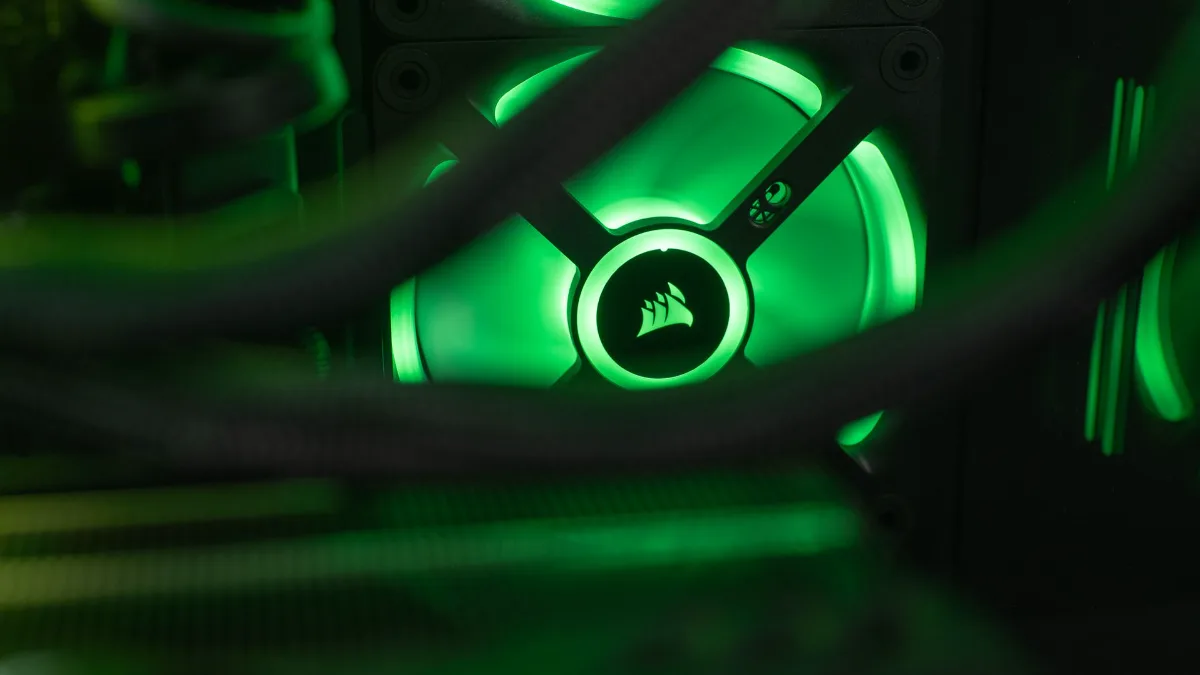
A front fan is only useful if the front panel allows it to breathe.
Another setting that matters: positive pressure. If you pull in a bit more air than you exhaust, the air is forced out through the smallest gaps instead of getting in there, and dust passes through almost exclusively via the filters. This video shows with smoke how air circulates inside a case depending on how the fans are arranged:
Mr Matt Lee, “PC case airflow: a visual guide for optimal cooling”.
To choose the fans themselves (size, PWM, static pressure, ARGB), everything is detailed in our guide how to choose PC fans.
Panoramic, glass or mesh: looks come at a thermal cost
The panoramic cases ("aquariums"), with two glass panels that meet without a support bar, have been everywhere for the past two years. They showcase the components beautifully, but they no longer have a front panel to draw air in. The right models make up for it with fans at the bottom and to the side, that’s what you should check before buying.
Our take: a well-designed panoramic case cools properly, as long as you fill it with fans. If you want the best temperatures with the least noise, a mesh case remains unbeatable. If you want a display window, go for a panoramic case with air intakes at the bottom.
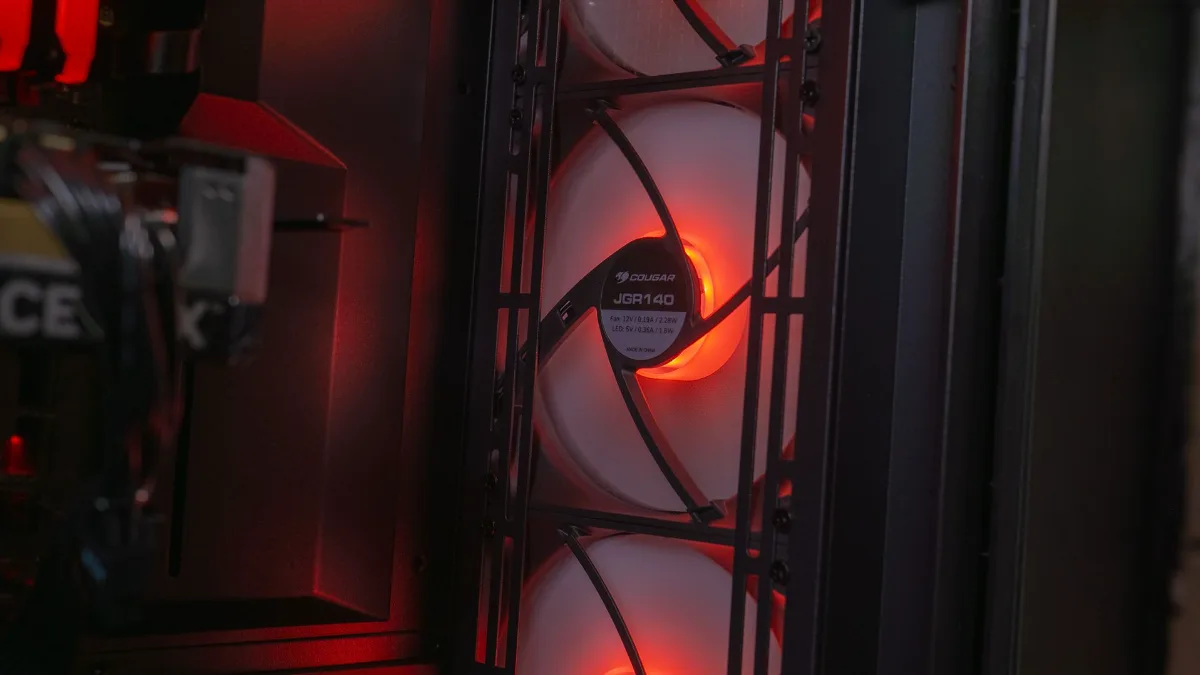
Behind a mesh grille, the fan pulls air in without effort, so it runs more slowly and more quietly.
Cables, filters and silence: the details that really make life easier
A good case is also recognizable by its assembly. Look for at least 2 cm of space behind the motherboard tray, cable pass-throughs with rubber grommets, and tie-down points for cable ties. Cases with “rear connectors”, like the Phanteks XT Pro Ultra or the Corsair 2500D Airflow, even hide the cables behind the motherboard, provided you have a compatible motherboard.
Next come the dust filters: magnetic or drawer-style, easy to remove, on all air intakes. This determines whether you’ll really clean them every two months. For quieter operation, a well-ventilated case often beats a sealed “soundproof” case: its fans can run slower while delivering the same result.
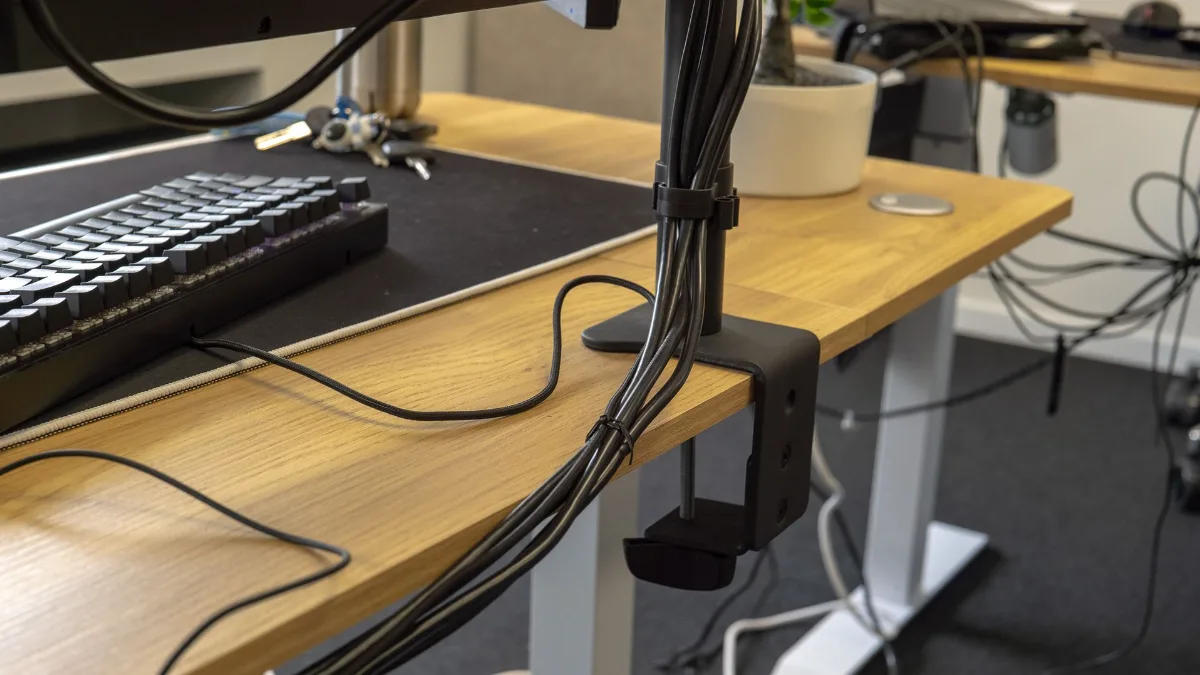
Properly routed cables, inside and out, let the air circulate.
Once your PC is built, the place where you put it matters just as much as the case, see our guide: where to put your gaming PC. And if your system already runs hot, start by PC overheating: causes and solutions.
The best PC airflow cases in 2026
We don’t sell cases on their own, so here’s Tom’s Hardware’s selection, one of the most followed, updated in August 2026. We kept only the models designed to ventilate well, with their standout strengths.
| Case | Format | Standout feature | Tom’s Hardware category |
|---|---|---|---|
| Cooler Master HAF II 500 | Mid-tower | Two very large front fans, one 180 mm at the rear | Best airflow-oriented case |
| Lian Li Lancool 217 | Mid-tower | Five included fans, including two 170 mm front fans | Best performance-oriented case |
| Montech TG3 | Mid-tower | Four included RGB fans, great value | Best ATX for a small budget |
| Phanteks XT Pro Ultra | Mid-tower | Four 140 mm fans, rear connectors | Best small budget with rear connectors |
| Fractal Design North | Mid-tower | Wood front panel and mesh, very good temperatures | Most beautiful |
| Fractal Design Meshify 2 | Mid-tower | Graphics cards up to 467 mm, 11 storage bays | Best for a workstation |
| Fractal Design Terra | Mini-ITX (10.4 L) | Very compact, graphics cards up to 322 mm | Best mini-ITX design |
Source: Tom’s Hardware, “Best PC Cases 2026”, updated 5 August 2026.
To see a case in a real setup, here’s the test of our Orion PC, built in a HYTE Y60, on our YouTube channel:
FlowUP, test of the Orion RTX 5080 PC, January 2025.
What budget should you plan for a PC case?
The good news is that entry-level cases have improved a lot. Tom’s Hardware ranks the Montech TG3, sold for $59.90 in the United States with its ARGB fans, as the best ATX on a small budget. Beyond that, you mainly pay for the finishing, materials, larger and quieter fans, and features like rear connectors or a built-in display.
- Small budget: aim for a front mesh and three included fans, it’s now possible.
- Mid-range: the best value for money, with better filters, a more pleasant build, and more space.
- High-end: finish, silence, large radiators. Note that some premium cases come with no fans at all, add them to the budget.
Our gaming PCs built in well-ventilated cases
On a FlowUP PC, the case is chosen together with the rest of the setup: room for the graphics card, radiator placement, fans. Three examples:
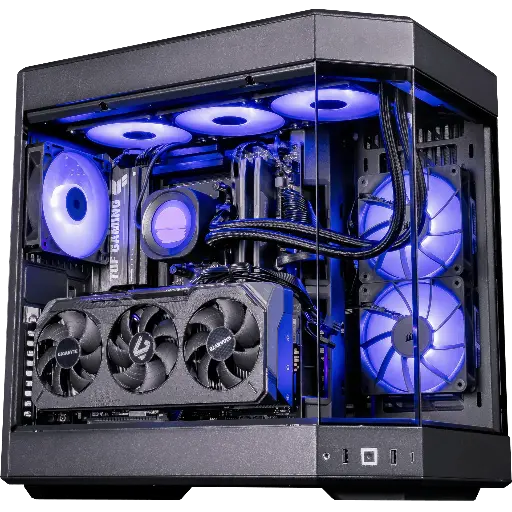
Shadow V2 PC, Radeon RX 9070 XT
RX 9070 XT 16GB and Ryzen 7 9800X3D in a panoramic HYTE Y60 case, designed for QHD Ultra and 4K.
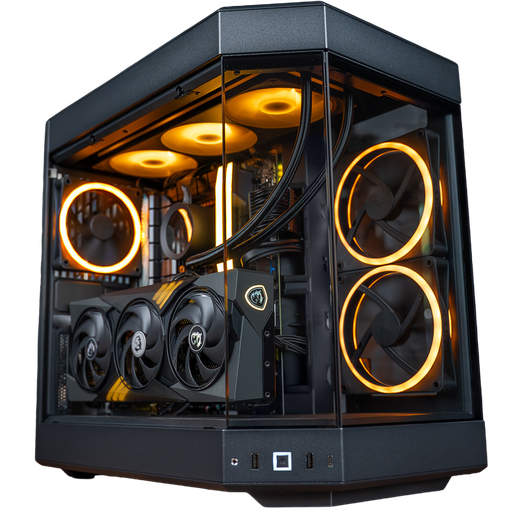
Nightmare PC, GeForce RTX 5070 Ti
RTX 5070 Ti, Core i7-14700KF and NZXT Kraken 360 mm liquid cooling in a panoramic-view HYTE Y60.
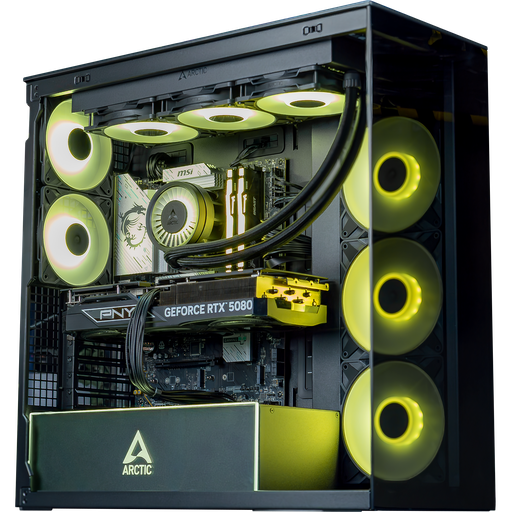
Arctic PC, GeForce RTX 5080
RTX 5080 and Core Ultra 7 265KF in an ARCTIC Xtender case, for 4K and big AAA games.
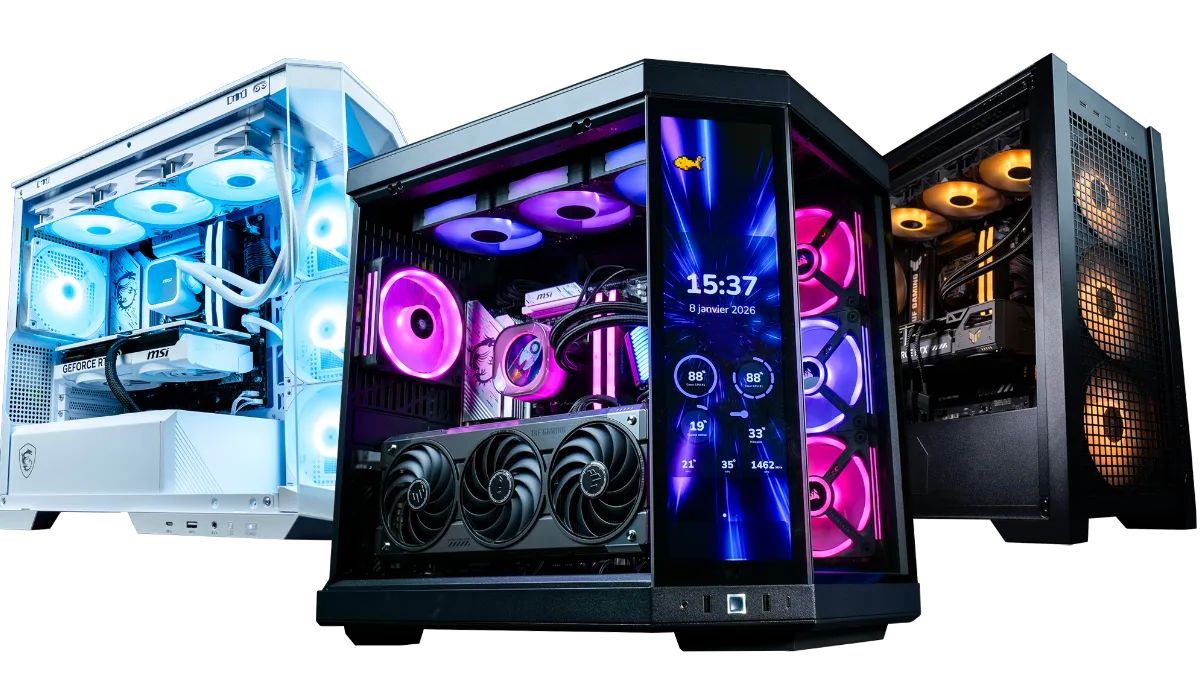
The whole range is in this category FlowUP gaming PC.
FAQ: how to choose your PC case
What is the best airflow PC case in 2026?
In Tom’s Hardware’s selection (August 2026), the Cooler Master HAF II 500 is named the best airflow-oriented case, and the Lian Li Lancool 217 the best performance-oriented case. On the small budget side, the Montech TG3 is very well placed.
How many fans do you need in a gaming PC case?
Three for intake and one for exhaust make a good starting point. With a high-end graphics card or a panoramic case, add more at the bottom or top. Keep slightly more air being pulled in than exhausted to limit dust.
Mid tower or full tower: which should you choose?
A mid tower is enough for the vast majority of gaming PCs, even high-end ones. A full tower only makes sense for an E-ATX motherboard, a custom water-cooling loop, or multiple radiators.
Is a glass front bad for cooling?
It restricts airflow, which then has to pass through the sides. A case with a mesh front cools better at the same noise level. If you want glass, choose a model with wide side or bottom air intakes.
How do I know if my graphics card will fit in the case?
Compare the card length stated by the manufacturer with the maximum length supported by the case, leaving 1 to 2 cm of clearance. Also check the thickness (number of expansion slots) and the space in front of the power connector.
Do expensive PC cases cool better?
Not necessarily. Some entry-level cases with a mesh front and four fans actually cool very well. The price mostly pays for the finish, the silence, and advanced features.
