Your PC in instalments (up to 12x)
In 2026, an SSD is no longer “just storage”: it determines Windows responsiveness, loading times, and above all the smoothness of big open worlds (asset streaming).
Good news: you don’t need the “fastest SSD in the world” to game. Bad news: some “cheap” SSDs can quickly become frustrating once they’re full.
The simplest (and most sensible) choice for 90% of gamers
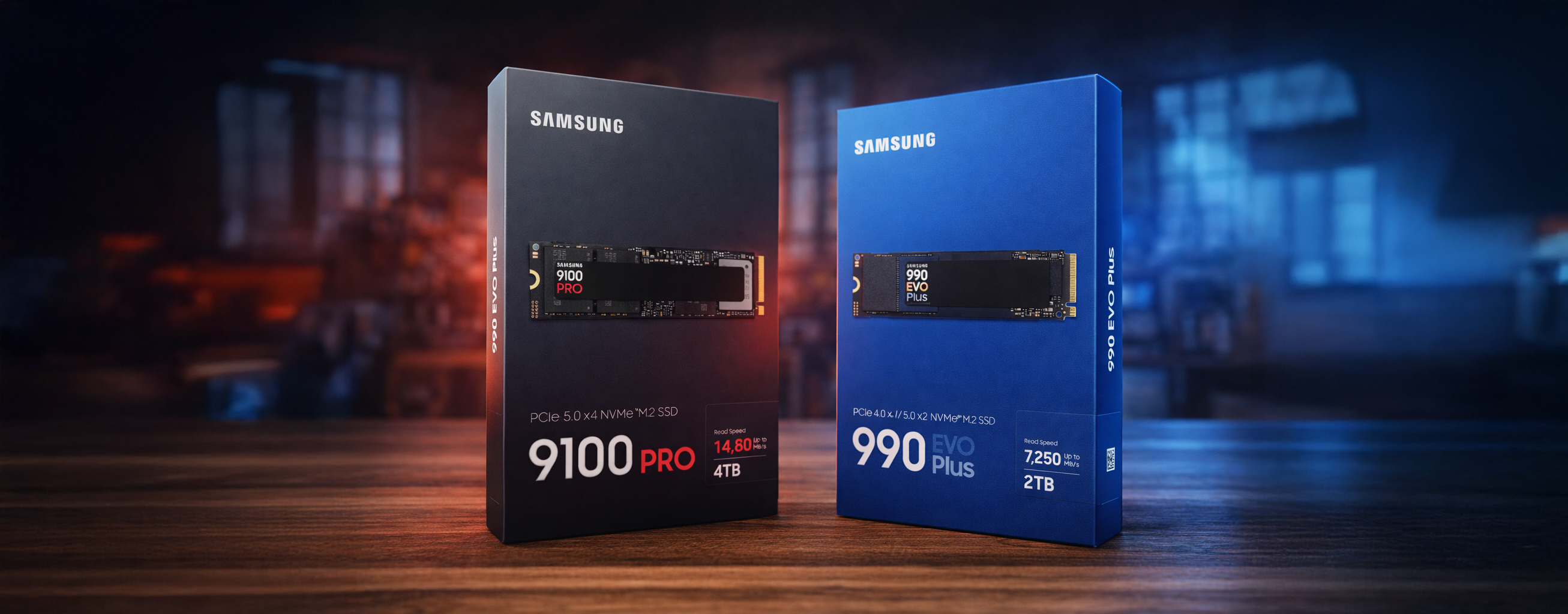
✅ The 2026 sweet spot: NVMe PCIe 4.0 (M.2)
- Performance already very high in real-world use (loading, patching, game copying)
- More reasonable pricing than PCIe 5.0
- Easier to manage temperatures
That’s exactly why today’s “gaming” selections still place Gen4s on best overall (random 4K / latency, not just the big sequential number).
PCIe 5.0 in 2026: useful… but not for everyone
PCIe 5.0 shows enormous sequential speeds, but in games, the difference is often small compared to a good Gen4. The real issue is that Gen5 drives can run very hot and throttle if cooling/airflow isn’t up to scratch.
Get it if:
- you also do heavy work (video editing, large transfers, professional projects)
- you want the top “future-proof” and you have a good M.2 heatsink / airflow
Otherwise: put the budget into capacity (at least 1–2 TB) rather than chasing Gen5 at any cost.
DirectStorage: the “real” reason to have an NVMe
DirectStorage exists mainly to reduce the CPU bottleneck and speed up asset access, but the gains depend on the games and how they’re implemented. Microsoft already lists clear prerequisites: NVMe + GPU DX12/Shader Model, etc.
👉 What to remember when buying: NVMe > SATA so you’re safe for upcoming games (and for Windows).
Capacity: the most common mistake in 2026
Games take up a lot of space, HD packs too, and you want to avoid filling your SSD to 90% (performance can drop, especially on certain models).
Simple recommendations :
- 1 TB: OK if you play 2–4 big games + e-sport
- 2 TB: the best comfort in 2026 (Windows + games + updates)
- 4 TB: if you install everything, or if you do capture/editing
DRAM, DRAM-less, HMB: how to decide without overthinking it
- A SSD with DRAM often keeps better performance over time (when the drive is full, when you chain multiple copies, and so on).
- Les SSD DRAM-less drives can do well thanks to HMB (Host Memory Buffer), which uses a little bit of your PC’s RAM to help with management.
Simple rule 2026:
- Main SSD (Windows + games) → ideally a good model (often with DRAM, or a premium DRAM-less drive that’s well known)
- SSD for library/storage → DRAM-less can be enough if the price/capacity is excellent
Cooling: don’t neglect the M.2 heatsink
- On many recent motherboards, you already have an integrated M.2 heatsink: use it.
- On PCIe 5.0, it’s almost mandatory to have a proper heatsink/good airflow.
And if you play on PS5?
Sony recommends an M.2 SSD PCIe 4.0 with 5,500 MB/s or more, and stresses the need for thermal dissipation (heatsink).
The FlowUP “checklist” (to follow to the letter)
If you want to choose in 30 seconds:
- M.2 NVMe PCIe 4.0 (default in 2026)
-
2 TB if you want to be worry-free
- M.2 heatsink (motherboard or SSD with heatsink)
- PCIe 5.0 only if you know why you’re buying it (creation/transfers)
In 2026, the best gaming SSD isn’t the one that shows “14,000 MB/s” on the box: it’s the one that gives you capacity, stable performance, and zero hassle day to day. For most builds: a very good Gen4 NVMe in 2 TB + a heatsink, and you’re perfectly set.