
By the FlowUP team, gaming PC builder in Genappe (Belgium) · Updated 30 September 2026
In short: for a gaming PC in 2026, go for a PCIe 4.0 NVMe M.2 SSD (up to around 7,000 MB/s), with at least 1 TB and ideally 2 TB. PCIe 5.0 (up to 14,800 MB/s) changes almost nothing in games, it’s only really worthwhile for heavy video editing and large file transfers. SATA is still fine for secondary storage, but not for the system.
The right choice for 90% of players: a PCIe 4.0 NVMe
A NVMe SSD plugs into an M.2 slot on the motherboard and uses the PCIe lanes, whereas a SATA SSD is limited by its interface to around 550 MB/s. With PCIe 4.0, good models read at about 7,000 MB/s, more than ten times faster.
In games, the difference between a good PCIe 4.0 and PCIe 5.0 is measured in seconds for loading times, not in frames per second. That’s why PCIe 4.0 is the right compromise in 2026: fast, affordable, and runs cool. Our PCs are also delivered with an M.2 SSD (1 TB on the Swift, Aqua V2 and Savannah, for example).
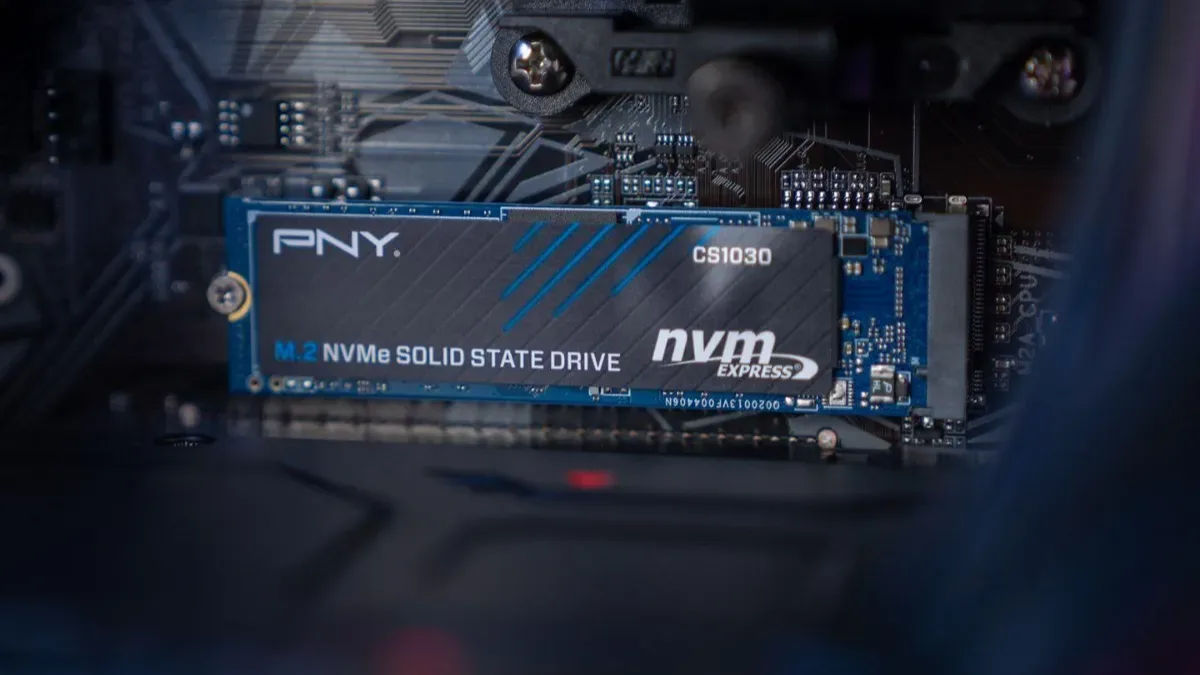
A NVMe M.2 SSD in one of our PCs: the standard format for the system and games in 2026.
SATA, PCIe 3.0, 4.0 or 5.0: the table
| Type | Read speed | For who? |
|---|---|---|
| SATA SSD | About 550 MB/s | Secondary storage, older PCs |
| NVMe PCIe 3.0 | About 3,500 MB/s | Good, but outdated in 2026 |
| NVMe PCIe 4.0 | Up to 7,450 MB/s (Samsung 990 PRO) | The best choice for gaming |
| NVMe PCIe 5.0 | Up to 14,800 MB/s (Samsung 9100 PRO) | 4K/8K video editing, large transfers |
Maximum speeds claimed by manufacturers. Sources: Samsung, consulted 30 September 2026.
What capacity should you choose?
That’s the most common mistake. Large recent games often exceed 100 GB: for example, the Call of Duty app asks for 161 GB of space at launch. With Windows, a few software programs, and three or four big games, a 500 GB SSD is full within a few weeks.
| Capacity | For who? |
|---|---|
| 1 TB | The minimum in 2026: system and a small game library |
| 2 TB | The right choice for most players |
| 4 TB and more | Big game library, content creation, video recording |
Good to know: an almost full SSD slows down. Keep 10-20% free space, and add a second SSD when you get close to the limit. If you’re torn between an HDD, read SSD or HDD in 2026.
DirectStorage: the real reason to go for an NVMe
DirectStorage is a Microsoft technology that allows the graphics card to load and decompress game data directly from an NVMe SSD, without routing everything through the processor. Compatible games load faster and handle large open worlds better. It was designed for NVMe SSDs, which can stream several gigabytes per second.
DRAM, DRAM-less, heatsink: the details that matter
The DRAM cache: high-end SSDs have a DRAM memory chip that speeds up small operations and keeps performance steady as the drive fills up. DRAM-free models (DRAM-less) use a bit of the PC’s RAM (HMB): they’re enough for gaming, but less so for large, repeated transfers.
The heatsink: a PCIe 4.0 or 5.0 NVMe heats up under heavy load and throttles if it exceeds its temperature limit. Use the M.2 heatsink on the motherboard when it’s available, it's essential for PCIe 5.0.
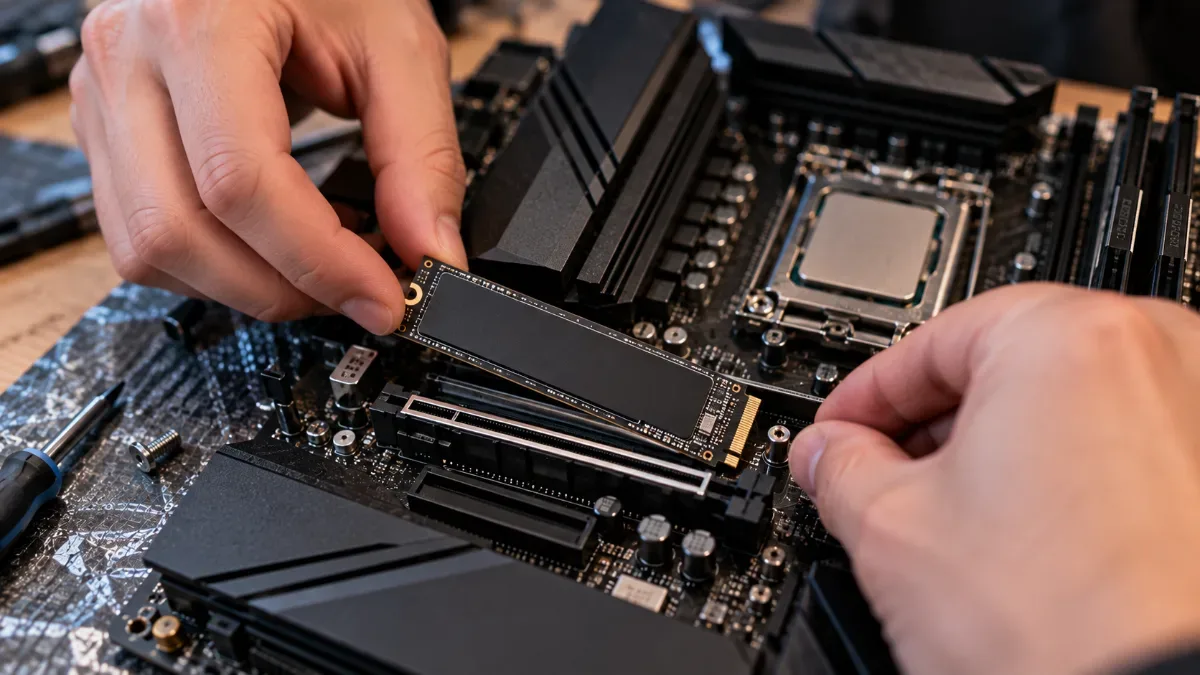
Installing an M.2 SSD: make sure you consider the heatsink provided with the motherboard.
And for a PS5?
The PS5 supports a PCIe 4.0 NVMe M.2 SSD in addition to its internal storage. Sony recommends a model with at least 5,500 MB/s read speed, equipped with a heatsink, in a format compatible with the console’s port, up to 8 TB. The details are on the PlayStation support page.
FlowUP priority access
stocks + good prices first
Our PCs, supplied with an M.2 SSD
Our gaming PCs come with an M.2 SSD for the system and games. A few examples:
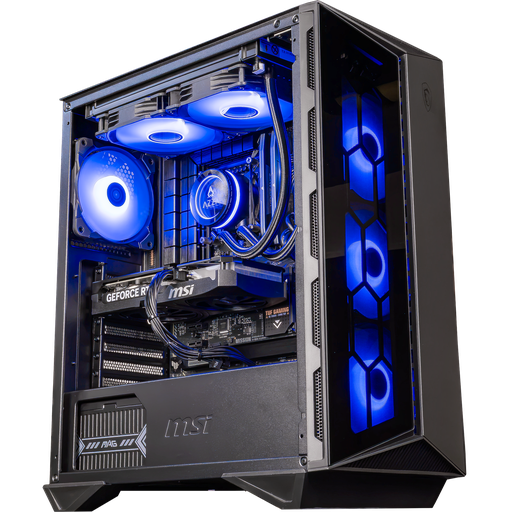
Swift PC: RTX 5060 Ti 16 GB
Core i5 14400F, RTX 5060 Ti 16 GB, 16 GB DDR5 and 1 TB M.2 SSD.
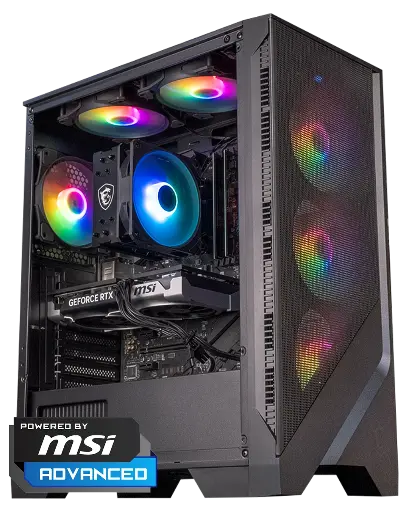
Savannah PC: RTX 5060 Ti 8 GB
Ryzen 7 5700X, RTX 5060 Ti 8 GB, 16 or 32 GB DDR4 and 1 TB M.2 SSD.
To understand what a PCIe 5.0 SSD really changes compared with PCIe 4.0, read our article PCIe: what is it, and do you need PCIe 4.0 or 5.0 to play.
FAQ: choose your SSD
Which SSD should you choose to game in 2026?
A PCIe 4.0 NVMe M.2 SSD, at least 1 TB and ideally 2 TB. It offers the best balance of speed, price, and temperature.
Is PCIe 5.0 worth it for gaming?
Not really: load times only improve by a few seconds at best, and the number of frames per second doesn’t change. It’s useful for heavy video editing and large transfers.
Does an SSD increase FPS?
No. It reduces loading times and limits certain loading stutters in open worlds, but the number of frames per second depends on the graphics card and the processor.
SSD with or without DRAM?
With DRAM if you do a lot of large transfers or content creation. For gaming, a good SSD without DRAM (HMB) is enough.
Do you need a heatsink on an NVMe SSD?
Yes for PCIe 5.0; recommended for PCIe 4.0. Use the one from the motherboard if it has one.
