
By the FlowUP team, gaming PC builder in Genappe (Belgium) · Updated 30 September 2026
In brief: to choose a laptop, base your decision on how you use it. For office work and studies, a low-power processor, 16 GB of RAM and a 512 GB SSD are enough, with good battery life. For gaming, you need a dedicated graphics card (RTX 5060 Laptop at least in 2026), a H or HX processor, a display of 144 Hz or more, and good cooling. In all cases: at least 16 GB of RAM and an SSD.
Step 1: define your use case
This is the question that determines everything else. A laptop for taking notes and browsing has nothing to do with a laptop for gaming or video editing: the first should be lightweight and long-lasting, the second should be powerful and well-cooled, even if that means it’s heavier and has less battery life.
And if you mostly game at home, ask yourself whether you should get a desktop PC: for the same budget it’s more powerful, quieter and easier to upgrade. We compare the two in why buy a desktop PC in 2026.
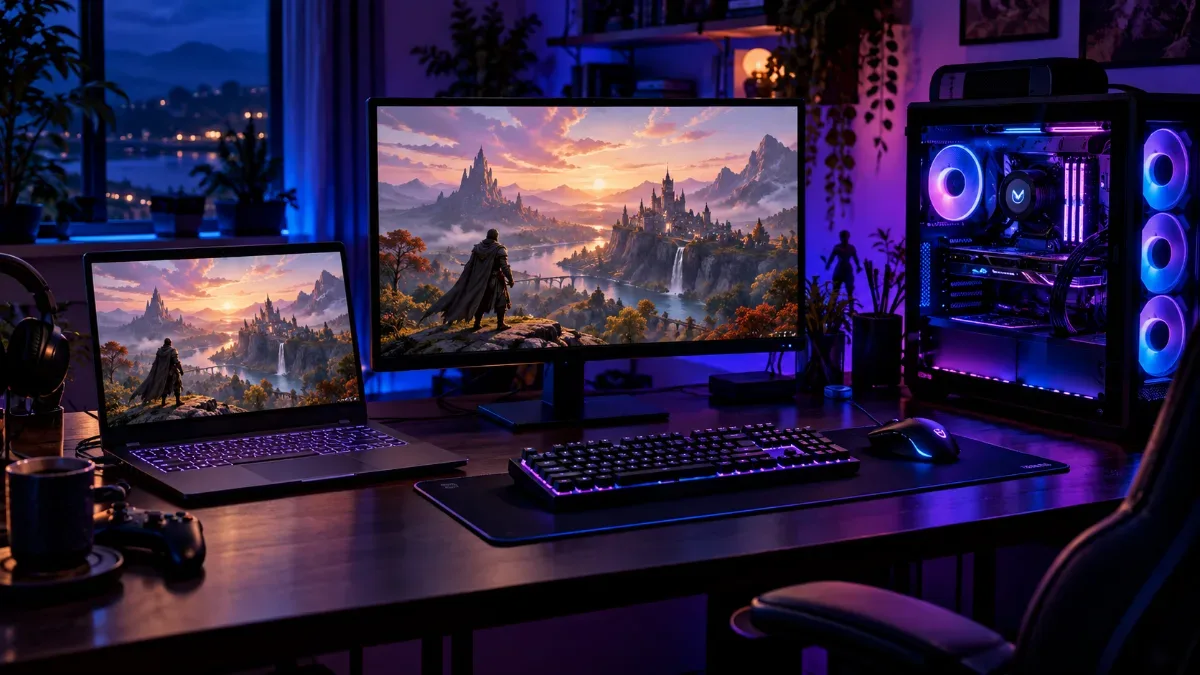
Laptop or desktop: it all depends on where you game and what you do with it.
| Use | Processor and graphics card | RAM | SSD | Priority |
|---|---|---|---|---|
| Studies, office work, browsing | Low-power processor (Intel Core Ultra, AMD Ryzen, Snapdragon X) | 16 GB | 512 GB | Battery life and weight first of all |
| Creation (photo, editing) | H processor, dedicated graphics card | 32 GB | 1 TB | Quality display (colours, resolution) |
| Gaming | H or HX processor, RTX 5060 Laptop or better | 16 to 32 GB | 1 TB | 144 Hz display or more, cooling |
Step 2: Screen size
A 14-inch laptop fits in any bag and stays lightweight, ideal for studying. The 15.6- and 16-inch models are the right compromise for most uses, including gaming. The 17-inch offers the best gaming comfort, but becomes quickly heavy to carry. In terms of resolution, Full HD is enough at 15.6 inches; at 16 inches, QHD (2,560 x 1,600) delivers a noticeably sharper image.
Step 3: the components that matter
- The processor: low-power models prioritise battery life, while H and HX versions prioritise performance. For gaming, choose an H or an HX.
- The graphics card: for gaming, a dedicated card is essential. Note that an “Laptop” RTX doesn’t have the performance of the desktop PC version with the same name, and its power also depends on the thermal envelope chosen by the manufacturer.
- Memory: at least 16 GB in 2026, 32 GB for creation. Check whether it’s soldered or replaceable.
- Storage: a minimum 512 GB NVMe SSD, 1 TB for gaming. See how to choose your SSD.
- The screen: at least 144 Hz for gaming, 240 Hz for competitive games.
Step 4: cooling, battery life and keyboard
A gaming laptop gets hot: it’s the trade-off for having a lot of power in a small space. Look at noise and temperature tests, and plan on a ventilated stand if you game often. A gaming laptop’s battery life is measured in hours for office work, but drops significantly when gaming: it’s plugged in to play.
Finally, check the keyboard: a laptop bought in France or Belgium should be in AZERTY, and a backlit keyboard is very handy in the evening. For ARM processors, read our article on the Snapdragon X, very durable but less suited to gaming.
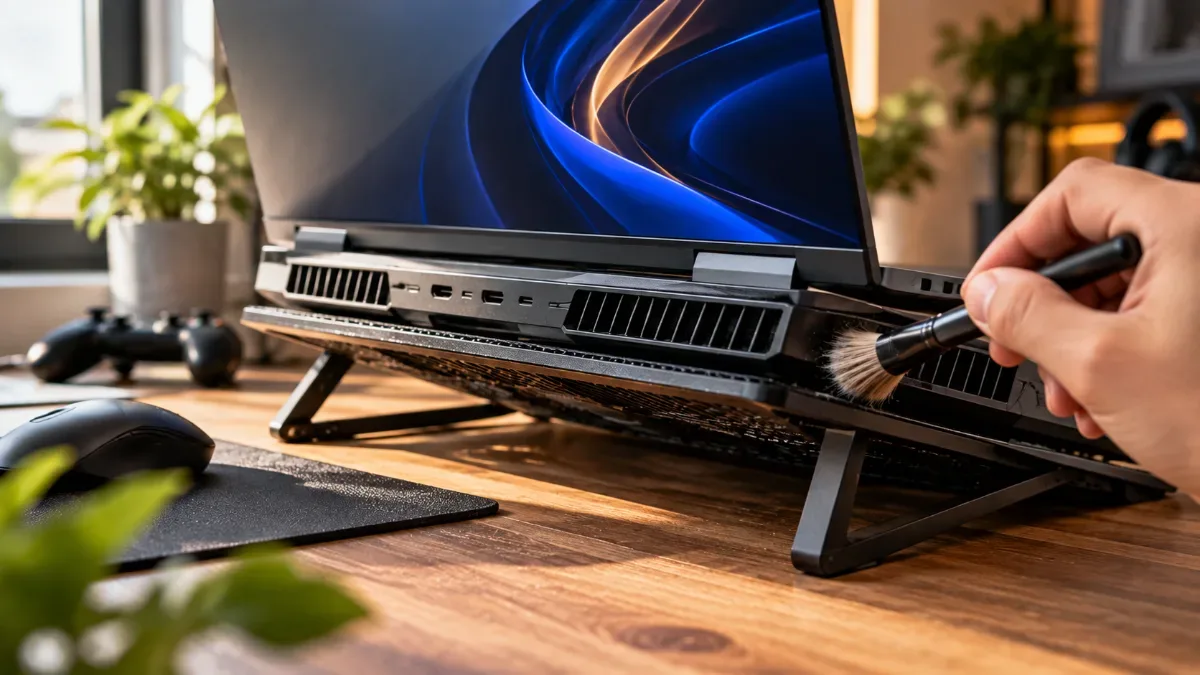
A ventilated stand helps a gaming laptop maintain its performance during long sessions.
Our MSI gaming laptops
We offer a selection of MSI gaming laptops, all with an AZERTY keyboard. The full range is in our category gaming laptops. Two examples :
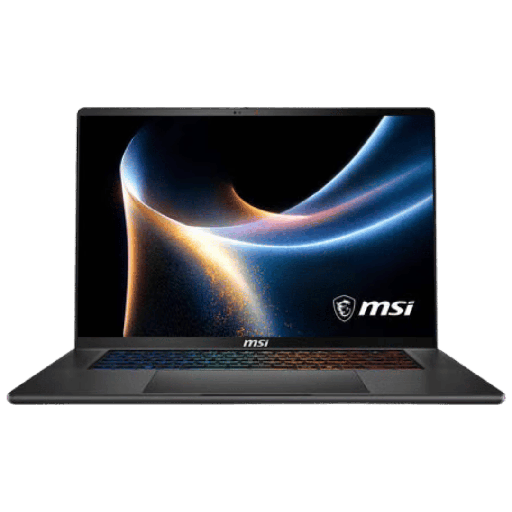
MSI Stealth AI+ 16: RTX 5060 Laptop
RTX 5060 Laptop, Core Ultra 9, 16 GB DDR5, 16-inch OLED QHD display at 240 Hz: high-end portable power.
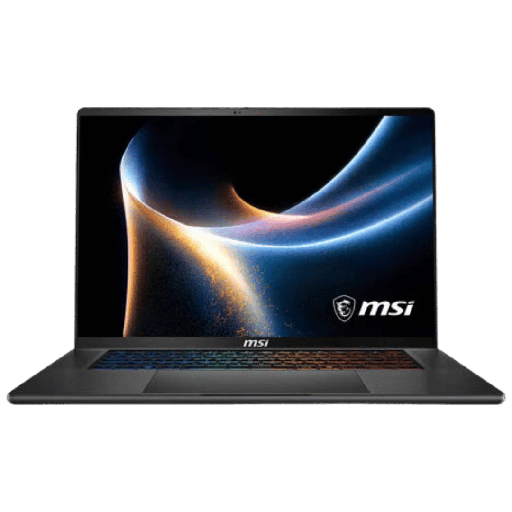
MSI Stealth AI+ 16: RTX 5070 Ti laptop
RTX 5070 Ti Laptop, Core Ultra 9, 16-inch QHD screen at 240 Hz and 1 TB SSD: a powerful and slim laptop.
FAQ: choosing a laptop
How to choose a laptop for gaming?
Aim for a dedicated graphics card (RTX 5060 Laptop or better), an H or HX processor, at least 16 GB of RAM, a 1 TB SSD and a 144 Hz or higher display.
How much RAM for a laptop in 2026?
At least 16 GB, 32 GB for content creation or if you keep your laptop for a long time.
What screen size should you choose?
14 inches for portability, 15.6 or 16 inches for a versatile use and gaming, 17 inches for home comfort.
Is an RTX Laptop card the same as the one in a desktop PC?
No. With the same model name, the portable version is less powerful, and its performance varies depending on the thermal envelope set by the manufacturer.
Portable or desktop PC for gaming?
If you mainly play at home, a desktop PC offers more power for the same budget and is easier to upgrade. A laptop is justified if you need to game or work while on the move.
