Your PC in instalments (up to 12x)
In 2026, an HDD is no longer the “main” drive of a gaming PC. For Windows, games and software, an NVMe SSD is essential.
On the other hand, the HDD is still ultra relevant for one thing: storing a lot cheaply, without filling up your SSD.
👉 The right 2026 habit: SSD for speed / HDD for capacity.
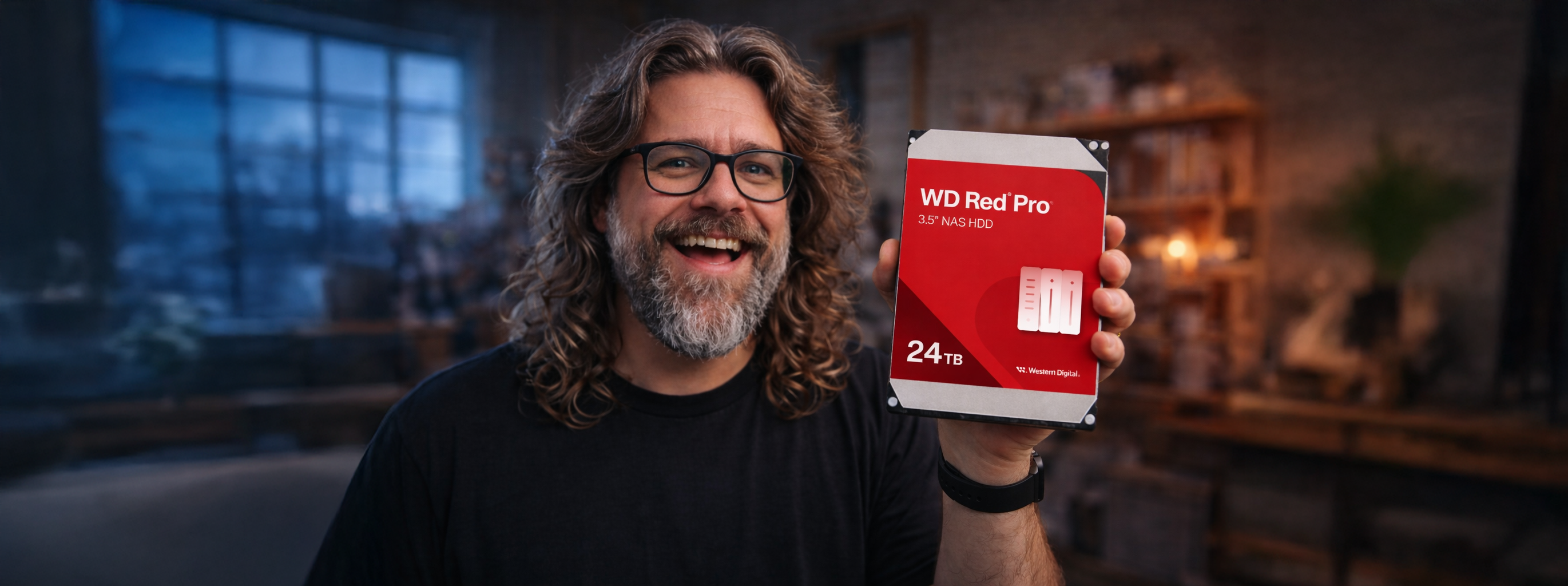
HDD: what is it for?
An HDD is a good choice if you want to:
- Archive (photos/videos, projects, exports, rushes)
- Store a large library (films, music, ISOs, backups)
- Keep a local backup copy (in addition to the cloud)
- Set up a NAS (network storage / Plex / automatic backups)
An HDD is a bad choice if you want to:
- Install Windows / your recent games / launch apps quickly
- Avoid micro-stutters in open worlds (streaming assets)
The #1 criterion: CMR vs SMR (you absolutely need to know this)
This is THE classic trap.
| Technology | What it’s for | To avoid / to prefer |
|---|---|---|
| CMR (standard) | Stable speeds, better for copying/writing, more reliable in “normal” use | ✅ Recommended (PC + NAS + backups) |
| SMR (shingled) | Can be OK for “cold storage” (archives) | ❌ Avoid for: large transfers, editing, NAS/RAID, frequent backups |
Simple rule: if you’re unsure → go for CMR.
3.5" or 2.5"?
| Format | Advantages | Ideal for |
|---|---|---|
| 3.5" | More capacity, better £/TB, often faster | Desktop PC, NAS, large storage |
| 2.5" | Compact, practical, often powered via USB (externally) | Laptop, portable external drive |
5400 vs 7200 RPM: what changes
- 7200 RPM: more responsive / better throughput — better if you copy often, do video editing, or regularly read large files.
- 5400 RPM: quieter / less heat — OK for archives and backups, but less “snappy”.
2026 tip: for a desktop “library + backups” setup, aim for 7200 RPM.
What capacity should you choose in 2026?
| Use | Recommended capacity |
|---|---|
| “Basic” storage (documents, light backups) | 2–4 TB |
| Game/video library + backups | 4–8 TB |
| Creation (4K/8K rushes, big projects) | 8–16 TB (or more, depending on your workflow) |
👉 If you have to choose between “faster” and “bigger”: on an HDD, capacity is often the best investment.
Internal vs external HDD
Internal (SATA)
- simple, neat inside a desktop PC
- perfect as a “storage drive”
External (USB)
- handy for backups and for carrying around
- go for a reliable enclosure/solution (and avoid knocks: an HDD doesn’t like that)
HDD & gaming: the 2026 truth
Yes, you can store games on an HDD… but:
- loading times go through the roof
- recent open worlds can stutter (assets being streamed)
- patches/updates are more painful
👉 The right strategy:
- SSD: Windows + “current” games
- HDD: games you rarely launch + archives + captures/recordings
without the hassle
| Profile | HDD recommendation 2026 |
|---|---|
| Classic gamer | 4 TB CMR 7200 RPM (storage + captures) |
| Gamer + big backlog | 8 TB CMR (library + backups) |
| Streamer / creator | 8–16 TB CMR 7200 RPM + external backup |
| Home NAS | Dedicated NAS drives in CMR (avoid SMR) |
In 2026, the HDD isn’t dead: it has simply changed roles. It’s the king of massive storage, but it no longer replaces an SSD for everyday use.
Good idea: the external SSD (the best alternative to a “portable” HDD)
If you’re looking for portable storage (to carry around in a bag), an external SSD is often a better choice than an HDD.
Why an external SSD rather than an external HDD?
- Much faster: shorter transfers, near-instant file opening (ideal for games, projects, video exports, quick backups).
- More resilient: no mechanical parts → it handles shocks and vibrations better (an external HDD can fail after a bad drop).
- More compact and lighter: perfect for everyday use.
- Quieter and generally runs cooler in normal use.
The only real advantage of an external HDD
- Price per GB: for storing huge amounts (8–20 TB) at the lowest cost, the HDD still can’t be beaten.
✅ Simple recommendation :
- External SSD = frequent backups + portability + speed
- External HDD = “cold storage” archives (you only plug it in rarely)
Typical example: an external SSD 1–2 TB (USB 3.2 Gen2) for your backups and fast projects, and an HDD for mass archiving.