
How to choose the right gaming PC in 2024?
Making the right choice of a gaming PC in 2024
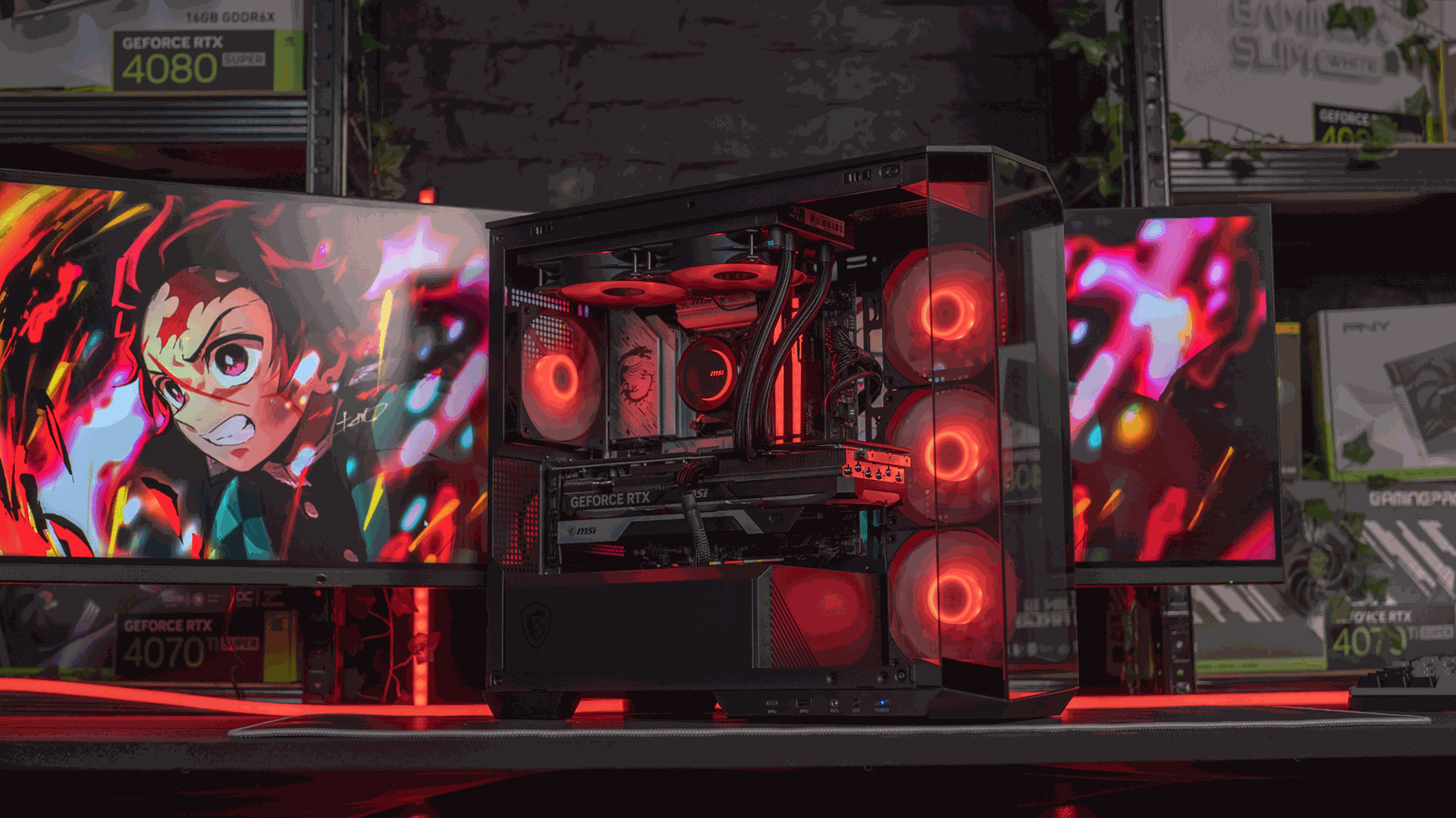
The importance of choosing the right gaming PC
We know that choosing a gaming PC in 2024 is absolutely crucial for every video game enthusiast. With constant technological advances such as DLSS 3.5 ray tracing, players are faced with a wide range of components—each one having a direct impact, more or less significant, on the gaming experience.
Whether you’re an IT “casual”, a newbie, or a hardcore gamer, choosing the right gaming PC can completely transform your experience by delivering smooth performance and absolutely stunning graphics.
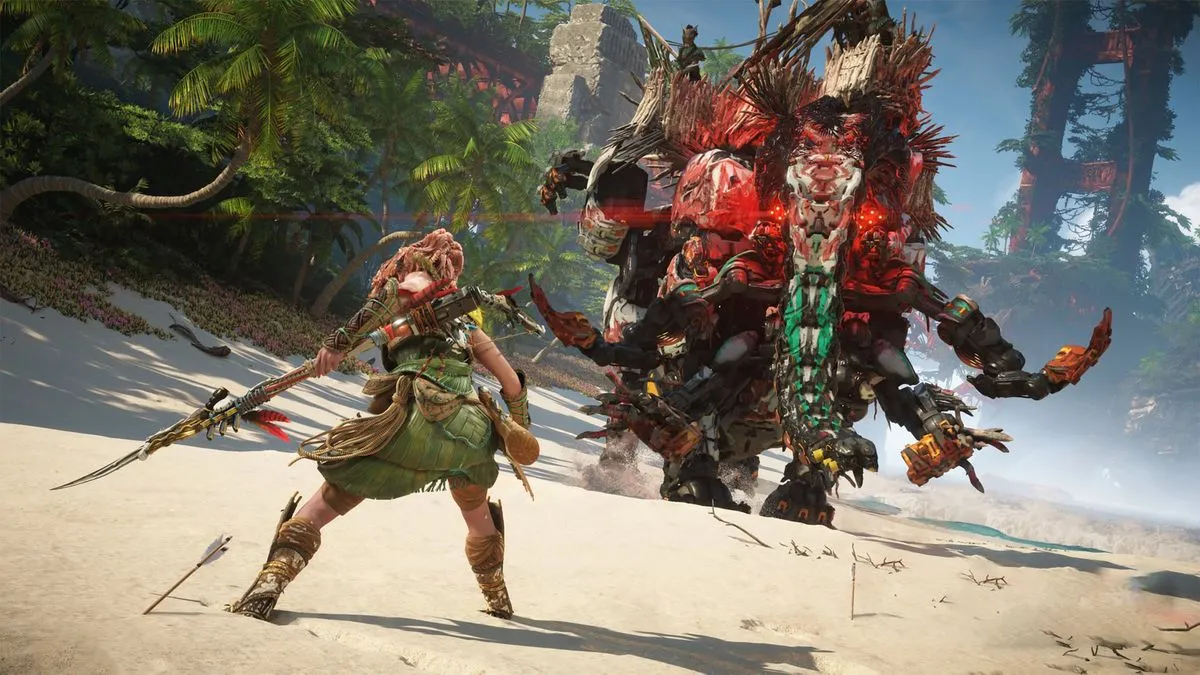
A poor choice, on the other hand, could limit your gaming capabilities—especially with this year’s most demanding titles—or make you waste money on a machine that will be obsolete within one or two years.
The technological breakthroughs of 2024 in gaming
2024 is a year marked by the release of powerhouse components in the gaming world.
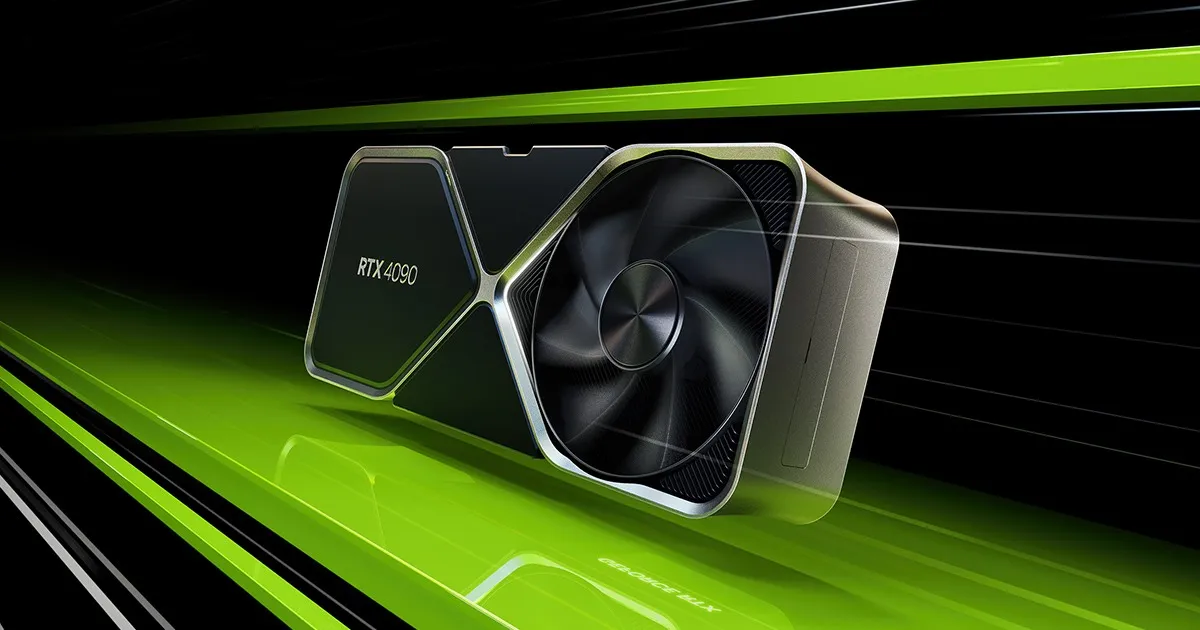
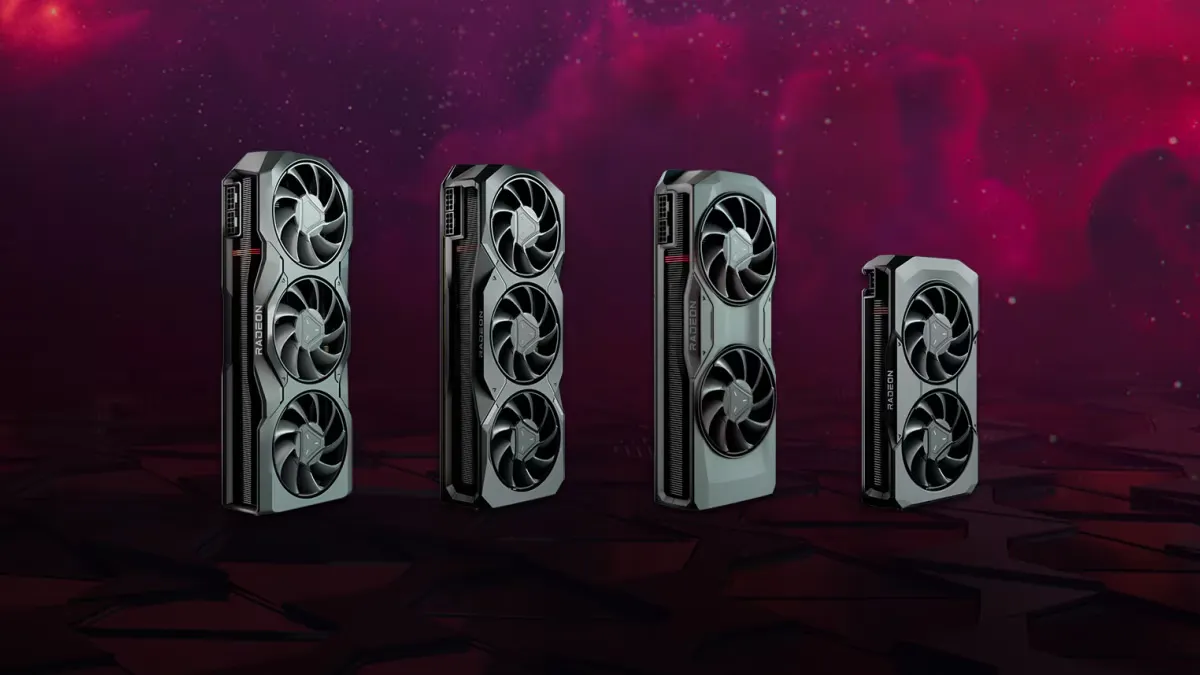
The latest-generation processors and graphics cards, such as the AMD Ryzen 9000 & Intel 14th generation, along with NVIDIA RTX 4000 Series and AMD Radeon 7000 Series, dominate the market, delivering unprecedented performance.
Advances in DDR5 RAM and NVMe PCIe 4.0 storage also enable faster speeds and improved responsiveness.
In addition, technologies such as ray tracing, now better optimised, and AI significantly improve graphics and the immersion of games. These new technologies should be taken into account when choosing your gaming PC to ensure an optimal gaming experience.
Define your gaming needs
Game types and hardware requirements
The first criterion to consider when choosing your gaming PC is the type of games you play. AAA games, such as action-adventure titles or realistic simulations, are extremely demanding on resources, requiring powerful processors and high-end graphics cards.

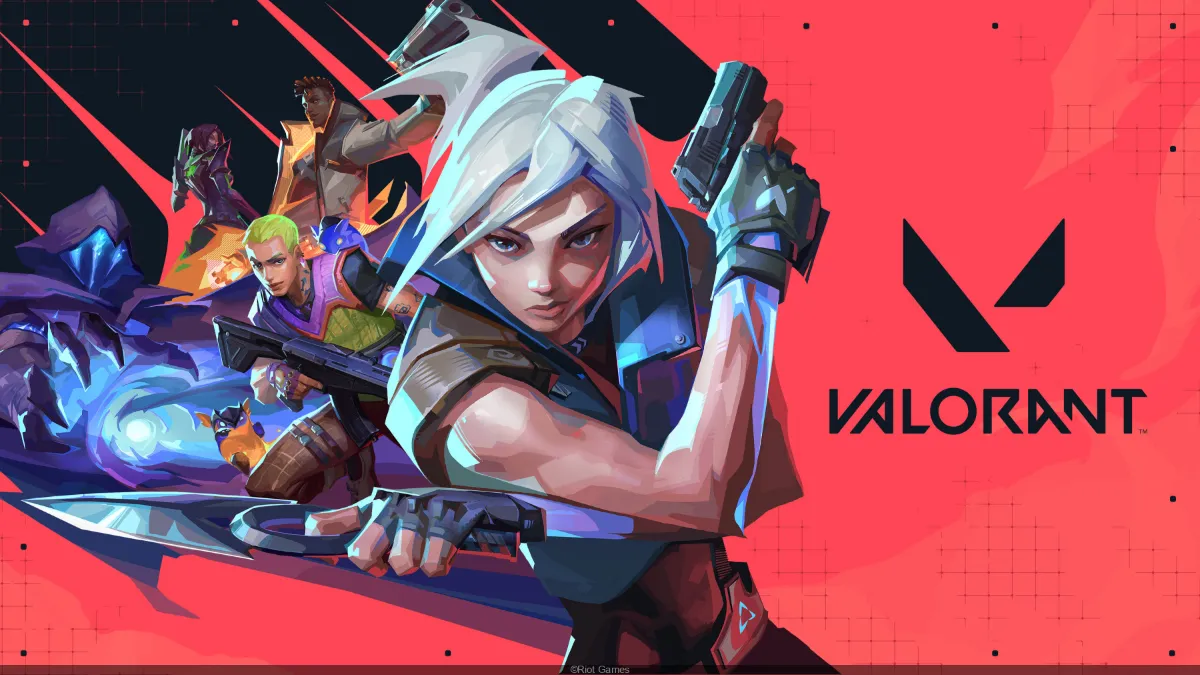
On the other hand, lighter games or esports titles, such as League of Legends or Valorant, can get by with more modest configurations. These are so-called “FPS” games (apart from League of Legends, which is a MOBA), where you’ll be able to get ... loads of FPS.
What’s certain is that in 2024, it’s essential to properly assess the minimum and recommended game specifications you plan to play to choose a suitable configuration.
Desired resolution and refresh rate
The resolution of your screen and the refresh rate are crucial elements that directly influence the performance your PC needs. (the refresh rate also represents the maximum limit of FPS that are actually displayed).
Full HD (1080p) was the standard for many years (it still is); however, many players are moving up to QHD (1440p).
If you’re aiming for 1440p, choose mid-range graphics cards such as the RTX 4070 Super/ RTX 4070 Ti Super, or their competitors AMD RX 7800XT or 7900GRE.
For 4K, you’ll need a very powerful graphics card, such as a NVIDIA RTX 4080 or RTX 4090, or an AMD 7900XTX, to keep a high refresh rate.
Want to discover the best PCs in the game ?
For competitive players, a refresh rate of 144 Hz or higher is often essential for a smooth experience, which also places extra demands on the graphics card and processor.
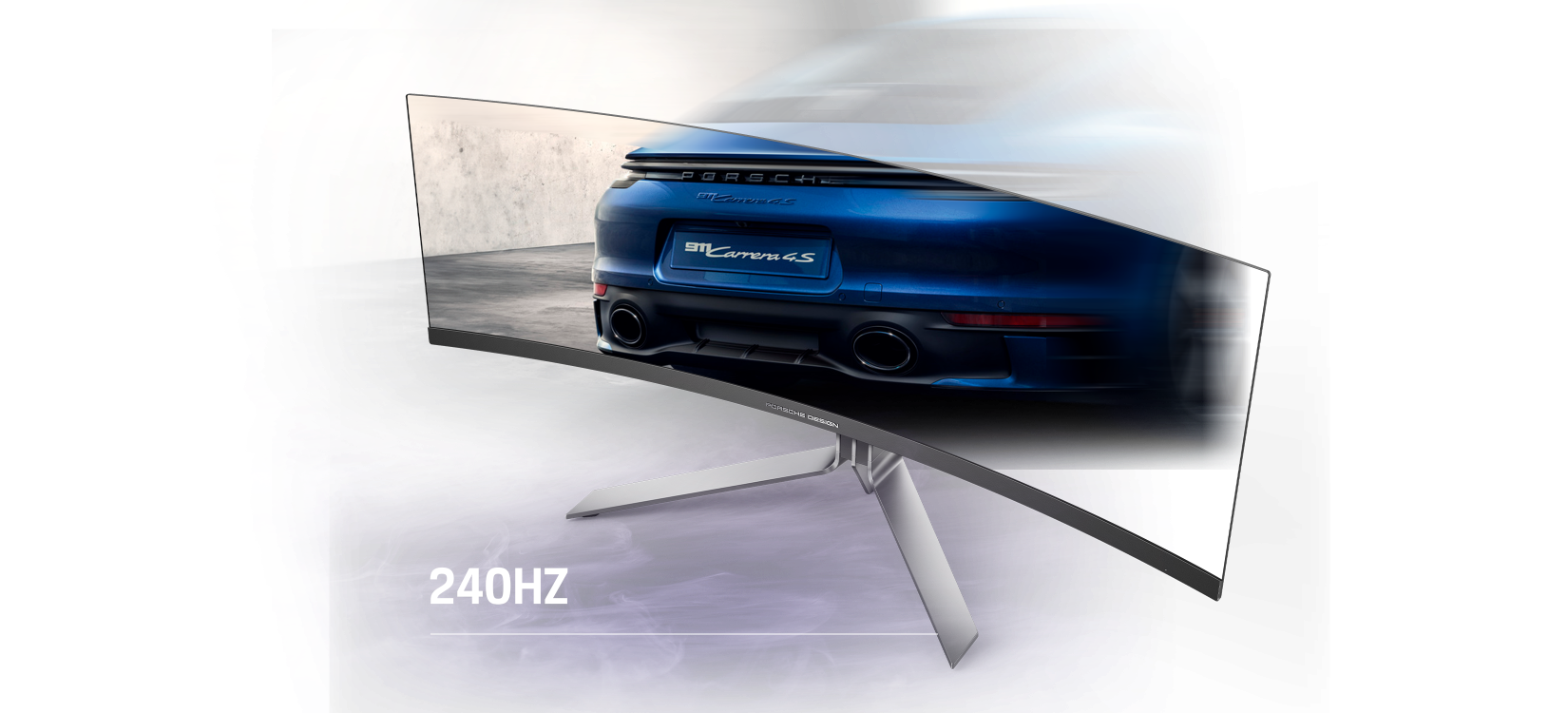
In 2024, these factors are more important than ever for total immersion.
Multitasking and other uses
Apart from gaming, many users use their PC for other tasks, such as streaming, video editing, 3D or programming.
If you’re planning to do heavy multitasking, it’s recommended to go for a fairly powerful processor such as the i7 14700KF or the i9 14900KF, alongside a good amount of RAM (32 GB or more).

On the AMD side, people would rather look at the AMD Ryzen 7 7850X3D or AMD Ryzen 9 7950X.
These specifications will ensure a smooth experience without slowdowns, even when several demanding applications are run simultaneously.
Understanding the key components of a gaming PC
Processor (CPU)
The latest processors in 2024
The processor is the brain of your gaming PC, and in 2024, the latest processor generations deliver top-tier performance.
AMD Ryzen 7000 & 9000 processors, as well as Intel Core 14th-generation chips, dominate the market, with high clock speeds and an increased number of cores to handle the most demanding games.
These processors are particularly well-suited to multitasking and games that make use of multiple cores, providing a smooth, responsive gaming experience.
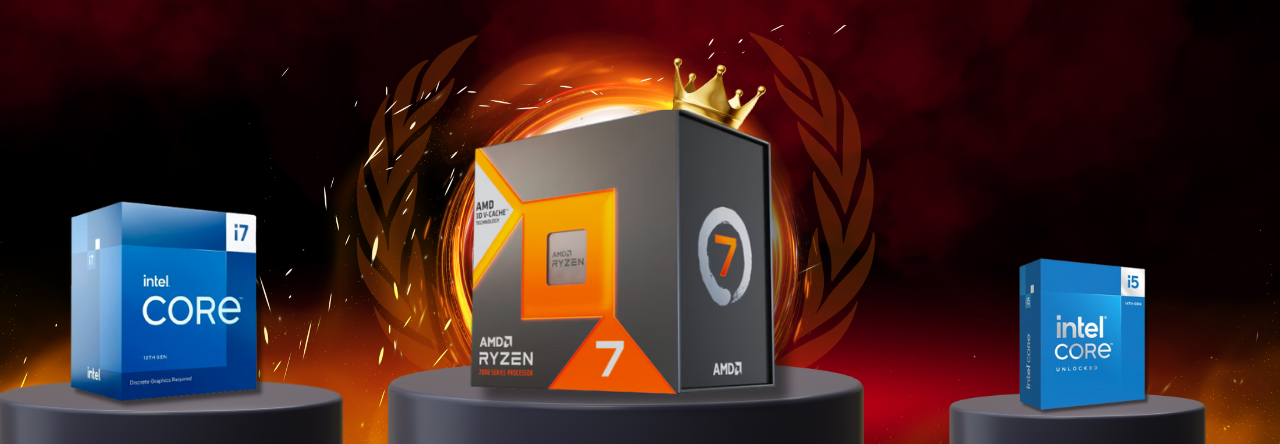
Our top picks for gaming go respectively to AMD Ryzen 5 5600, to Intel i5 14600KF and to AMD Ryzen 7 7800X3D 👑.
Intel vs AMD comparison
The choice between Intel and AMD remains a divisive debate topic among gamers.
Intel, with its 14th-generation processors, continues to stand out thanks to its single-core performance, which is ideal for games that require a lot of processing power per core.
AMD, for its part, offers processors such as the Ryzen 7 7800X3D, which excels in multi-core-optimised games thanks to an innovative architecture and efficient thermal management.
So the choice will depend on the type of games you play and your personal preferences.
Graphics card (GPU)
GPU updates in 2024
In 2024, graphics cards have hit new heights with the introduction of NVIDIA RTX 4000 and AMD Radeon RX 7000 series.
These GPUs deliver exceptional performance, allowing you to play in full HD, QHD and 4K with high refresh rates and advanced graphics effects such as ray tracing.
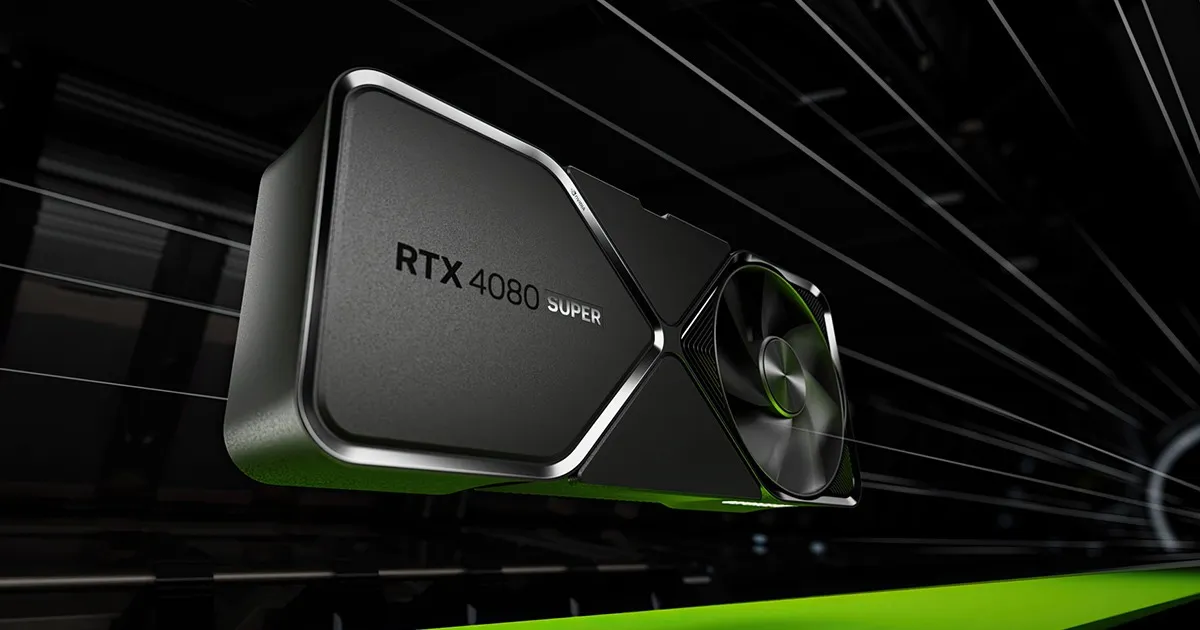
The NVIDIA RTX 4080 Super, for example, is ideal for gamers looking to combine high performance with energy efficiency, while the AMD Radeon RX 7900 GRE stands out for its excellent performance-to-price ratio.
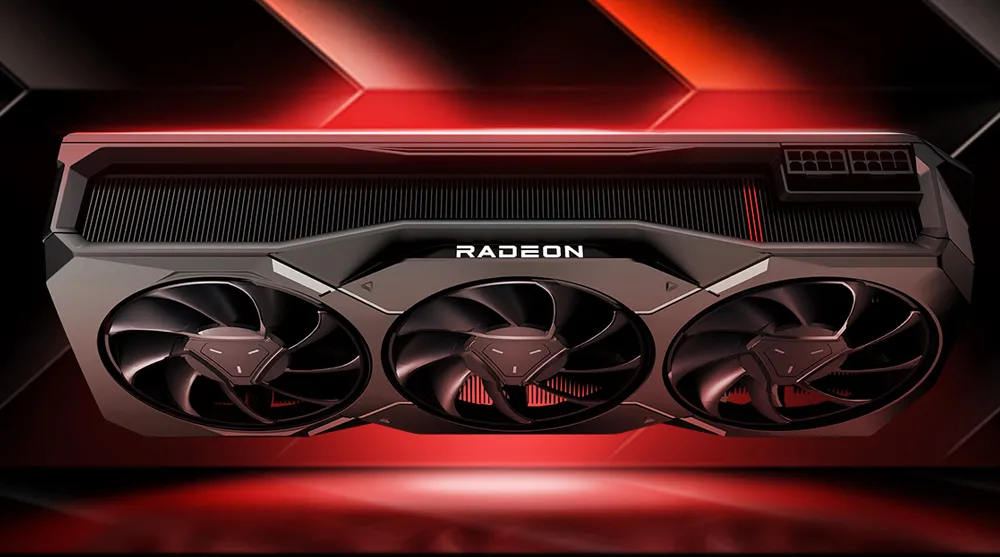
NVIDIA vs AMD comparison
NVIDIA and AMD are still fighting for the top spot when it comes to graphics cards. NVIDIA is often preferred for its proprietary technologies such as ray tracing and DLSS, which significantly improve game visuals and smoothness.
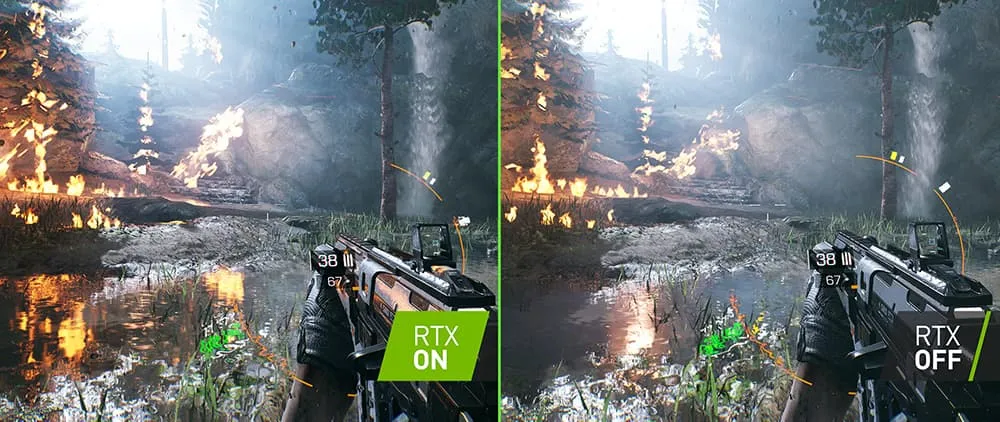
AMD, on the other hand, offers more affordable cards with impressive raw performance, especially at higher resolutions.
In 2024, choosing between these two brands will depend mainly on your budget and the specific features you prioritise for your games.
Watch out for bottlenecks!
The bottleneck in a PC refers to a situation where a component—usually the processor (CPU) or the graphics card (GPU)—limits the system’s overall performance. For example, if you have a very powerful graphics card but a weaker processor, the CPU may not be able to process the data sent by the GPU quickly enough, which in turn limits game performance. A bottleneck therefore prevents the system from reaching its full potential, because the slowest component holds the others back.
To avoid this, it’s important to choose balanced components, where every part can work effectively with the others.
Random-access memory (RAM)
How much RAM should you choose?
RAM is an essential component for ensuring smooth gameplay, especially when multitasking.
In 2024, 16 GB of DDR4 RAM is considered the minimum for modern games, offering a good balance between performance and cost.
However, if you plan to stream or use heavy background applications, 32 GB of RAM can be a sensible choice to prevent any slowdowns.

The importance of frequency and timings
In addition to the amount of RAM, the RAM’s frequency and timings also play a crucial role.
In 2024, DDR5 memory with a frequency of 6000 MHz or higher is starting to become the norm for high-end configurations.

High-frequency RAM with tight timings improves overall performance, especially by reducing latency times, which is particularly beneficial in competitive gaming where every millisecond counts.
Storage
SSD vs HDD: what should you choose in 2024?
In 2024, the choice between SSD and HDD is strongly in favour of the SSD, particularly NVMe PCIe 4.0 models, which deliver far higher read and write speeds than traditional HDDs.
SSDs significantly reduce loading times for games and the operating system, providing a much smoother user experience.
HDDs, however, remain an option for low-cost mass storage, but it’s recommended to use them alongside an SSD for games and applications.
Recommended storage capacity for gamers
Storage capacity is another key factor to consider. With modern games getting bigger, a 1TB SSD is often recommended as the basis for a gaming setup. (For example, Call of Duty Modern Warfare III requires around 150GB.)
For those who have a large game library or who want to store videos and other media, a 2TB SSD or more, paired with a high-capacity HDD for secondary storage, offers a balanced solution between space and performance.
Motherboard
Compatibility and upgradability
The motherboard is the heart of your PC, linking all the components together.
In 2024, it’s crucial to choose a motherboard that supports the latest standards, such as the PCIe 5.0, to ensure compatibility with future components. The AM5 sockets for AMD and LGA 1700 for Intel are the most common this year.
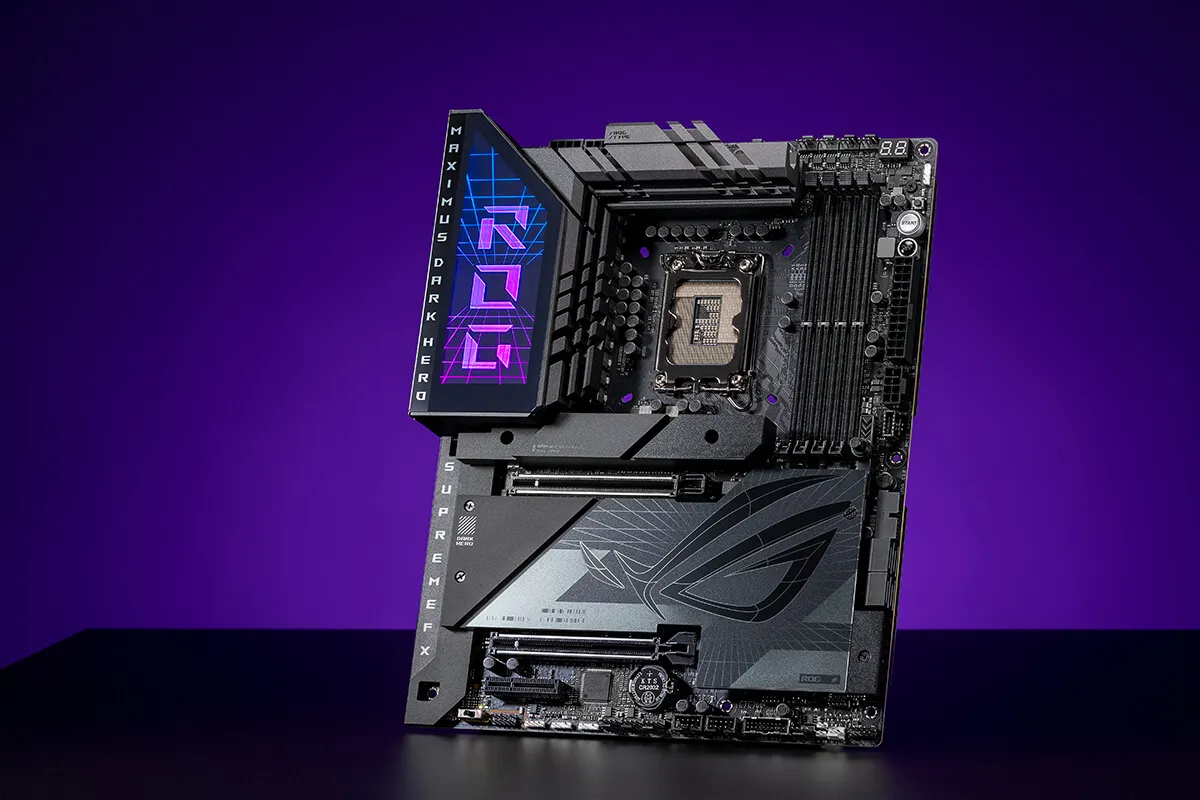
Also, make sure your motherboard has enough slots for RAM and storage, as well as connectivity options like USB 4.0 and Wi-Fi 6E to guarantee maximum upgradability.
Additional features to consider
Aside from compatibility, some extra features can make a real difference to your gaming experience. High-end motherboards often include options such as built-in RGB, a better thermal management system, or even high-quality sound cards for full immersion.
It’s also important to check the quality of the power phases (VRM) for a stable CPU power supply, especially if you’re considering overclocking.
Power supply (PSU)
How do you calculate your power needs?
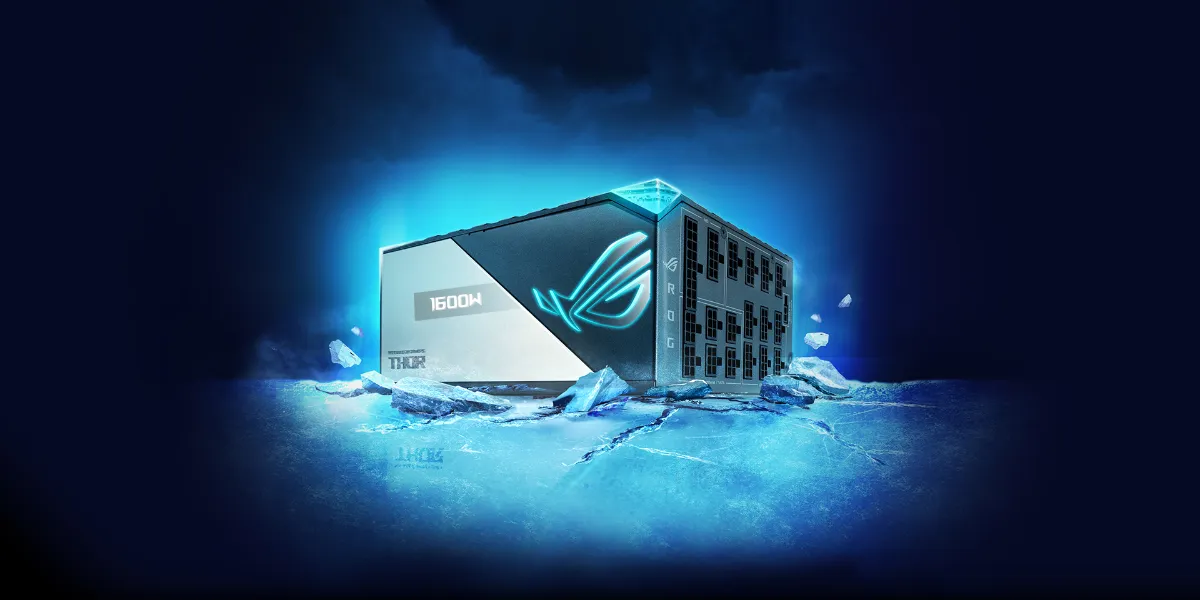
The choice of power supply is often underestimated, but it is crucial to ensure stability and longevity for your gaming PC. To work out the required wattage, you need to factor in the power draw of all your components, especially the graphics card and the processor, which are the most power-hungry.
In 2024, a 650W to 750W power supply is generally enough for most gaming setups, but for systems with high-end graphics cards such as the RTX 4090, a 850W to 1000W unit is recommended.
The importance of energy efficiency
Your power supply’s energy efficiency, often expressed through the 80 PLUS certification (Bronze, Silver, Gold, Platinum, Titanium), is also an important criterion. A power supply with a high certification not only consumes less energy, but it also produces less heat, helping to deliver better system stability.
In 2024, power supplies certified 80 PLUS Gold are a good compromise between cost and efficiency, ensuring a stable and long-lasting power supply for your gaming PC.
Case
Choosing the case size and form factor
The case is a component that’s often overlooked, but it plays an essential role in building a gaming PC.
In 2024, cases are available in several form factors: ATX, Micro-ATX, and Mini-ITX. The ATX format is the most common, offering enough space for components and good cable management.
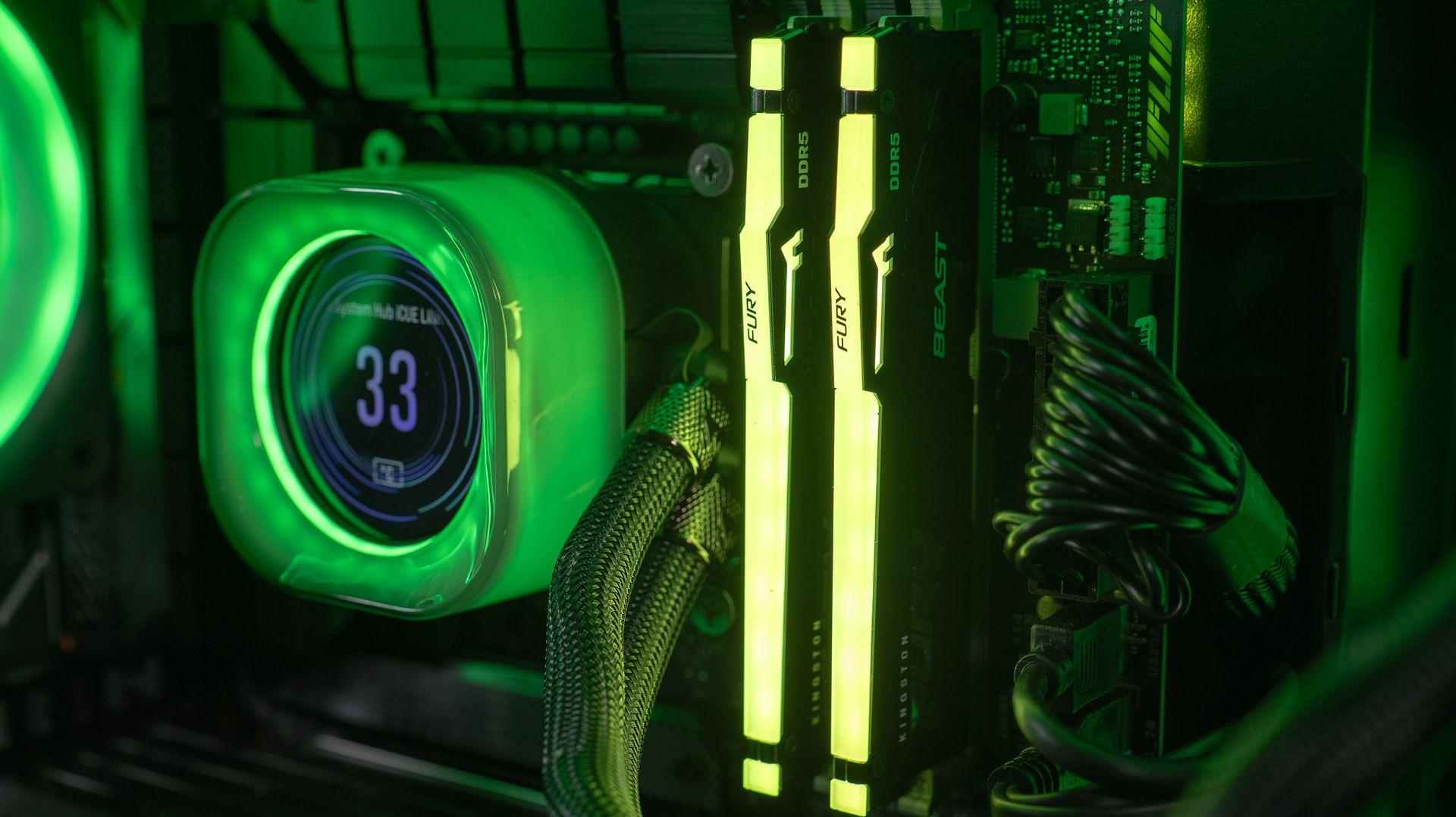
However, if you’re looking to build a more compact PC, Micro-ATX or Mini-ITX formats may be more suitable, even though they require trade-offs in terms of the number of expansion slots and drive bays.
Aesthetics vs cooling and airflow
Along with size, aesthetics and ventilation are two crucial aspects to consider when choosing a case. Modern cases often come with tempered glass panels and RGB lighting for a personalised look.
However, it’s essential not to sacrifice ventilation for aesthetics. A good airflow is necessary to keep temperatures low, especially with the powerful components of 2024.
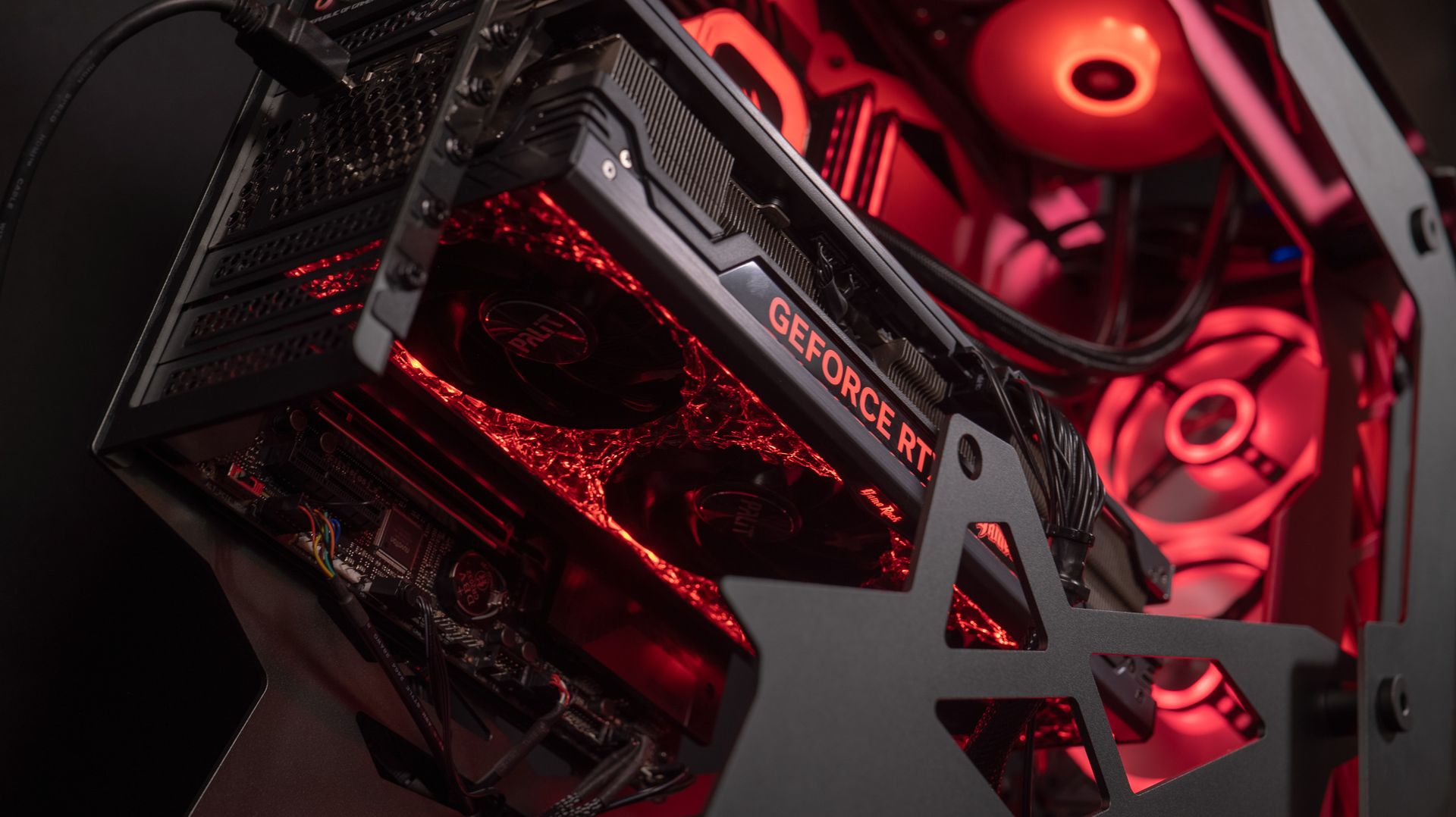
Cases with dust filters, pre-installed fans, and an interior layout optimised for airflow are the ones to favour to ensure the longevity of your components.
Gaming monitors to enhance the gaming experience
Gaming monitor
Size, resolution and refresh rate
The screen is one of the most important peripherals for a player, because it directly influences your visual experience.
In 2024, gaming monitors come in a range of sizes and resolutions, from 1080p to 4K. The size of the screen will depend on your gaming space and your personal preference, with popular options ranging from 24 to 34 inches.

The refresh rate is also crucial; for competitive games, a monitor with a refresh rate of 144 Hz or higher is recommended for maximum smoothness.

In addition, technologies such as NVIDIA’s G-Sync and AMD’s FreeSync allow you to sync the monitor’s refresh rate with that of the graphics card, eliminating screen tearing and delivering a smoother gaming experience.
Budget and value for money
Set a budget for a gaming PC
Setting a budget is a crucial step when buying a gaming PC. In 2024, builds can vary significantly depending on the components you choose.
For a mid-range gaming PC capable of running the majority of games in 1080p, a budget of between €700 and €1,000 may be enough.
If you’re aiming for 1440p, your budget should be between €1,200 and €2,000 to run even the biggest games with a high number of FPS.
Finally, for 4K with high refresh rates, the budget can quickly rise from €2,000 to €4,000, or even more for custom, ultra-high-end builds with the latest graphics cards RTX 4080 or 4090.
It’s important to clearly define your priorities so that you can allocate your budget in the most optimal way, by putting more resources into the components that will have the biggest impact on your gaming experience.
Tips for getting the best value for money
To get the best value for money, it’s essential to compare components and keep an eye out for promotions. In 2024, some components such as graphics cards or processors may see their prices fluctuate depending on demand and availability.
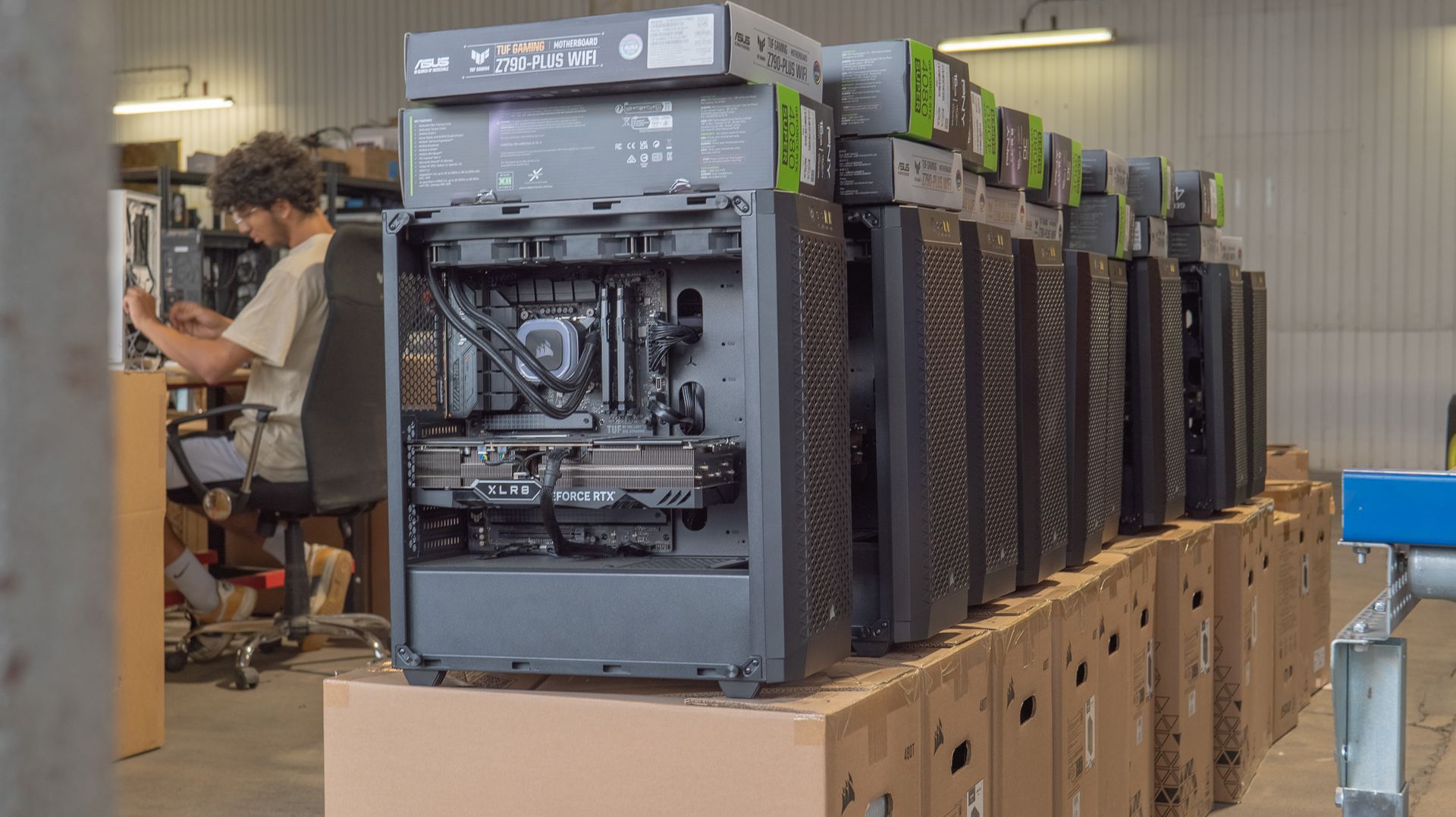
What’s more, it may be wise to invest more in components that offer greater longevity, such as a good power supply or an upgradable motherboard, and to compromise on less critical aspects, like the case aesthetics or certain peripherals.
Pitfalls to avoid when buying
Buying a gaming PC can be complex, and it’s easy to fall into certain traps. In 2024, one of the most common traps is to be tempted by deals that are too good to be true, often on unreliable platforms.
It’s essential to buy your components, or a built PC, from reputable retailers to avoid counterfeits or low-quality components.
In addition, be wary of overly unbalanced builds, such as a PC pairing a high-end graphics card with a processor or a power supply that’s not up to scratch, which could lead to bottlenecks or failures.
Warranties, returns and after-sales service
When buying a gaming PC, it’s crucial to check the warranties offered by the retailer.
In 2024, most components come with a warranty of at least 2 years, and some, such as power supplies or motherboards, can be covered for up to 5 years. After-sales service is also an important factor to consider, especially if you choose a built PC.
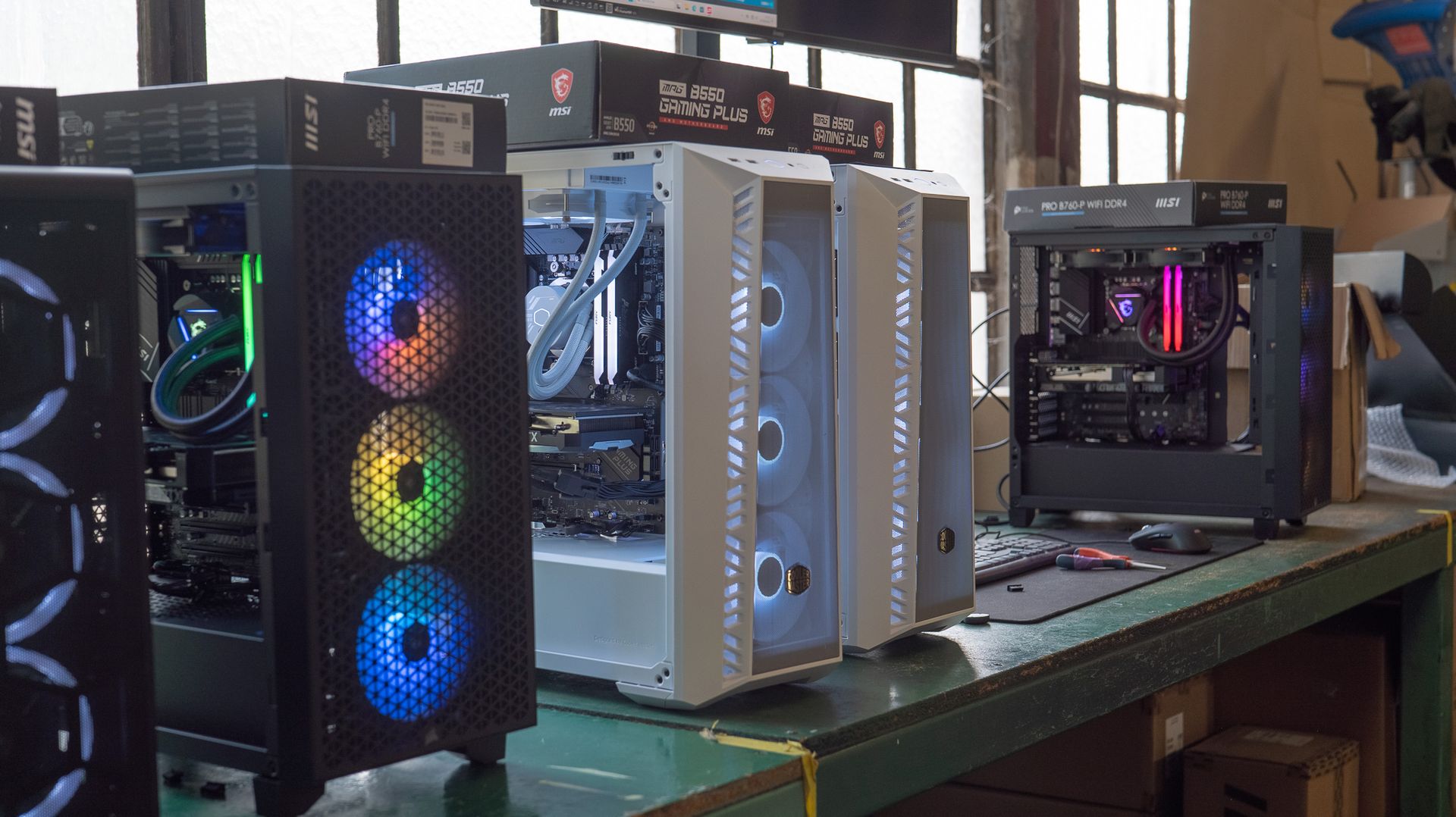
Make sure the retailer offers responsive technical support and return or exchange options if something goes wrong. Customer reviews and testimonials can be good indicators of the quality of after-sales service.
Conclusion
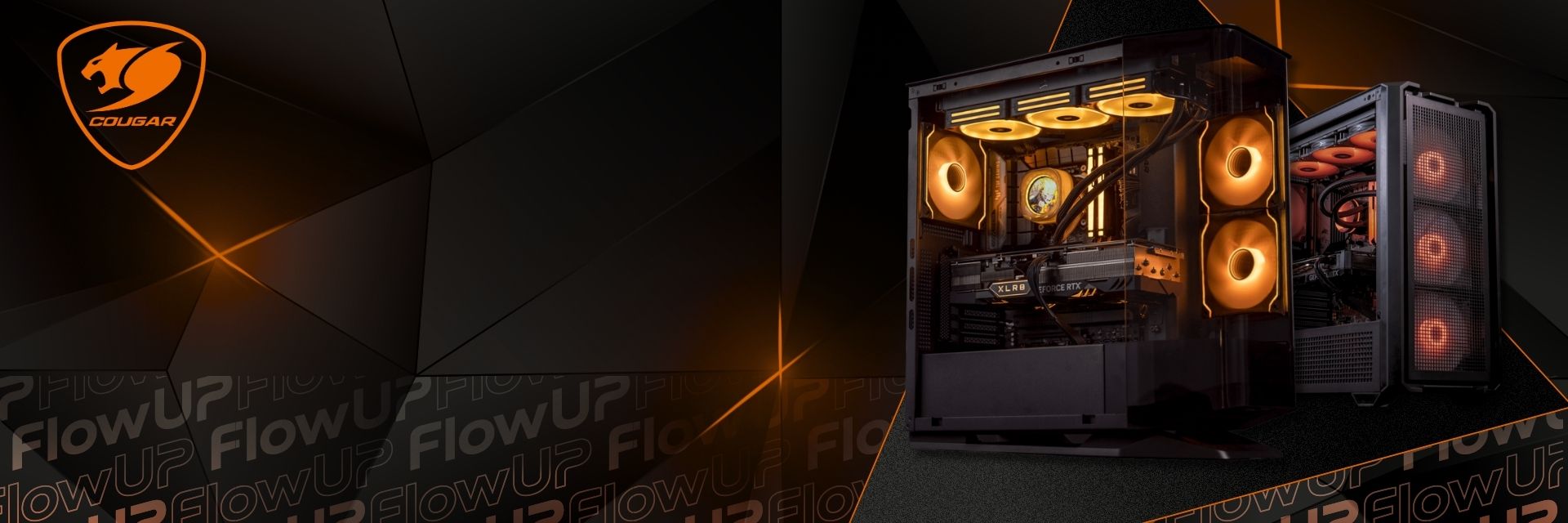
Summary of the key points for choosing your gaming PC
Choosing the right gaming PC in 2024 requires a deep understanding of components and their performance. From selecting the processor and graphics card to the importance of the case and peripherals, every element plays a crucial role in your overall gaming experience.
It’s essential to define your specific needs, whether it’s the type of games, the resolution you want, or the other intended uses, so you can optimise your setup. By taking your budget into account, looking at the value for money, and avoiding common pitfalls, you can build or buy a PC that will deliver lasting performance and an exceptional gaming experience.
The importance of making a well-considered choice for an optimal gaming experience
In 2024, the market for gaming PCs is more dynamic and varied than ever. Making a well-thought-out choice, taking into account the latest technological innovations and your personal needs, is essential to get the most out of your investment.
A well-chosen and well-maintained PC can not only provide a smooth, immersive gaming experience, but also evolve with you over the years—enabling easy upgrades and greater long-term longevity.
Take the time to assess your options properly, and don’t hesitate to consult experts or online resources to make the best possible choice.
You’ll find all these criteria applied concretely in our Gaming PC, with a breakdown of the components for each configuration.
FAQ
1. What’s the difference between a factory-built gaming PC and a custom-built PC?
A factory-built PC is pre-assembled by a manufacturer and tested to ensure component compatibility. It has the advantage of being ready to use straight out of the box. A custom-built PC, on the other hand, is built to your exact specifications, allowing you to choose each component based on your preferences and needs. While it may require more technical knowledge, it offers complete customisation and often better long-term upgradeability.
2. How much RAM is needed for a gaming PC in 2024?
For most players, 16GB of DDR5 RAM is a good starting point, providing enough memory for modern games while still allowing some multitasking. However, if you plan to stream, do video editing, or use memory-intensive applications, 32GB of RAM or more may be needed to avoid slowdowns.
3. How important is the graphics card in a gaming PC?
The graphics card is one of the most important components in a gaming PC, as it determines the quality of the graphics and how smoothly games run. In 2024, graphics cards such as the NVIDIA RTX 4000 and the AMD Radeon RX 7000 are market leaders, delivering exceptional performance for high-resolution gaming with advanced effects like ray tracing. Your choice of graphics card will depend on the resolution you want to play at and the level of graphical detail you’re looking for.
4. How can I tell if a power supply is sufficient for my setup?
To determine the required wattage for your power supply, it’s important to consider the power draw of each component, especially the processor and the graphics card. Online tools such as PSU calculators can help you estimate the required wattage. In 2024, a 650W to 750W power supply is generally sufficient for most configurations, but high-end setups with powerful graphics cards may require 850W or more.
5. Should you prioritise an SSD or an HDD for storage?
In 2024, SSDs are far preferable to HDDs for primary storage due to their higher speed. An NVMe SSD provides much faster loading times for games and the operating system. HDDs can still be used for secondary storage of large files such as videos or backups, but they’re becoming less and less common in modern gaming setups.
