 Your PC in instalments (up to 12x)
How to choose the right gaming PC in 2026?
Choosing your gaming PC in 2026 isn’t just about comparing two spec sheets anymore. The real good choice is mainly about finding a setup that’s consistent with your games, your resolution, your budget, and your plans for upgrading. With the arrival of RTX 50, Radeon RX 9000, the emphasis on DLSS 4, AI, DDR5 and PCIe 5.0, the market is shifting. Here’s a guide to help you not make the wrong call.
The real questions you should ask yourself before you buy
Before choosing your gaming PC setup, start by asking yourself three simple questions:
1. What games do you play, and at what resolution?
- A PC designed for competitive 1080p doesn’t have the same priorities as a machine built for 1440p or 4K.
2. Do you only do gaming?
- If you also do streaming, video editing, 3D, or heavy multitasking, the processor and RAM become even more important.
3. Do you want to upgrade your PC later?
- If so, it’s better to start with a recent platform, well-ventilated, with a solid base from the beginning.
Understanding the key components of a gaming PC
The processor (CPU)
The processor is the brain of your gaming PC, and in 2026, the latest processor generations deliver top-tier performance.
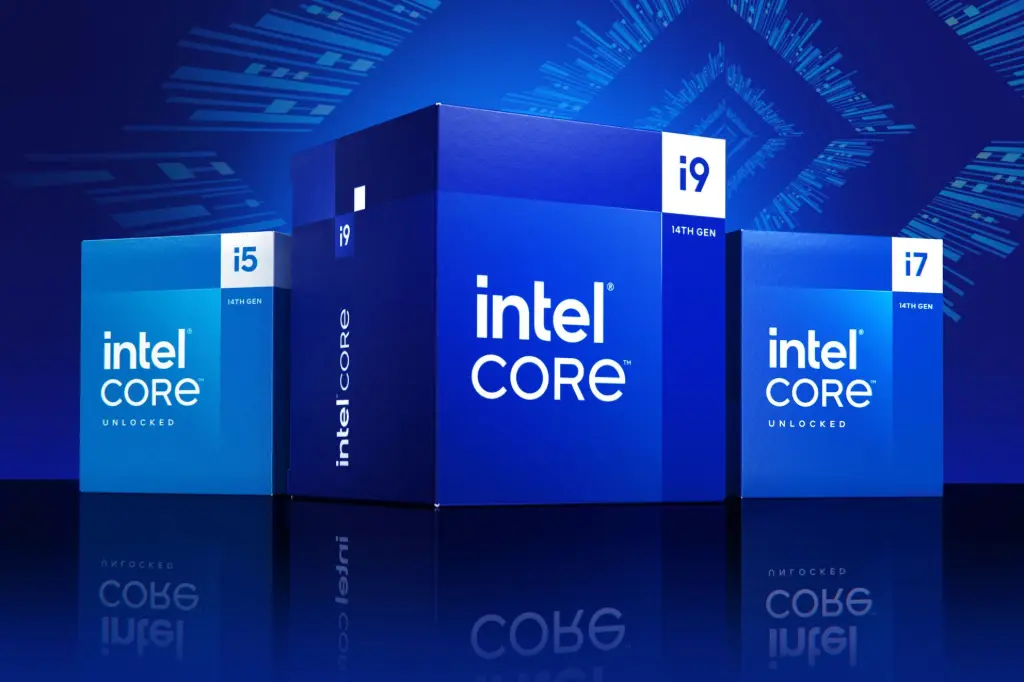
They’re still a key point, especially if you play competitively, with lots of FPS, or if you want to stream. With a sensible budget, options such as the Ryzen 5 5500, the Ryzen 5 5600, the Ryzen 5 7500F or the Core i5-12400F are still very sound choices. If you’re aiming for a more gaming-focused PC, the Ryzen 7 7800X3D, Ryzen 7 9800X3D and Ryzen 7 9850X3D are very serious starting points, while the Core i5-14600KF and Core i7-14700K still make sense for hybrid gaming + creation use cases.
Intel vs AMD comparison
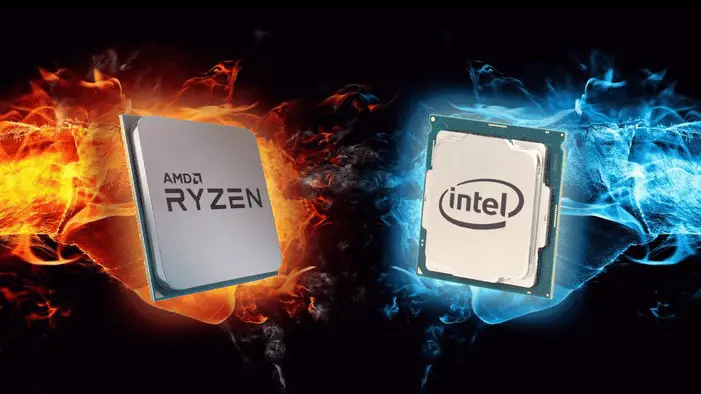
The choice between Intel and AMD remains a divisive topic of debate among gamers.
- Intel, with its 14th generation of processors, continues to stand out thanks to its single-core performance, ideal for games that demand high processing power per core.
- For its part, AMD offers processors such as the Ryzen 7 7800X3D, which excels in games optimised for multi-core thanks to an innovative architecture and efficient thermal management.
So the choice will depend on the type of games you play and your personal preferences.
The graphics card
On the GPU side, 2026 is all about GeForce RTX 50 with NVIDIA and Radeon RX 9000 with AMD. To play at 1080p, the RTX 5060 or the Radeon RX 9060 XT make sense. At 1440p, the RTX 5070 / 5070 Ti and RX 9070 / 9070 XT are at the heart of the market. If you want to target 4K with a bit more headroom, the RTX 5080 moves up a clear notch, while the RX 9070 XT can also handle this use case depending on the games and the settings.

NVIDIA vs AMD comparison
- NVIDIA and AMD are still competing for the top spot when it comes to graphics cards. NVIDIA is often preferred for its proprietary technologies such as ray tracing and DLSS, which significantly improve game visuals and smoothness.
- AMD, on the other hand, offers more affordable cards with impressive raw performance, especially at higher resolutions.
Choosing between these two brands will mainly depend on your budget and the specific features you prioritise.
RAM, SSD and cooling: mistakes not to make
RAM
Random Access Memory is an essential component for smooth performance. In practice, today we recommend a minimum of 16GB of RAM, and 32GB if you want to feel more comfortable over the long term or do things other than just gaming.
Beyond the amount of RAM, clock speed and timings also play a crucial role.

DDR5 with a frequency of 6000 MHz or higher is starting to become the norm for high-end setups.
Higher-frequency RAM improves overall performance, in particular by reducing latency times, which is especially beneficial in competitive gaming where every millisecond counts.
SSD
For storage, the choice between SSD and HDD is strongly in favour of SSDs, especially NVMe models, which offer much higher read and write speeds than HDDs.
SSD drives help reduce loading times for games and the operating system, providing a much smoother user experience.

However, HDDs do remain an option for low-cost mass storage, but it’s recommended to use them alongside an SSD for games and applications.
Storage capacity is another key factor to consider. With the growing size of modern games, 1 TB of NVMe SSD has become the baseline, and 2 TB is often more comfortable if you play large games back-to-back.
COOLING
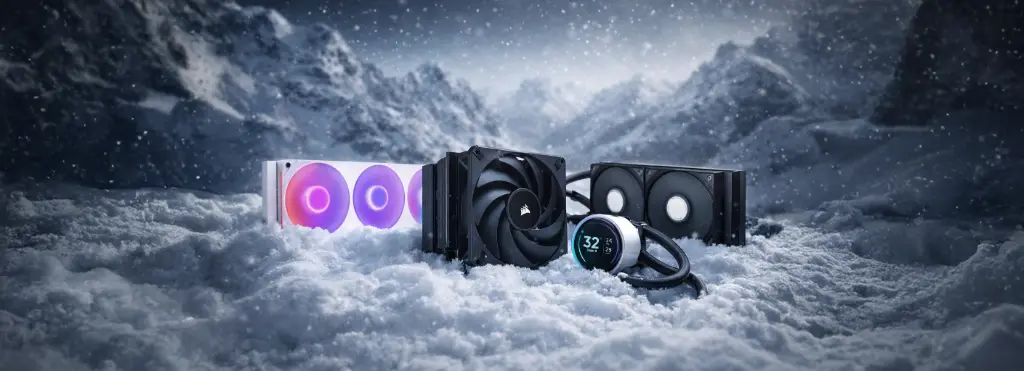
As for cooling, a good air cooler is still enough for many builds, but an AIO 240 or 360 mm becomes more relevant when you move to more demanding CPUs.
Motherboard and upgradability
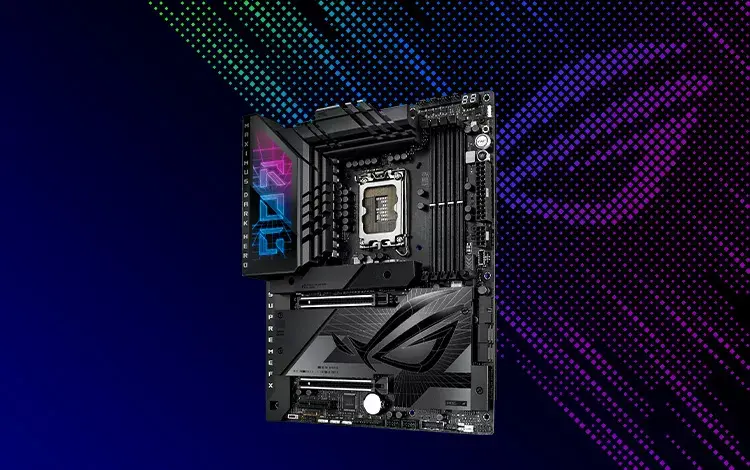
The motherboard is the heart of your PC, connecting all the components together.
If you want a PC that lasts, go for a recent platform that can make use of the DDR5 and the PCIe 5.0. That’s already the case with models like the Ryzen 7 7800X3D, 9800X3D and 9850X3D, giving you a more modern and more upgrade-friendly base for the coming years.
Additional features to consider
Apart from compatibility, some additional features can make all the difference to your gaming experience. High-end motherboards often include options such as built-in RGB, a better thermal management system, or even high-quality sound cards for full immersion.
It’s also important to check the quality of the power stages (VRM) for a stable CPU power supply, especially if you’re planning to do overclocking.
Power supply: never underestimate it
Choosing the power supply is crucial to ensure stability and longevity for your gaming PC. To calculate wattage, it’s important to take into account the power draw of all your components, especially the graphics card and the processor, which are the most power-hungry.
In its official guides, NVIDIA recommends for example at least 650 W for a RTX 5070 and at least 850 W for a RTX 5080. Put simply: the higher the tier you go, the more you need a serious, stable power supply.
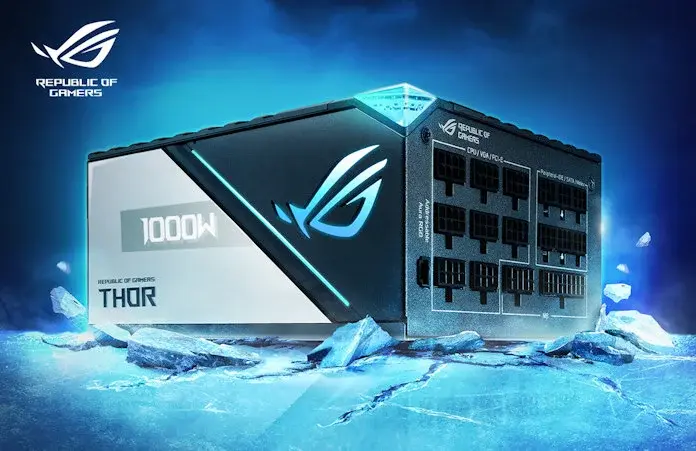
Energy efficiency, often expressed via the 80 PLUS certification (Bronze, Silver, Gold, Platinum, Titanium), is also important. A power supply with a higher certification not only uses less energy, but also produces less heat.
80 PLUS Gold-certified power supplies are a good compromise between cost and efficiency, providing a stable and long-lasting supply for your gaming PC.
Which gaming PC setup should you choose in 2026?
1080p setup
If your goal is to play games like Valorant, Fortnite, LoL, Rocket League or Warzone in Full HD with lots of FPS, a setup based on Ryzen 5 5600 / Ryzen 5 7500F / Core i5-12400F with a RTX 5060 or a RX 9060 XT is already a very solid choice. You can aim for 16 GB of RAM and 1 TB of SSD storage without overpaying for the system.
1440p setup
For QHD, which remains the best compromise in 2026, I’d rather go for a Ryzen 5 7500F, a Core i5-14600KF, or a CPU on the same level, paired with a RTX 5070, a RTX 5070 Ti, an RX 9070, or an RX 9070 XT. Here, 32 GB of RAM becomes very worthwhile if you want a setup that will last longer.
4K setup
If you want to play in 4K, with more headroom for the latest AAA titles and high settings, you clearly need to step up a tier. The most sensible starting point is then CPUs such as the Ryzen 7 7800X3D, 9800X3D, 9850X3D or the Core i7-14700K, paired with a RTX 5080 or an equivalent very high-end card depending on your budget and how you use it.
Pre-built PC, custom build, or DIY configuration?
In 2026, there are three approaches:
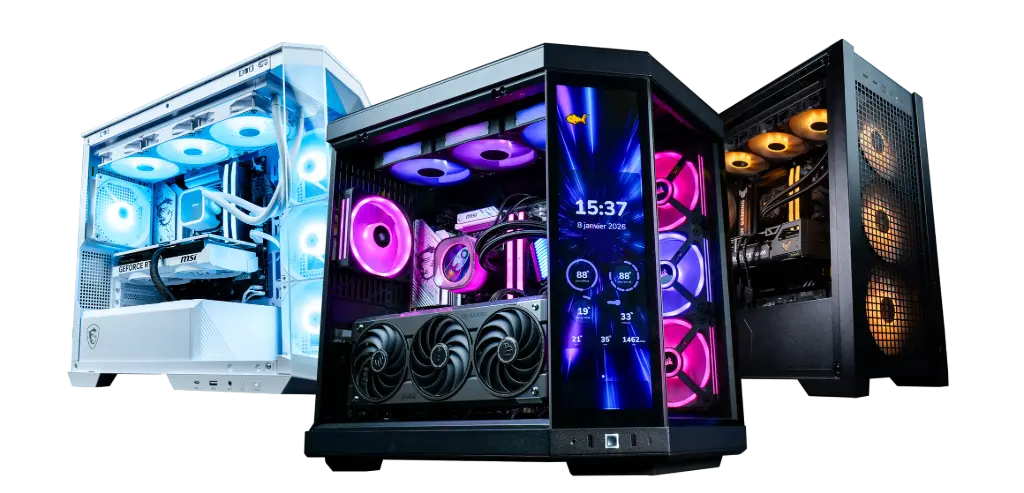
- The pre-built gaming PC : perfect if you want to save time, avoid compatibility mistakes, and receive a ready-to-play machine.
- The custom PC : ideal if you want a setup tailored to your use.
- DIY building : worthwhile if you enjoy choosing every component yourself, but you need to understand the overall balance of the machine.
For many players, the best compromise is still a customisable pre-built PC, with a coherent base and the option to adjust certain components.
Discover our pre-built gaming PCs, assembled and tested by us:
Pitfalls to avoid
The biggest trap isn’t necessarily buying one that’s “not powerful enough”. It’s mainly buying a unbalanced build:
- a powerful graphics card with a CPU that’s too weak
- a great-looking setup with a poor power supply
- a case with poor airflow
- too little storage
- or a platform that’s already too closed off to upgrade properly
A good gaming PC isn’t just a big graphics card. It’s a coherent system.
Conclusion
Choosing the right gaming PC in 2026 is first and foremost about selecting the right balance. In 1080p, there’s no point overpaying. In 1440p, you should aim for versatility. In 4K, the GPU becomes the central component. And in every case, a good setup is a machine designed for your actual use, not for a marketing spec sheet.
At FlowUP, the idea stays simple: offer builds that are assembled, tested and well-matched, so you can game straight away in good conditions, without having to wrestle with compatibility issues or a poor choice of components.
FAQ gaming PC configuration
Which gaming PC configuration should you choose to play in 1080p in 2026?
For 1080p, a setup with Ryzen 5 5600 / 7500F or Core i5-12400F, paired with a RTX 5060 or an RX 9060 XT, is already very solid.
16 GB or 32 GB of RAM for a gaming PC?
In 2026, 16 GB is still the reasonable minimum. 32 GB is more comfortable if you want to stream, multitask, or keep your setup for longer.
Which gaming PC should you choose for 1440p?
1440p is the best compromise today. Aim for a RTX 5070 / 5070 Ti or an RX 9070 / 9070 XT, with a balanced mid-to-high-end CPU.
Should you buy a pre-built or a custom gaming PC?
If you want to move fast and avoid mistakes, go for a pre-built gaming PC. If you want something very precise, a custom PC is more flexible.
What power supply for a recent gaming PC?
It all depends on the GPU. NVIDIA, for example, recommends a minimum of 650 W for a RTX 5070 and a minimum of 850 W for a RTX 5080.
Is 4K worth it for gaming on PC in 2026?
Yes, but only if you have a suitable setup. In 4K, the graphics card becomes the most important component, so the budget climbs quickly.
