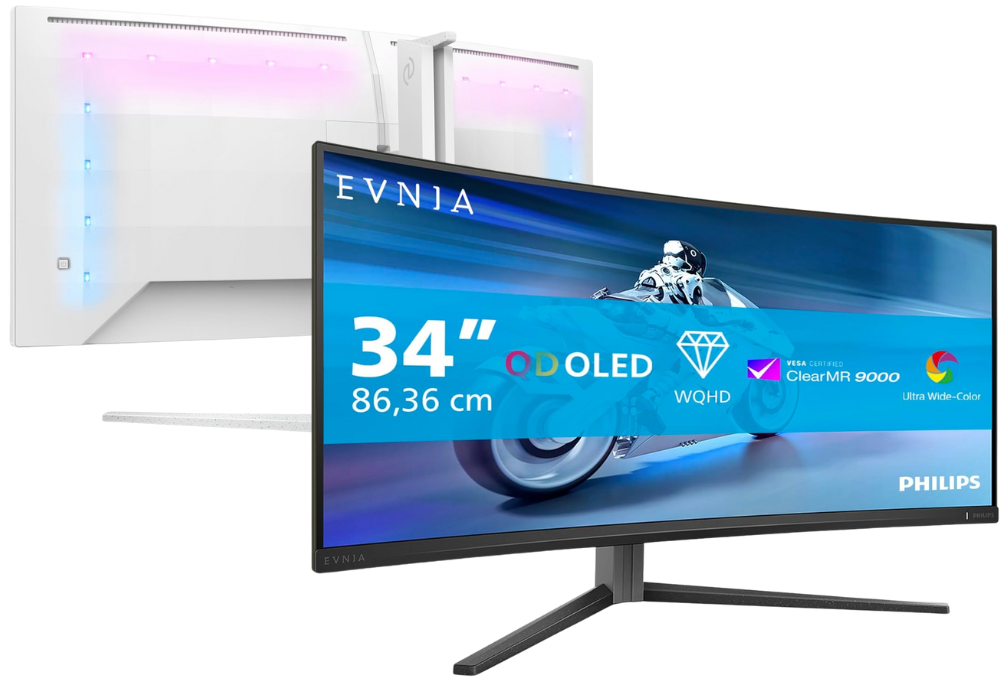
Your PC in instalments (up to 12x)
Choosing a PC monitor is no longer just about looking at the size or resolution.
Today, with powerful GPUs, advanced upscaling technologies (DLSS/FSR/PSSR), and very different use cases (competitive gaming, creation, office work), the screen becomes a central part of your experience—so you need to choose it carefully.
Resolution: what level for your use?
1080p (Full HD)
1080p is still very relevant for competitive gaming. Thanks to high refresh rates, it helps you achieve very high FPS without putting too much strain on the GPU. It’s an excellent choice if your main goal is speed and responsiveness, especially for esports and fast-paced games.
1440p (QHD)
1440p is now widely considered the best compromise between image quality and performance. It delivers a sharper image than 1080p while still being achievable at high FPS on many current GPUs, making it a very versatile choice for gaming as well as creative work.
4K (UHD)
4K is becoming more and more mainstream. It offers a significantly better level of detail, ideal for immersive games, video, or productivity. But it requires a more powerful GPU, especially if you want high refresh rates.
Refresh rate: why is it so crucial?
Refresh rate (refresh rate) is the number of frames per second that the screen can display, measured in Hertz (Hz).
- 60–75 Hz: enough for office work and video.
- 120–180 Hz: very good for smooth gaming.
- 240 Hz+: aimed at competitive play (fast games); excellent if your GPU can keep up.
👉 The higher the rate, the smoother the experience—especially in gaming. In 2026, targeting at least 144 Hz for modern gaming is a very good baseline.
Response time and input lag
Response time measures how quickly a pixel changes colour. The lower it is (in ms), the better—especially for fast games.
Input lag is the delay between a movement (mouse/keyboard) and what’s shown on-screen: the lower it is, the more responsive your gameplay feels.
For competitive gamers: ≤ 3 ms and low input lag are strongly recommended.
Panel types: IPS, VA, TN — which should you choose?
Each panel type has its strengths:
- IPS: more accurate colours, wide viewing angles, excellent for gaming and creative work.
- VA: strong contrast and deep blacks; very good for films/immersive viewing.
- TN: generally faster (very low response time), but less good for colours/viewing angles.
-
OLED / QD-OLED / Mini-LED: premium technologies delivering extreme contrast, excellent brightness, and very high responsiveness—ideal for premium gaming and HDR content.
👉 In 2026, most gamers and creators prefer well-calibrated IPS or OLED panels.
G-Sync, FreeSync & synchronisation technologies
To avoid image tearing (tearing) and stuttering, adaptive synchronisation technologies are essential:
- NVIDIA G-Sync
- AMD FreeSync
- VRR (Variable Refresh Rate) on HDMI/DisplayPort
All of them enable a more stable experience when the GPU can’t maintain a constant FPS.
HDR & image quality
A HDR screen (High Dynamic Range) offers richer contrast and more vivid colours. In 2026, ranges like HDR600 / HDR1000 are becoming more accessible, for more immersive games and videos.
Warning: to enjoy HDR, you need to have:
- The screen to be a true HDR monitor (not just “HDR Ready”),
- The content/app to genuinely support it.
don’t neglect the ports
A good modern monitor should offer at least:
- DisplayPort 1.4 or higher (higher bandwidth than HDMI)
- HDMI 2.1 (essential for 4K @ 120 Hz)
- USB-C / USB Hub on some models (for laptops)
- Audio outputs / jack depending on your sound setup
👉 In 2026, choose monitors with HDMI 2.1 or DisplayPort 1.4 if you want 4K @ 120–240 Hz on consoles as well as on PC.
Ideal size based on your distance / use
- 24″–27″ : perfect for an office, competitive gaming or a second screen
- 27″–32″ : excellent for immersive gaming + multitasking
- 32″-49" : great comfort for creation, video, productivity
💡 The larger the screen, the greater the viewing distance should be.
Ultrawide & curved format (21:9 / 32:9)
Ultrawide monitors expand your horizontal field of view—highly appreciated for:
- immersive simulation / racing / RPGs
- productivity (more windows)
Curved models boost immersion. Check game & graphics card compatibility.
👉 Warning : some games don’t handle these formats perfectly.
Calibration & colour profiles
For creators (photo, video, design), colour accuracy is essential.
Look for:
- support for sRGB / Adobe RGB / DCI-P3
- Low Delta E
- the option of ICC profile / hardware calibration
Ergonomics & comfort (often overlooked)
A good monitor should offer:
- Height adjustment / pivot / tilt
- Low Blue Light / Flicker-Free mode
- Thin bezels if you want a multi-monitor setup
Visual comfort is crucial if you spend hours in front of the screen.
so to sum up
In 2026, choosing a monitor means finding the right balance between:
- the right resolution (1080p/1440p/4K),
- a high refresh rate,
- adaptive technologies,
- modern connectivity (HDMI 2.1),
- ergonomics and image quality.
A well-chosen monitor improves your comfort, your in-game precision and your productivity.