 Your PC in instalments (up to 12x)
By the FlowUP team, gaming PC builder in Genappe (Belgium) · Updated 28 September 2026
In brief: building your PC yourself lets you learn, choose everything, and sometimes save a little, but it takes a few hours, a method, and a bit of risk (bent pin, incompatibility, BIOS settings). Buying a PC assembled by a builder costs a little more, but you get a tested machine, ready to use, with a guarantee for the system as a whole. The right choice mainly depends on how much you want to learn and the time you have available.
Build your PC yourself or have it assembled: it’s a real question, and we’d be wrong to tell you that the second option is always the best. We assemble PCs in Genappe, and we also know the satisfaction of the first boot of a machine you’ve put together with your own hands.
Here’s an honest comparison of the two approaches, to help you choose based on your profile.

Build your PC yourself or buy it assembled: the comparison
| Criterion | Build it yourself | PC assembled by FlowUP |
|---|---|---|
| Cost | Often a little cheaper, especially by taking advantage of promotions | Slightly higher, assembly and testing included |
| Component selection | Total | Proposed configurations, with options depending on the models |
| Time | 1 to 3 hours of assembly, plus installation | None: the PC arrives ready to use |
| Risk of mistakes | Real for a first build | Handled by the assembler |
| Testing and stability | To be done yourself | Done before shipping |
| Warranty | Piece by piece, with each manufacturer | On the full PC: one point of contact |
| Learning | Excellent | Limited |
Building your PC yourself: the advantages
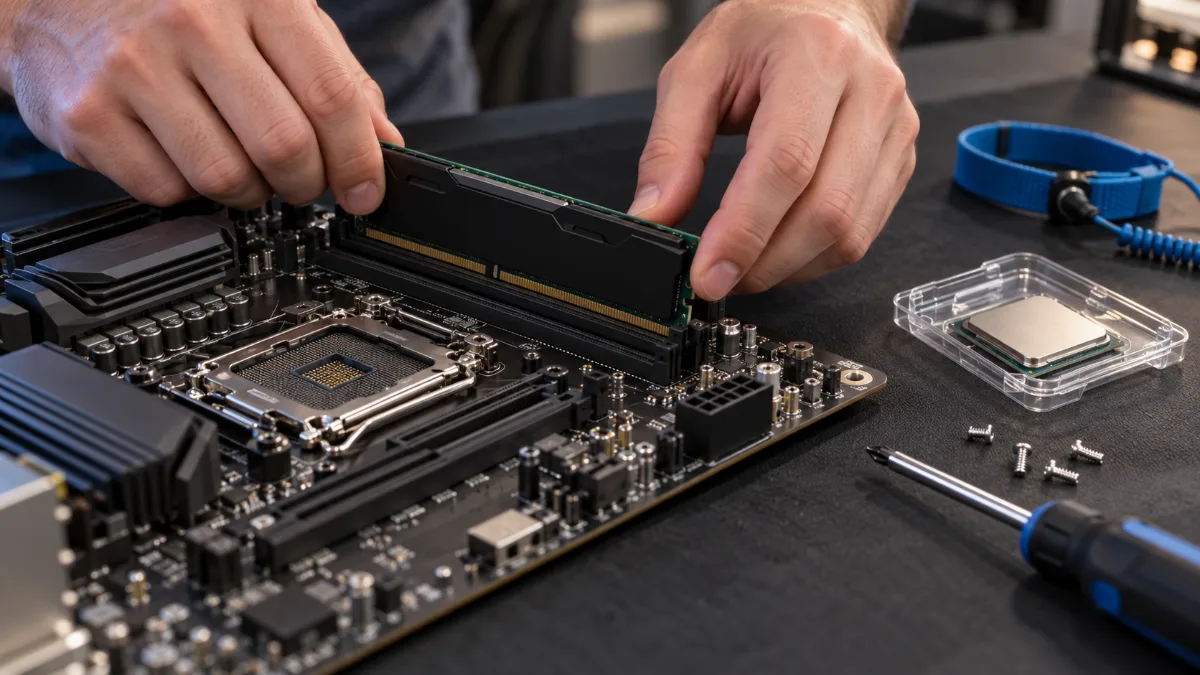
- Total freedom: you choose every component according to your use (gaming, creation, streaming) and your priorities (quiet, aesthetics, performance).
- A sometimes lower cost, especially if you watch for promotions component by component.
- Real learning: once your PC is built, you’ll know how to maintain it, troubleshoot it, and upgrade it.
- Control over every detail: every cable, every connector is organised the way you want.
To choose the parts, start with our guide to choosing your gaming PC setup well and the one on the components of a gaming PC.
Building your PC yourself: the downsides
- Time: allow 1 to 3 hours for assembly, more for your first PC or if you have a watercooling setup with lots of RGB lighting, then installing Windows and the drivers.
- Risk of errors: bent socket pin, RAM stick not fully seated, forgetting thermal paste, power connector not properly clipped in. Some mistakes can damage a component.
- No overall validation: if the PC won’t boot, it’s up to you to identify which part is the problem, using tests, BIOS settings and a bit of patience. Our article My computer doesn’t detect my peripherals gives you an overview of the troubleshooting you may need.
- A warranty split across parts: in case of a breakdown, each component is handled with its manufacturer.
Video assembly
If you’re getting started, FrenchHardware’s video shows a complete gaming PC build in 2026, step by step. Watch it all the way through once before opening the boxes: you’ll know what to expect.
And for cooling your processor, read our comparison air cooler or watercooling.
If you want to see the build in detail, we walk through it step by step in our step-by-step guide to building a gaming PC.
Buying a FlowUP-assembled PC: what you gain
- Assembly done by professionals: parts compatibility, properly sized power supply, cooling suited to the processor, and neatly organised cables.
- Tests before delivery: stability, temperatures, performance, up-to-date BIOS and installed drivers. You receive a machine ready to use.
- One point of contact: if anything goes wrong, you’re not bouncing between the manufacturers of each individual part.
- Saved time: no hours spent on assembly, BIOS settings or troubleshooting.
The trade-off: a slight extra cost for the service, and fewer opportunities to learn. Nothing stops you from upgrading your PC yourself later.
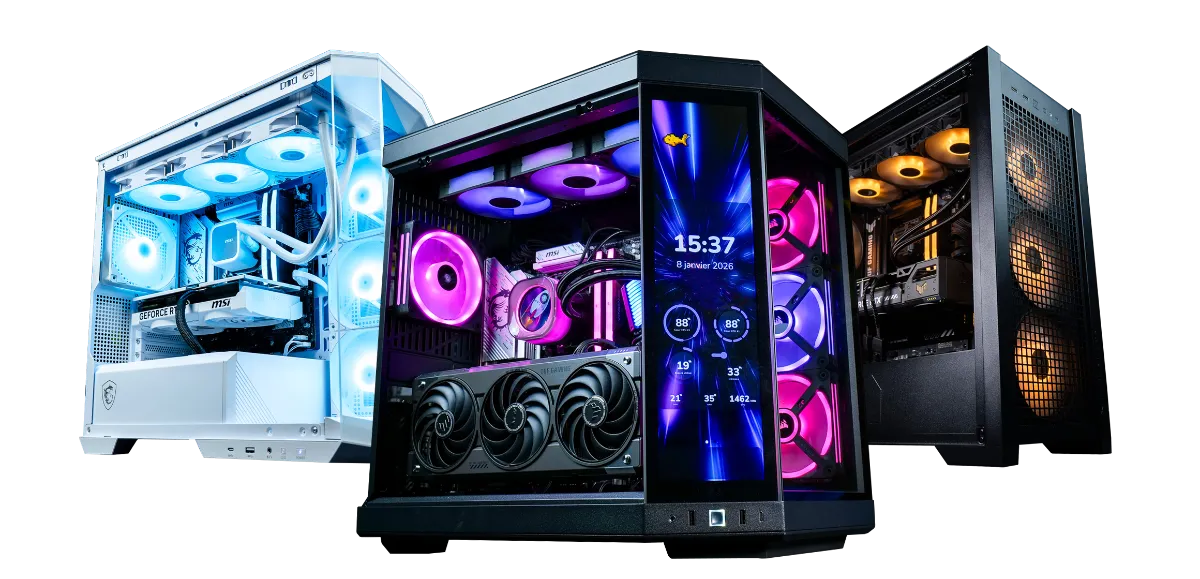
When should you choose one or the other?
| Your situation | Our advice |
|---|---|
| You want to learn hardware and you enjoy tinkering | Build it yourself |
| Your budget is tight and you have the time to keep an eye on promotions | Build it yourself |
| You’ve already built a PC, or an experienced friend can help you | Build it yourself |
| You want to play as soon as it arrives, with no risk | Assembled PC |
| You prefer an all-in-one warranty and a single point of contact | Assembled PC |
| It’s a gift or your first gaming PC | Assembled PC |
Our assembled and tested gaming PCs
If you’re tempted by the assembled PC, here are three configurations from our catalogue, from 1080p to 4K. To go further, our guide which PC to play all games on helps you choose the right tier.
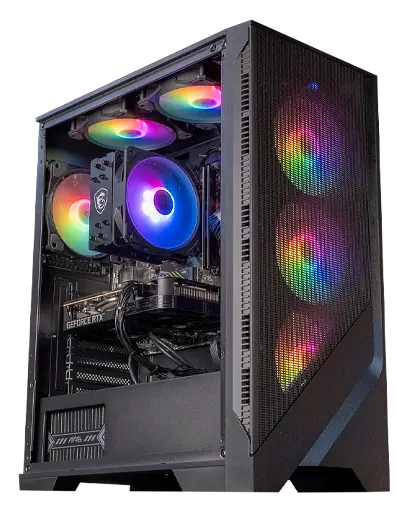
Corvus PC: Ryzen 5 5500 + RTX 5050
The ideal first gaming PC for playing in 1080p, ready to use as soon as it arrives.
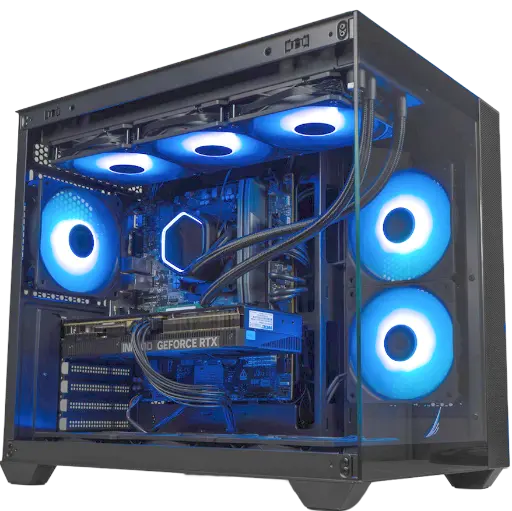
Umbra PC: GeForce RTX 5070 12 GB
The right balance for 1440p, without having to worry about assembly.
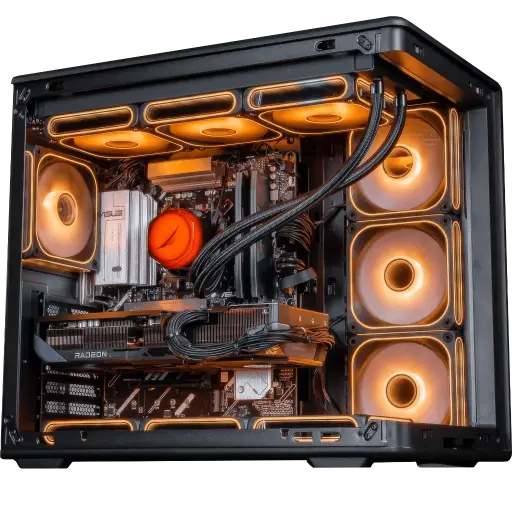
Apex V2 PC: Ryzen 7 7800X3D + RX 9070 XT
A high-end setup for very smooth 1440p and 4K.
Before you decide, run through our prebuilt gaming PC checklist: power supply, dual channel, storage and pre-shipping testing.
Frequently asked questions
Is it cheaper to build your own PC?
Often a little, especially if you take advantage of promotions on each component. The difference gets smaller if you factor in the time spent, any tools you might need, and the risk of damaging a component.
Is it hard to build a PC?
Not really, as long as you’re methodical and follow a good tutorial. The tricky steps are installing the processor, the CPU cooler, and wiring the front panel.
How long does it take to build a PC?
Allow 1 to 3 hours for the build, plus installing Windows and drivers. A first PC often takes an afternoon.
What if my PC won’t start after I’ve built it?
You need to check every connection, the RAM, the processor power supply, and the graphics card power, then test the parts one by one. This is the most frustrating part of building at home.
Is a built PC upgradeable?
Yes. A built PC assembled by a technician uses standard components: you can change the graphics card, add more RAM, or add an SSD, just like with a PC you build yourself.
