
By the FlowUP team, gaming PC builder in Genappe (Belgium) · Updated 29 October 2026
In short:
- For Full HD gaming on a large screen: the MSI Cyborg 17 (RTX 5060, Core i7-13620H, 17.3-inch display, 144 Hz) is the most accessible MSI gaming laptop in our range.
- For an OLED display and a thin chassis: the MSI Stealth 16 AI+ (Core Ultra 9 386H, OLED QHD+ 240 Hz, 16.65 mm thick), in RTX 5060 or RTX 5070 Ti.
- Power gap: according to Notebookcheck, the RTX 5060 Laptop reaches, on average, 69% of the performance of the RTX 5070 Ti Laptop in games.
- Our take: the Cyborg 17 if you mostly game at home, the Stealth 16 if you want to game everywhere and create.
Are you looking for an MSI gaming laptop and you’re torn between series with slightly mysterious names: Cyborg, Vector, Stealth… At MSI, each name corresponds to a specific use.
At FlowUP we sell MSI laptops as well as desktop PCs that we assemble in Genappe. We’ll explain what sets the MSI Cyborg 17 apart from the MSI Stealth 16, which graphics card to choose, and in which cases a desktop PC remains the best option.
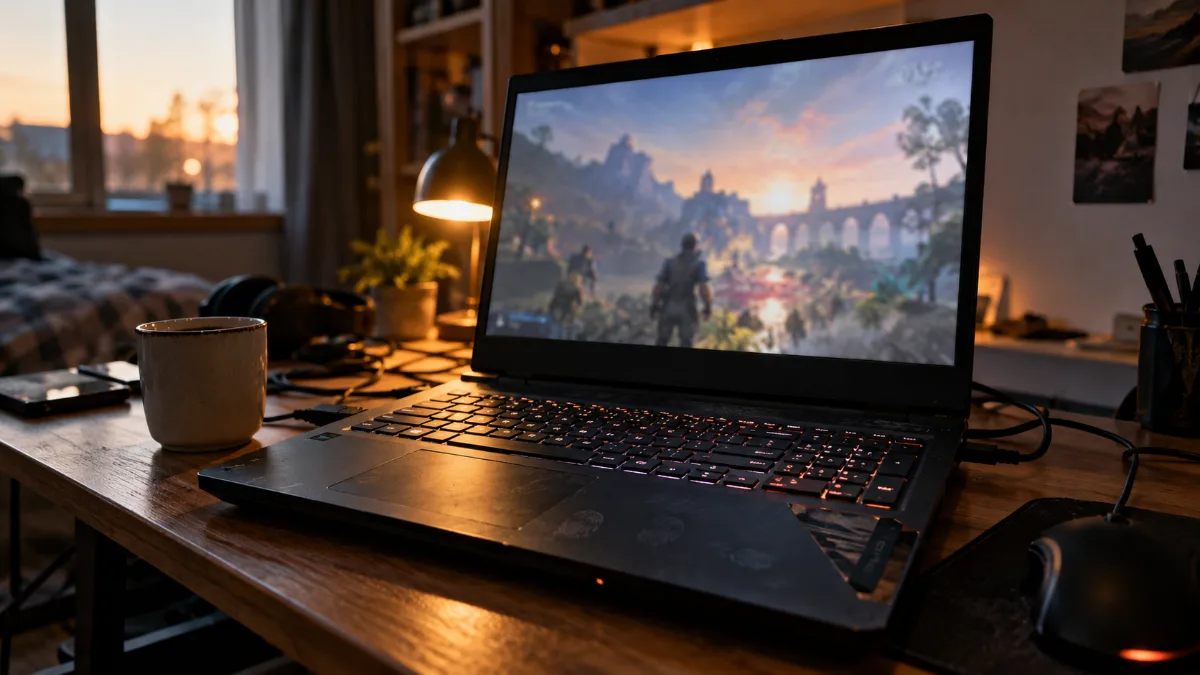
A 17-inch gaming laptop on a desk: the big screen changes the comfort when playing.
Which MSI gaming laptop should you choose in 2026?
Short answer: the Cyborg 17 if you mostly game at home in Full HD, the Stealth 16 AI+ if you want an OLED display, a thin chassis and, optionally, the power of an RTX 5070 Ti.
Here are the MSI models you can add to your basket right now on flowup.shop:
| Model | Graphics card | Processor | Display | RAM / SSD | For who |
|---|---|---|---|---|---|
| MSI Cyborg 17 | RTX 5060 8GB | Core i7-13620H | 17.3" IPS Full HD 144 Hz | 16GB / 512GB | Gaming in 1080p on a large screen |
| MSI Stealth 16 AI+ (RTX 5060) | RTX 5060 8GB GDDR7 | Core Ultra 9 386H | 16" OLED QHD+ 240 Hz | 16GB / 1TB | Mobility, creation, high-end display |
| MSI Stealth 16 AI+ (RTX 5070 Ti) | RTX 5070 Ti 12GB | Core Ultra 9 386H | 16" OLED QHD+ 240 Hz | 32GB DDR5 / 1TB | Demanding games in QHD+, video editing |
Specs taken from the product pages on flowup.shop on 29 October 2026.
To read this table without getting lost:
- The graphics card determines the FPS: that’s the first thing to look at.
- The display needs to keep up: 144 Hz in Full HD on the Cyborg, 240 Hz in QHD+ OLED on the Stealth.
- RAM depends on how you use it: 16GB is enough for gaming, 32GB is for editing and heavy multitasking.
MSI Cyborg 17: the 17-inch gaming laptop for Full HD gaming
The MSI Cyborg 17 is the model we recommend for people who mainly game at home and want a big screen without having to plug in a monitor. Its 17.3-inch IPS panel in Full HD at 144 Hz pairs well with the RTX 5060: 1080p is precisely the resolution where this card really shows what it can do.
- 17.3-inch 144 Hz display: more comfortable than a 15-inch for strategy games, MMOs and long sessions.
- Core i7-13620H: 10 cores (6 performance cores, 4 efficient cores), 16 threads and up to 4.9 GHz depending on Notebookcheck. Enough to game, stream and edit a few videos.
- 22.15 mm chassis: slim for a 17-inch model, with the semi-transparent look that’s typical of the Cyborg range.
If you’re looking for a 17-inch gaming laptop to play in Full HD, this is our entry point in the MSI range. Its only real trade-off is the 512GB of storage, which gets filled up quickly by today’s big new games: adding an external SSD or doing a bit of tidying in your Steam library solves the issue.
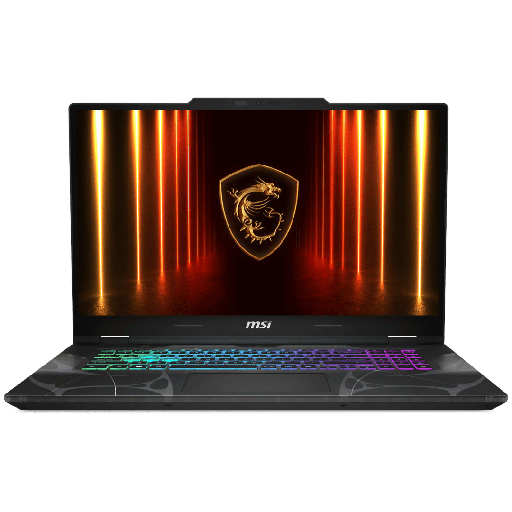
MSI Cyborg 17 (RTX 5060, Core i7-13620H)
17.3-inch IPS Full HD 144 Hz display, 16GB RAM and 512GB SSD: the most accessible MSI gaming laptop in our range, designed for 1080p.
MSI Stealth 16 AI+: a 16 mm OLED gaming laptop
- 240 Hz QHD+ OLED display: truly deep blacks and a very short response time, which you can see in dark games and fast shooters.
- 16.65 mm thick, under 2 kg: it slips into a backpack like a slightly robust ultraportable.
- Core Ultra 9 386H: up to 16 cores, 4.9 GHz in Turbo and an NPU up to 50 TOPS for AI functions (product sheet).
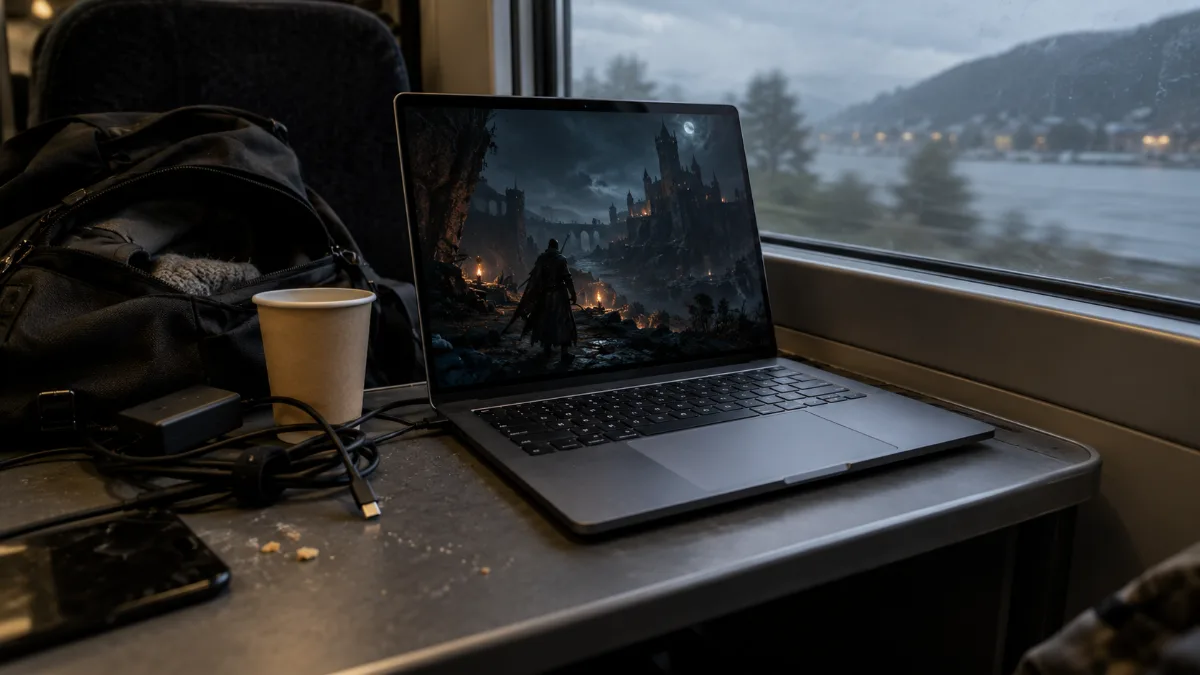
An OLED screen is recognised by its deep blacks, even in a dimly lit room.
This is the OLED gaming laptop we recommend for students in creative fields, for gamers who travel, and for everyone who wants one machine to both game, work, and edit videos. It comes in two versions:
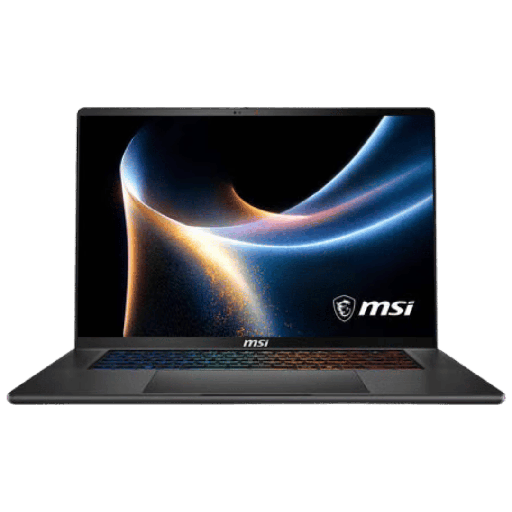
MSI Stealth 16 AI+ (RTX 5060, 16 GB)
Core Ultra 9 386H, RTX 5060 8 GB GDDR7, OLED QHD+ 240 Hz and 1 TB SSD: the Stealth’s display and slim design for gaming on the move.
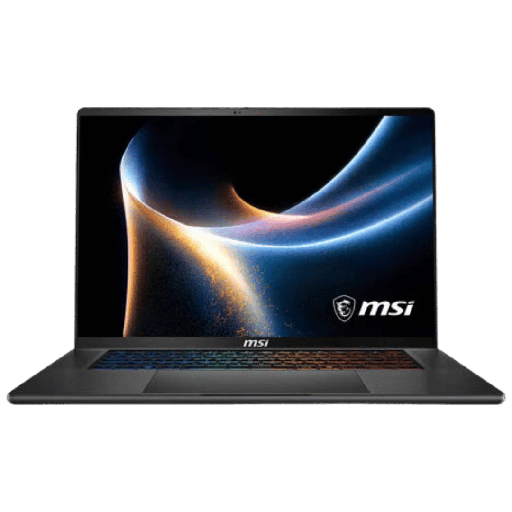
MSI Stealth 16 AI+ (RTX 5070 Ti, 32 GB)
RTX 5070 Ti 12 GB, 32 GB DDR5 and OLED QHD+ 240 Hz: our RTX 5070 Ti gaming laptop, for gaming in QHD+ and editing your videos.
RTX 5060 or RTX 5070 Ti: what’s the difference on a gaming laptop?
On average, the RTX 5070 Ti Laptop is about 45% faster than the RTX 5060 Laptop for gaming, according to tests compiled by Notebookcheck. It also has 12 GB of video memory instead of 8 GB.
| Graphics card | CUDA cores | Video memory | 3DMark Time Spy (graphics) | Average gaming score |
|---|---|---|---|---|
| RTX 5060 Laptop | 3,328 | 8 GB GDDR7, 128-bit | 11,777 | 69 |
| RTX 5070 Laptop | 4,608 | 8 GB GDDR7, 128-bit | 13,359 | 81 |
| RTX 5070 Ti Laptop | 5,888 | 12 GB GDDR7, 192-bit | 16,838 | 100 |
Source: Notebookcheck, averages of their tests (index 100 = RTX 5070 Ti Laptop). The RTX 5070 Laptop is given as a benchmark.
What that looks like in practice:
- An RTX 5060 gaming laptop is the right choice for 1080p: with DLSS 4 and image generation from the RTX 50 series, it keeps high FPS in today’s newer games.
- An RTX 5070 Ti gaming laptop really makes use of the Stealth 16’s QHD+ screen in demanding games, and its 12 GB of video memory leaves room for high textures.
- Allocated power matters: according to Notebookcheck, an RTX 5070 Ti Laptop can be configured between 60 and 115 W (up to 140 W with Dynamic Boost) depending on the laptop. So two machines with the same chip don’t always deliver the same FPS.
Gaming laptop or desktop PC: our workshop verdict
We assemble desktop PCs all day in Genappe, and our verdict is clear: for the same budget, a desktop PC goes further in games. A laptop packs everything into a few centimetres, which limits the power and heat it can handle.
- Choose a laptop if you game on the move, at your parents’ at the weekend, in shared housing, or if you don’t have much space.
- Choose a desktop PC if the PC stays at home: a PC like the Savannah Powered by MSI comes with a desktop RTX 5060 Ti, which is more powerful than the RTX 5060 Laptop.
- Do both if your budget allows it: a desktop PC for the big sessions, and a lightweight laptop for the rest.
Our full comparison is here: Gaming desktop or laptop PC, how to choose. And if you like the brand, our MSI desktop PCs combine MSI graphics cards, motherboards and power supplies.
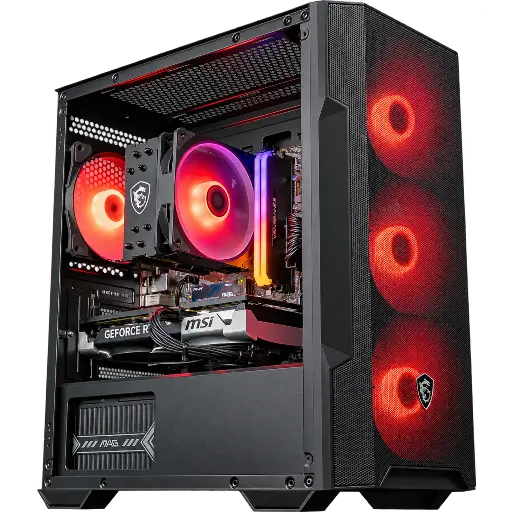
PC Savannah Powered by MSI (RTX 5060 Ti)
Ryzen 5 5600, RTX 5060 Ti 8 GB, 16 GB DDR4 and 1 TB SSD, with MSI graphics card, cooling and power supply: a desktop PC designed for Full HD.
Our tips before buying an MSI laptop
- Look at the graphics card before the processor: in games, it’s the graphics card that sets the FPS.
- Match the screen to the spec: Full HD 144 Hz for an RTX 5060, QHD+ 240 Hz for an RTX 5070 Ti.
- 16 GB RAM to game, 32 GB for creating: the Stealth 16 with RTX 5070 Ti is our only 32 GB RAM gaming laptop in the MSI range.
- Think about storage: 512 GB on the Cyborg 17, 1 TB on both Stealth 16 models.
- Plug it in to play: a gaming laptop delivers its maximum performance when plugged into mains power.
- Play on a hard surface or a ventilated stand, never on a bed or a sofa that blocks the air intakes.
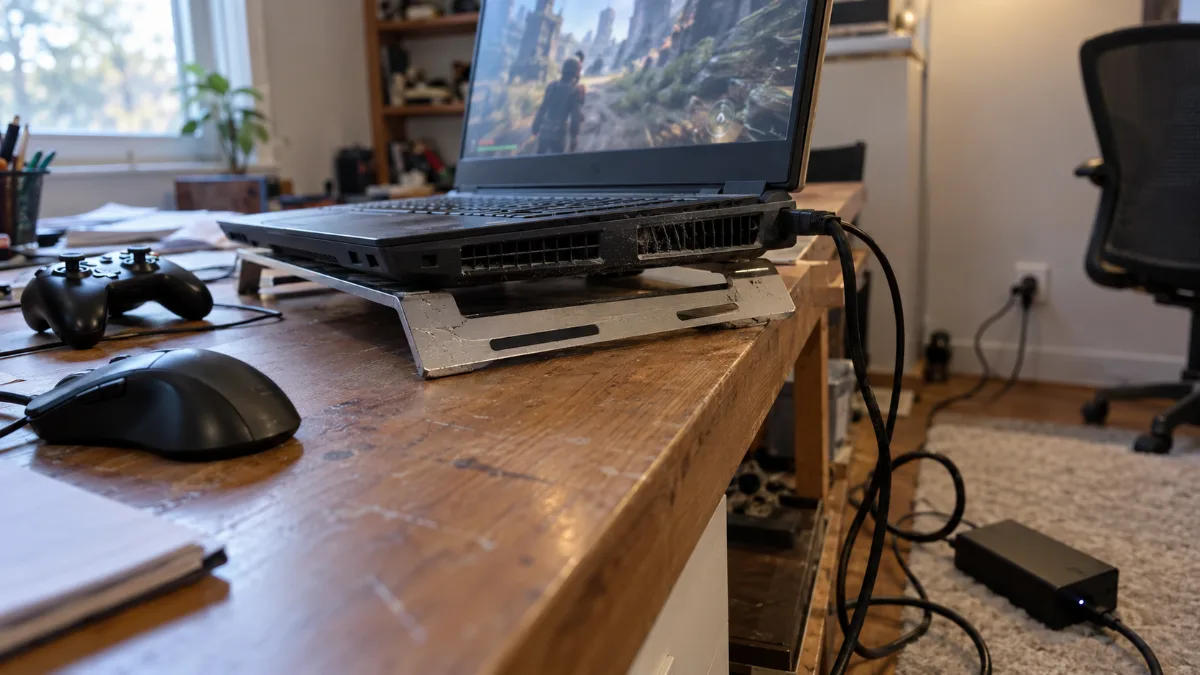
Plugged into mains power and placed on a clear surface: the two habits to keep the performance of a gaming laptop.
All our laptops are grouped in the category Gaming laptop.
FAQ MSI gaming laptop
Is MSI a good brand for a gaming laptop?
Yes. MSI designs its own motherboards, graphics cards and gaming laptops, and we also build MSI components into several of our desktop PCs. The Cyborg and Stealth ranges cover two very different needs, from affordable 1080p to a premium laptop.
What’s the difference between MSI Cyborg and MSI Stealth?
The Cyborg targets Full HD gaming at an affordable price, with a semi-transparent look. The Stealth is a sleek premium laptop (16.65 mm), featuring a 240 Hz OLED display and a Core Ultra 9 processor.
Is an RTX 5060 gaming laptop enough to play in 2026?
Yes, in Full HD. With DLSS, it runs recent games on high settings. For QHD+ in the heaviest games, the RTX 5070 Ti is more comfortable.
Do you need 32 GB of RAM on a gaming laptop?
Not for gaming: 16 GB is enough for the vast majority of games. 32 GB becomes useful for video editing, 3D or streaming. We break it all down in our guide 16 or 32 GB of RAM.
Does the MSI gaming laptop get a lot hot?
Under load, all gaming laptops get hotter than a desktop PC, that’s normal. Keep the air intakes clear and clean the vents from time to time: our guide PC that overheats too much explains the right habits.
Sources
- Notebookcheck, comparison of RTX 5070 Ti Laptop, RTX 5070 Laptop and RTX 5060 Laptop
- Notebookcheck, Intel Core i7-13620H: specs and benchmarks
- Product sheets for MSI Cyborg 17 and Stealth 16 AI+ on flowup.shop
