
By the FlowUP team, gaming PC builder in Genappe (Belgium) · Updated 28 September 2026
In short: if you want to play, the desktop PC remains the best choice in 2026: more powerful on the same budget, quieter, easier to cool and easier to upgrade. A gaming laptop only makes sense if you genuinely need to game or work while on the move. Watch out for misleading names: a laptop RTX 5090 has about half the number of cores (roughly two times fewer) as a desktop RTX 5090.
“Desktop or laptop?” That’s often the first question when you’re preparing to buy a gaming PC. And the answer depends less on raw power than on your everyday use: where do you play, how long do you plan to keep the machine, and do you have space for a desk?
We compare the two formats criterion by criterion, with hard figures, and then we give you our verdict based on your profile.
Desktop gaming PC or laptop: the quick comparison
| Criterion | Desktop PC | Gaming laptop |
|---|---|---|
| Performance for the same budget | Higher | Lower |
| Cooling and noise | Big case, quiet under load | Fans often run flat-out in games |
| Upgradability | Graphics card, processor, RAM, storage | RAM and SSD at best, nothing else |
| Lifespan in gaming | Long, extendable with upgrades | Locked in from purchase |
| Mobility | None | Total |
| Screen, keyboard, audio | Your choice, often better | Built-in, compromises |
| Repair | Piece by piece | Often expensive |
Performance: same name, different chip
That’s the most common trap. A laptop graphics card uses the same name as its desktop version, but it’s not the same chip. The RTX 5090 is a clear example:
| Desktop RTX 5090 | Laptop RTX 5090 | |
|---|---|---|
| Chip | GB202 | GB203 |
| CUDA cores | 21,760 | 10,496 |
| Video memory | 32 GB GDDR7, 512-bit bus | 24 GB GDDR7, 256-bit bus |
| Power consumption | 575 W | 95 to 150 W (up to 175 W depending on the manufacturer) |
Sources: NVIDIA technical datasheets; HotHardware, test of the RTX 5090 Laptop (March 2025).
In reality, the laptop RTX 5090 uses the chip from a desktop RTX 5080, with a power envelope that’s three to four times smaller. The same goes for the processor: a laptop limits its power to avoid overheating. Result: with the same name, a desktop PC is significantly faster, and with the same budget it comes with a higher tier of components.
Cooling and noise: the desktop sets the rules
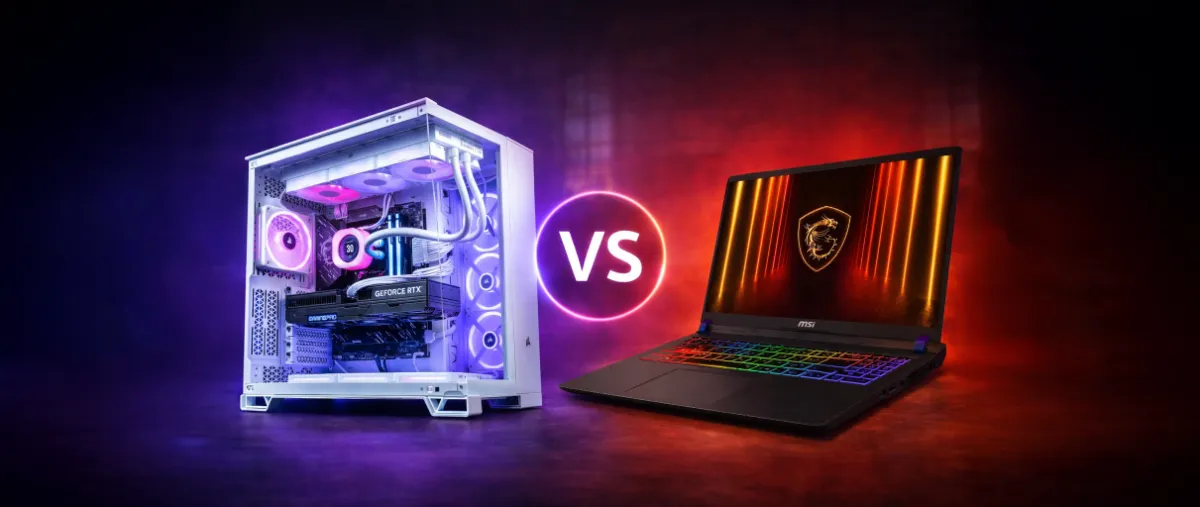
A desktop PC case has space for large fans, a big air cooler, or even water cooling. It stays quiet even during intense sessions. A gaming laptop has to get rid of 150 to 250 W of heat through a few centimetres of grilles: in games, its fans spin fast and can be loud.
Heat also wears components out faster. We cover this in our article Why does my gaming PC get hot when I play?
Upgradability and lifespan: the decisive argument for the desktop
On a desktop PC, you can change the graphics card after three years, add more RAM, add a second SSD, or fit a better air cooler. Each part can be replaced or repaired separately. On a gaming laptop, you can at best upgrade the RAM and the SSD. The processor and the graphics card are soldered in: the machine you buy is the one you’ll have right to the end. To know when a machine has reached the end of its life, read how to tell if your computer is too old.
Mobility: where the laptop is unbeatable
Studies, business trips, LAN parties, holidays: if you need to game or work away from home, the laptop is the only real answer. It’s also practical in a small home, because it doesn’t require a separate screen or dedicated desk. Remember that, while gaming, it needs to be plugged in: on battery, performance drops dramatically and battery life is measured in hours, not days.
To see what a fixed gaming PC looks like today, here’s the in-games test of our Rift PC (Radeon RX 9060 XT) by Mathis and Gauthier: assembly, components and gaming performance.
Mathis and Gauthier, review of the FlowUP Rift PC, September 2026.
Screen, keyboard and audio: the desktop’s comfort
With a desktop, you choose a 27-inch 1440p screen at 240 Hz, a mechanical keyboard, and a quality headset. A laptop offers a 15 to 18-inch screen and an okay keyboard, nothing more. You can connect an external monitor, but then you lose the whole point of mobility. To choose the screen that goes with a desktop PC, see our guide which gaming monitor should you choose.
Our verdict based on your profile
| Your profile | Our recommendation |
|---|---|
| You mainly play at home | Desktop PC |
| You want to keep the machine for a long time and upgrade it | Desktop PC |
| You do video editing, 3D or streaming | Desktop PC |
| You game on the move or on LAN every week | Gaming laptop |
| You have very little space | Gaming laptop, or a compact desktop PC |
| You mainly do office work on the move | A classic laptop, no need for a gaming model |
Our gaming desktop PCs
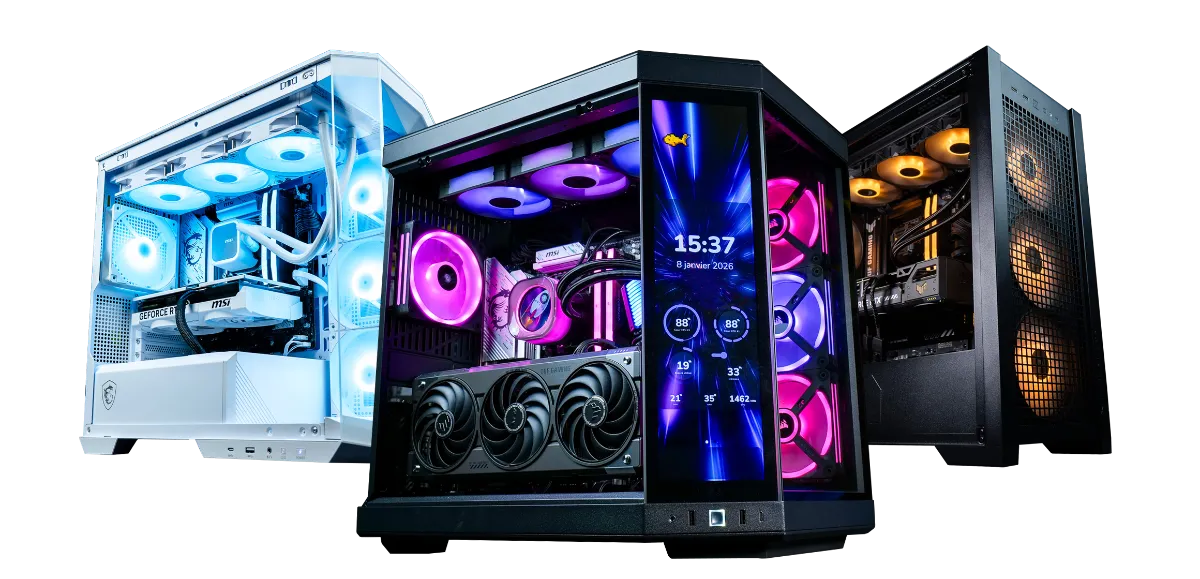
If the pre-built PC is right for you, here are two configurations assembled and tested in our workshop in Genappe. To fine-tune your choice, also read how to choose your gaming PC configuration properly and which PC to play all games on.
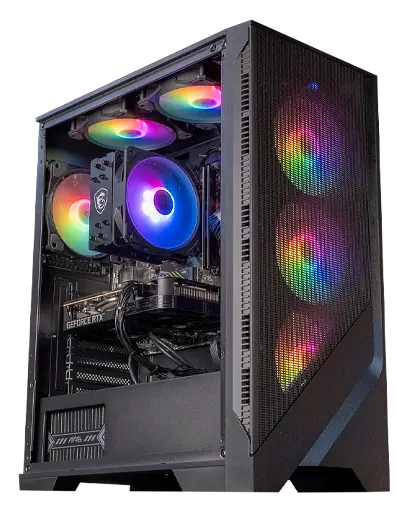
Corvus PC: Ryzen 5 5500 + RTX 5050
A solid starting point for gaming at 1080p, upgradeable whenever you want a more powerful graphics card.
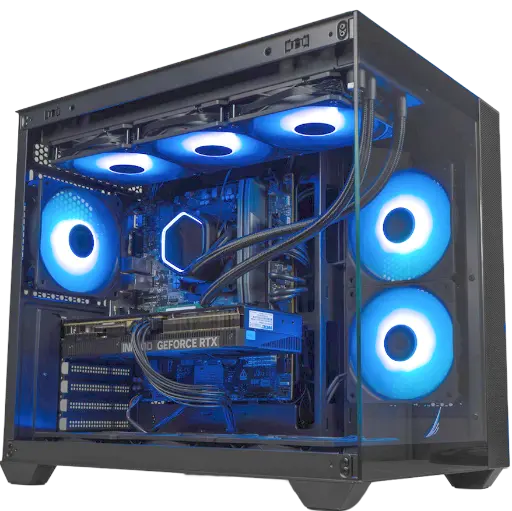
Umbra PC: GeForce RTX 5070 12 GB
Far more power than a laptop fitted with an RTX 5070, in a case that stays quiet while gaming.
A desktop PC is a machine that evolves with your games: a new graphics card in a few years, and it’s back for another round. That’s what makes it more cost-effective over time.
Frequently asked questions
Laptop or desktop PC for gaming?
Desktop, if you mainly play in the same place: it’s more powerful for the same budget, quieter, and more upgradeable. Laptop, only if you really need the mobility.
Does a gaming laptop last less time?
In general, yes. It gets hotter, its main components can’t be replaced, and the battery wears out. A desktop PC lasts longer by swapping a component.
Is a laptop RTX 5070 worth the same as a desktop RTX 5070?
No. Laptop cards have fewer cores and use much less power. With the same name, the desktop version is significantly faster.
Can you connect a gaming laptop to a large screen?
Yes, via HDMI or DisplayPort. That’s handy at home, but then you’re paying for the mobility without using it.
Is a desktop PC more expensive than a laptop?
At the same performance level, no: a desktop is almost always cheaper. You may need to add a monitor, a keyboard and a mouse if you don’t already have them.
