
By the FlowUP team, gaming PC builder in Genappe (Belgium) · Updated 4 November 2026
In short:
- The processor: 8 fast cores are enough for Photoshop. Beyond that, the gain becomes minimal, according to Puget Systems.
- RAM: minimum 16 GB; 32 GB as soon as your files exceed 500 MB when using layers.
- The graphics card: a recent RTX is enough for 2D. It becomes decisive in 3D and motion design.
- Mac or PC: the Adobe suite runs on both. A PC offers more power for the same budget.
A brush that trails behind the stylus. A blur filter that spins the wheel for twenty seconds. A PDF export for the printer that blocks everything else. If you’re looking for a PC for a designer, it’s rarely because you want to change things: it’s because your current machine makes you wait.
Good news: a pc for designers doesn’t need to be a prohibitively expensive workstation. Photoshop, Illustrator, InDesign and Lightroom mainly require a fast processor and enough memory. The graphics card really takes over only in 3D and motion design. Here’s how we spec a build at our Genappe workshop, software by software.
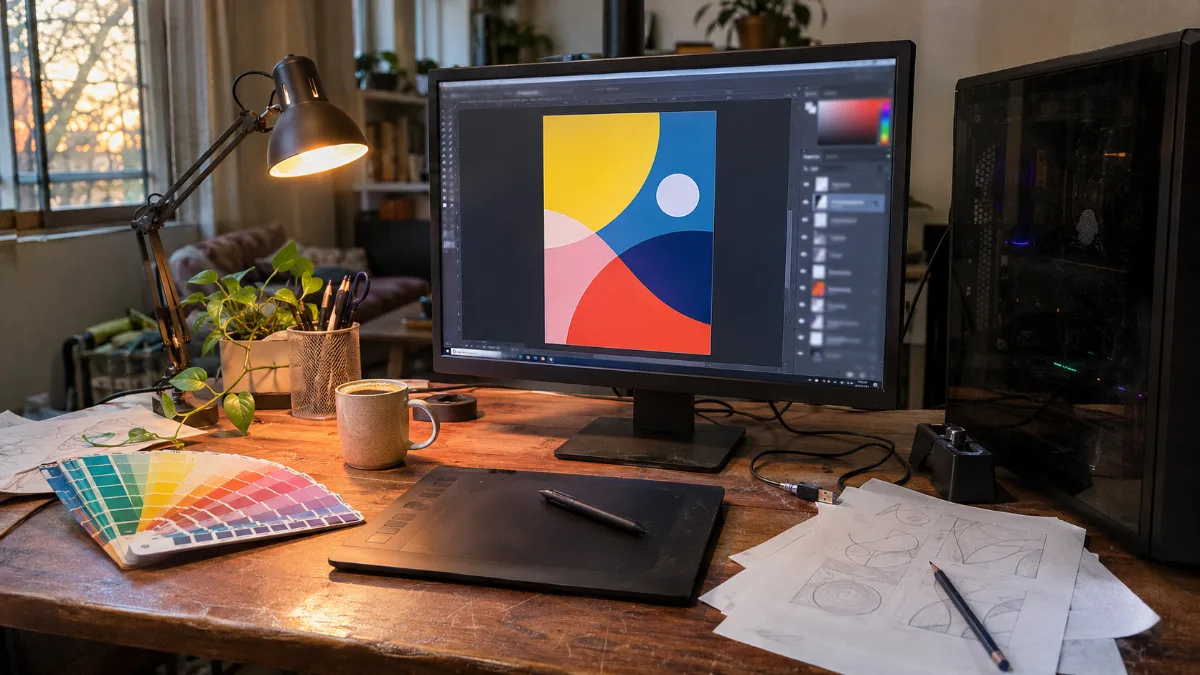
The typical set-up for a designer: a large screen, a graphics tablet and a tower that must never make you wait.
Best computer for graphic design: which PC to choose in 2026?
A good computer for a graphic designer combines a recent 8-core processor, 32 GB of RAM, an NVMe SSD and an RTX graphics card. The balance changes depending on your software: a layout designer working in InDesign doesn’t have the same needs as a motion designer animating in 3D in After Effects.
| Use | Processor | RAM | Graphics card |
|---|---|---|---|
| Page layout, illustration: InDesign, Illustrator | 6 to 8 recent cores | 16 to 32 GB | RTX 8 GB |
| Photo retouching: Photoshop, Lightroom | 8 fast cores | 32 GB, 64 GB beyond 1 GB per document | RTX 8 GB |
| 3D and motion design: Blender, After Effects | 8 to 16 cores | 32 to 64 GB | RTX 16 GB or more |
Sources: Puget Systems hardware recommendations for Photoshop; recommended configuration provided by the Blender Foundation; consulted in November 2026.
Our take: for a designer who does a lot of retouching and dabbles a bit in 3D, the ideal target in 2026 is an RTX 5060 Ti 16 GB with a recent processor and 32 GB of DDR5. It’s the Angora PC with the 32 GB option, and it’s the best PC for a designer we can recommend without blowing up the budget.
Processor: the real engine of a PC for designers
Photoshop and Illustrator first work with the processor. According to Puget Systems tests, Photoshop gains almost nothing beyond 8 cores: the architecture and clock speed matter more.
- Ryzen 7 9700X (8 cores): ranked among the best processors for Photoshop by Puget Systems. That’s the one in the Requiem PC.
- Core Ultra 5 245KF: recent and punchy, perfect for everyday layout and retouching.
- Ryzen 5 5600 (6 cores): enough for illustration and page layout, one step down for large files.
Our advice: don’t pay for 16 or 24 cores for Photoshop. Extra cores only help with processor-based 3D rendering. That budget is better spent on RAM.
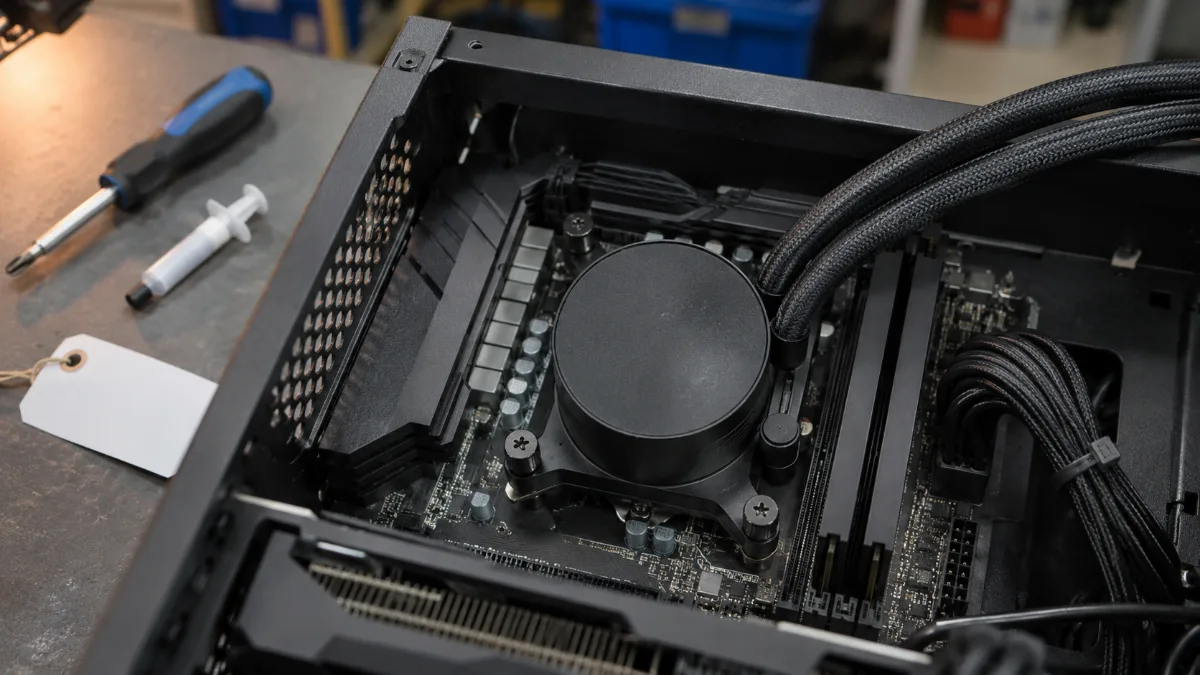
A well-cooled 8-core processor: the engine of a responsive retouching PC.
How much RAM for a photo editing PC?
16 GB is the minimum. 32 GB is the right choice for a photo retouching PC in 2026. Puget Systems gives a simple rule, based on the size of your open documents, layers included:
- Up to 500 MB: 16 GB.
- From 500 MB to 1 GB: 32 GB.
- Over 1 GB: 64 GB or more.
- Photoshop and Lightroom open at the same time: plan an extra buffer.
A large-format poster with around twenty layers quickly exceeds 500 MB. And the price of memory has risen sharply this year (why RAM costs more in 2026): getting 32 GB from the start is cheaper than adding more later.
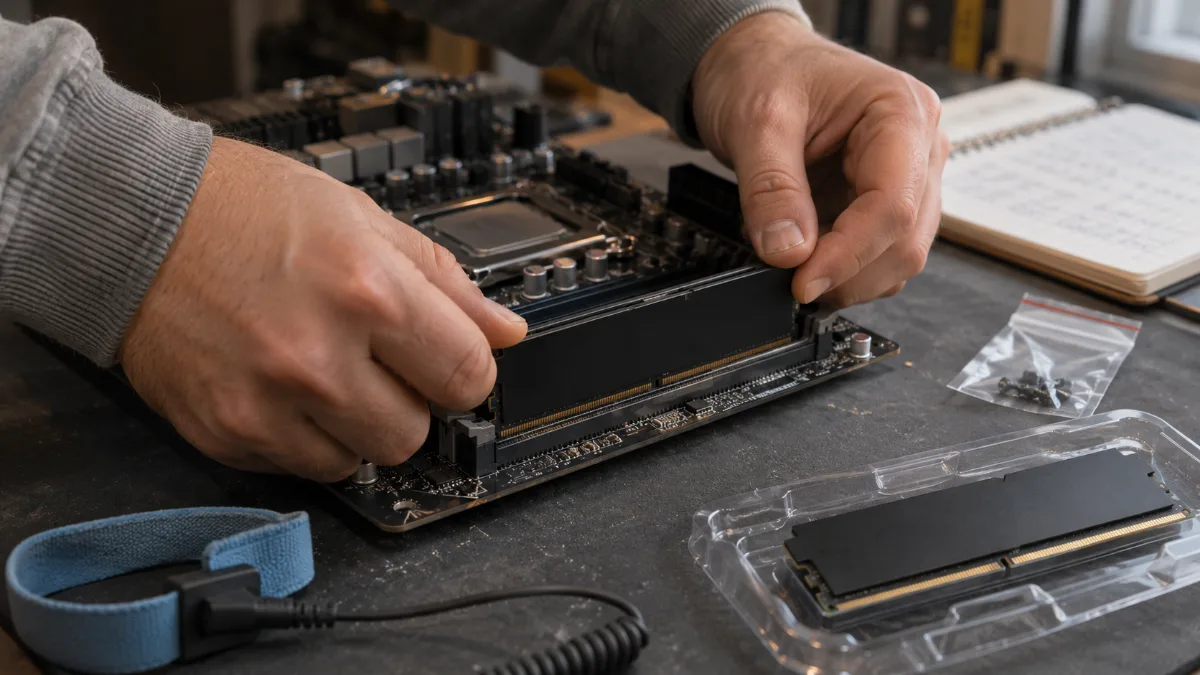
Two 16 GB sticks in dual channel: the foundation of a photo retouching PC in 2026.
Graphics card: decisive for 3D, secondary for 2D
For 2D, a recent GeForce RTX is enough. Puget Systems finds that an RTX 5070 remains within a few percent of an RTX 5090 on the accelerated Photoshop tasks. In 3D and motion design, the graphics card makes all the difference.
- Illustrator, InDesign, Photoshop: an 8 GB RTX is enough. A dedicated card stays far smoother than the graphics chip built into the processor for zooming, panning and filters.
- Blender: the Blender Foundation recommends 8 GB of video memory. Aim for 16 GB for very texture-heavy scenes.
- After Effects in 3D: according to Puget Systems, the advanced 3D engine gains about 24% when moving from an RTX 40 to an RTX 50. Motion design is the use case that benefits the most from a larger card.
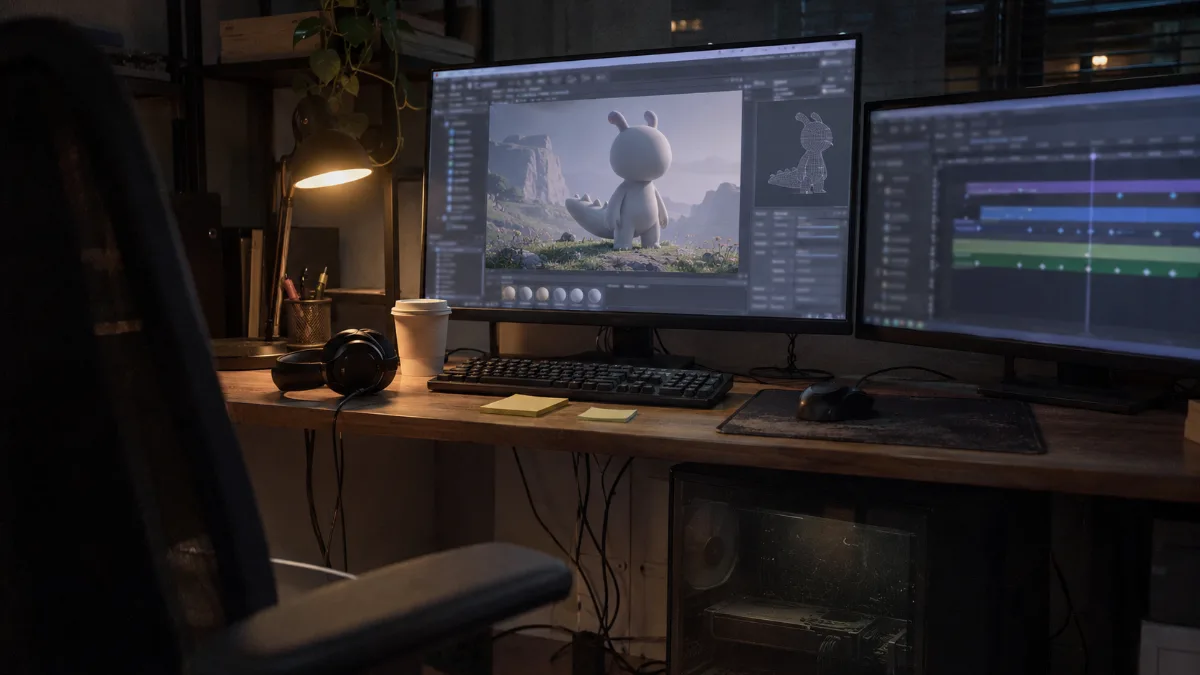
In 3D and motion design, the graphics card makes all the difference in render time.
Small extra: install the NVIDIA Studio drivers, designed for creative software rather than games.
Screen, storage, Mac or PC: what also matters
A graphics designer’s PC is only as good as the screen that displays your colours. A 27-inch 1440p or 4K IPS or OLED panel that covers sRGB space well will do more for the accuracy of your visuals than a high-end processor. Our guide to choose your screen in 2026 goes into the panels in detail.
- Storage: a 1 TB NVMe SSD for the system and software, a second drive for client archives. Puget Systems recommends at least two drives.
- Mac or PC for designers: Photoshop, Illustrator, InDesign, Affinity and Blender run on both. A PC offers more power for the same budget, components that you can upgrade, and the full catalogue of NVIDIA cards for 3D.
- Laptop: a laptop for a designer remains handy for client meetings, but the desktop tower keeps the advantage for long sessions. See our comparison of the MSI Cyborg and Stealth gaming laptops.
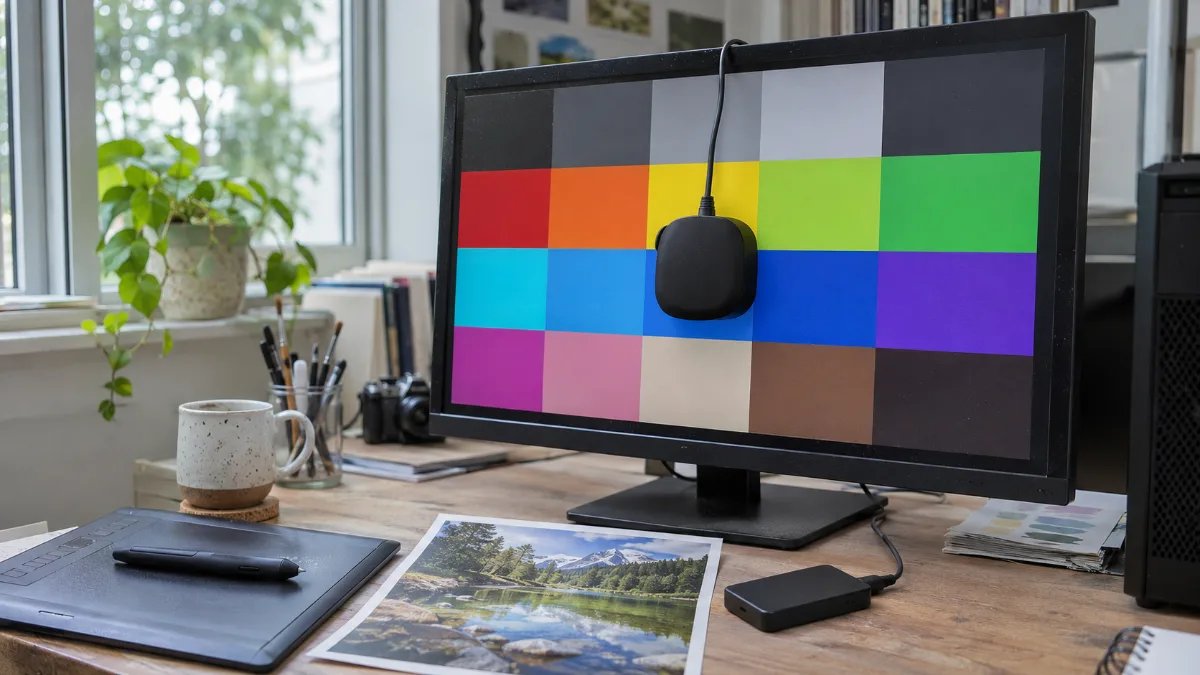
A calibrated screen and a test print: colour accuracy starts right here.
Our PCs for designers: which one to choose?
These PCs are assembled, cabled and tested in Genappe before they ship. You receive them ready to install your software. The current price and shipping lead time are shown on each product page.
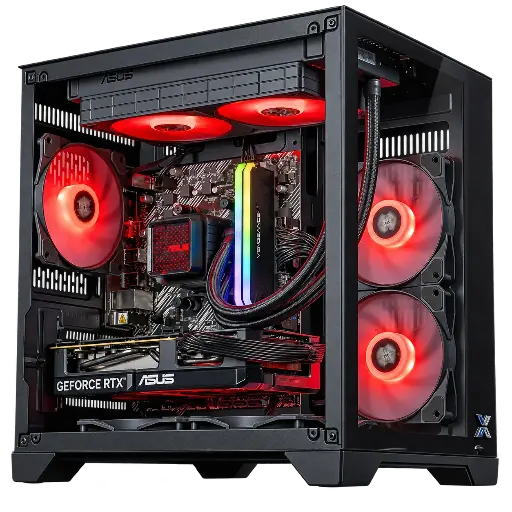
PC Banger GeForce RTX 5060 Powered by ASUS
- Ryzen 5 5600, ASUS Dual RTX 5060 8 GB OC
- 16 GB DDR4, M.2 SSD 1 TB
- ASUS Prime LC II 240 ARGB water cooling
The cheap PC for designers: ideal for illustration, layout and editing light files.
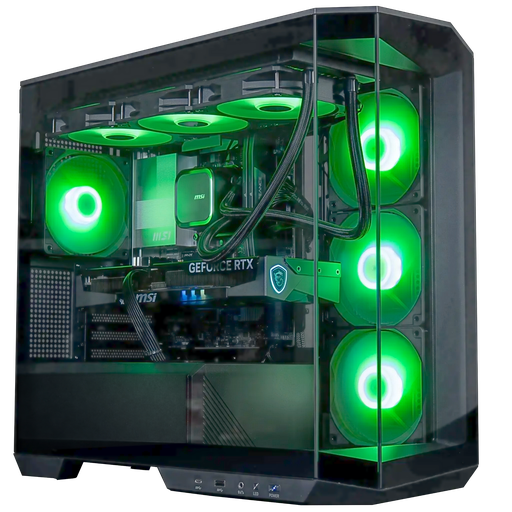
PC Angora GeForce RTX 5060 Ti 16GB
- Core Ultra 5 245KF, RTX 5060 Ti 16 GB
- 16 GB DDR5 (32 GB option on the product page), 1 TB SSD
- Arctic 360 mm water cooling, panoramic case
Our recommendation for photo retouching, Lightroom and getting started in 3D. Choose the 32 GB option.
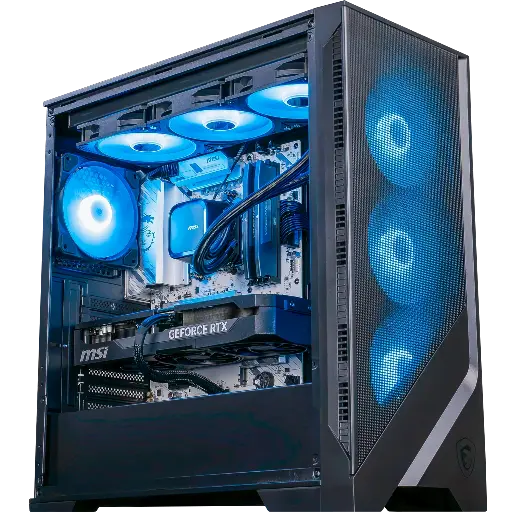
PC Requiem GeForce RTX 5070 Ti
- Ryzen 7 9700X, RTX 5070 Ti 16 GB
- 32 GB DDR5, 1 TB SSD
- B850 motherboard with Wi‑Fi 6E
For 3D and motion design: an 8-core processor built for Photoshop and an RTX 5070 Ti for Blender and After Effects.
The workshop’s opinion
- Illustration, layout, small budget: the Banger PC.
- Photo retouching and Lightroom: the Angora PC, with the 32 GB option.
- 3D, motion design, large files: the Requiem PC.
- Have a specific setup in mind? Build your custom PC.
- More than 50,000 PCs shipped from Genappe: each PC is tested before it leaves.
Also read: PC for architects, PC for video editing and 16 GB or 32 GB of RAM.
Read also: do you also generate images with AI? Here is our guide to the PC for AI.
Graphic design PC FAQ
Which graphic design PC setup to start with?
A recent 6 to 8-core processor, 16 GB of RAM and an RTX 5060 cover Illustrator, InDesign and Photoshop. Go up to 32 GB if you edit large files.
Can you use a gaming PC for graphic design work?
Yes. A gaming PC has what the creative software needs: a fast processor, an RTX graphics card and an NVMe SSD. Add 32 GB of RAM and a colour-accurate monitor.
Mac or PC for a graphic designer?
Both run the Adobe suite, Affinity and Blender. The PC offers more power per euro and is easy to upgrade; the Mac appeals thanks to its ecosystem.
Which graphics card for a photo editing PC?
An RTX 5060 or 5060 Ti is more than enough. Puget Systems estimates that 4 GB of video memory is sufficient for Photoshop, except when using multiple 4K monitors.
How much RAM for Photoshop and Illustrator?
16 GB minimum, 32 GB recommended, 64 GB for documents of more than 1 GB.
