
By the FlowUP team, gaming PC builder in Genappe (Belgium) · Updated 4 November 2026
In brief:
- A single screen: 1080p or 1440p, an RTX 5070 handles recent simulators without any trouble.
- Triple screen: three 1440p panels means more pixels than 4K. Aim for a 16 GB card.
- VR: iRacing requires at least its recommended configuration. Leave some headroom.
- The processor: simulators calculate a lot of physics. iRacing recommends 8 cores or more for higher-end setups.
Late braking into the hairpin, the car settles, and the image stutters for half a second. In an arcade racing game, that’s fine. In sim racing, it’s the missed racing line and the race that ends up in the gravel trap. A sim racing PC has one job: to keep smooth, consistent images, lap after lap, even when twenty cars dive into the first corner.
The right tuning depends mainly on your display. One screen, three screens, or a VR headset, those don’t have the same requirements. Here’s how we size a PC for sim racing at our workshop, for iRacing, Assetto Corsa EVO and the other simulators.
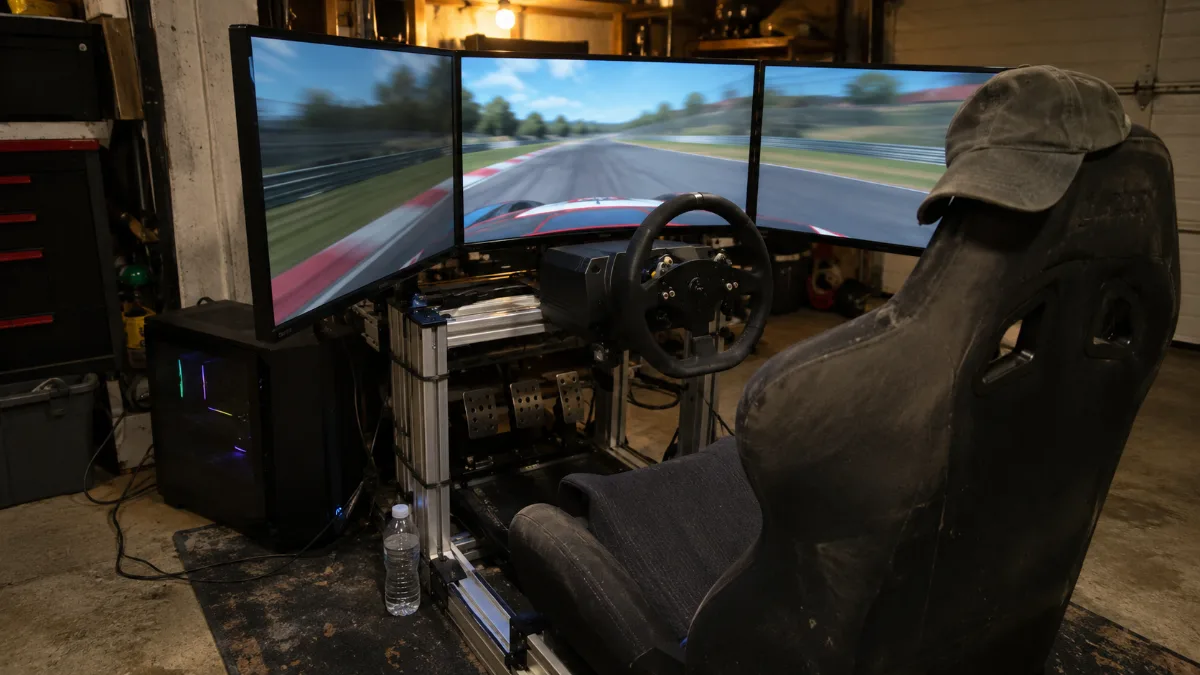
A triple-screen cockpit: the PC has to calculate more pixels than in 4K, lap after lap.
Which sim racing PC should you choose in 2026?
A good sim racing PC pairs a recent 8-core processor, 32 GB of RAM, and a graphics card suited to your display. It’s the number of pixels to calculate that determines the graphics card.
| Display | Pixels per image | Recommended graphics card |
|---|---|---|
| 1 × 1080p screen | 2.1 million | RTX 5070 12 GB |
| 1 × 1440p screen | 3.7 million | RTX 5070 or RX 9070 XT |
| Triple 1080p screen | 6.2 million | RX 9070 XT 16 GB |
| Triple 1440p screens | 11.1 million (4K: 8.3 million) | RX 9070 XT 16 GB or more |
| VR headset | Depending on the headset | RX 9070 XT 16 GB or more |
Pixels calculated based on screen resolutions. Minimal and recommended configurations: iRacing and Assetto Corsa EVO on Steam, consulted in November 2026.
Our take: for a triple 1440p setup, the most balanced sim racing PC configuration pairs a Ryzen 7 7800X3D, an RX 9070 XT 16 GB and 32 GB of DDR5. That’s the one in the Apex V2 PC.
Processor: the lifeblood of a sim racing PC
A simulator continuously calculates the physics of the tyres, suspensions and opponents. iRacing asks for at least 4 cores, 6 in the recommended configuration, and 8 or more for higher-end setups.
- Ryzen 7 7800X3D and 9800X3D: their large cache makes them our preferred processors for simulators.
- Ryzen 7 5700X (8 cores): a solid base for a single screen.
- RAM: iRacing moves up to 32 GB or more for its high-end configuration. The three PCs in this guide ship with 32 GB by default.
For more on these processors, read our guide to the Ryzen 7 gaming PC.
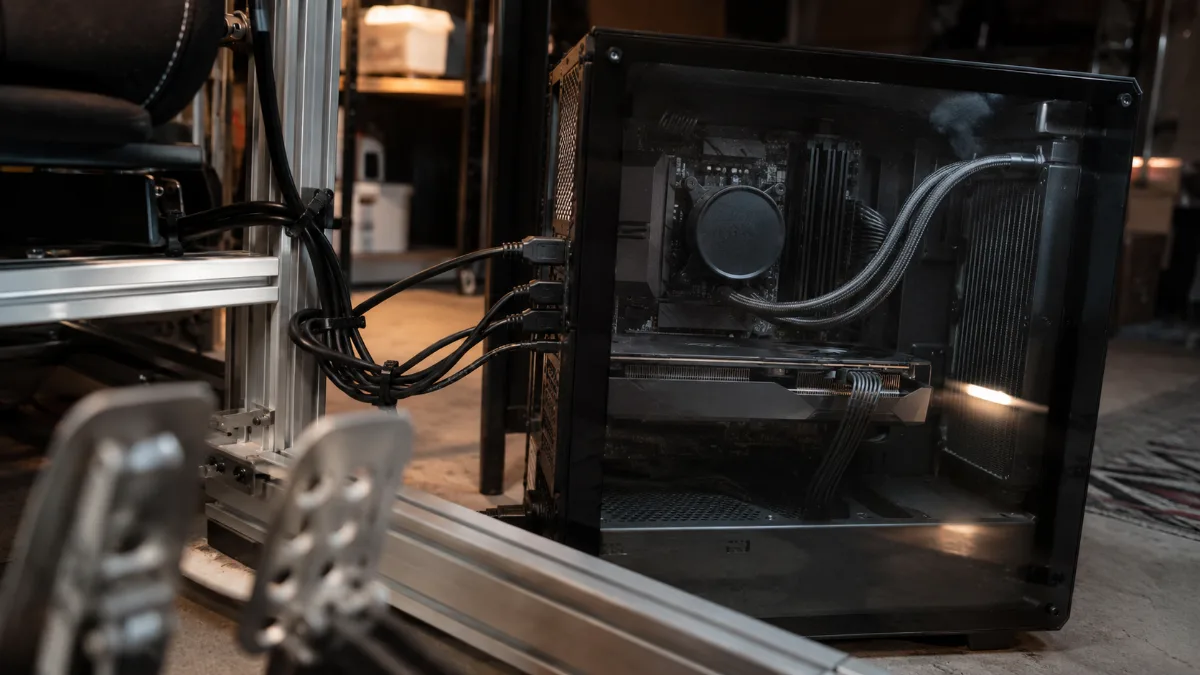
Steering wheel, pedals, gear lever: the central PC connects all cockpit peripherals.
Graphics card: triple screen, the real test
Three 1440p screens side by side means 7680 × 1440 pixels, i.e. 11.1 million pixels per image. That’s one third more than 4K. The graphics card has to keep up without any drop in smoothness.
- RTX 5070 12 GB: perfect for a single screen, up to triple 1080p by lowering a few settings.
- RX 9070 XT 16 GB: our choice for triple 1440p, with 16 GB of video memory for detailed circuits.
- The right instinct: aim for stable smoothness rather than a peak FPS number. A consistent image matters more than a maximum figure.
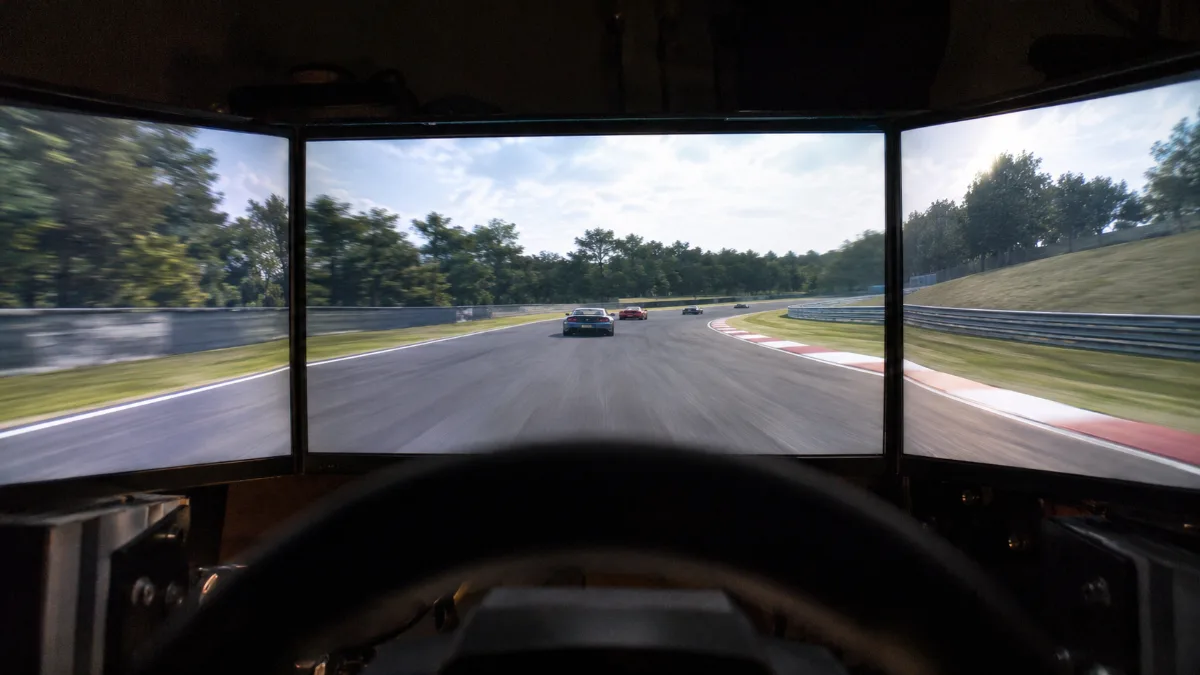
View from the bucket on triple 1440p: 11 million pixels per image.
To compare the cards in detail, see our guide to the RX 9070 XT gaming PC.
Sim racing in VR: what to plan for
iRacing states that a PC used in VR must reach at least its recommended configuration. Assetto Corsa EVO supports VR via SteamVR, Oculus VR and OpenXR.
- Headroom above all: in VR, each image is rendered twice, once per eye. A 16 GB card prevents you from having to sacrifice details.
- The processor counts even more: a rolling start in a full pack puts a lot of load on the CPU.
- Our tip: a VR sim racing PC deserves a Ryzen X3D and an RX 9070 XT, just like the Shadow V2 PC.
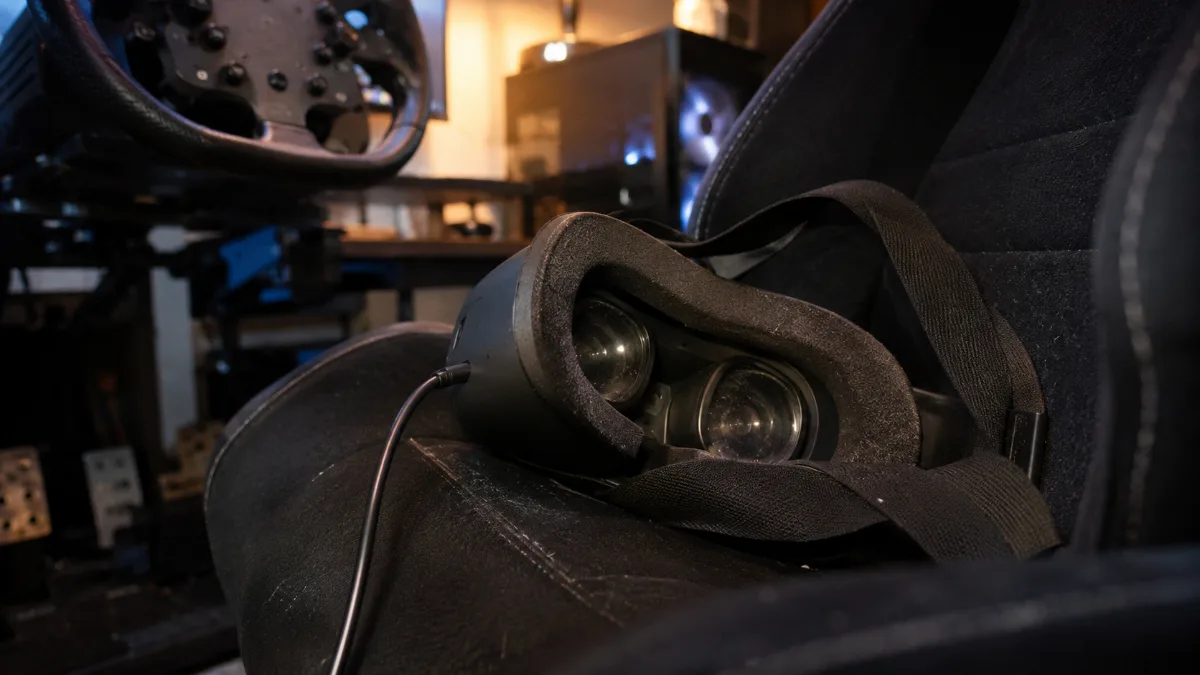
In VR, the PC renders an image per eye: headroom in performance matters.
Full sim racing setup: the PC is only one part
A complete sim racing setup is a PC, a steering wheel, a pedal set, a rigid cockpit rig, and a display. The PC determines smoothness; everything else determines the feel.
- Storage: Assetto Corsa EVO needs 100 GB on an SSD, and iRacing 225 GB with all cars and all circuits. A 1 TB NVMe SSD is a minimum.
- Connections: steering wheel, pedal set, gear shifter and handbrake quickly take up four USB ports.
- Screen: a fast, well-calibrated panel is part of the driving experience. Our guide to choose your gaming monitor breaks down the panels.
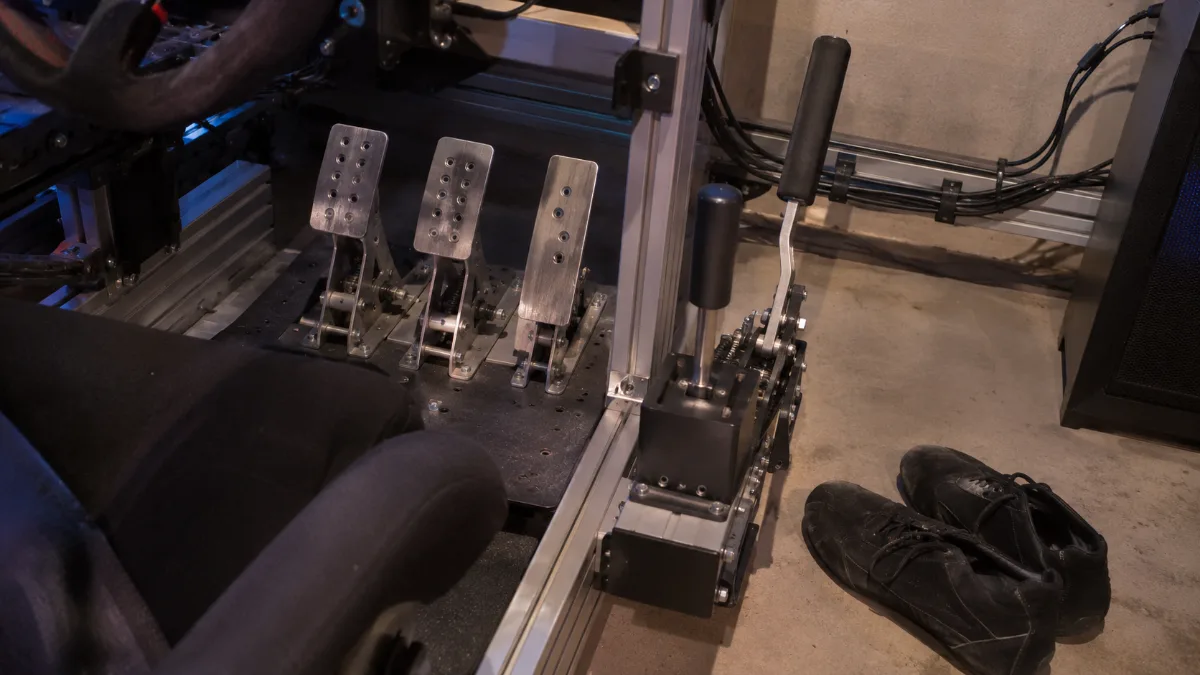
A complete sim racing setup quickly uses up multiple USB ports on the PC.
Our sim racing PCs: which one should you choose?
These PCs are assembled, wired and tested in Genappe before they leave. You plug in your steering wheel and you can start driving. The day price and shipping lead time are shown on each product page.
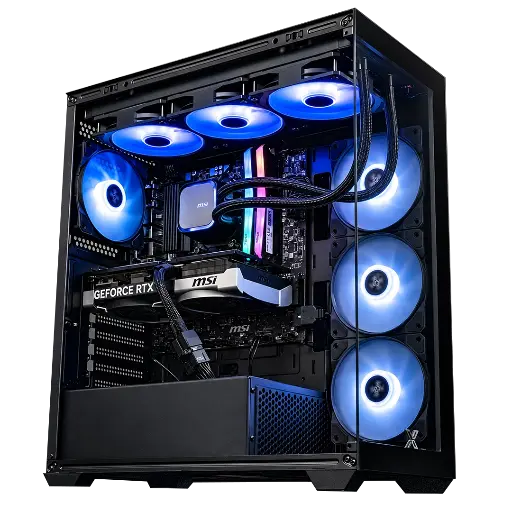
PC Rampage V2 GeForce RTX 5070
- Ryzen 7 5700X (8 cores), RTX 5070 12 GB
- 32 GB DDR4, 1 TB M.2 SSD
- MSI 360 mm water cooling, 80 Plus Bronze power supply
The sim racing gaming PC for a 1080p or 1440p monitor: 8 cores and 32 GB of RAM for iRacing and Assetto Corsa EVO.
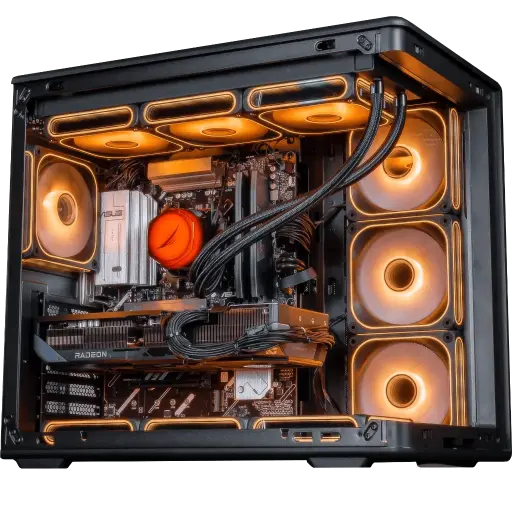
PC Apex V2 Radeon RX 9070 XT 16GB
- Ryzen 7 7800X3D (9800X3D optional), RX 9070 XT 16 GB
- 32 GB DDR5, 1 TB M.2 SSD
- ASUS TUF B850 motherboard, 850 W 80 Plus Gold power supply
Our recommendation for triple monitors: the large cache of the 7800X3D and 16 GB of video memory.
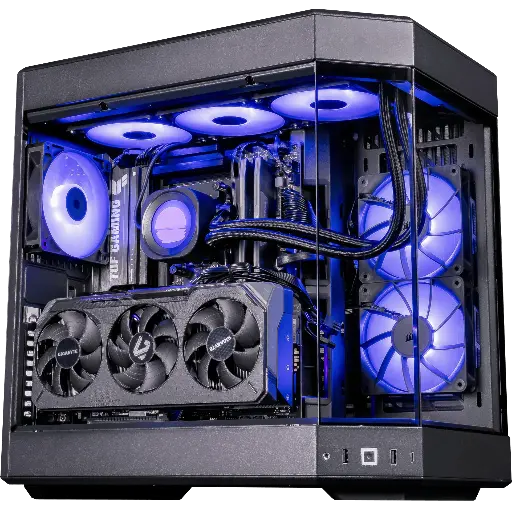
PC Shadow V2 Radeon RX 9070 XT
- Ryzen 7 9800X3D, RX 9070 XT 16 GB
- 32 GB DDR5, 1 TB SSD
- Cooler Master water cooling, 850 W 80 Plus Gold power supply
For VR and big packs: the 9800X3D keeps the pace when the processor is under the heaviest load.
Workshop opinion
- A single screen, 1080p or 1440p: the Rampage V2 PC.
- Triple 1440p monitors: the Apex V2 PC, the best balance.
- VR and online competition: the Shadow V2 PC.
- Have a specific setup in mind? Build your custom PC.
- More than 50,000 PCs shipped from Genappe: each PC is tested before it leaves.
Also to read: Ryzen 7 gaming PC, RX 9070 XT gaming PC and RTX 5090 PC.
Sim racing PC FAQ
What sim racing PC configuration should you choose to get started?
An 8-core processor, 32 GB RAM and an RTX 5070 are enough for a 1080p or 1440p monitor on iRacing and Assetto Corsa EVO.
Do you need an X3D processor for sim racing?
It’s not required, but their large cache helps in simulators. That’s our choice for triple monitors and VR.
How much RAM for iRacing?
iRacing requires at least 16 GB and recommends 32 GB or more for its high-end setup.
Triple monitors or VR?
Triple monitors are more comfortable for long sessions and can be shared with spectators. VR offers better depth and distance perception. Both require a 16 GB graphics card.
Is a gaming PC enough for sim racing?
Yes, a well-balanced gaming PC is an excellent PC for sim racing. Focus especially on the processor, RAM and the number of USB ports.
