
By the FlowUP team, gaming PC builder in Genappe (Belgium) · Updated 29 September 2026
In brief: for a gaming PC in 2026, the system drive should be a SSD, ideally a SSD NVMe in the M.2 format. It accesses files tens of times faster than a hard drive; a PCIe 4.0 NVMe SSD reads large files more than 30 times faster (7,450 MB/s vs 220 MB/s), and some games like Call of Duty Black Ops 7 require an SSD right from the minimum configuration. The HDD (hard drive) still has a role: storing lots of data at lower cost, and making backups. The right formula for most players: a minimum 1 TB NVMe SSD, and a hard drive alongside it only if you have lots of files to archive.
HDD vs SSD: what really sets them apart
A HDD (Hard Disk Drive, the classic hard drive) stores data on rotating magnetic platters, typically at 5,400 or 7,200 RPM. A read head moves above them to retrieve each file. That’s the mechanism that makes it slow and sensitive to shocks.
A SSD (Solid State Drive) stores everything in flash memory chips. No parts move: access to any data is virtually instant. There are two main types: SATA SSDs, which use the same cable as hard drives, and NVMe SSDs, which plug into M.2 directly on the motherboard and use the PCIe bus, which is much faster.
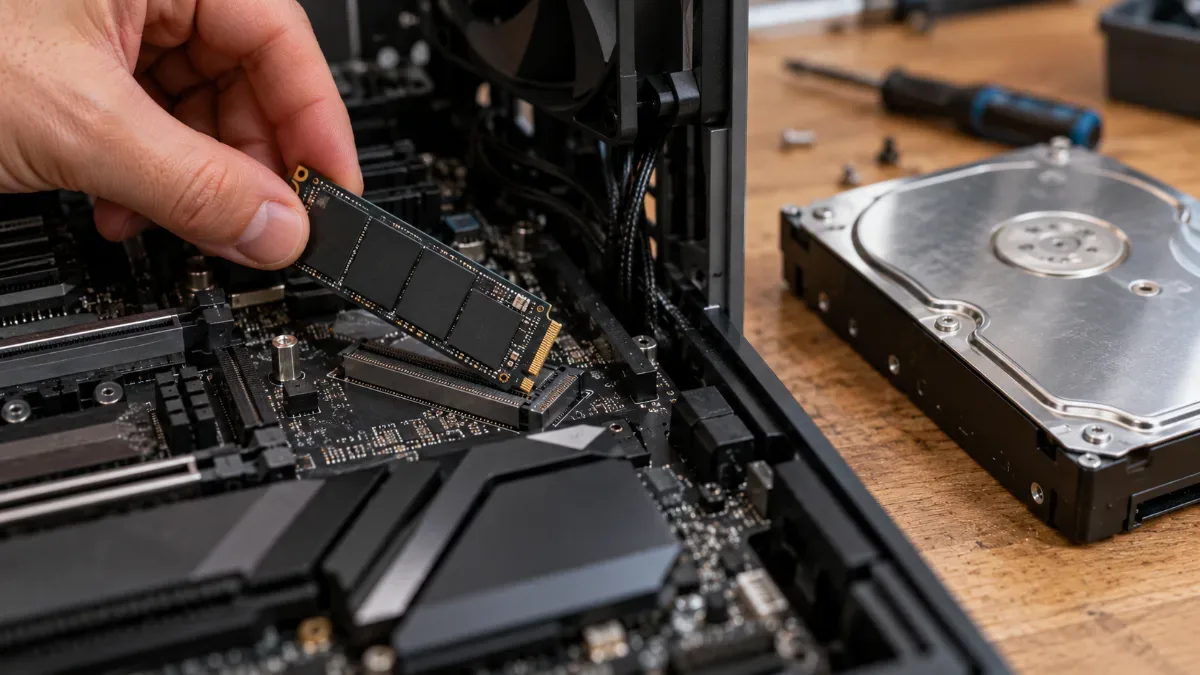
An M.2 NVMe SSD fits in the palm of your hand, while a 3.5-inch hard drive weighs several hundred grams.
The figures that matter
| Type | Connection | Sequential read | Access time | Example (manufacturer sheet) |
|---|---|---|---|---|
| 7,200 RPM hard drive | SATA | Up to 220 MB/s | Several milliseconds | Seagate BarraCuda 2 TB |
| SATA SSD | SATA 6 Gb/s | 560 MB/s | About 0.1 ms or less | Samsung 870 EVO |
| SSD NVMe PCIe 4.0 | M.2, PCIe 4.0 | 7,450 MB/s | About 0.1 ms or less | Samsung 990 PRO |
| SSD NVMe PCIe 5.0 | M.2, PCIe 5.0 | 14,800 MB/s | About 0.1 ms or less | Samsung 9100 PRO |
Sources: Seagate and Samsung datasheets, consulted on 29 September 2026. Hard drive access time: the rotational latency alone averages 4.2 ms at 7,200 RPM, before the head moves. For SSDs, order-of-magnitude figures calculated from the advertised IOPS for random reads.
Sequential throughput is the speed for reading a large file in one go. But what you really notice day to day is the access time: a game or Windows will fetch thousands of tiny scattered files, and that’s where a hard drive loses to any SSD, even an entry-level one.
In gaming: the SSD is no longer optional
For a long time, SSDs were mainly used to shorten loading screens. That’s no longer the case. Recent games stream textures and the environment continuously while you play, and a hard drive can’t keep up. Game publishers spell it out clearly:
| Game | Storage requirement | Source |
|---|---|---|
| Call of Duty: Black Ops 7 | SSD required from the minimum configuration, 116 GB free | Activision |
| Starfield (2023) | SSD required at minimum and recommended | Bethesda, via PCWorld |
| Battlefield 6 | Hard drive accepted at minimum, SSD recommended | EA |
Another development: DirectStorage, a Microsoft technology that lets games make use of fast NVMe SSDs, with data decompression handled by the graphics card. Ratchet & Clank: Rift Apart and Marvel's Spider-Man 2 use it on PC.
Our view: for gaming, a good PCIe 4.0 NVMe SSD is more than enough. PCIe 5.0 doubles the throughput on paper, but current games still don’t get much out of it, and these SSDs run hotter. It’s better to spend the budget on capacity: with games that often exceed 100 GB, 1 TB goes quickly.
Microsoft ExpertZone neatly sums up the differences between hard drives, SATA SSDs and NVMe SSDs:
Microsoft ExpertZone France, “Should you (really) buy an SSD?”, September 2022.
Does an SSD wear out faster than a hard drive?
That’s the worry that comes up most, and it dates back to the first SSDs. Flash memory cells support a limited number of writes, which manufacturers express in TBW (terabytes written). A 1 TB Samsung 990 PRO is guaranteed for 600 TBW over 5 years. Writing 50 GB per day, already a lot for a gamer, would take more than 30 years to reach that limit.
A hard drive, meanwhile, wears out mechanically: motor, bearings, read head. It fears shocks, especially when it’s running. Neither of the two lasts forever: the real protection is backups.
Does a hard drive still have a place?
Yes, but no longer as the main drive. Its main advantage remains the price per terabyte and the capacity: you can find consumer hard drives of more than 20 TB, and Seagate has been supplying 44 TB models to data centres since March 2026.
The price gap even widened in 2026: TrendForce expected a 55 to 60% increase in contract prices for NAND flash memory in the first quarter, followed by 10 to 15% in the third. So, for archiving videos and photos or making backups, a hard drive still makes sense. All the details are in how to choose your HDD in 2026.
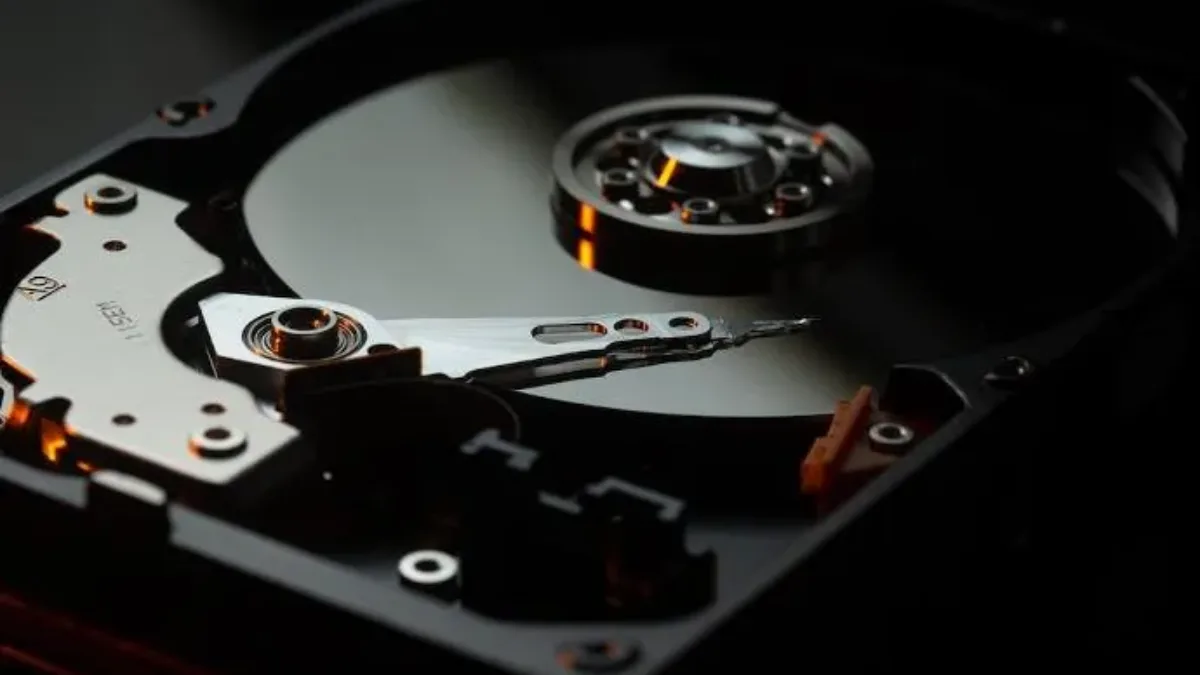
Inside a hard drive: a spinning platter and a moving read head.
Which storage for which use
| Use | Recommended storage |
|---|---|
| Main gaming PC | Minimum 1 TB NVMe SSD (PCIe 4.0) |
| Big game library | 2 TB NVMe SSD, or a second NVMe SSD |
| Video creation and streaming | NVMe SSD for the system and ongoing projects, hard drive or large SSD for archives |
| Backups | External hard drive |
| Secondary or office PC | Entry-level SATA or NVMe SSD; never a hard drive as the system drive. |
To choose the model, capacity and PCIe generation, follow our guide how to choose your SSD in 2026.
Our gaming PCs on M.2 SSD
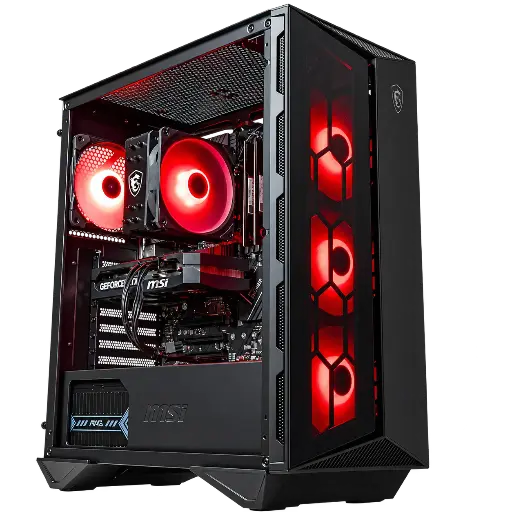
Banger PC: 500 GB M.2 SSD
Core i5-12400F, RTX 5060 and 500 GB M.2 SSD: enough for Windows and a few games, to be supplemented if your game library is large.

Novara GeForce RTX 5070 PC 12GB
Ryzen 5 7500X3D, RTX 5070 12GB, 16GB of DDR5 and 1TB M.2 SSD: a ready-to-play setup straight out of the box.
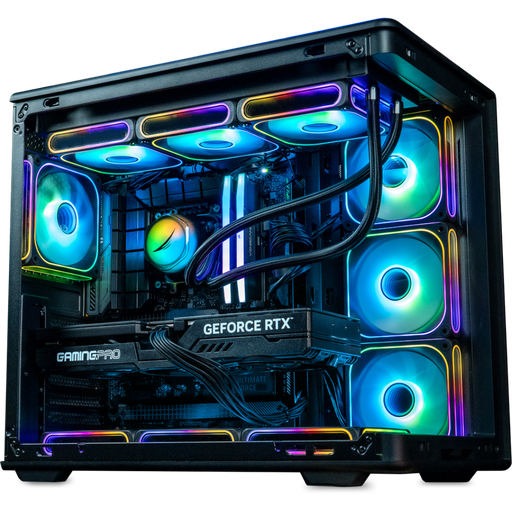
Rainbow V2 PC: 1 or 2 TB to choose from
RTX 5070 Ti and a 1 TB M.2 SSD, or 2 TB as an option for bigger game libraries.
FAQ: SSD or HDD
What’s the difference between an HDD and an SSD?
The HDD stores data on spinning magnetic platters, while the SSD stores it on flash memory chips with no moving parts. The SSD is much faster, quieter and more resistant to shocks; the HDD offers more capacity for less money.
SSD or HDD for gaming?
An SSD, without hesitation. Some recent games like Call of Duty Black Ops 7 even require it in their minimum configuration.
Does an SSD last less time than a hard drive?
Not any more, for normal use. A 1 TB SSD like the Samsung 990 PRO is guaranteed for 600 TB written, i.e. decades of typical everyday use.
SATA SSD or NVMe?
Go for NVMe if your motherboard has a compatible M.2 slot, this is the case for virtually all recent boards. SATA is still useful if you want to add more capacity to an older PC.
Can you combine an SSD and a hard drive?
Yes, it’s even a good setup: Windows and games on the SSD, large files and backups on the hard drive.
Sources
- Seagate, BarraCuda 3.5-inch technical specifications
- Samsung, 870 EVO technical specifications
- Samsung, 990 PRO technical specifications
- Samsung announces the 9100 PRO (March 2025)
- Activision, Black Ops 7 system requirements
- EA, Battlefield 6 system requirements
- PCWorld, Starfield system requirements (2023)
- Microsoft, DirectStorage
- Tom’s Hardware, Seagate 44 TB hard drives (March 2026)
- TrendForce, NAND prices in Q1 2026
- TrendForce, NAND prices in Q3 2026
