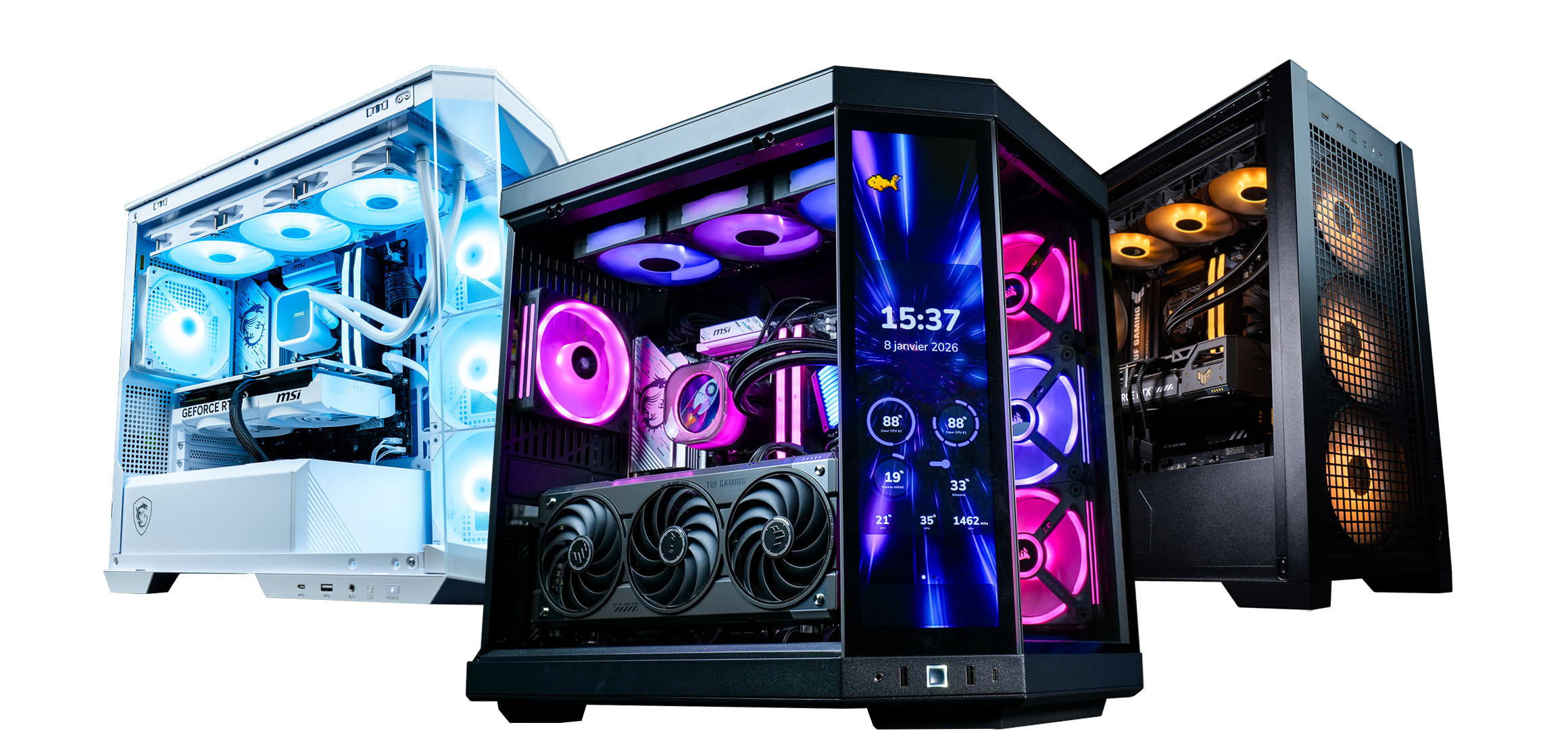
Your PC in instalments (up to 12x)
To stream in 1080p at 60 frames per second without your game stuttering, you need a PC with a recent processor with 6 to 8 cores, a graphics card with a hardware encoder (NVENC on NVIDIA, AMF on AMD) and 32 GB of RAM. For your connection, plan on at least 8 Mb/s of stable upload. The rest of the setup (microphone, webcam, lighting) matters as much to how your viewers perceive the stream as the FPS.
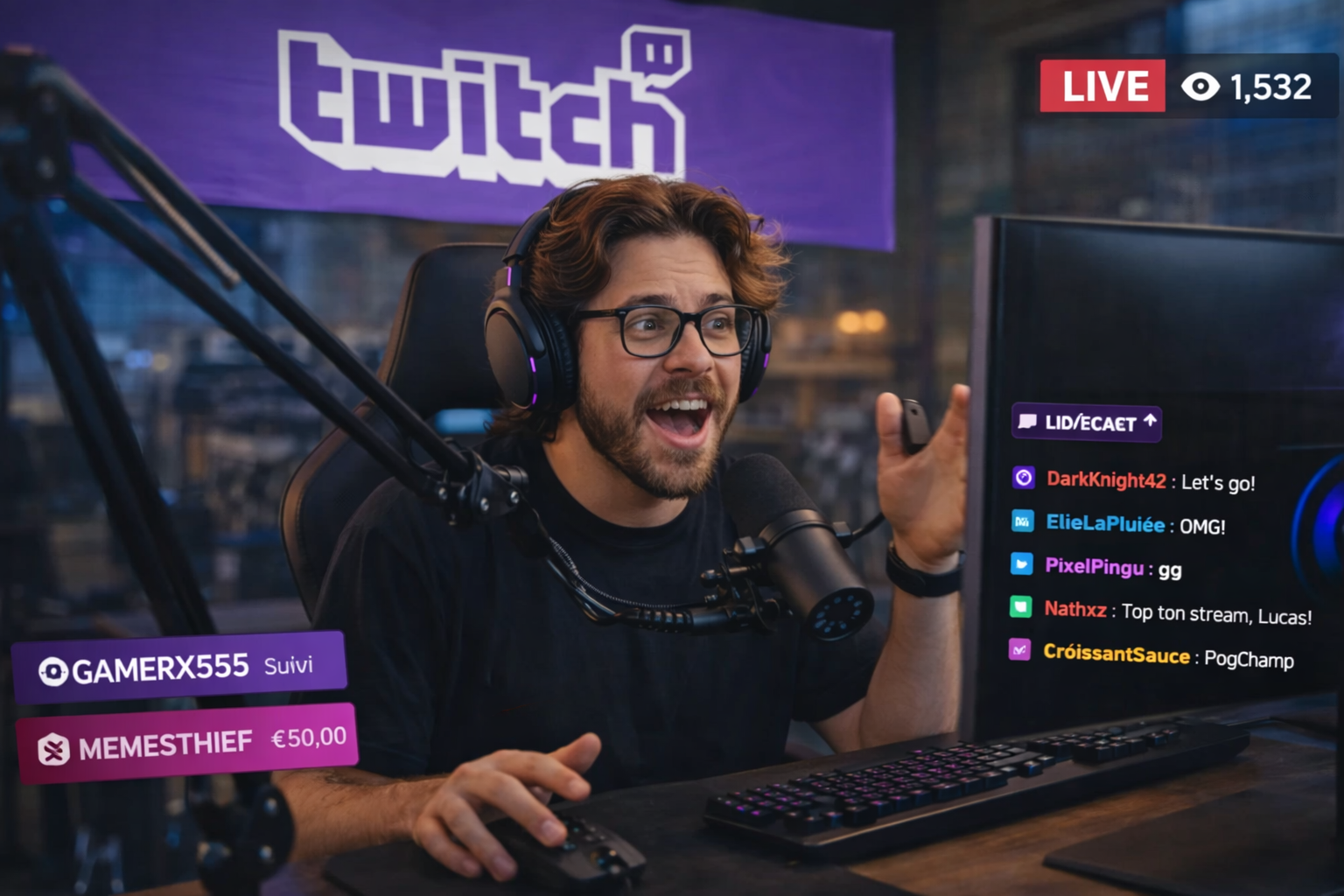
Gaming PCs are set up year-round at FlowUP. Here’s the streaming build we recommend for 2026, component by component, and then the surrounding gear.
Why a streaming PC needs more than a classic gaming PC
When you stream, your PC has two jobs at the same time. It runs the game, and in parallel it captures the image, encodes it and sends it to Twitch or YouTube. OBS, your scenes, your alerts and your chat add their share too.
It depends on who does the encoding. If it’s the processor (x264), it has to handle both the game and video compression at the same time. If it’s the graphics card (NVENC or AMF), a dedicated chip takes care of it and the game loses almost nothing. That’s why we recommend hardware encoding to the vast majority of streamers.
Processor: 6 cores to start, 8 for some breathing room
The processor runs the game, OBS, overlays and plugins. With encoding via the graphics card, a recent 6-core CPU like the Ryzen 5 7500F or the Core i5-14400F handles streaming in 1080p very well. If you want to encode in x264, stack your sources in OBS or do editing alongside it, go for an 8-core CPU like the Ryzen 7 9700X.
Encoding: NVENC, AMF or x264?
| Encoder | Where it runs | Impact on the game | For who |
|---|---|---|---|
| NVENC (NVIDIA) | Dedicated chip on the graphics card | Very low | The majority of streamers |
| AMF (AMD) | Dedicated chip on the graphics card | Very low | Radeon setups |
| x264 | Processor | High | Two-PC setups or very powerful processors |
The latest cards (GeForce RTX 40 and 50, Radeon RX 7000 and 9000) can also encode in AV1. YouTube accepts it live, with a better image at the same bitrate. Twitch stays with H.264 for standard broadcasting.
Our take: if you’re streaming from a single PC, NVENC is still the safe bet.
Graphics card: it does both the work and the encoding
For 1080p at 60 FPS, a RTX 5060 Ti 16 GB or a RX 9060 XT 16 GB is enough for most games on high settings, stream included. Choose the 16 GB version: playing and encoding at the same time needs some memory headroom.
For 1440p or 4K on YouTube, go for a RTX 5070 Ti or a RTX 5080. You leave headroom for gaming, and the encoder keeps up without any trouble. That’s what sets a real streaming gaming PC apart from a standard gaming PC: the quality of its encoder, not just its FPS.
RAM: 32 GB, the right size for 2026
16 GB is enough to start. But between the game, OBS, the browser for chat and Discord, it fills up quickly. 32 GB DDR5 prevents that question. Above that, it’s mainly useful if you also edit your videos.
Storage: an NVMe SSD of at least 1 TB
Windows, your games, OBS and your replays take up space quickly. A 1 TB NVMe SSD is the minimum. If you record your lives locally for YouTube, go for 2 TB: one hour of high-quality video quickly weighs in at several dozen gigabytes.
Connection: upload does it all
What matters is the upload speed, not the download speed. And the platforms have different requirements:
| Platform and quality | Recommended video bitrate | Recommended upload (with headroom) |
|---|---|---|
| Twitch 1080p60 | 6,000 kb/s max (H.264) | 8 to 10 Mb/s |
| YouTube 1080p60 | 12 Mb/s in H.264, 4 to 10 Mb/s in AV1 | 15 Mb/s |
| YouTube 4K60 | 35 Mb/s in H.264, 10 to 40 Mb/s in AV1 | 40 to 50 Mb/s |
Connect your PC via Ethernet. Wi‑Fi works, but a micro-drop during a live stream is immediately noticeable.
The complete streaming setup around the PC
Type “streaming setup” into Google and you’ll mainly find hardware lists. They’re right on one point: a good streaming setup doesn’t stop at the tower. Here’s what makes the difference, in order of importance:
- The microphone. Your viewers will forgive an average image, not a crackling sound. A USB condenser mic like theElgato Wave:3 is a good place to start.
- A second screen. It’s the streaming display we talk about the least: it’s for OBS, the chat and the alerts. A 24-inch 1080p is enough; keep your fast monitor for gaming. See our gaming monitors and our guide to choose your gaming monitor in 2026.
- The webcam and lighting. A 1080p webcam and an LED panel facing you give a cleaner picture than a 4K webcam in a dark room.
- Stream control. A button controller to switch scenes without leaving the game, like the Cooler Master MasterHub creator kit.
All our dedicated hardware is in the category streaming.
One PC or two PCs to stream?
For the vast majority of streamers, a single PC is enough: the GPU’s encoder does the work without interfering with the game. A two-PC setup (one to play, one to encode in x264) is mainly for professional streamers on very competitive games. It’s more expensive and more complex to wire up.
And a laptop PC to stream?
It’s possible with a gaming laptop equipped with an RTX, which has the same NVENC encoder. Two limitations: it gets hot during long sessions, and Wi‑Fi is often used by default. Plug it into Ethernet and into mains power. Our Gaming laptops are a great starting point if you stream on the go.
Our streaming PCs: which gaming PC for streaming should you choose in 2026?
| Usage | PC FlowUP | Processor | Graphics card |
|---|---|---|---|
| Start with 1080p60 (Radeon) | PC Rift | Ryzen 5 7500F | RX 9060 XT 16 GB |
| Start with 1080p60 (NVIDIA) | PC Swift | Core i5-14400F | RTX 5060 Ti 16 GB |
| Comfortable streaming, 1440p—x264 possible | PC Requiem | Ryzen 7 9700X, 32 GB DDR5 | RTX 5070 Ti |
| 4K on YouTube | PC Solana | Ryzen 5 7500X3D | RTX 5080 |
All these streaming PCs are assembled by our teams. Do you want a setup tailored to your game and your platform? We’ll build it for you. to suit your needs. And if you’re still unsure about the budget, our guide to the best gaming PC in 2026 based on your budget compares all price tiers.
Set up OBS for smooth streaming
Choose NVENC or AMF as your encoder, and set the bitrate according to your platform (table above) and your actual upload speed. Disable any sources you’re not showing: a camera or a hidden browser capture still uses resources. Do a test recording for 5 minutes before your first live stream.
Frequently asked questions
Which PC to stream on Twitch?
A PC with a recent 6- to 8-core processor, an RTX 5060 Ti 16 GB or an RX 9060 XT 16 GB, and 32 GB of RAM is enough to stream in 1080p60 on Twitch, which caps the bitrate for standard streaming anyway.
How much RAM on a PC for streaming and gaming at the same time?
32 GB. 16 GB works to get started, but the game, OBS, the browser and Discord fill it up quickly.
Do you need two PCs to stream?
No, unless you’re a professional case. The GPU’s hardware encoder (NVENC or AMF) encodes the stream without penalising the game.
What internet bitrate for streaming in 1080p?
Plan on 8 to 10 Mb/s stable upload for Twitch in 1080p60, and 15 Mb/s for YouTube in H.264.
NVENC or x264: which should you choose?
NVENC (or AMF on AMD) when streaming from a single PC. x264 only with a very powerful processor or a second dedicated PC for encoding.