
By the FlowUP team, gaming PC builder in Genappe (Belgium) · Updated 29 September 2026
In short: for a gaming PC, a PCIe 4.0 NVMe SSD like the Samsung 990 EVO Plus (up to 7,250 MB/s read) or the 990 PRO (7,450 MB/s) is more than enough: in games, SSD speed affects loading times, not FPS. The 9100 PRO in PCIe 5.0 (up to 14,800 MB/s) makes sense for 4K or 8K video editing and large transfers, provided you have an PCIe 5.0 M.2 slot. If your PC is slow to boot or to load games, the first suspect is still a hard drive or an almost-full SSD, rather than the choice between Gen4 and Gen5.
My PC is slow: is the SSD to blame?
This is a question we often hear at our support desk: “the PC is new, well equipped, but Windows takes ages to start and games load slowly.” In most cases, the culprit is one of these three things:
- Windows or the games are installed on a hard drive (HDD). Switching to an NVMe SSD changes everything, and several newer games require it.
- The SSD is almost full. Beyond roughly 85-90% capacity, many SSDs slow down when writing. Keep some headroom.
- An entry-level SATA SSD, capped at around 550 MB/s by the interface. Fine for storage, one step down from an NVMe for the system.
If you already have a decent NVMe SSD with free space, a faster model won’t make the PC feel dramatically “faster” day to day. Then you need to look elsewhere: startup programs, drivers, RAM.
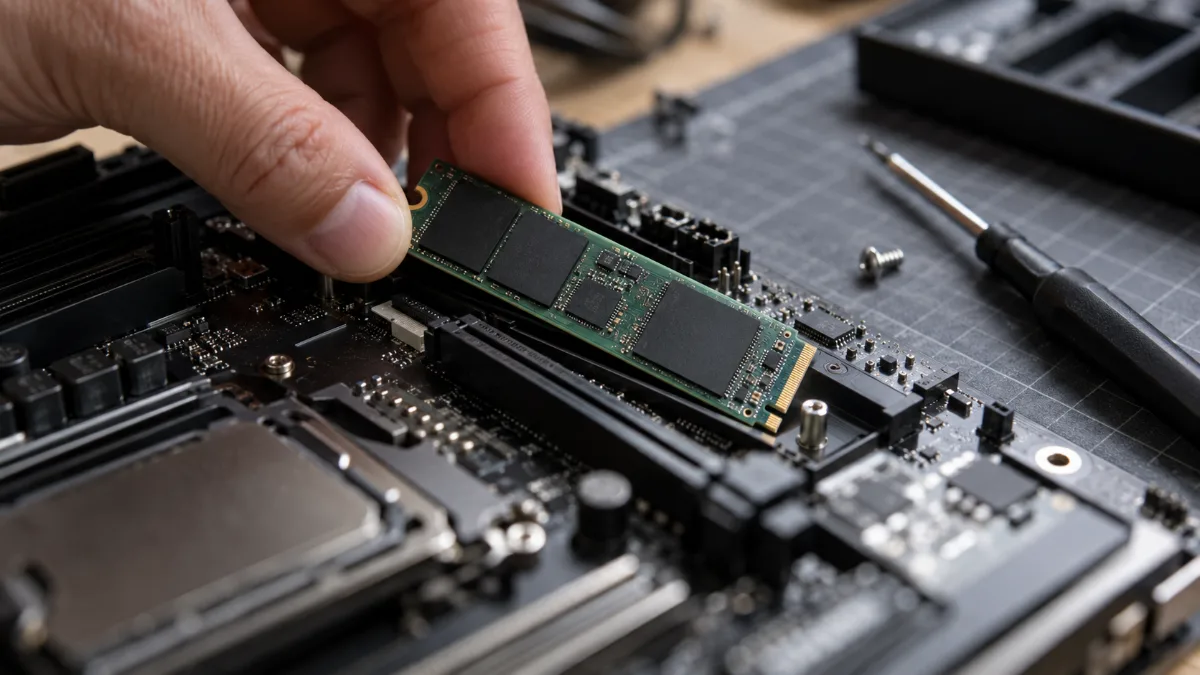
An M.2 NVMe SSD mounts directly onto the motherboard: it’s the biggest boost in responsiveness for a PC that’s still running on a hard drive.
Samsung 990 EVO Plus, 990 PRO or 9100 PRO: the comparison
| Model | Interface | Sequential read / write | Who is it for? |
|---|---|---|---|
| 990 EVO Plus | PCIe 4.0 x4 | Up to 7,250 / 6,300 MB/s | Gaming and everyday use, the best value-for-money in the range |
| 990 PRO | PCIe 4.0 x4 | Up to 7,450 / 6,900 MB/s | Serious gaming and content creation, close to the PCIe 4.0 limit |
| 9100 PRO | PCIe 5.0 x4 | Up to 14,800 / 13,400 MB/s | 4K/8K editing, large files, workstations |
Source: Samsung Belgium product sheets (maximum speeds stated by the manufacturer, depending on capacity), consulted on 29 September 2026.
Two notes from us as PC builders. First, these speeds are manufacturer maximums, measured using large sequential files: day to day, what matters most are small random accesses, where the difference between these three models becomes much smaller. Second, the 9100 PRO only delivers its full speed in a PCIe 5.0 M.2 slot. In a PCIe 4.0 slot, it works, but at Gen4 speeds: you’re then paying for performance you won’t actually use.
Gen4 or Gen5 SSD for gaming: what really changes
In games, SSD speed has no effect on the number of frames per second: that’s the job of the graphics card and the processor. It affects loading times, and to a lesser extent micro-stutters in some open-world games when the game loads data continuously. Between a good PCIe 4.0 and a PCIe 5.0 SSD, the loading gap is most often measured in seconds, sometimes less, because the CPU that decompresses the data becomes the limiting factor.
Our advice: for a gaming PC, put the budget into the graphics card and go for a good 2TB PCIe 4.0 SSD rather than a 1TB PCIe 5.0. The 9100 PRO makes sense if you edit 4K or 8K video, working on large 3D projects, or regularly copying dozens of gigabytes.
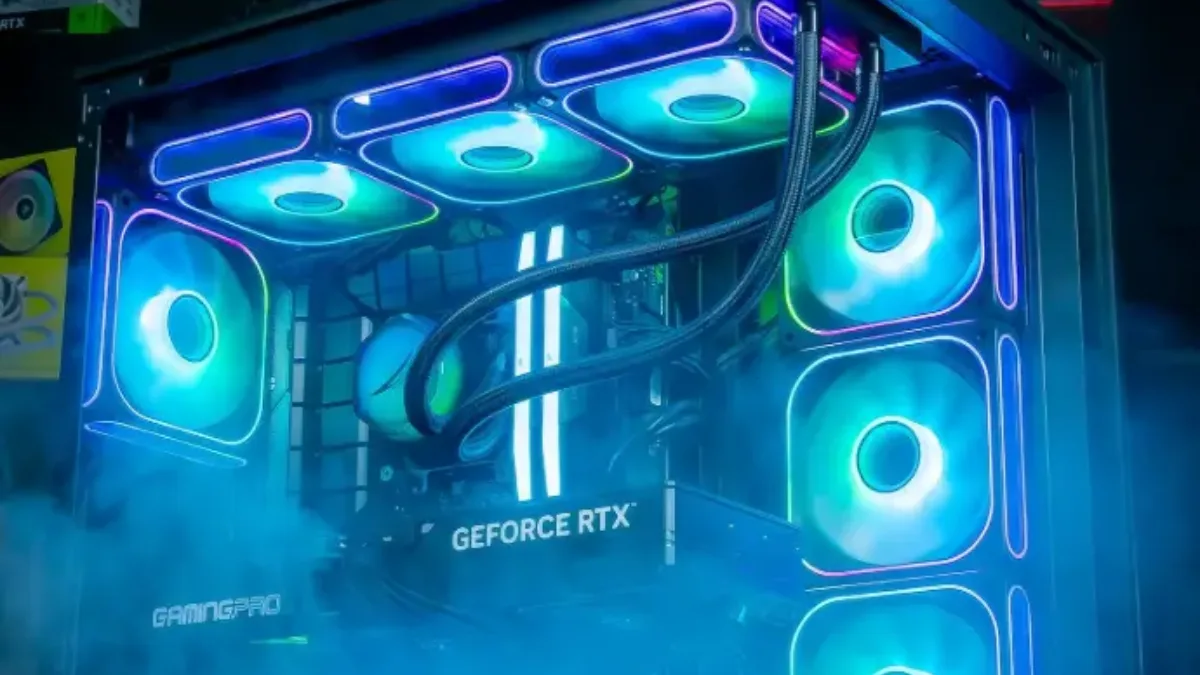
For a gaming PC, SSD capacity often matters more than moving up to PCIe 5.0.
TechteamGB measured loading times for several games on a hard drive, a SATA SSD, and NVMe Gen3, Gen4 and Gen5 SSDs (in English, with automatic dubbing available):
TechteamGB, “HDD vs SSDs For Gaming: Gen 5 vs Gen 4 vs Gen 3 vs SATA vs HDD”.
Which capacity should you choose?
- 1 TB: the minimum for a gaming PC in 2026. Windows, a few recent games (often 70 to 150 GB each) and your software.
- 2 TB: the right choice if you keep lots of games installed, or if you do a bit of video editing.
- 4 TB or a second SSD: for a large library or regular video creation.
To understand everything about choosing an SSD (NVMe, SATA, TLC or QLC, endurance), read how to choose your SSD in 2026, and if you’re still weighing up a hard drive, see our comparison SSD or HDD.
Our PCs with NVMe SSDs
All our gaming PCs come with an M.2 NVMe SSD for Windows and games, and several models offer 2 TB as an option on the product page:

Novara PC GeForce RTX 5070 12GB
Ryzen 5 7500X3D, RTX 5070 12GB, 16GB DDR5 and 1TB M.2 SSD: a setup ready to play straight out of the box.
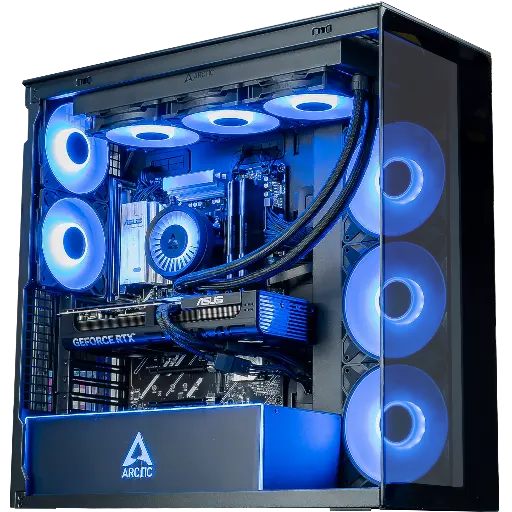
Cheetoh PC: up to 2 TB in M.2
RTX 5070, Ryzen 7 X3D and a 1 or 2 TB M.2 SSD, with an optional 2 TB storage drive.
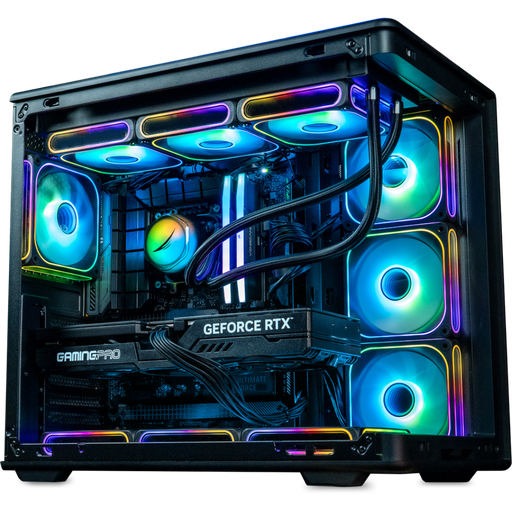
Rainbow V2 PC: gaming and creation
RTX 5070 Ti 16 GB, up to 32 GB DDR5 and a 1 or 2 TB M.2 SSD: enough to edit video between two sessions.
FAQ: Samsung SSD
What’s the difference between the Samsung 990 EVO Plus and the 9100 PRO?
The 990 EVO Plus is a PCIe 4.0 SSD (up to 7,250 MB/s read speed), the 9100 PRO a PCIe 5.0 SSD (up to 14,800 MB/s). In gaming, the difference is limited to loading times; the 9100 PRO is mainly justified for creation and large transfers.
Does a PCIe 5.0 SSD increase FPS?
No. The SSD affects loading times, not the number of frames per second, which depend on the graphics card and the processor.
Does the 9100 PRO work with a PCIe 4.0 motherboard?
Yes, but it’s then limited to PCIe 4.0 speed. To benefit from its performance, you need a PCIe 5.0 M.2 slot.
Why is my PC slow even though I have an SSD?
Check that Windows is properly installed on the SSD, that there’s at least 10 to 15% free space left, and look at the programmes launched at startup. A SATA SSD or an SSD that’s very full can also explain slowdowns.
What SSD capacity for a gaming PC?
At least 1 TB in 2026, 2 TB if you keep several large games installed.
