 Your PC in instalments (up to 12x)
By the FlowUP team, gaming PC builder in Genappe (Belgium) · Updated 30 September 2026
In brief: 4K resolution (or 4K UHD) displays 3840 x 2160 pixels, i.e. over 8.2 million points: 4 times more than in 1080p and 2.25 times as much as in 1440p. To play in 4K at around 60 frames per second without upscaling, you need at least a RTX 5070 Ti or an RX 9070 XT with 16 GB of video memory, plus a 32-inch screen to really benefit. With DLSS or FSR, an RTX 5070 is already enough in many games.
What is 4K resolution?
4K refers to an image that is 3840 pixels wide and 2160 pixels high. On PC monitors and TVs, you’ll also hear about 4K UHD (Ultra HD). Cinema uses a slightly wider variant, 4K DCI at 4096 x 2160, but for gaming it’s really 4K UHD that matters.
More pixels means a finer image: edges are sharper, text is easier to read, and distant details don’t turn into mush. The downside is that the graphics card has to calculate four times as many pixels as in Full HD for every frame.
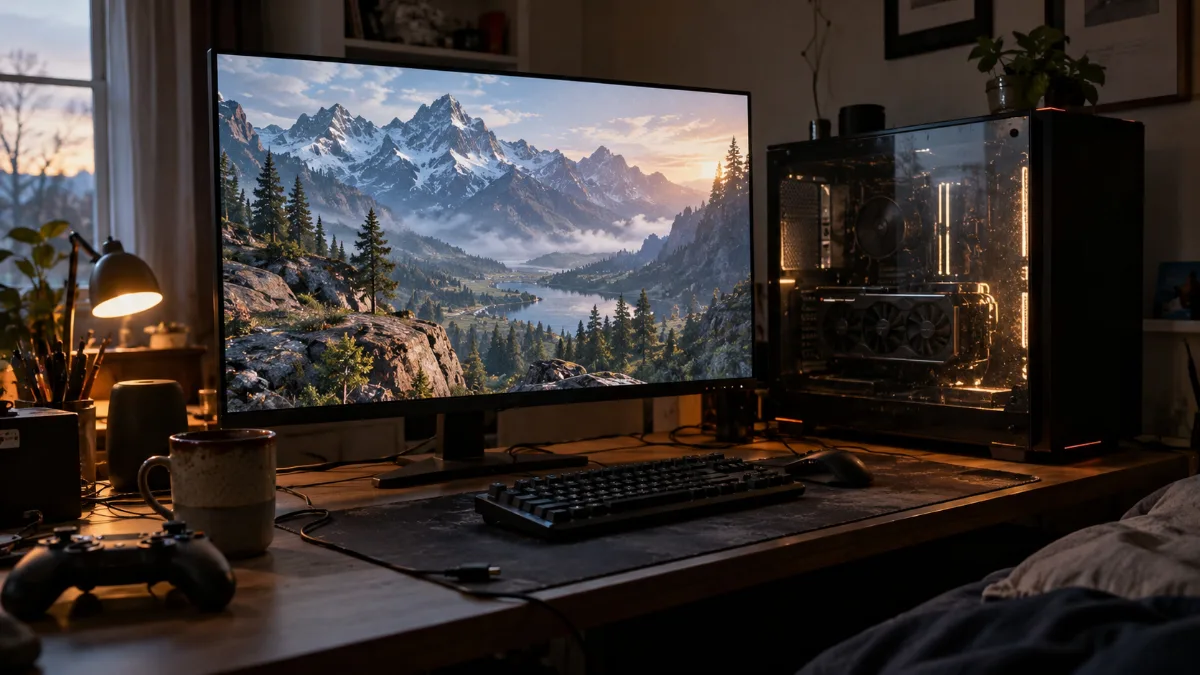
A 32-inch 4K screen: the ideal size to enjoy the resolution
4K, 1440p, 1080p: how many pixels?
| Resolution | Definition | Number of pixels | Load compared to 1080p | Share of Steam players |
|---|---|---|---|---|
| 1080p (Full HD) | 1920 × 1080 | 2,073,600 | 1x | 50.52% |
| 1440p (QHD) | 2560 × 1440 | 3,686,400 | 1.78x | 21.86% |
| 4K (UHD) | 3840 × 2160 | 8,294,400 | 4x | 4.98% |
Source: pixel calculations; shares of main screen among players, based on Steam’s hardware survey, August 2026.
1080p is still the choice of one player in two, but 4K is slowly gaining ground thanks to OLED screens and more powerful graphics cards. It’s mainly sought by people who play beautiful single-player games, even if it slightly slows the pace.
4K or 1440p: can you see the difference?
Yes, but it all depends on your screen size. What matters is pixel density (PPI): on a 27-inch screen, 4K gives around 163 PPI compared with 109 PPI in 1440p. On a 32-inch 4K screen, you drop to 140 PPI, which is still very sharp thanks to the much larger panel.
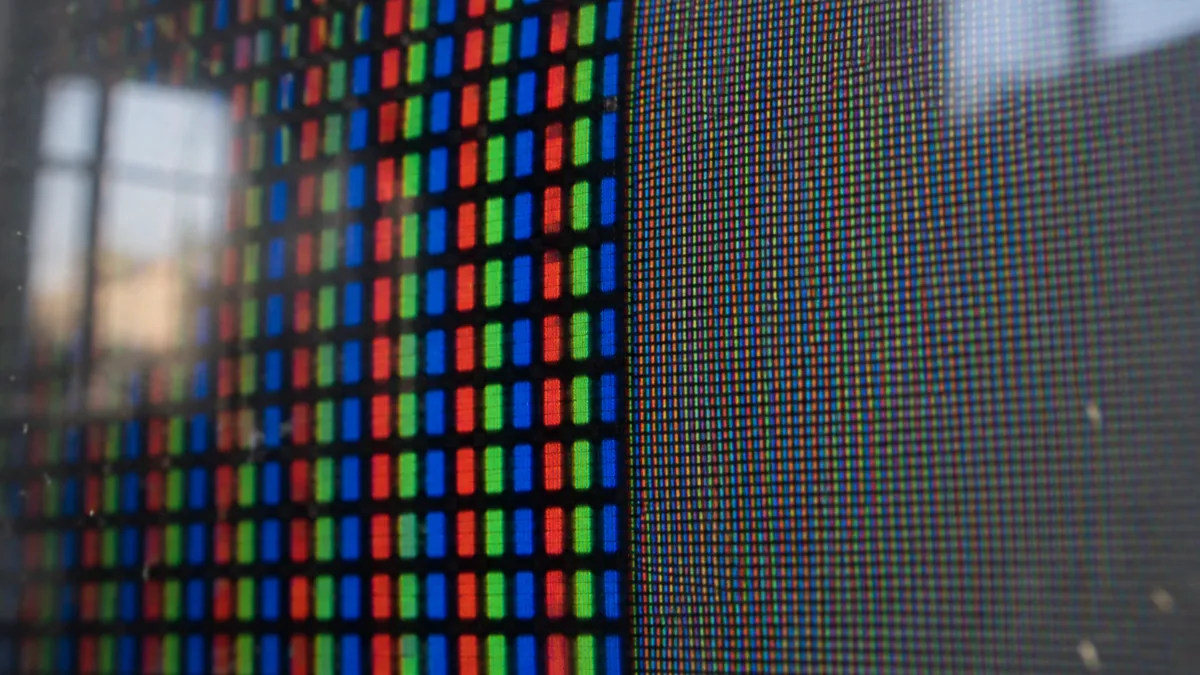
Same surface, two densities: bigger pixels on the left, a 4K panel on the right
Our assembler’s take: at 27 inches, 1440p remains the best compromise between sharpness and frames per second. 4K really makes sense from 32 inches, or if you’re gaming on a TV. To choose the size and refresh rate, read our guide which gaming monitor should you choose in 2026.
Which graphics card to play in 4K?
It’s the one that determines whether 4K is smooth. Here are the averages measured by Tom’s Hardware in 4K Ultra, with no upscaling or frame generation:
| Graphics card | Average in 4K Ultra |
|---|---|
| GeForce RTX 5090 32 GB | 110.8 fps |
| GeForce RTX 5080 16 GB | 77.4 fps |
| GeForce RTX 5070 Ti 16 GB | 68.6 fps |
| Radeon RX 9070 XT 16 GB | 65.8 fps |
| Radeon RX 9070 16 GB | 57.7 fps |
| GeForce RTX 5070 12 GB | 54.3 fps |
| GeForce RTX 5060 Ti 16 GB | 40.2 fps |
Source: Tom’s Hardware, graphics card ranking (average of 11 games in rasterisation), updated 24 June 2026.
To exceed 60 frames per second in 4K without compromise, the RTX 5070 Ti and the RX 9070 XT are the entry point. The RTX 5080 provides some headroom for 120 Hz screens and beyond, and the RTX 5090 plays in a different category.
Video memory also matters: in 4K, aim for 16 GB for the heaviest textures. Everything is explained in how much VRAM do you need to game and in our method to choose your graphics card in 2026.
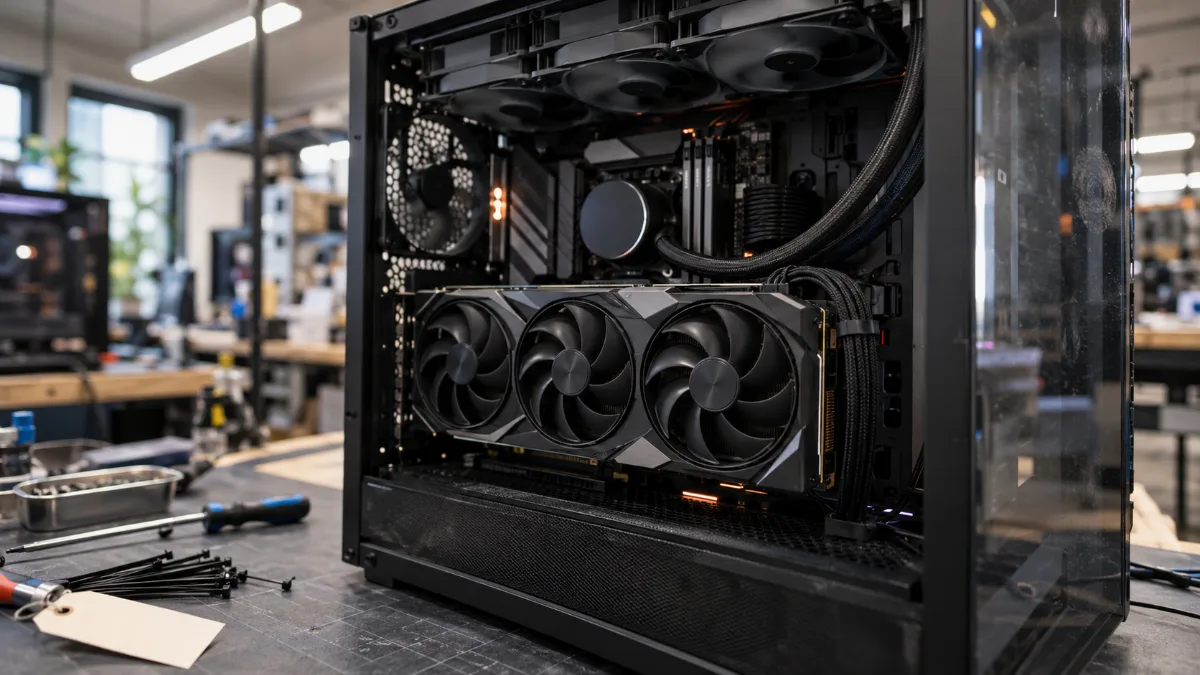
In 4K, the graphics card does almost all the work.
DLSS and FSR: play in 4K with a more modest card
Upscaling renders the image at a lower resolution, then reconstructs it in 4K using artificial intelligence. With NVIDIA’s DLSS 4 or AMD’s FSR 4 in Quality mode, the card is actually working around 1440p, and the result stays very close to native 4K. A RTX 5070 then becomes a true 4K card in most recent games.
Image generation also adds intermediate frames, useful on a high-refresh-rate screen, at the cost of a bit of extra latency. Recommended settings and traps to avoid: DLSS and FSR in 2026.
Which screen and which cable for 4K?
To play, aim for a 32-inch 4K screen at 144 Hz or higher. OLED delivers perfect blacks and a near-instant response time, ideal in 4K where every detail matters. On the cable side, high-frequency 4K demands bandwidth: an HDMI 2.1 (up to 48 Gbit/s) or a DisplayPort 2.1 (up to 80 Gbit/s on the RTX 50). An old HDMI 2.0 cable limits 4K to 60 Hz.
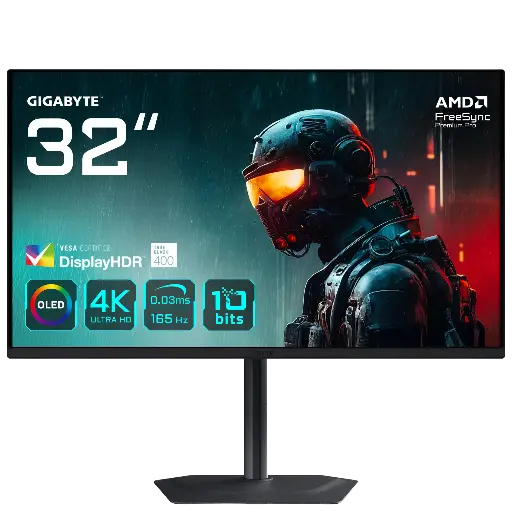
GIGABYTE MO32U monitor: 4K QD-OLED 165 Hz
31.5-inch QD-OLED panel at 3840 x 2160, 165 Hz and 0.03 ms: 4K with perfect blacks.
Which FlowUP PC to play in 4K?
In this test, we put our Orion PC with RTX 5080 to the test, games included:
FlowUP, “We test the FlowUP ORION PC with RTX 5080.”
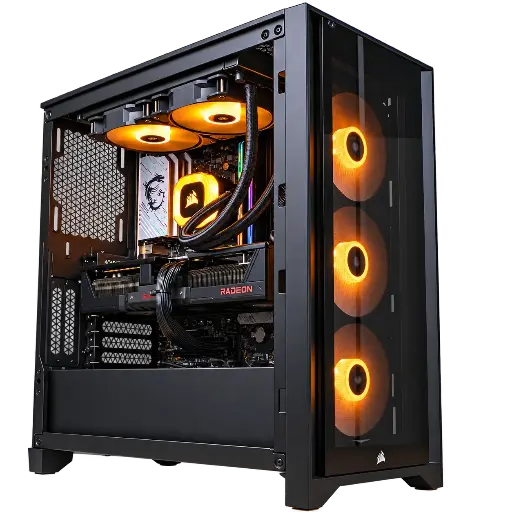
Prism PC: RX 9070 XT 16 GB
RX 9070 XT 16 GB, Ryzen 5 7600 and 32 GB of DDR5: the entry point to 4K, with FSR 4.
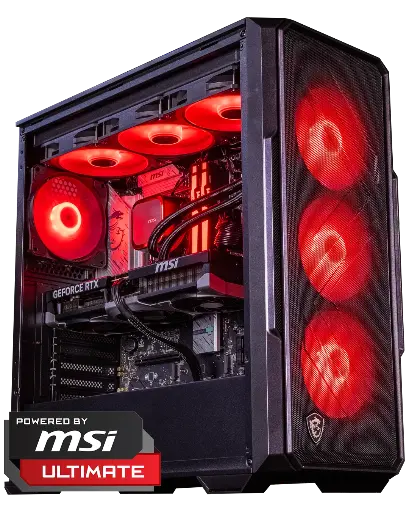
Abyssin PC: RTX 5070 Ti 16 GB
RTX 5070 Ti 16 GB and Ryzen 5 7500X3D: 4K at over 60 frames per second with DLSS 4.
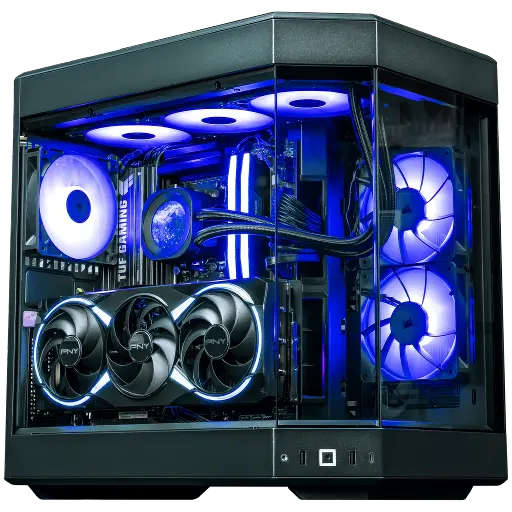
Orion PC: RTX 5080 16 GB
The RTX 5080 and 32 GB of DDR5: high-frequency 4K, the one we test in the video.
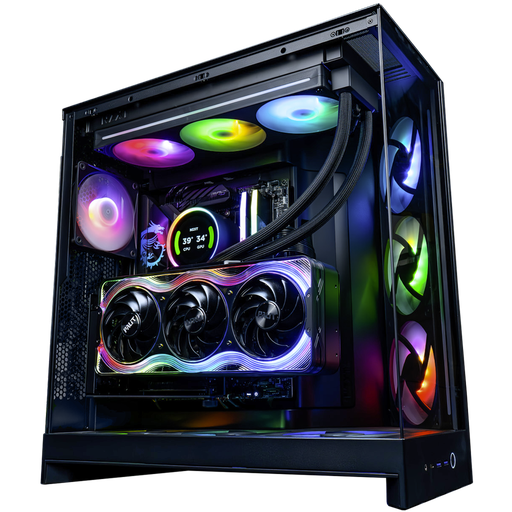
Kraken PC: RTX 5090 32 GB
RTX 5090 32 GB and Ryzen 9 9950X3D: 4K without compromise, even with ray tracing.
FAQ: 4K resolution
How many pixels in 4K?
3840 x 2160, i.e. 8,294,400 pixels: four times more than 1080p and 2.25 times more than 1440p.
Is 4K the same as UHD?
For a PC monitor or a TV, yes: 4K UHD is 3840 x 2160. The cinema’s 4K DCI, at 4096 x 2160, is a little wider.
Which graphics card to play in 4K at 60 frames per second?
A RTX 5070 Ti or an RX 9070 XT, with 16 GB of video memory, averages over 60 frames per second in ultra 4K according to Tom’s Hardware. With DLSS or FSR, an RTX 5070 is enough in many games.
Is 4K worth it on a 27-inch screen?
The difference is noticeable, but it’s expensive in frames per second. On 27 inches, 1440p remains the best compromise; 4K really makes sense from 32 inches onward.
Which cable for 4K at 144 Hz?
An HDMI 2.1 cable or DisplayPort 1.4 with DSC compression, or better still a DisplayPort 2.1. An HDMI 2.0 cable limits 4K to 60 Hz.
