Your PC in instalments (up to 12x)
Streaming has become a common activity, whether you’re streaming games, doing creative live streams, hosting webinars, or creating professional shows.
For professionals and amateurs alike, choosing the right PC configuration is essential to achieve a smooth broadcast without compromises on the game, video quality, or the live stream’s fluidity.
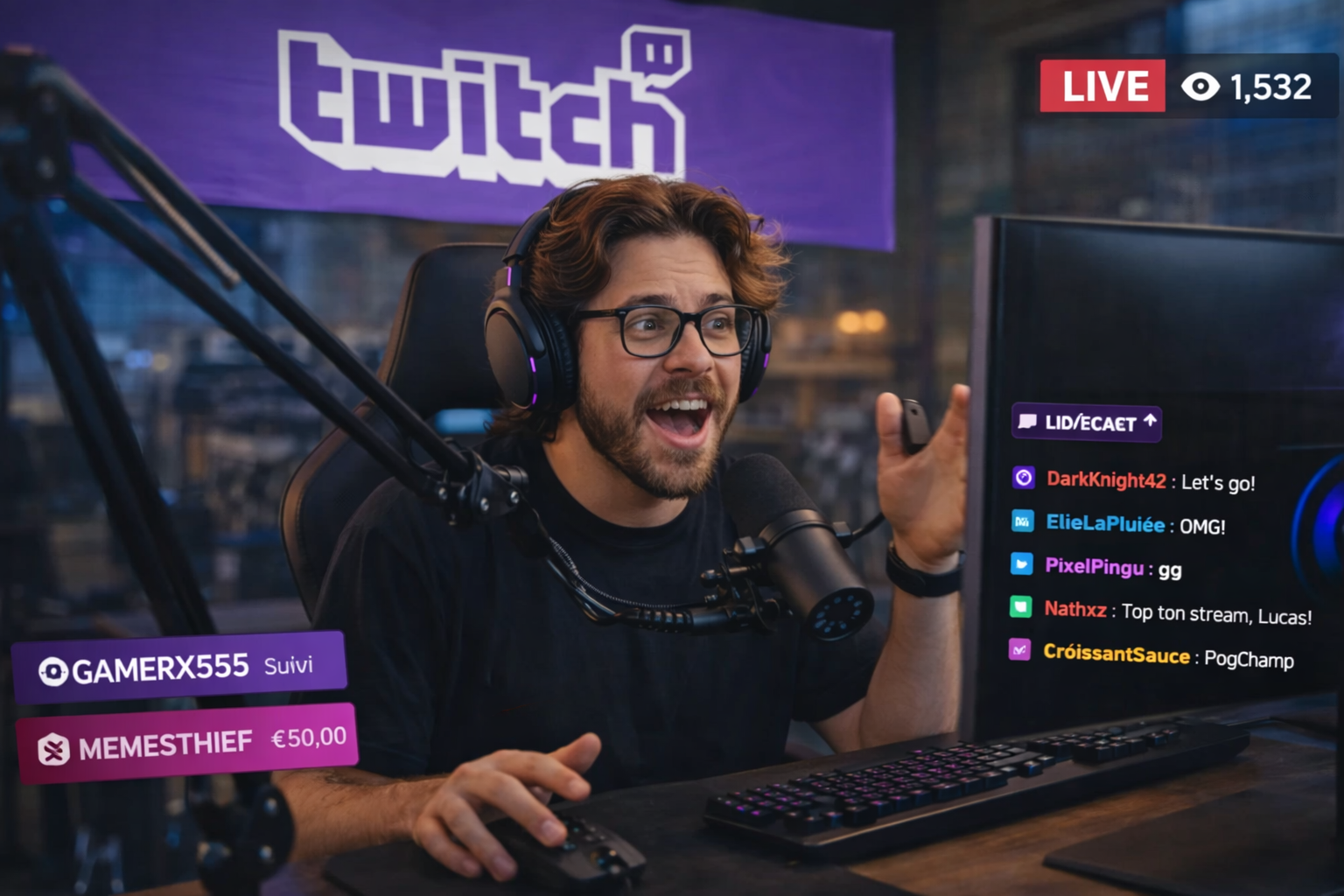
Here’s how to buy your future streaming PC wisely in 2026.
Streaming = a double workload for your PC
When you stream, your PC does two things at the same time:
- Play / encode the game
- Capture, encode and send the video stream
That’s what makes streaming particularly demanding: there’s a load on the CPU, on the GPU, and sometimes on the hardware video encoder.
The key components of a good streaming setup
Processor (CPU)
The CPU is the heart of streaming because it handles:
- running the game
- software encoding (x264)
- OBS scenes
- overlays / alerts / plugins
👉 In 2026, aim for at least 8 cores / 16 threads for reliable streaming.
To stream comfortably with high quality:
- Ryzen 7 / Ryzen 9 X-series / Core i7 / Core Ultra equivalent minimum
- For HD/4K live streams, a more powerful CPU (Ryzen 9, high-end Core Ultra) gives you extra headroom.
Encoding: CPU (x264) vs GPU (NVENC/AMF)
You’ve got 2 main options to encode your stream:
x264 (CPU)
- Best quality control
- Ideal for high bitrate / maximum quality
- Puts a heavy load on the CPU → need a strong CPU
NVENC (NVIDIA) / AMF (AMD)
- Hardware encoder built into the graphics card
- Very low CPU load
- Perfect for streaming in 1080p or 4K without putting too much strain on the processor
👉 In 2026, if you have a recent GPU (NVIDIA or AMD), using NVENC / AMF is often the best quality/load trade-off.
GPU: not just for gaming
Even when streaming, the GPU does two things:
- Running the game with good performance
- Encoding/decoding the stream via NVENC/AMF
👉 For a broadcast in 1080p at 60+ FPS, a mid-to high-end GPU such as the RTX 5060 Ti 16GB or the RX 9060 XT 16GB is ideal.
👉 For 4K streaming, a high-end card with a capable video encoder is recommended. Also, in this area Nvidia is still ahead of AMD—so we recommend the RTX 5070 Ti, 5080 and 5090.
RAM: how much and why?
Streaming + the game + OBS scenes + overlays quickly consume memory.
💡 16 GB → reasonable for starting streaming, but very soon limiting.
💡 32 GB or more → comfortable for content creation, multitasking, chat overlays, assistants, VSTs, etc.
Storage: fast SSD = comfort
A fast PCIe NVMe SSD is essential for:
- Installing Windows + games + OBS
- Loading assets/scene elements quickly
- Recording local videos in high quality
👉 Minimum 1 TB Gen4 for the system + games + scenes
👉 2 TB+ if you do long recordings (4K/60 FPS) and Gen5 is even better!
Network: stable upload
For streaming, the upload bandwidth matters more than download speed.
📌 Aim for:
- 6–8 Mbps minimum for 1080p @ 60 FPS
- 15–25 Mbps+ for 4K or very high-quality broadcasts
A gigabit router + a wired connection (Ethernet) is always more stable, and therefore preferable to Wi‑Fi.
1080p streaming vs 4K: what should you expect?
1080p 60 FPS streaming
Very achievable with a good modern setup:
- CPU: 8 cores+
- Mid-to high-end GPU (NVENC/AMF)
- OBS / hardware encoder
- Upload: 6–10 Mbps
4K streaming
More demanding:
- High-end CPU or hardware encoder
- High-end GPU
- Upload: 15–25+ Mbps
- Quality and well-optimised scenes
Example configurations (2026 guides)
Efficient streaming (1080p60)
- CPU: Intel Core i5 14400F / Ryzen 5 7500F / Intel Core Ultra 5 245K
- GPU: RTX 5060 Ti 16GB / RTX 5070 12GB / RX 9060 XT 16GB
- RAM: 16–32 GB
- NVMe SSD: 1–2 TB
- Upload: 8–12 Mbps
👉 Perfect for smooth streaming + gaming
Premium streaming (4K60 or high-bitrate 1440p)
- CPU: Ryzen 7 9700X / Ryzen 9 9900X / Intel Core i9 14900KF / Ultra 7 265KF
- GPU: RTX 5070 Ti 16GB / RX 9070 XT 16GB / RTX 5080 16GB / RTX 5090 32GB
- RAM: 32–128 GB
- NVMe SSD: 2–4 TB Gen5
- Upload: 20+ Mbps
👉 For demanding streamers, video creators and pro production
Software & scenes: configure it intelligently
Setting up your software properly (OBS, Streamlabs, etc.) is just as crucial:
- Choose NVENC/AMF first if available
- Adjust the bitrate based on your upload
- Manage your scenes to reduce unnecessary load
- Enable the “quality” or “performance” presets depending on your needs
Pro tip: balance performance / load
From 2026:
- Hardware encoding (NVENC/AMF) is often enough to stream in high quality with a low CPU load.
- x264 is still relevant if you want maximum quality control at a high bitrate, but it needs a very powerful CPU.
SO TO SUM UP
A good streaming setup in 2026 is based on:
✔ A good CPU (8 cores or more)
✔ A suitable GPU with enough VRAM (for the game + the hardware encoder)
✔ 16–32 GB of RAM
✔ A fast SSD
✔ A stable and sufficient internet connection
And above all: a balance between raw power and optimised encoding.