 Your PC in instalments (up to 12x)
Learn hardware in 5 minutes
Have you ever wondered how your computer works? If you’re a beginner in computing, it can seem difficult to understand the components that sit behind the screen.
In this article, we’ll explain the main components of a computer and what they do, to help you understand better how your machine works.
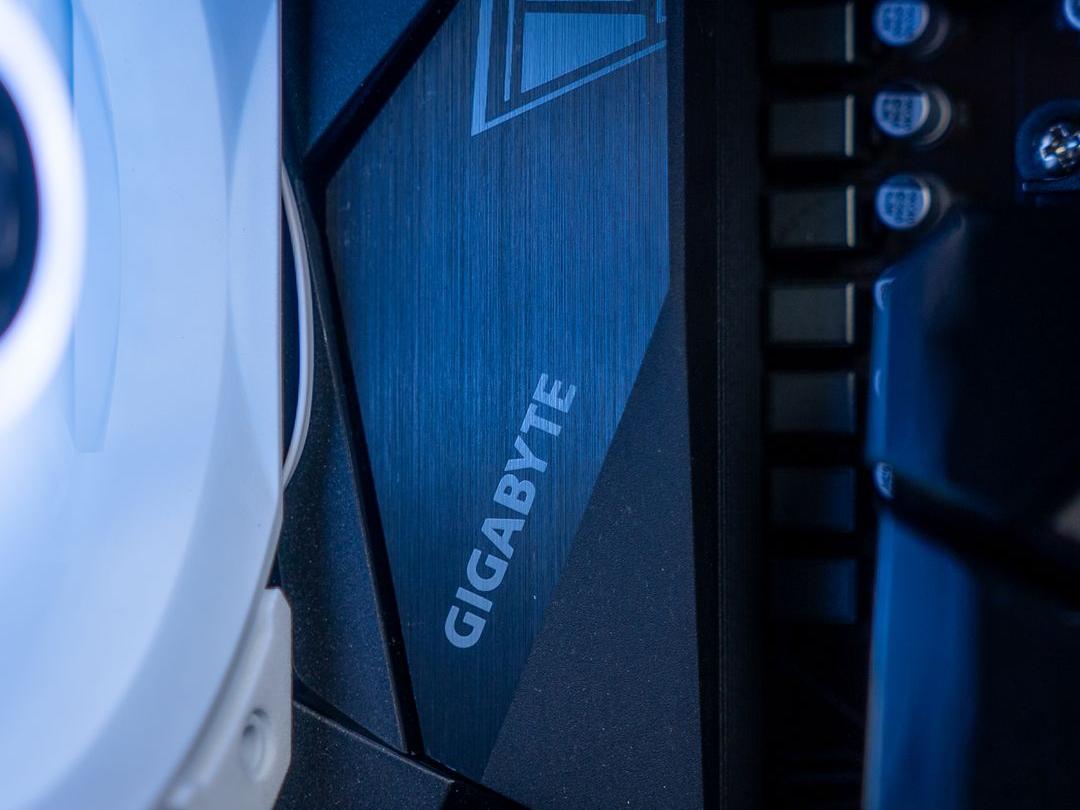
The motherboard
The motherboard is the heart of your computer. It allows the different components to communicate with each other and ensures coordination of your computer’s operations.
It is often fitted with ports for random-access memory (RAM), the graphics card, storage and other peripherals such as keyboards and mice.
Random-access memory (RAM)
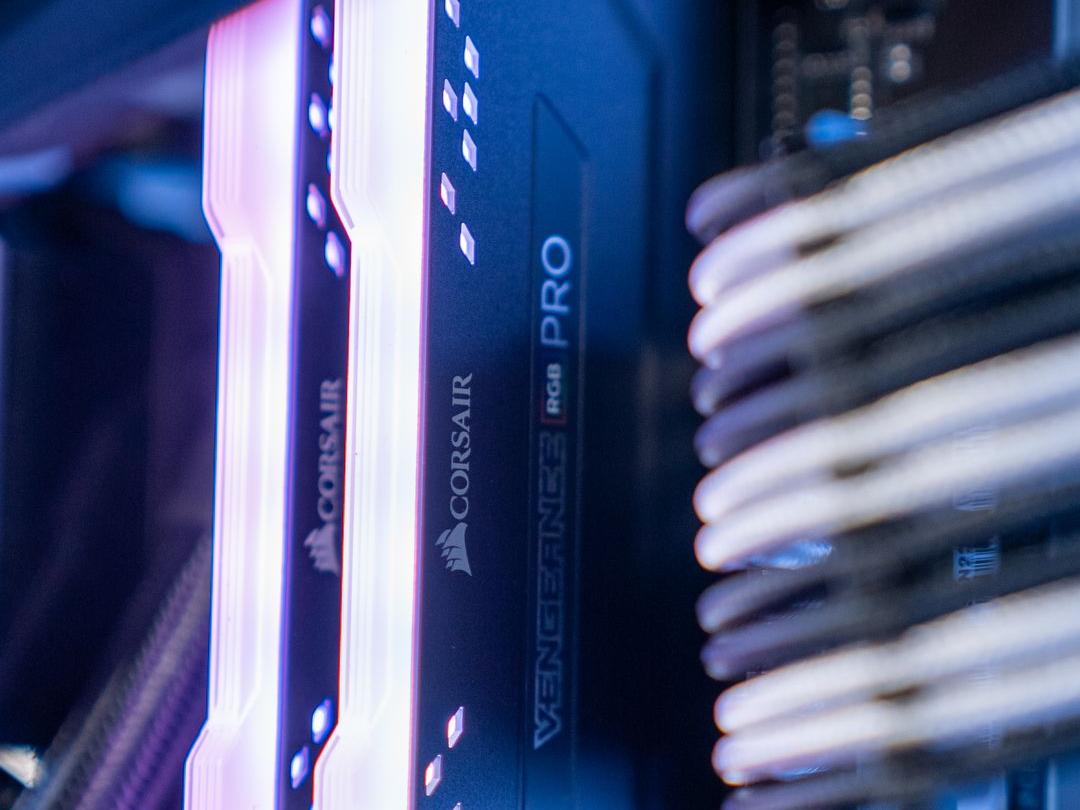
Random-access memory (RAM) is where your computer temporarily stores the data it processes. The larger the RAM, the more data your computer can store at the same time and the faster it can run.
RAM is measured in gigabytes (GB) and can be expanded on some computers.
The processor
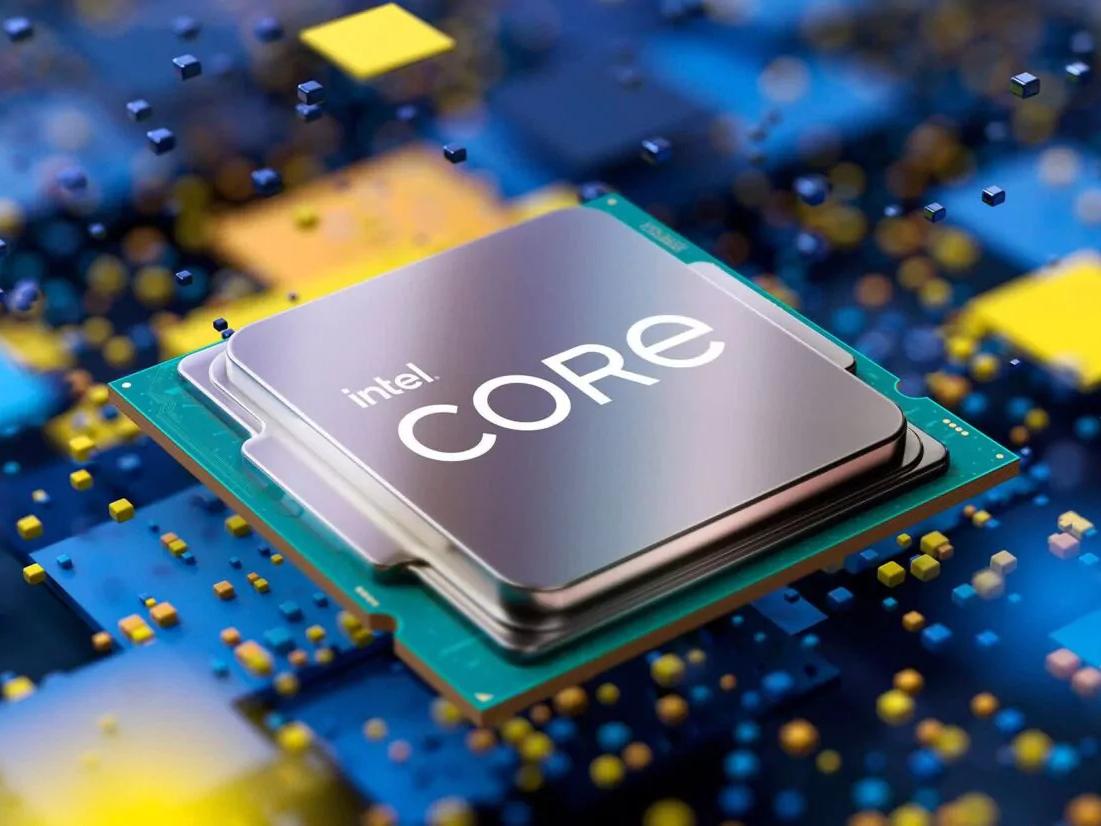
The processor is the brain of your computer. It is responsible for all calculating and data-processing operations. Modern processors are made by companies such as Intel and AMD, and they are generally measured in terms of the number of cores and the clock speed.
The more cores and the higher the clock speed the processor has, the more tasks it can handle at the same time and more quickly.
Storage (HDD/SSD)
The hard disk drive (HDD) is where your computer stores data permanently. Hard drives are measured in terms of storage capacity, which can range from a few hundred gigabytes (GB) to several terabytes (TB). The hard drive is fitted with magnetic platters that spin at high speed to store the data.
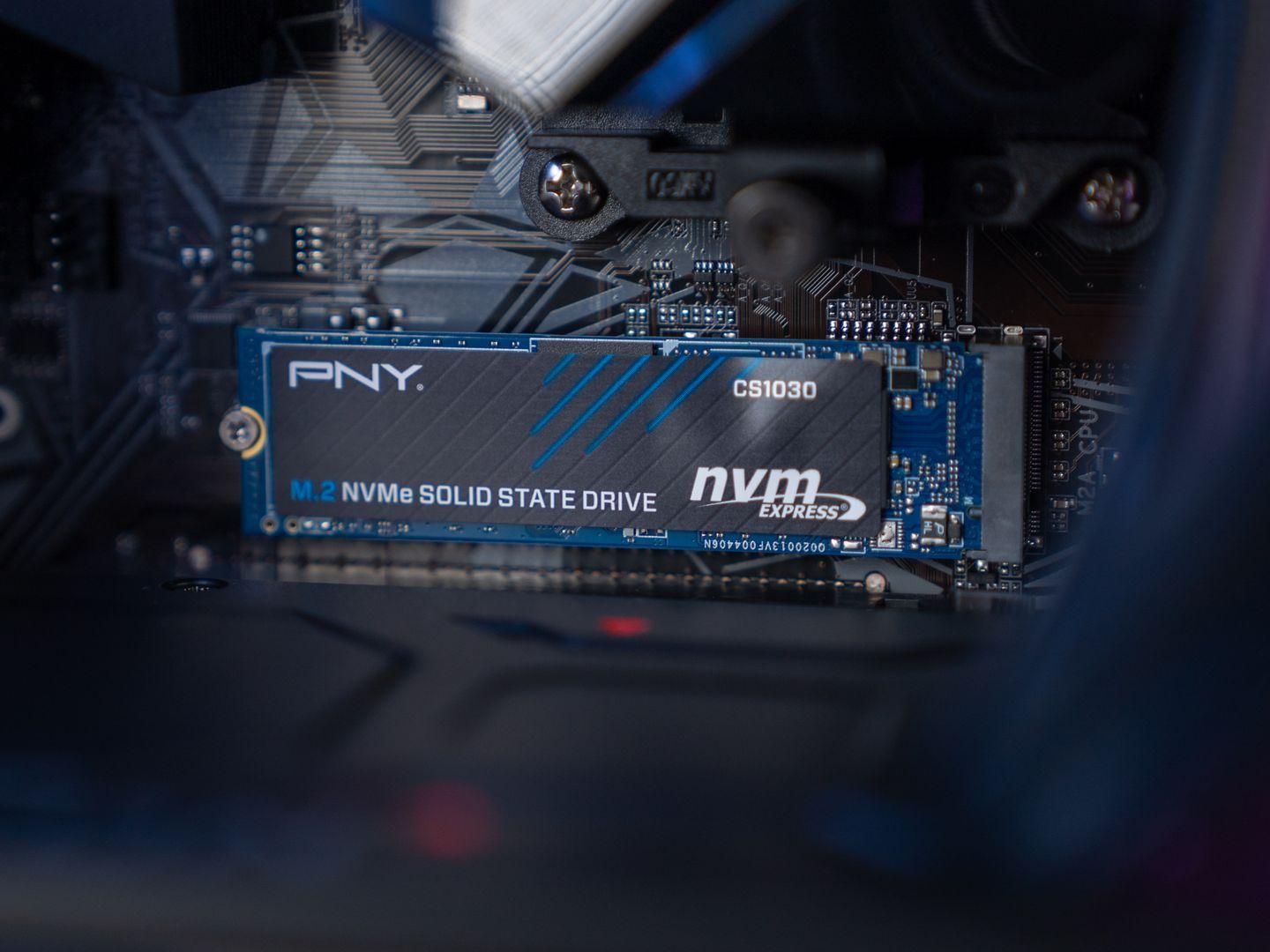
The SSD (Solid State Drive) is a newer type of storage that uses flash memory to store data. SSDs are faster than hard drives, but tend to have a smaller storage capacity and are more expensive. SSDs are particularly suited to applications that require quick access to data, such as video games and productivity applications.
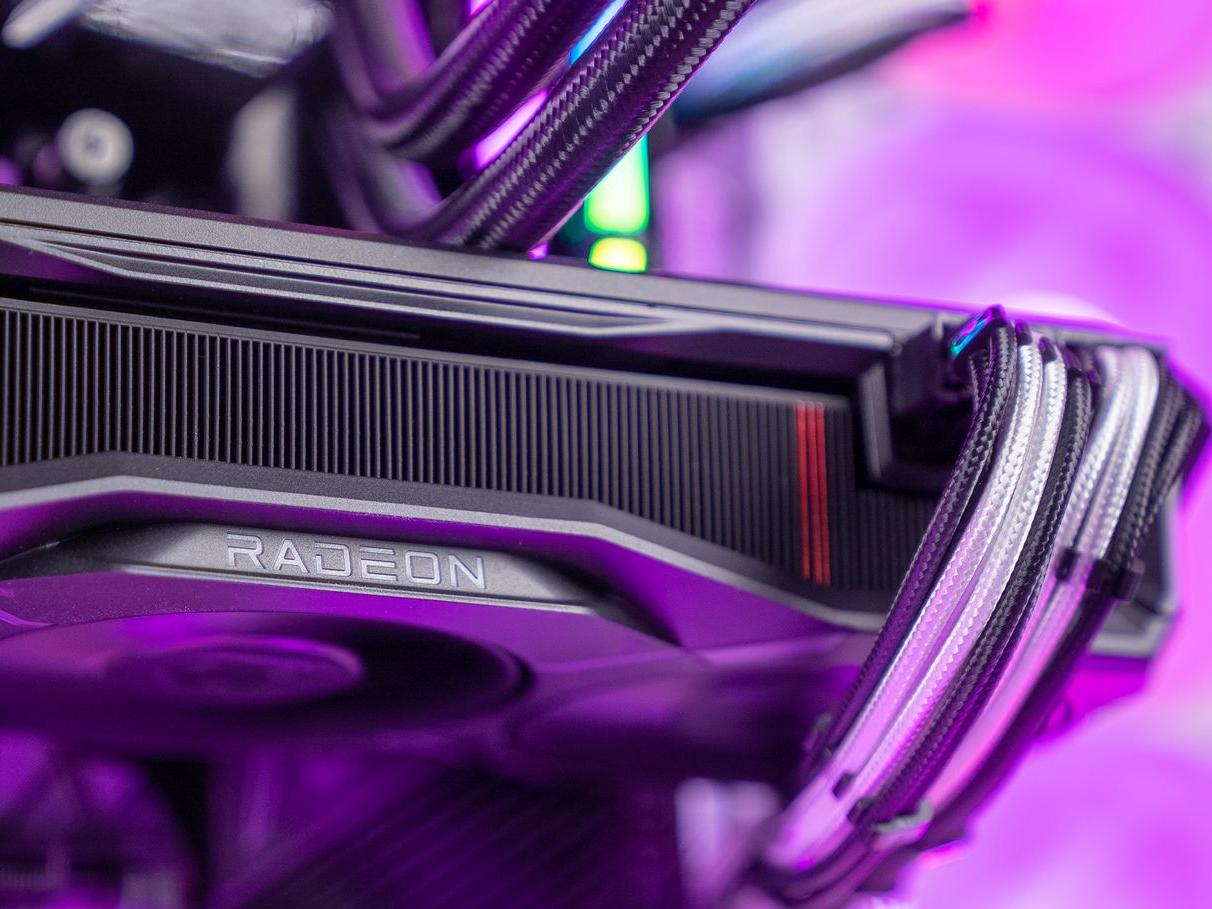
The graphics card
The graphics card is responsible for displaying images on your screen. It is equipped with graphics processors that are optimised for image processing.
Modern graphics cards are measured in terms of video memory, which can vary from a few gigabytes (GB) to several terabytes (TB).
The power supply
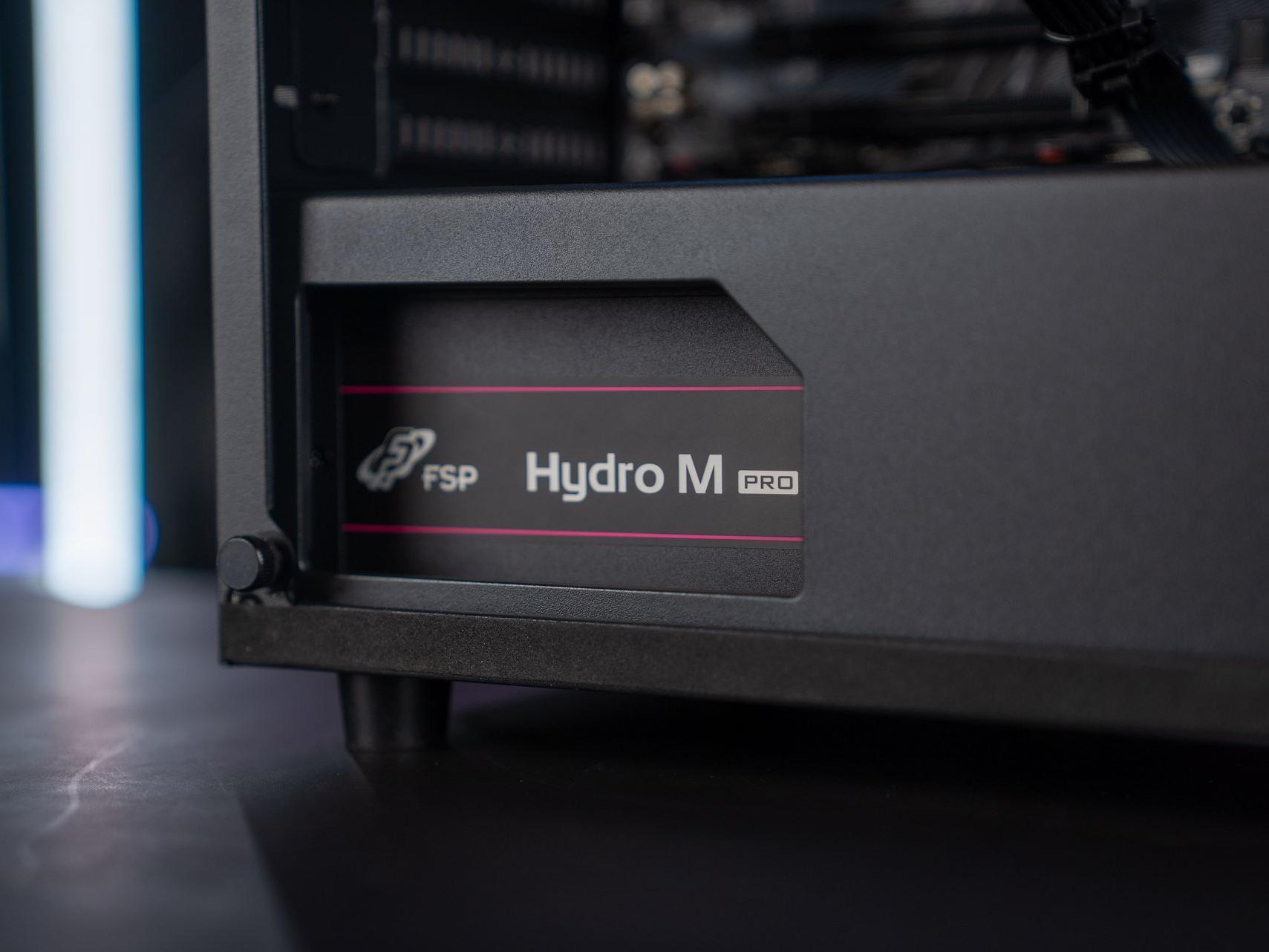
The power supply unit provides the power needed to run your computer.
Modern power supply units are measured in watts and are often chosen according to the power needs of the other components in the computer.
The cooling
Cooling is an important aspect of any computer. When you use your computer, components such as the processor and the graphics card generate heat, and if that heat isn’t dissipated, it can damage the components or reduce their performance.
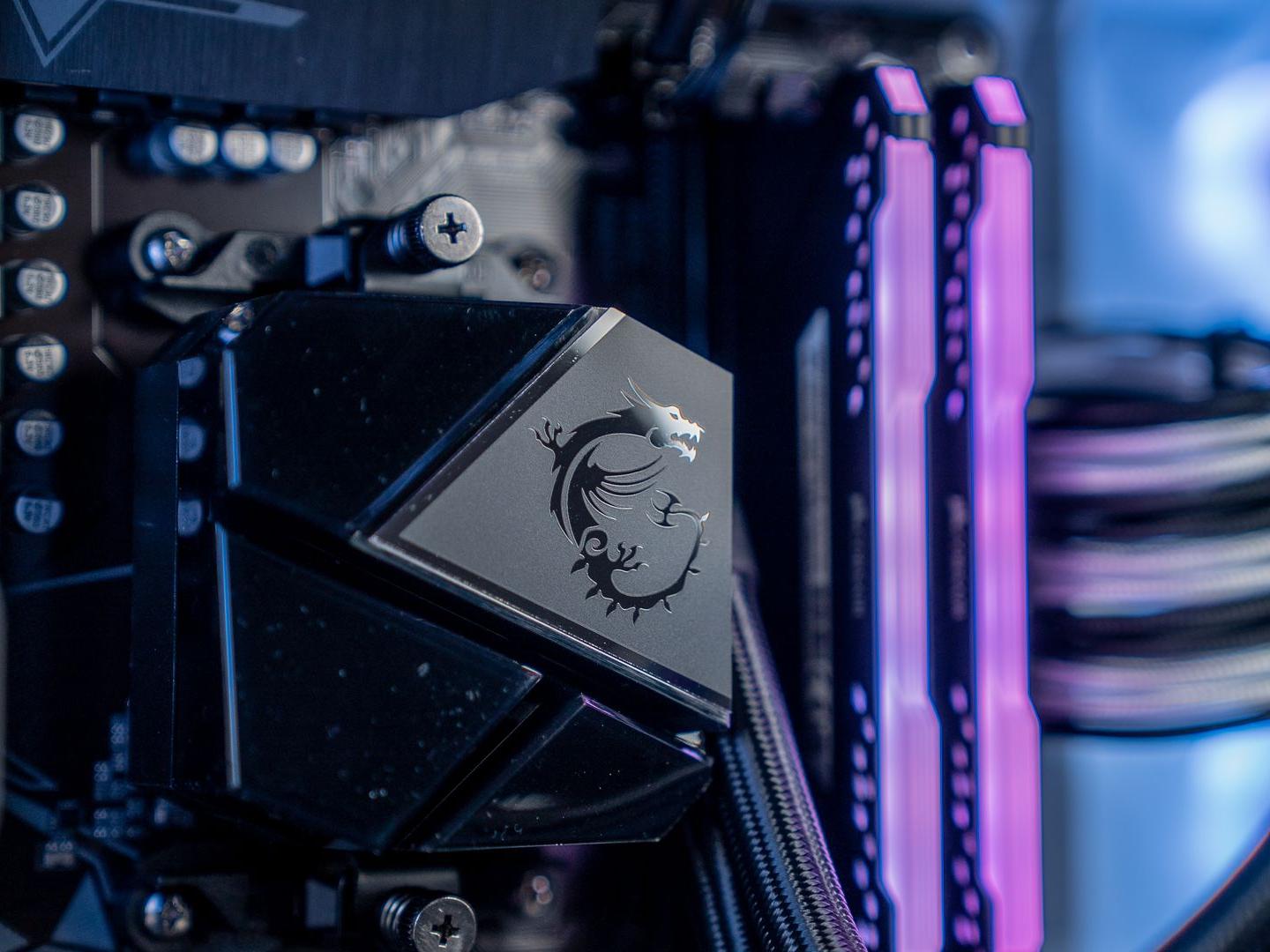
There are several cooling options for computers. One of the most common is air cooling, where a fan is placed on the processor to dissipate heat. There are also liquid cooling systems that use water or other liquids to carry heat away from the components.
Air cooling is generally less expensive and easier to install than liquid cooling. However, liquid cooling can be more effective at dissipating heat, especially for high-end computers that generate a lot of heat.
The computer cases and fans
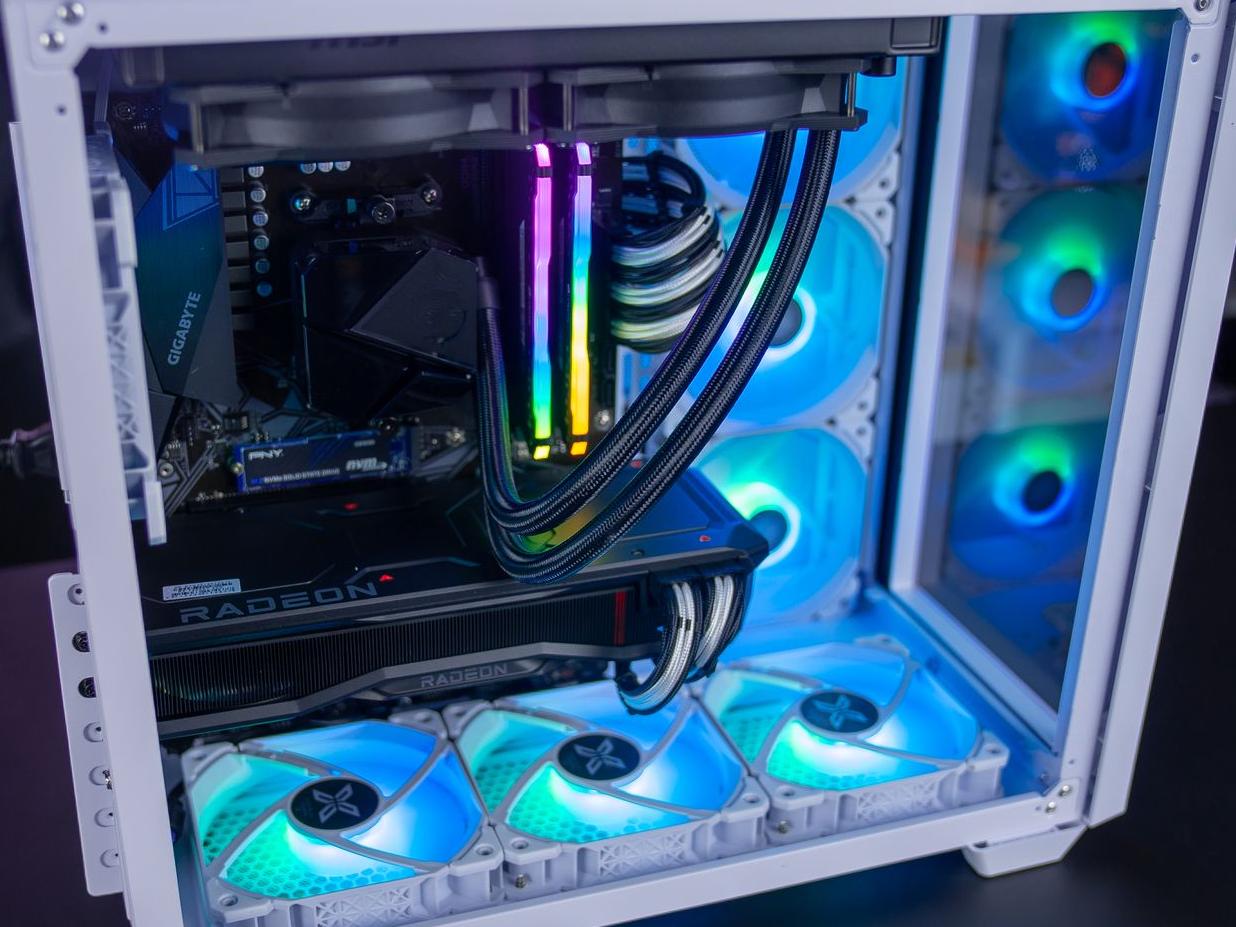
Computer cases and additional fans also play an important role in cooling your system. Cases can be fitted with fans to help dissipate heat outside the case. Fans can be installed at the front, rear, or sides of the case to create a steady airflow through the case.
It is important to choose a case with good ventilation to prevent hot air from building up inside and overheating your components. Cases with larger ventilation openings or intelligent ventilation designs can help dissipate heat more effectively.
In addition, extra fans can be added inside the case to increase airflow and help cool additional components, such as graphics cards.
In conclusion, understanding the components of a computer may seem daunting at first, but it’s actually quite simple once you’ve learned the basics. By understanding the role of each component, you can easily choose the parts that meet your needs and build a computer tailored to them.
It is important to note that each component interacts with the others, and that it is important to ensure that all components are compatible with each other and avoid what is known as the Bottleneck.
Ultimately, understanding the components of a computer is essential to know how your computer works and to make informed decisions when choosing components for an upgrade or a new build. Whether you’re an avid gamer or a professional user, a basic understanding of computer components can help you maximise your computer’s performance and get the most out of it.
