 Your PC in instalments (up to 12x)
By the FlowUP team, gaming PC builder in Genappe (Belgium) · Updated 29 September 2026
In brief: Black Myth: Wukong requires at least a Core i5-8400 or Ryzen 5 1600, a GTX 1060 6GB or RX 580 8GB, 16GB of RAM and 130GB of storage, and Game Science recommends a Core i7-9700 or Ryzen 5 5500 with an RTX 2060, an RX 5700 XT or an Arc A750 and an SSD. These setups were tested with upscaling enabled (DLSS, FSR or XeSS). To enjoy it in 2026, our advice: an RTX 5060 or RX 9060 XT in 1080p, an RTX 5070 or RX 9070 in 1440p, and an RTX 5070 Ti or better for “Full Ray Tracing”. Before you buy, test your PC with the game’s free benchmarking tool on Steam.
One of the most demanding games of its generation
Released on 20 August 2024 for PC, Black Myth: Wukong is an action-RPG from the Chinese studio Game Science, inspired by the classic novel “Journey to the West”. Powered by Unreal Engine 5, it pushes vegetation, particle effects and lighting a long way, with a “Full Ray Tracing” mode (path tracing) developed with NVIDIA.
It’s also a game that heavily depends on upscaling: the official configuration was set up with DLSS, FSR or XeSS enabled. In other words, don’t expect to run it at native resolution with all settings maxed out, even on a powerful card: the game was designed for upscaling.
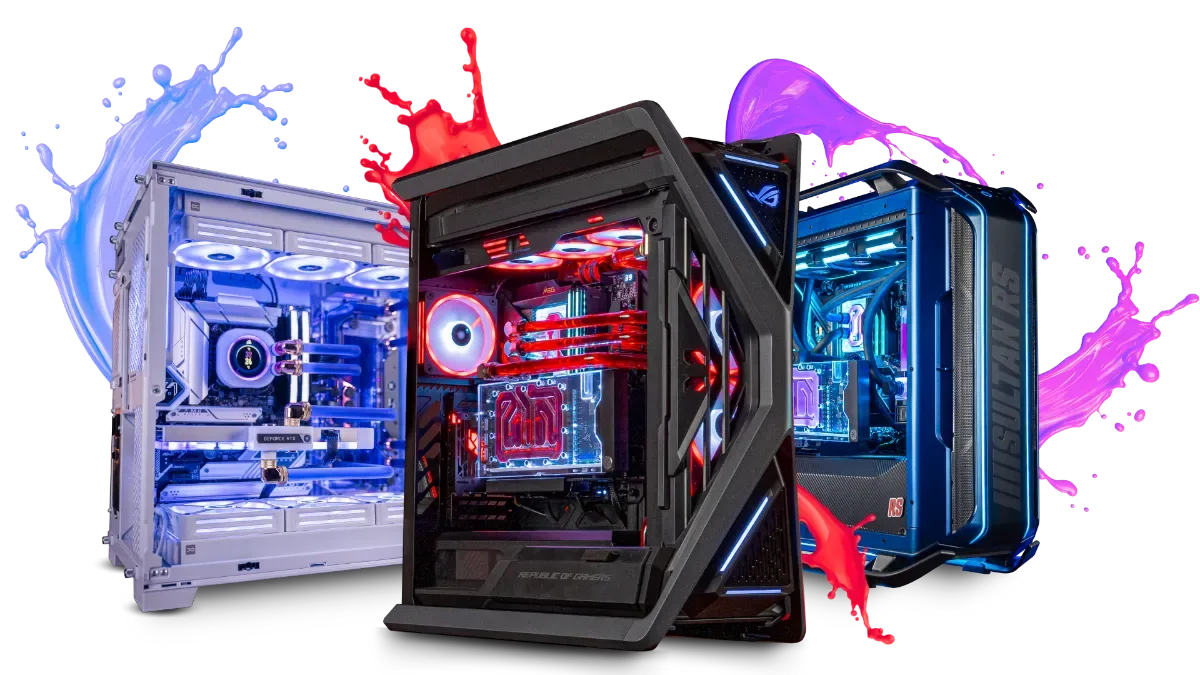
In 2026, Black Myth: Wukong is still a good test of what a graphics card is really capable of.
The official system requirements
| Component | Minimum | Recommended |
|---|---|---|
| System | Windows 10 64-bit | Windows 10 64-bit |
| Processor | Core i5-8400 or Ryzen 5 1600 | Core i7-9700 or Ryzen 5 5500 |
| Graphics card | GTX 1060 6GB or RX 580 8GB | RTX 2060, RX 5700 XT or Arc A750 |
| System memory (RAM) | 16GB | 16GB |
| Storage | 130GB | 130GB on SSD |
Sources: configuration published by Game Science at the game’s launch (Steam page), reproduced by PCGamingWiki, accessed on 29 September 2026. Configuration tested with DLSS, FSR or XeSS enabled.
The game supports DLSS with frame generation, FSR 3, XeSS and Unreal Engine’s TSR. Full Ray Tracing is reserved for cards that can run it properly: in practice, a recent GeForce RTX with DLSS.
What PC for Black Myth: Wukong in 2026?
Here’s our estimate as a PC builder, based on the official configuration and the known performance of today’s cards:
| Goal | Graphics card | To plan for |
|---|---|---|
| 1080p, high settings | RTX 5060 or RX 9060 XT 16GB | DLSS or FSR in Quality mode |
| 1440p, high settings | RTX 5070 or RX 9070 | DLSS or FSR in Quality mode, frame generation optional |
| 1440p with Full Ray Tracing | RTX 5070 Ti or RTX 5080 | DLSS and frame generation essential |
| 4K, very high settings | RTX 5080 or RTX 5090 | DLSS Performance or Balanced, frame generation |
FlowUP estimate; FPS vary depending on the game area and settings.
The best move before buying: on Steam, Game Science offers a free benchmark tool (“Black Myth: Wukong Benchmark Tool”) that reuses a sequence from the game. Run it with your settings and you’ll know exactly how your PC is doing. To choose your graphics card, see how to choose a graphics card in 2026.
Full Ray Tracing: what it changes
The Full Ray Tracing mode replaces classic lighting with a ray-by-ray calculation of light: soft shadows, reflections on water, and light bouncing in vegetation. The rendering is superb, but the cost is huge, and that’s where DLSS frame generation becomes indispensable.
Our take: on an RTX 5070, play with moderate ray tracing at 1440p using DLSS, the result is already very impressive. Full Ray Tracing is something you can really enjoy starting from an RTX 5070 Ti. On the AMD side, an RX 9070 XT is excellent without ray tracing, but falls noticeably behind once you enable Full Ray Tracing. The upscaling settings are detailed in DLSS 4.5 vs FSR Redstone.
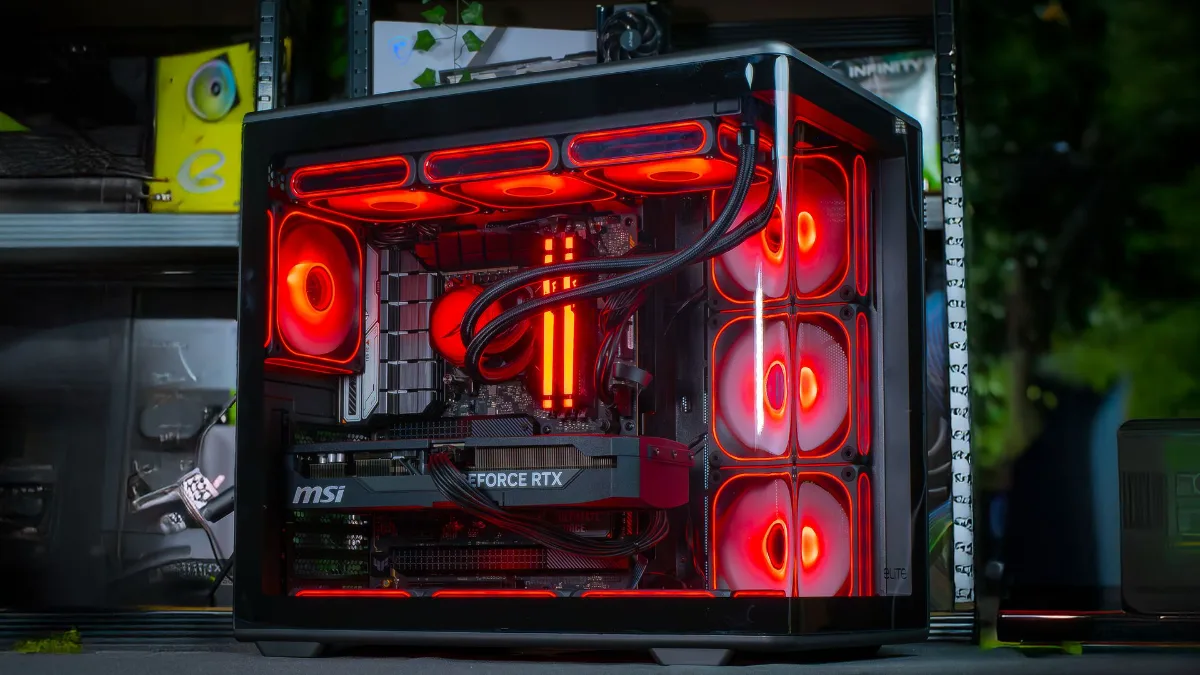
For Black Myth: Wukong’s Full Ray Tracing, a GeForce RTX with DLSS makes the difference.
NVIDIA explains the game’s Full Ray Tracing in a video (in English):
NVIDIA GeForce, “Black Myth: Wukong | Full Ray Tracing Explained”, 2024.
Our PCs for Black Myth: Wukong
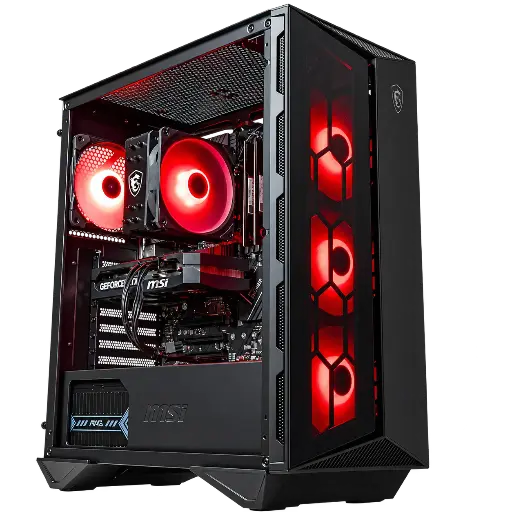
Banger PC: 1080p with DLSS
Core i5-12400F and RTX 5060: well above the recommended configuration, with DLSS 4 for 1080p.

Cheetoh PC: 1440p on high settings
RTX 5070 and Ryzen 7 X3D: 1440p with DLSS, and moderate ray tracing.

Orion PC: Full Ray Tracing
RTX 5080 16GB and Ryzen 7 X3D: Full Ray Tracing at 1440p and 4K with DLSS and frame generation.
FAQ: Black Myth: Wukong on PC
What is the minimum configuration for Black Myth: Wukong?
A Core i5-8400 or a Ryzen 5 1600, a GTX 1060 6 GB or an RX 580 8 GB, 16 GB of RAM and 130 GB of storage, tested with upscaling enabled.
Which graphics card for Black Myth: Wukong at 1440p?
An RTX 5070 or an RX 9070 on high settings with DLSS or FSR. For Full Ray Tracing at 1440p, aim for an RTX 5070 Ti or an RTX 5080.
How do I know if my PC can run Black Myth: Wukong?
Download the “Black Myth: Wukong Benchmark Tool”, free on Steam: it measures your PC’s FPS on a sequence from the game, using your settings.
Do I need an SSD for Black Myth: Wukong?
It’s recommended by the publisher, and we advise it in all cases: 130 GB of data loads far faster on an NVMe SSD.
Is 16 GB of RAM enough?
Yes, that’s the official recommendation. 32 GB makes things more comfortable if you keep other applications open.
