 Your PC in instalments (up to 12x)
By the FlowUP team, PC gaming builder in Genappe (Belgium) · Updated 28 September 2026
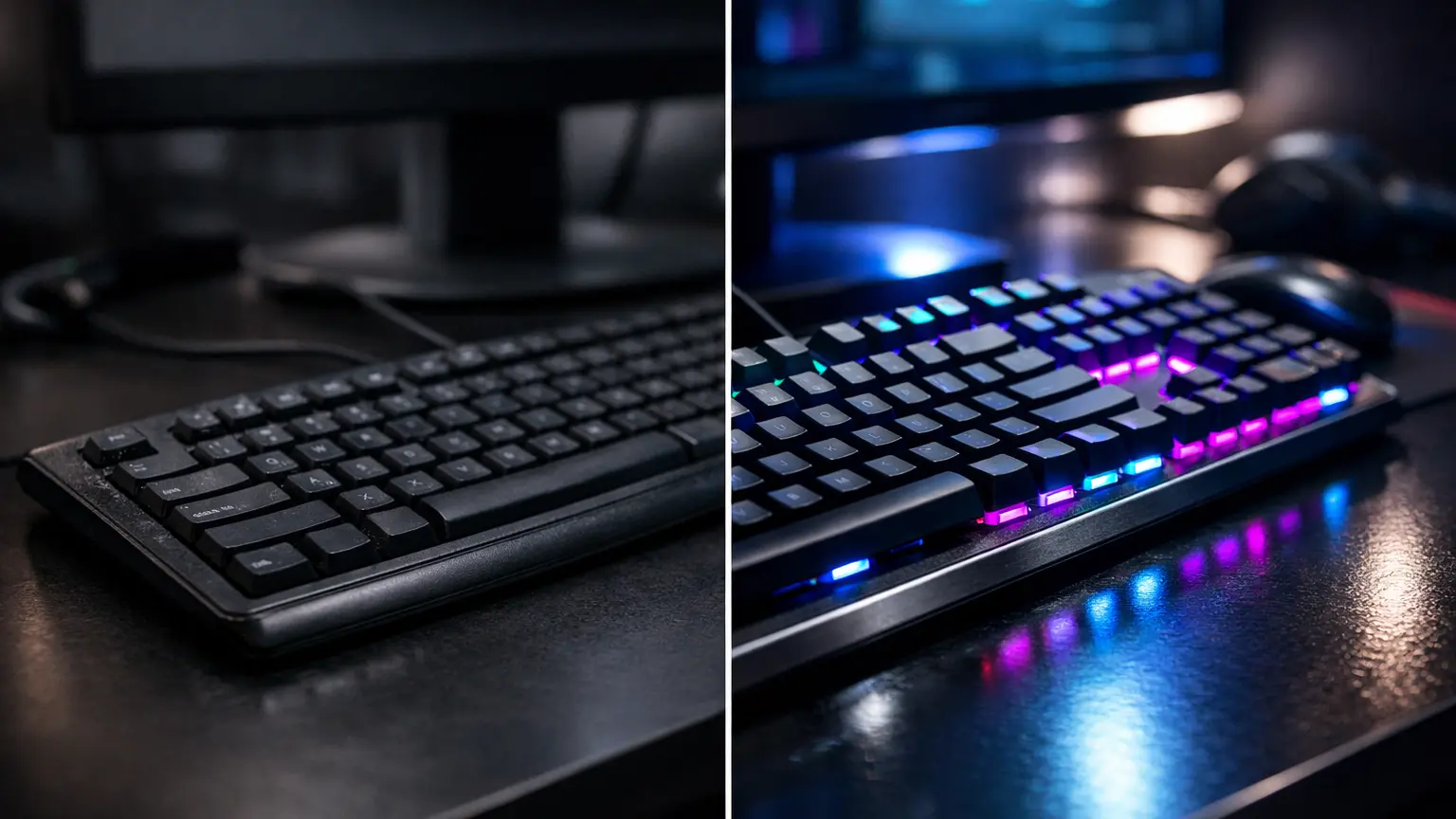
Quick answer: for gaming, a mechanical keyboard offers a clearer feel, more choice of key feel, and better durability. A membrane keyboard is still a good choice if you want a quiet, affordable keyboard. Between the two, hybrid “mecha-membrane” keyboards combine a softer feel with a pronounced click.
| Criteria | Mechanical | Membrane | Mecha-membrane |
|---|---|---|---|
| How it works | An independent switch under each key | Two soft layers and rubber domes | Rubber dome and click mechanism |
| Feel | Crisp: linear, tactile or clicky depending on the switch | Soft, muffled | Soft with a tactile click |
| Sound | Louder (depending on the switch) | The quietest | Moderate |
| Durability | Often rated between 50 and 100 million keystrokes per switch | Generally lower | Intermediate |
| Customisation | Keycaps and sometimes replaceable switches | Limited | Limited |
| Price | Higher | Most affordable | In between |
What’s the real difference between a mechanical keyboard and a membrane keyboard?
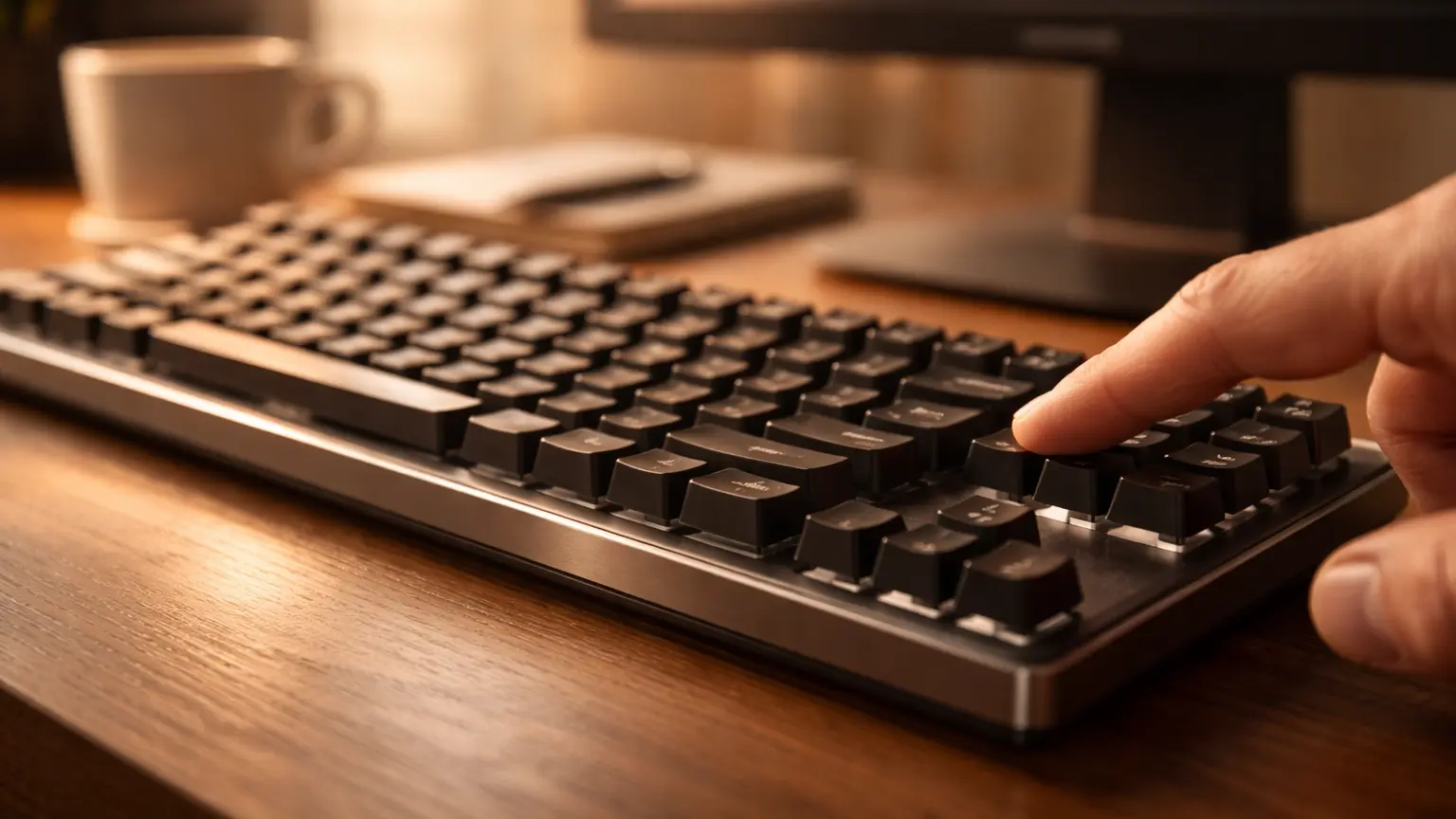
Everything happens under the key. A membrane keyboard registers the press when two soft layers come into contact, pushed by a rubber dome. A mechanical keyboard, on the other hand, uses an independent switch under each key, with its own spring.
Result: the mechanical keyboard delivers a clearer, more consistent feel, with three main families of switches. The linear types (often red) are smooth and popular for FPS, the tactile types (often brown) have a noticeable bump, and the clicky types (often blue) add an audible click.
Is a mechanical keyboard really better for gaming?
For most players, yes. The keystroke is more precise, every key responds in the same way, and anti-ghosting (multiple keys pressed at the same time) is generally complete. On games where you chain combinations, like Valorant or Fortnite, the difference is noticeable.
But a membrane keyboard isn’t bad either. A good gaming model does the job perfectly for playing, especially if silence or budget matters more than the feel.
When a membrane keyboard remains a very good choice
- You play late, in a shared room, or you’re in voice chat with a sensitive mic.
- Your budget is tight and you’d rather invest in the graphics card.
- You like a soft, cushioned feel.
- You’re looking for a keyboard that can handle small splashes (many membrane models are).
Sound, comfort and durability: what changes day to day
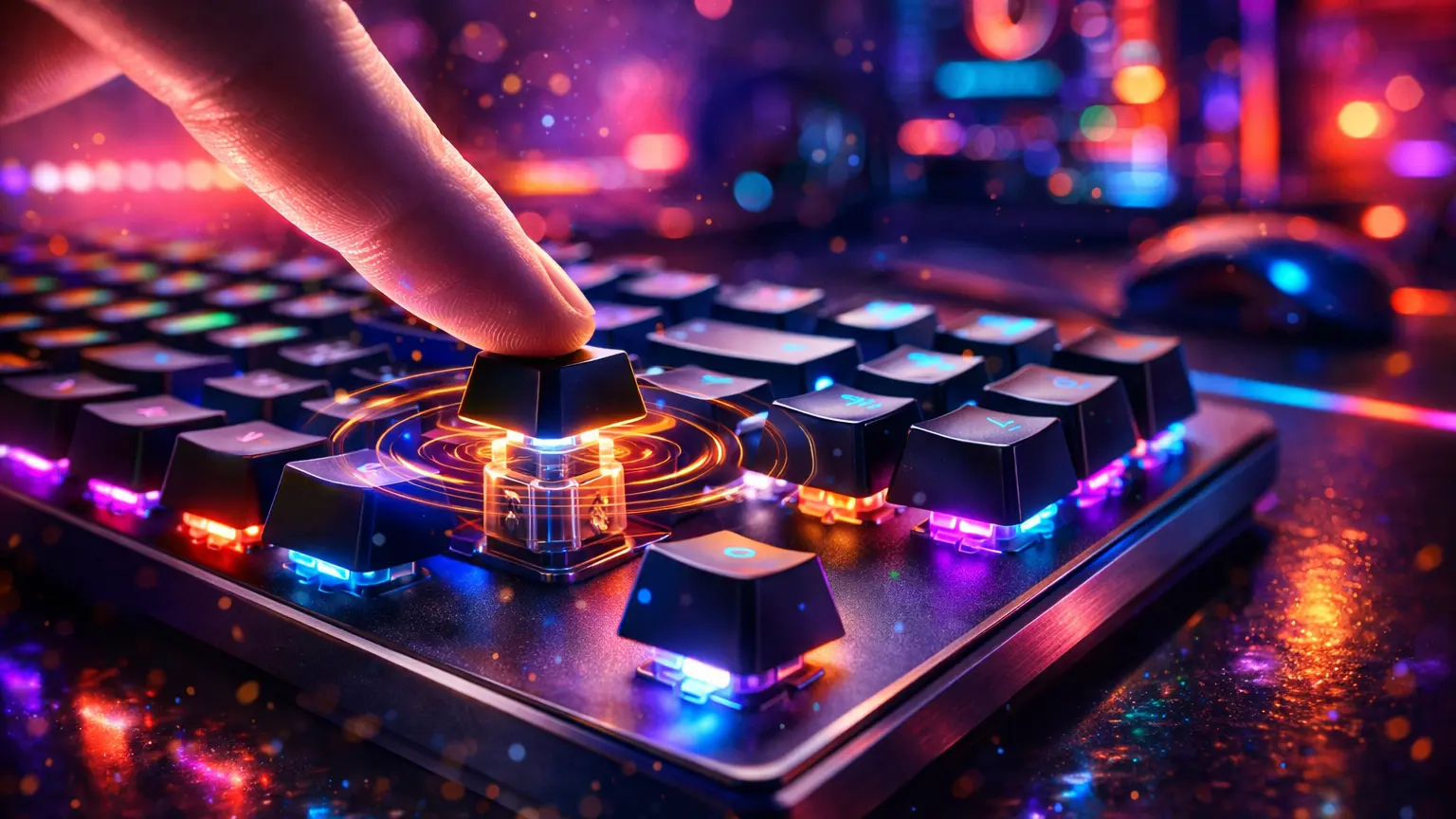
Sound is often the deciding factor. A mechanical keyboard with clicky switches can be heard all over the room; linear switches are still audible but more discreet. A membrane keyboard is the quietest.
Durability usually favours mechanical keyboards: manufacturers often quote between 50 and 100 million keystrokes per switch, and a faulty key can be replaced on models with interchangeable switches. A membrane keyboard ages less well, especially on the most-used keys like ZQSD.
Hybrid mecha-membrane keyboards: the compromise
A mecha-membrane keyboard keeps the base of a membrane (rubber dome, soft and discreet keystroke) but adds a mechanism that produces a tactile click, close to a mechanical switch. The result: a more pronounced feel than a classic membrane, for a price and noise level that are more contained than a true mechanical. It’s a good choice for a first gaming keyboard, without expecting the precision or lifespan of a mechanical.
And magnetic keyboards (Hall effect)?
That’s the big trend in recent years among competitive players. These keyboards measure the key position with a magnetic sensor instead of contact. You can adjust the activation point for each key and enjoy “rapid trigger”, which releases the key as soon as it springs back by a few tenths of a millimetre. Very useful in FPS for counter-strafes, much less for the rest. They cost more than a standard mechanical keyboard.
Mechanical or magnetic keyboard for gaming: the differences explained in a video by swiMa.
So, which keyboard should you choose for gaming in 2026?
Mechanical if…
- You want the best feel in-game
- You play often, especially competitively
- You want a durable, customisable keyboard
Membrane if…
- Your budget is tight
- Silence is the priority
- You prefer a soft feel
Hybrid if…
- You want a marked click without the mechanical keyboard noise
- It’s your first gaming keyboard
- You’re looking for the right price/feel compromise
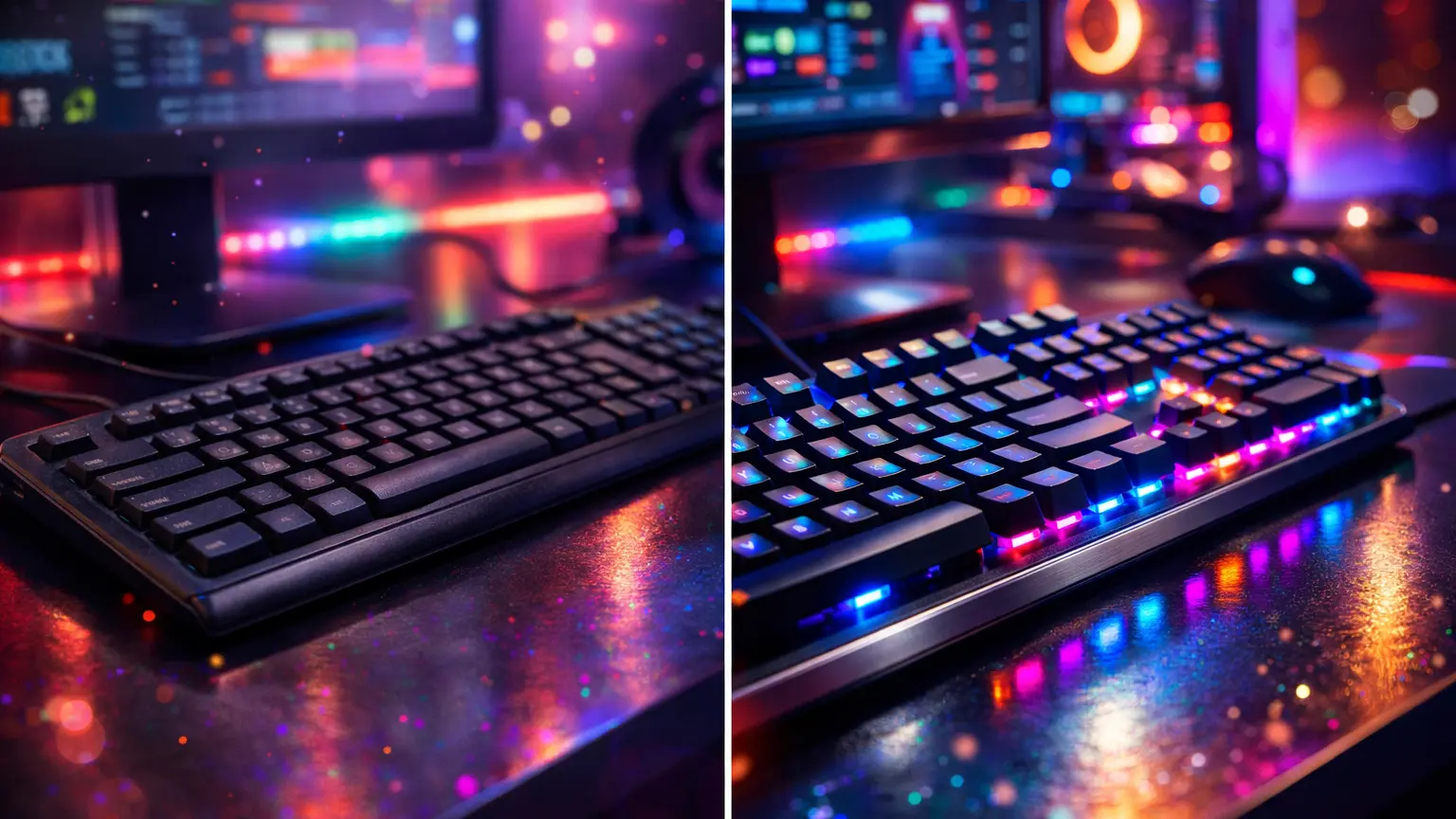
Our gaming keyboards
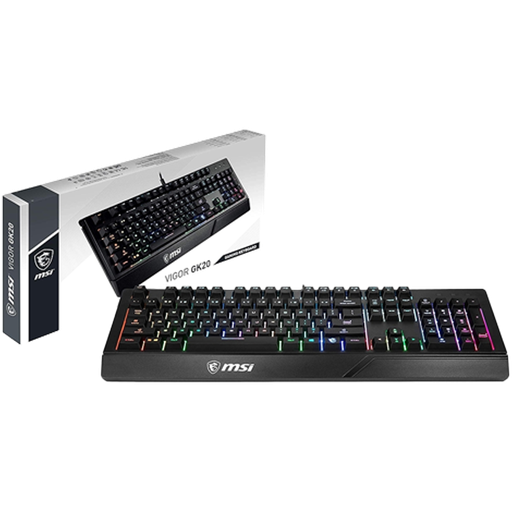
MSI Vigor GK20 (membrane)
Backlit RGB membrane keyboard in AZERTY: quiet and affordable to get started.
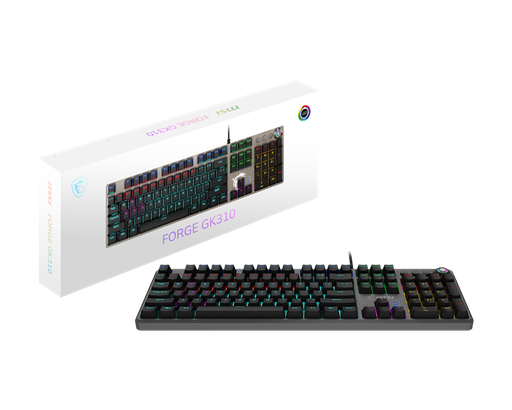
MSI Forge GK310 (mechanical, Red switches)
Full-size mechanical keyboard with linear Red switches, 46 g actuation force: smooth and responsive in-game.
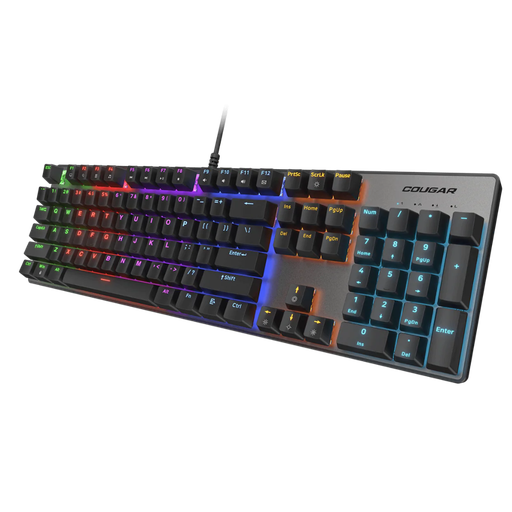
Cougar Ultimus EX (mechanical)
A mechanical gaming keyboard designed for demanding players, in black or white.
FAQ: mechanical or membrane keyboard
Is a mechanical keyboard better for gaming?
For most players, yes: more precise and consistent typing, better durability, and full anti-ghosting. A good membrane keyboard is still absolutely playable.
Are mechanical keyboards louder?
Yes, generally. It all depends on the switch: clicky ones (often blue) are the loudest, linear ones (often red) are more discreet. A membrane keyboard is still the quietest.
Which switch should you choose for gaming?
Linear switches (Red) are the most common among players for their smooth feel. Tactile switches (Brown) are a good compromise between gaming and typing. Clicky switches (Blue) are popular for typing, but are less suited to gaming and voice chat.
What is a mecha-membrane keyboard?
A hybrid keyboard that keeps the membrane base (rubber dome) but adds a tactile click mechanism. It offers a more noticeable feel than a membrane, with less noise and a lower price than a mechanical.
Is a membrane keyboard suitable if I game in a shared room?
Yes, and that’s even its main advantage: it’s significantly quieter. A mechanical keyboard with linear switches and damping gaskets is an alternative if you like the mechanical feel.
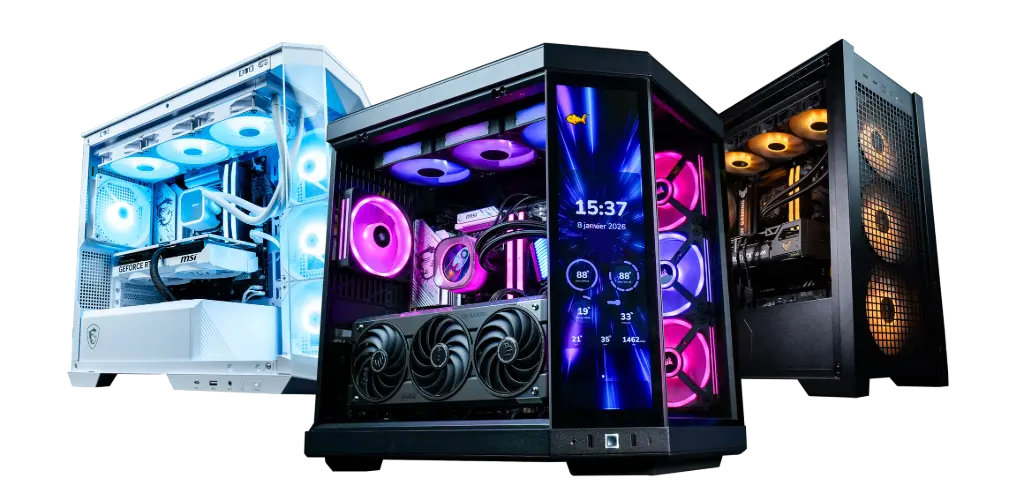
A consistent setup, from keyboard to PC
The keyboard matters, but it’s the PC that runs your games. To choose a balanced machine, read our guide how to choose your gaming PC setup in 2026.
