 Your PC in instalments (up to 12x)
Overwatch 2: Game Evolution and System Requirements
Dive into the world of Overwatch 2, the long-awaited sequel to the legendary first-person shooter created by Blizzard.
Explore new features, the hardware needed for an optimal experience, and the future outlook for this iconic title.
The Legacy of Overwatch: Looking back on a phenomenon
Before getting into Overwatch 2, it’s essential to understand the enormous impact that Overwatch has had on the world of video games and esports. Released in 2016, this first-person shooter quickly captivated audiences with its unique blend of action, strategy, and charismatic characters. The title soon dominated the esports arena, with the creation of the Overwatch League, a truly professional league bringing together the best teams in the world. Overwatch’s success lies in its accessible yet deep gameplay, its diverse heroes, and its memorable maps.
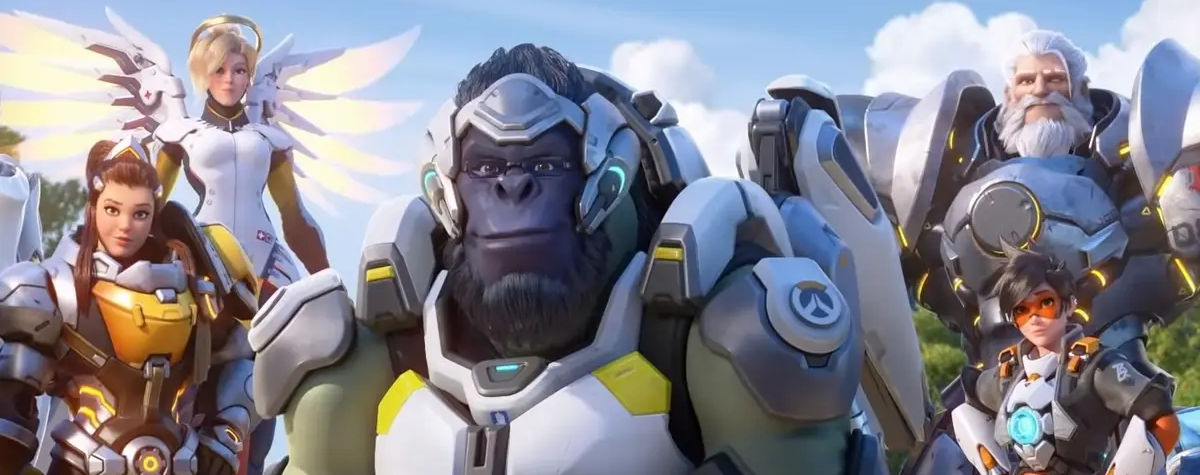
Overwatch 2 news
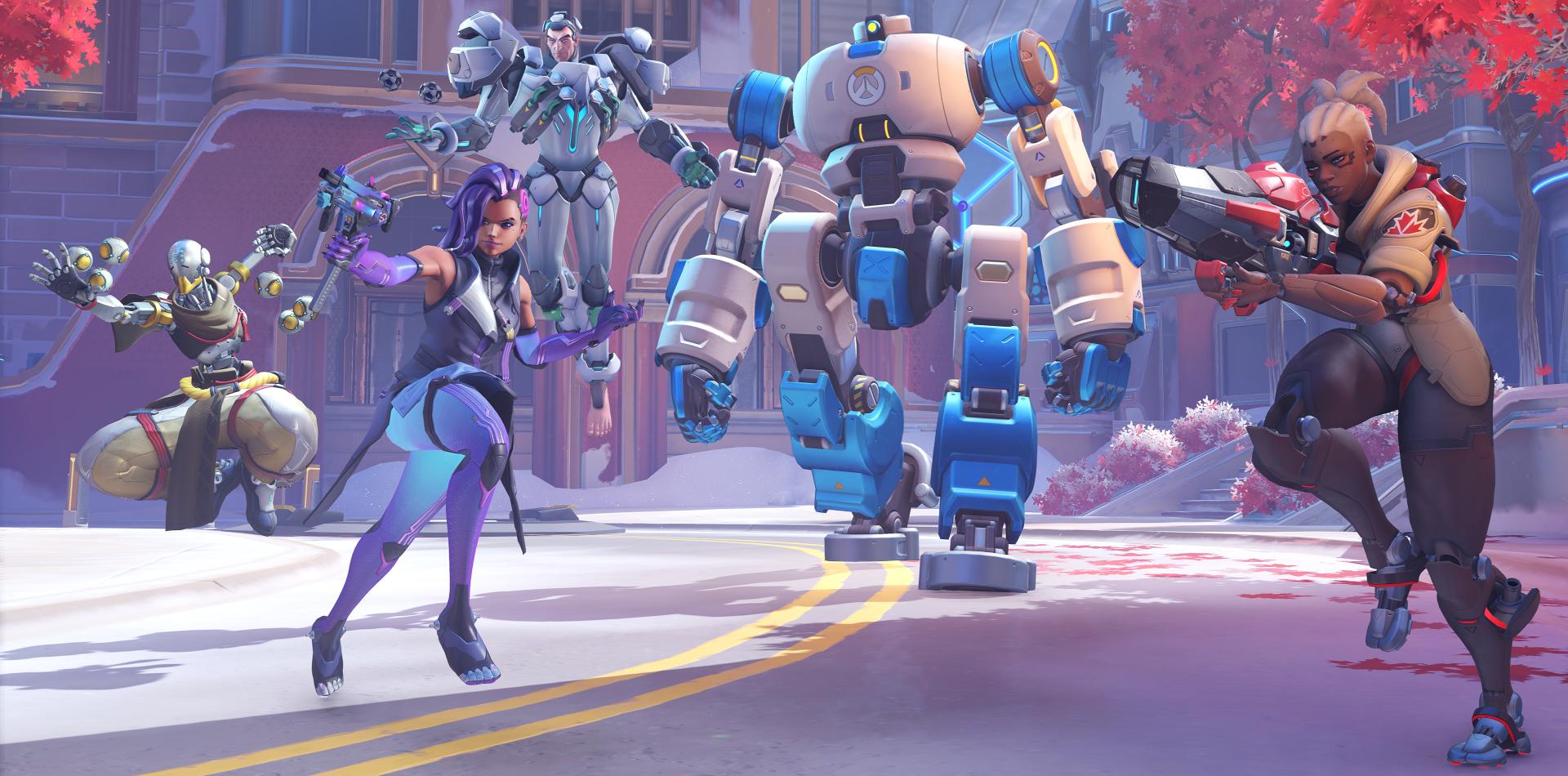
The Overwatch universe is expanding with the arrival of Overwatch 2:
New heroes and maps : Fresh faces and battlegrounds
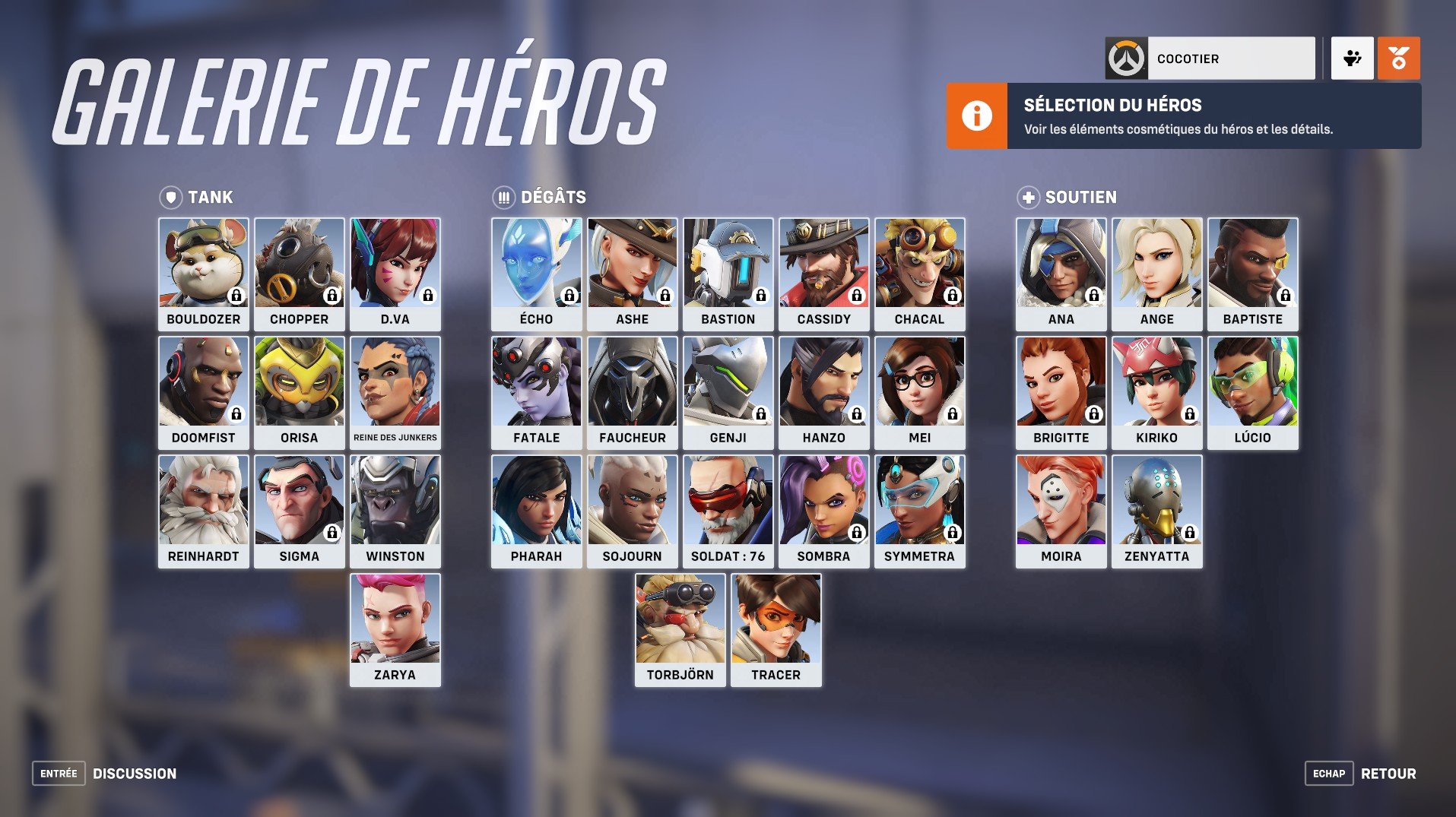
Many newcomers venture into the Overwatch universe with this second instalment, and it can be confusing to navigate the many features. While the tutorial makes it easier to get to grips with the basics of the game, the process for accessing each character isn’t explained explicitly. However, you just need to select the hero of your choice to see the associated unlock criteria.
So, to guide you effectively, here’s an overview of how to unlock the heroes in Overwatch 2.
HOW DO I ACCESS EVERY OVERWATCH 2 HERO?
For those who’ve already explored the Overwatch universe and have the Battle Pass, all heroes are already available to you. However, for those discovering the game, only certain heroes will be playable right away. The rest will be obtained gradually. Don’t worry—no extra spending is required.
By playing regularly, you’ll gradually unlock all of the Overwatch 2 characters according to the following schedule: Genji → After 1 match / D.Va → After 2 matches / Cassidy → After 3 matches / Ana → After 4 matches / Hanzo → After 9 matches (with a victory bonus) / Wraith → After 12 matches (with a victory bonus) / Chopper → After 15 matches (with a victory bonus) / Symmetra → After 20 matches (with a victory bonus) / Zenyatta → After 25 matches (with a victory bonus) / Bastion → After 30 matches (with a victory bonus) / Sigma → After 40 matches (with a victory bonus) / Ashe → After 50 matches (with a victory bonus) / Brigitte → After 60 matches (with a victory bonus) / Mei → After 70 matches (with a victory bonus) / Doomfist → After 85 matches (with a victory bonus) / Baptiste → After 100 matches (with a victory bonus) / Sombra → After 115 matches (with a victory bonus) / Bouldozer → After 130 matches (with a victory bonus) / Echo → After a certain number of matches (with a victory bonus)
So the key is playing consistently to access all the heroes and enrich your Overwatch 2 experience.
INVASION STORY MISSIONS
TCH 2
A worldwide offensive has been launched, and it’s up to you to take on the challenge through the epic “Assault” missions! The insurgent Omnics of the Zero Sector have launched assaults on Rio de Janeiro, Toronto, and Gothenburg, deploying their fearsome combat machines to wipe out all resistance. Winston and his Overwatch team are on the front line, pushing back the Zero Sector and calling on everyone for help, whether they’re veterans or newcomers.
The “Assault” missions offer intense, in-depth co-operation where a team of four players must complete various objectives across large battlefields. This collaboration is new compared with classic PvP gameplay. The protagonists are chosen carefully for each mission, giving you the chance to face new challenges with four distinct levels of complexity.
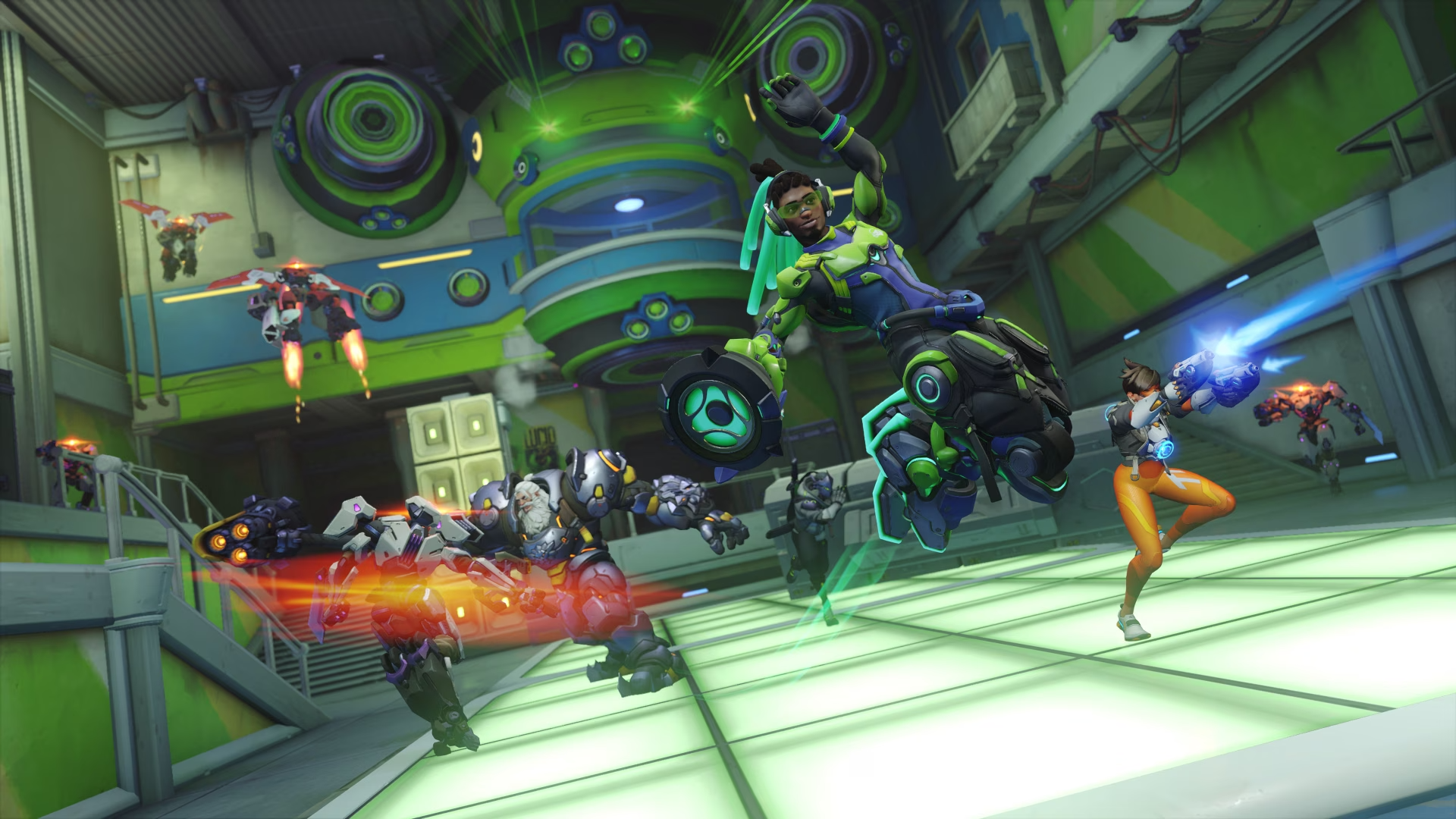
Improved progression system : Overwatch 2 reinvents hero progression, allowing players to further adapt and personalise their favourite characters.
NEW EVENT
Right now, jump into a short-lived, thrilling cooperative event that throws you up against the forces of the Zero Sector. King’s Row is under threat, and your mission is to work together to free the omnic prisoners held in the Underworld before the Zero Sector captures them. Explore areas of King’s Row that haven’t been uncovered yet, deploy a combat-ready TS-1 robot, and guide it to neutralise any enemies that stand in your way.
You can also take part, at no cost during this cooperative event, in weekly challenges to test your skills and win prizes. Join the King’s Row – Underworld adventure until 4 September.
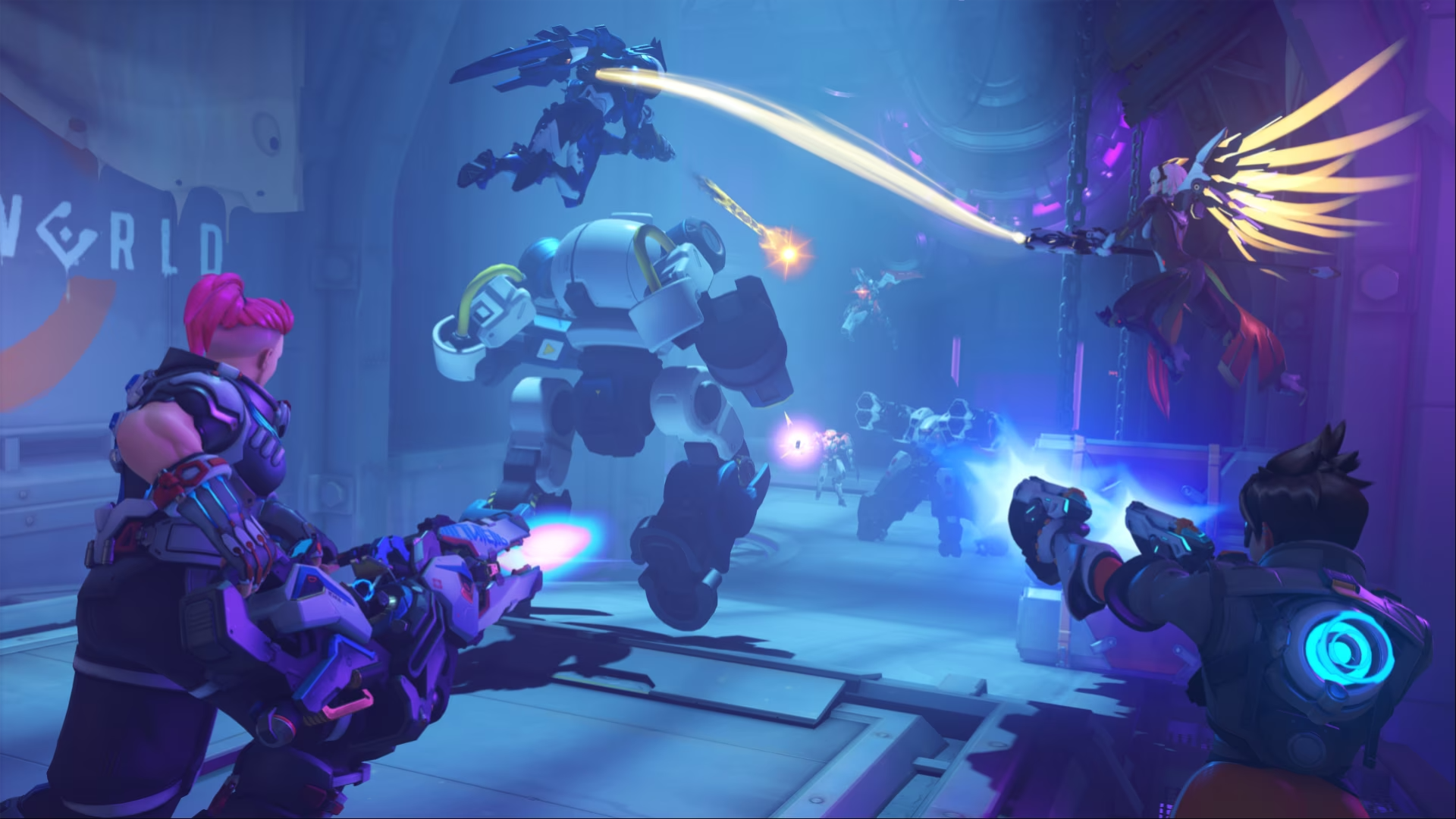
Visual and audio experience
Overwatch 2 promises an even more immersive experience with:
Reworked visuals : Enjoy improved models, more detailed textures, and dazzling lighting.
OVERWATCH 2 : OPTIMISE YOUR SETTINGS AND TUNING
It’s clear that every player has their own preferences, and these can vary depending on the hardware they have. If you’re using a modern, high-performance machine, your settings will probably be different from someone with an older system.
Start by accessing Overwatch 2’s settings, then navigate to the Video tab. Here you’ll find several options, some of which are crucial for performance. Here are a few suggestions to maximise your FPS and optimise your gaming experience in Overwatch 2:
- Display mode → Full screen
- Game screen → Select your primary monitor
- Resolution → Select the one recommended for your display
- Field of view → 103 (default value) is a good choice, but adjust it to suit your preferences
- Dynamic render scale → Off
- Render scale → Custom mode
- In-game resolution → Choose 100 %
- FPS limit → Custom
- Maximum FPS → Adjust based on your monitor’s capabilities (e.g. 60 Hz = 60 FPS)
- Vertical sync → Off
- Triple buffering → Off
- Buffering reduction → Off
- NVIDIA Reflex → If you have a NVIDIA 1000-series graphics card or newer, enable this option
- Gamma, contrast, and brightness → Default settings should be fine
As for the “Graphics Quality” section, this will depend largely on the power of your machine. If your priority isn’t to reach the maximum FPS, you can keep your graphics settings high. If not, set them to “low”. A few additional suggestions:
- High-quality supersampling → AMD FSR 1.0
- Shadow quality → Disable them for a performance boost
- Ambient occlusion → Set to low
It’s important to remember that needs and preferences vary from player to player. Test these settings and adjust them to what you feel works best. If you want to go back to the original settings, the “Delete” key will reset everything back to normal.
Recommended hardware : For the best possible experience, make sure you have the ideal Overwatch 2 hardware configuration:
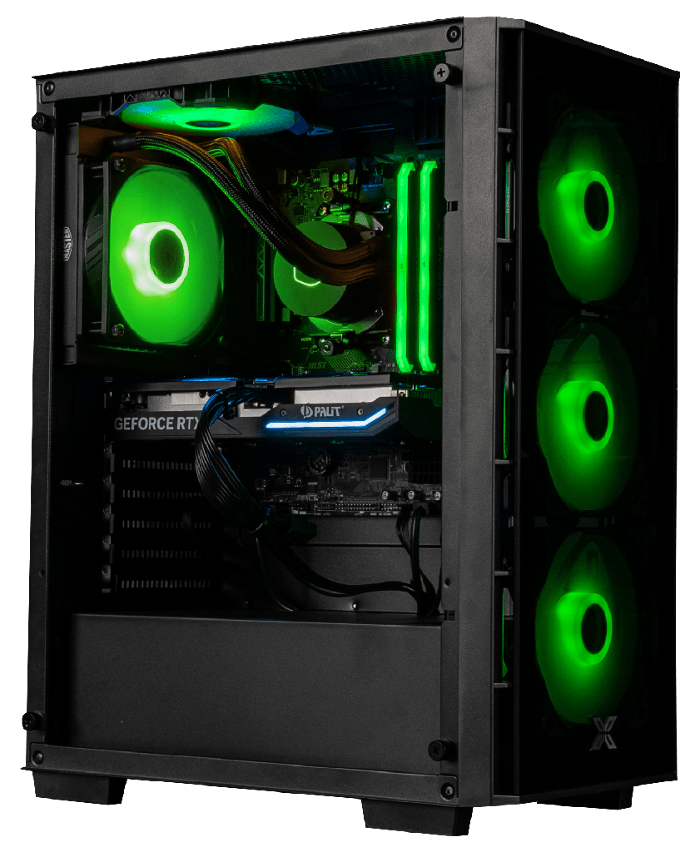
Typhoon PC for the 1080P
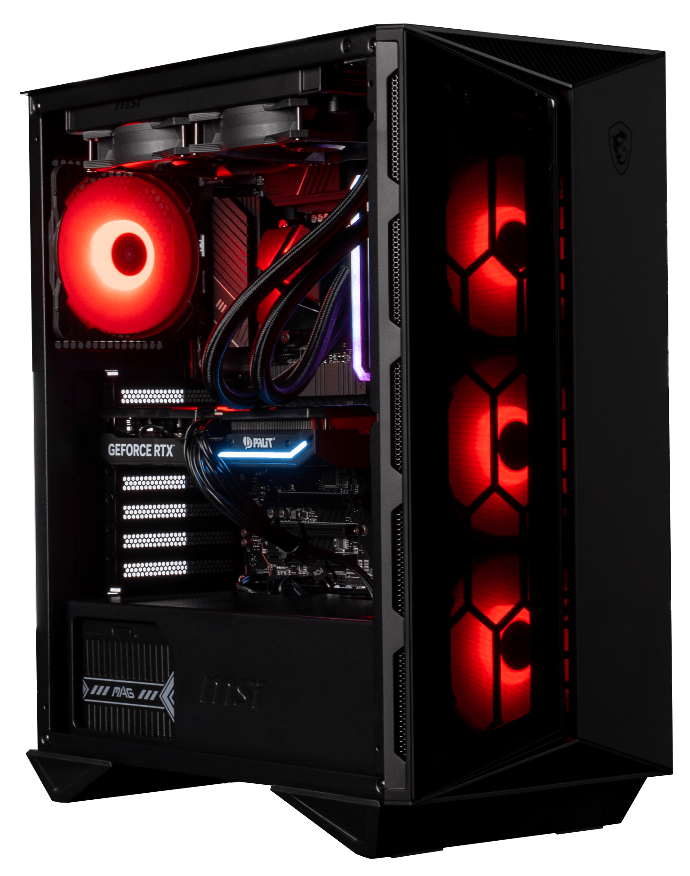
PC Moll-E for 1440P
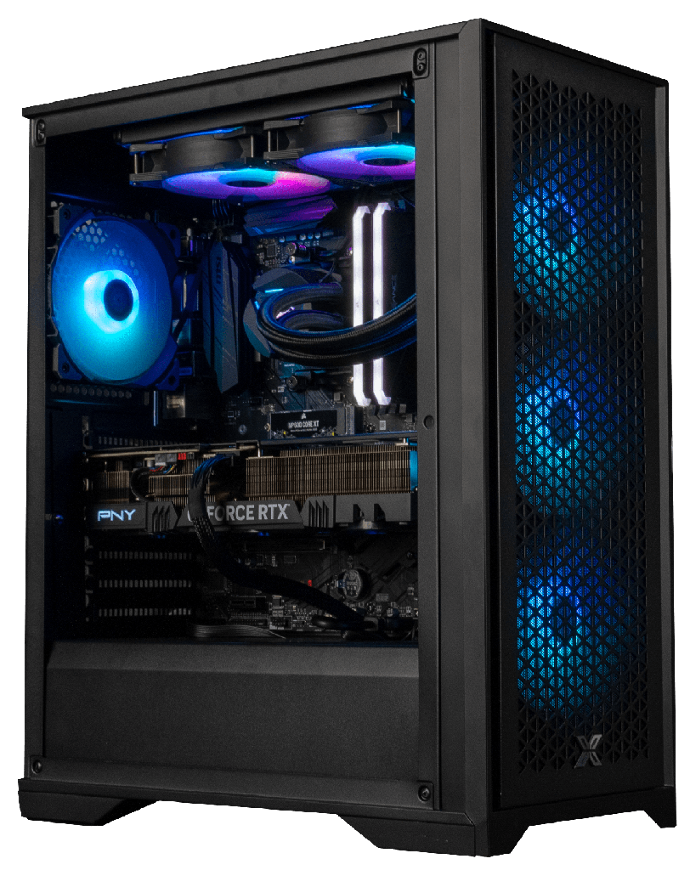
Abyssin PC for 2160P
Overwatch 2 and Esports
With such a strong legacy in esports, Overwatch 2 has big shoes to fill. The future outlook for competitive play is promising. Blizzard has already started to outline how the Overwatch League will transition to Overwatch 2, promising continuity while introducing new competitive challenges.
Comparison: Overwatch vs Overwatch 2
If you’re an Overwatch veteran, you may be wondering what really sets these two titles apart. While keeping the essence of the first game, Overwatch 2 introduces mechanics, maps, and heroes that make it distinct. For fans of the original, switching to Overwatch 2 will depend on your desire to explore these new features.
The future of Overwatch 2
Blizzard has committed to making Overwatch 2 far more than just an update. With major improvements, narrative additions, and a clear vision for the future, the game is ready to help shape the future of the first-person shooter genre.
Bonus: Tips and advice to get started properly in Overwatch 2
For those venturing into this world for the very first time:
- Choose heroes such as Soldier 76 or D.Va to start with.
- Explore online resources and guides to hone your skills and understand scenario-based missions.
With all that in mind, what are you waiting for? Dive into the world of Overwatch 2 and discover everything Blizzard has to offer.
We want your opinion!
Share your thoughts on Overwatch 2 in the comments, share this article on social media, and don’t forget to subscribe to our newsletter to get the latest news about upcoming games.
