 Your PC in instalments (up to 12x)
By the FlowUP team, gaming PC builder in Genappe (Belgium) · Updated 30 September 2026
In brief: The Sims 4 runs on almost any recent PC: the minimum is a Core i3-3220 or a Ryzen 3 1200, 4GB of RAM and 26GB of storage. The recommended setup calls for a Core i5 or a Ryzen 5, 8GB of RAM and a GTX 650. But with lots of packs, mods and big households, the game becomes far more demanding: a PC with 16GB of RAM, an SSD and a recent processor makes all the difference for loading times and smoothness.
The Sims 4 on PC in 2026
Released in 2014, The Sims 4 keeps receiving new packs even twelve years later. Since 18 October 2022, the base game is free: you download it via the EA app or on Steam. Expansion, game and item packs are paid.
And it’s those packs that weigh on the PC. The base game is light, but ten years of expansions, mods and custom content downloaded by the thousands of files make the game far heavier.
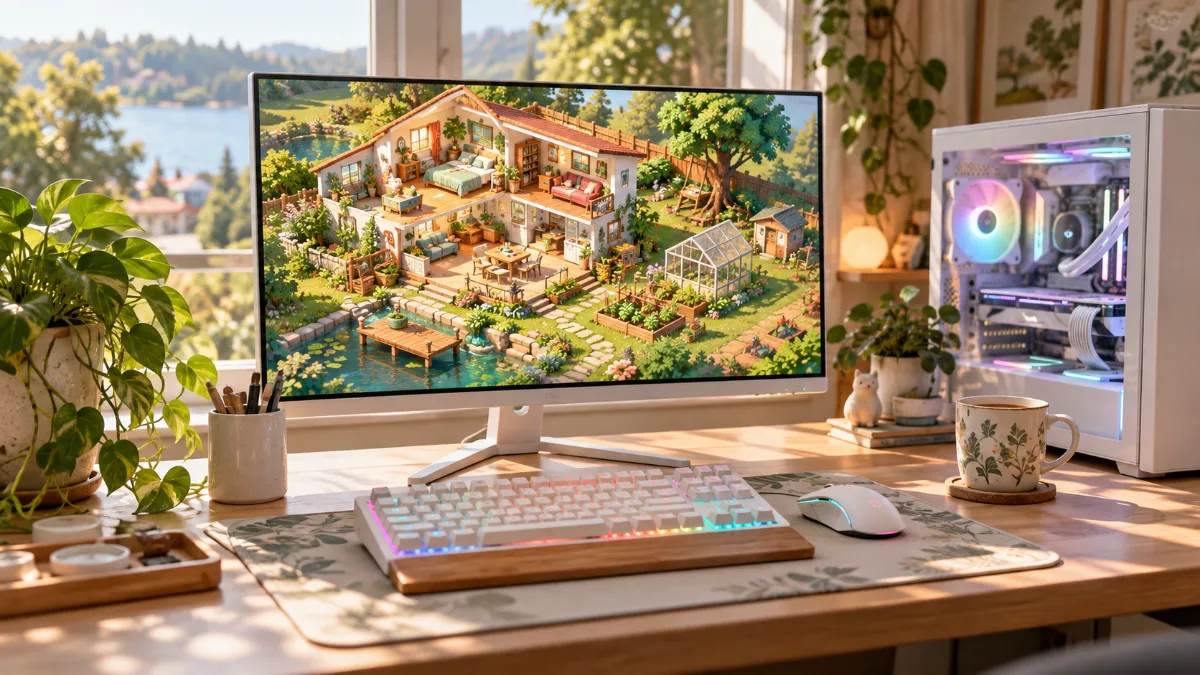
The Sims 4: light at first, far more demanding with packs and mods.
The required configuration for The Sims 4
| Component | Minimum | Recommended |
|---|---|---|
| System | Windows 10 64-bit | Windows 10 64-bit |
| Processor | Intel Core i3-3220 or AMD Ryzen 3 1200 | Intel Core i5 or AMD Ryzen 5 (4 cores) |
| RAM | 4GB | 8GB |
| Graphics card | 128MB video memory, GeForce 6600, Radeon X1300 or Intel GMA X4500 | 1GB video memory, GeForce GTX 650 or Radeon HD 7750 |
| DirectX | Version 11 | Version 11 |
| Storage | 26GB | 51GB |
Source: official Steam page for The Sims 4.
These requirements are dated: a GTX 650 is over ten years old. Any gaming PC sold today far exceeds them. But they describe the base game, not the one most simmers play.
Packs, mods and CC: what makes the game demanding
Each pack adds objects, worlds and features that the game has to load. The gap between the 26GB of the minimum and the 51GB of the recommended already gives an idea, and a full collection of packs weighs even more. Custom content (CC) and mods add even thousands of files.
What suffers first:
- Loading times, when opening the game and every time you change lot/terrain. A NVMe SSD cuts them dramatically compared with a hard drive.
- RAM: with lots of packs and CC, 8GB quickly becomes too little. 16GB is the comfortable value.
- The processor, put under strain by the simulation: big households, packed neighbourhoods, and advanced gameplay. A recent processor keeps the game smooth at speed 3.

Packs, mods and custom content: that’s where the PC makes the difference.
The graphics card, on the other hand, matters less. Even a current entry-level graphics card can run The Sims 4 at 1440p with all settings on maximum. It becomes useful if you also want to play other, more demanding games on the same PC.
Do you really need a gaming PC for The Sims 4?
Our builder’s take: for the base game, no. A recent desktop PC with 16GB of RAM and an SSD is enough. A gaming PC becomes worthwhile in three cases:
- you play with lots of packs, mods and CC and you’re tired of loading screens;
- you want to play other games as well, newer and more demanding;
- you save or stream your sessions, which puts more demand on the processor and the graphics card.
Another tip: keep the game on your main SSD instead of a secondary drive, and store your mods neatly in the “Mods” folder in the Electronic Arts documents. And to find out what to upgrade first on an existing PC, read which component to change first on a gaming PC.
Our PCs to play The Sims 4 (and more)
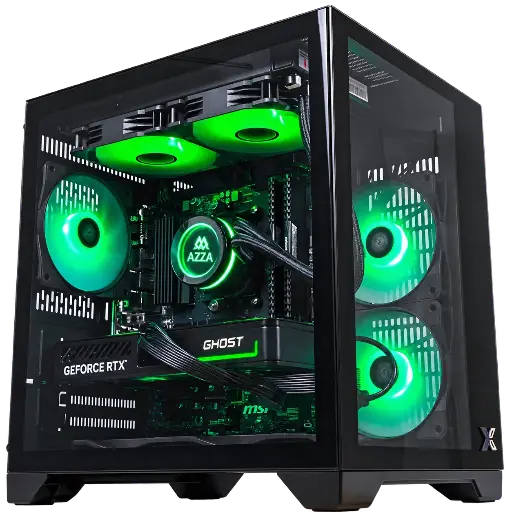
Cubi PC: entry-level
Ryzen 7 5700X with 8 cores, 16GB of RAM and RTX 5060: The Sims 4 with all your packs, plus recent games in 1080p.
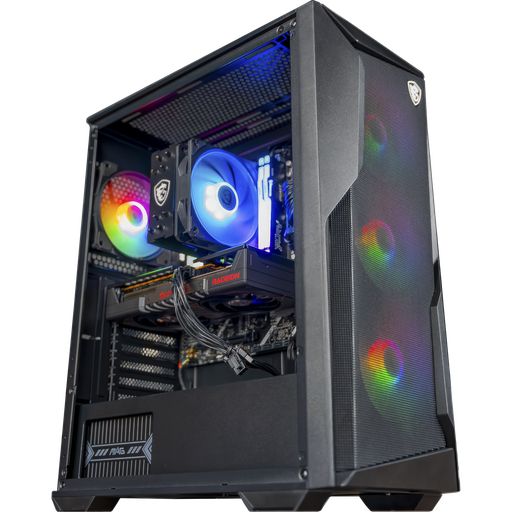
Rift PC: the all-rounder
Ryzen 5 7500F, 16 GB DDR5 and RX 9060 XT 16 GB: The Sims 4 in 1440p, plus room to spare for all the other games.
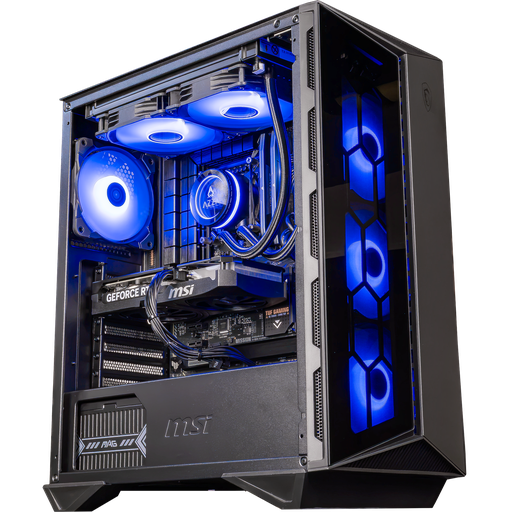
Swift PC: to play and stream
Core i5 14400F with 10 cores and RTX 5060 Ti 16 GB with the NVENC encoder: handy for recording or streaming your gameplay.
FAQ: The Sims 4 on PC
What is the minimum system requirement for The Sims 4?
Windows 10 64-bit, a Core i3-3220 or a Ryzen 3 1200, 4 GB RAM, a graphics card with 128 MB of video memory, and 26 GB of storage space.
Is The Sims 4 free on PC?
Yes, the base game is free since 18 October 2022 on the EA app and on Steam. The expansion packs remain paid.
How much RAM for The Sims 4 with mods?
EA recommends 8 GB for the base game. With lots of packs, mods and CC, 16 GB is a more comfortable value.
Can The Sims 4 run without a dedicated graphics card?
Yes, the minimum setup supports integrated graphics chips. For comfortable high-resolution play with packs, a dedicated graphics card is still preferable.
Why does The Sims 4 take so long to load?
The number of packs, mods and CC files, and especially storage: install the game on an SSD, ideally NVMe.
