 Your PC in instalments (up to 12x)
What gaming PC to play all games ?
Video game enthusiasts know that a powerful gaming PC is essential to fully enjoy their favourite games. With a multitude of configurations available on the market, it can be difficult to choose the right computer.
This article will guide you through the different options and help you find the best gaming PC to run all games.
Essential Components of a Gaming PC
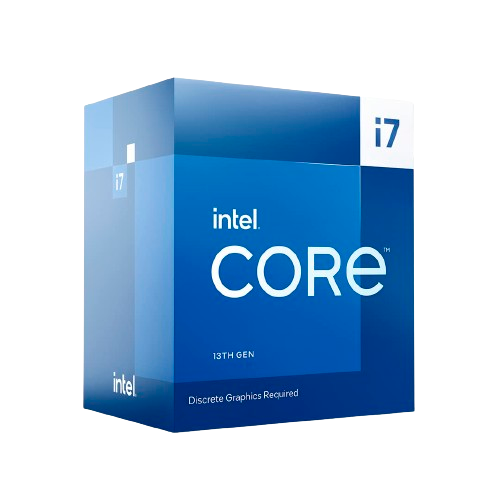
Processor
The processor is the brain of your gaming PC. It carries out instructions and manages the tasks of applications and games. For optimal gaming, Intel Core i7 or i9 processors, or AMD Ryzen 7 or 9, are recommended.
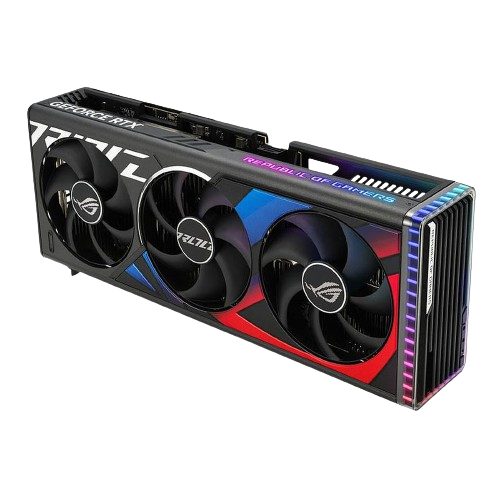
Graphics Card
The graphics card (GPU) is crucial for gaming performance. Latest models such as the NVIDIA RTX 4000 series or the AMD Radeon RX 7000 deliver exceptional performance for the most resource-hungry games.
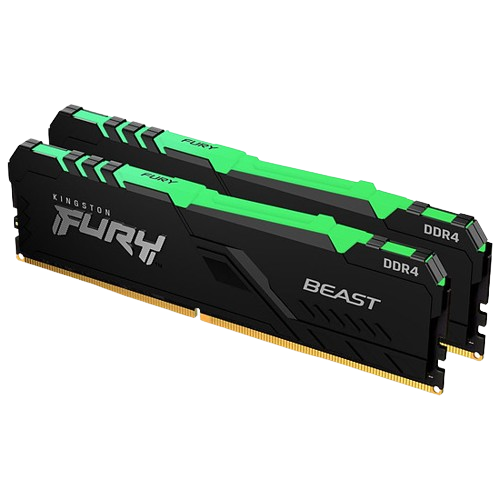
RAM
RAM allows the PC to handle multiple tasks at the same time without slowing down. For gaming, 16 GB of RAM is the minimum recommended, but 32 GB can deliver better performance for modern games and multitasking.
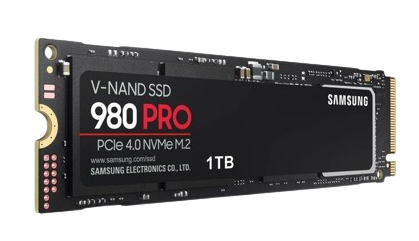
Storage
The type and capacity of storage affect game loading speed. SSDs (Solid State Drives) are far faster than HDDs (Hard Disk Drives). A 1 TB SSD is a good starting point for a gaming PC.
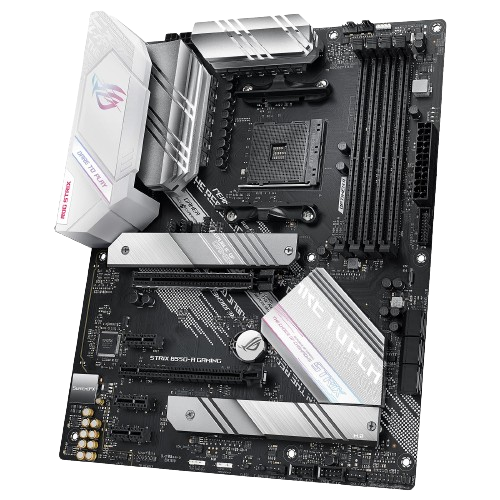
Motherboard
The motherboard connects all the components in your PC. Choose a motherboard compatible with your processor and with enough ports for your future needs.
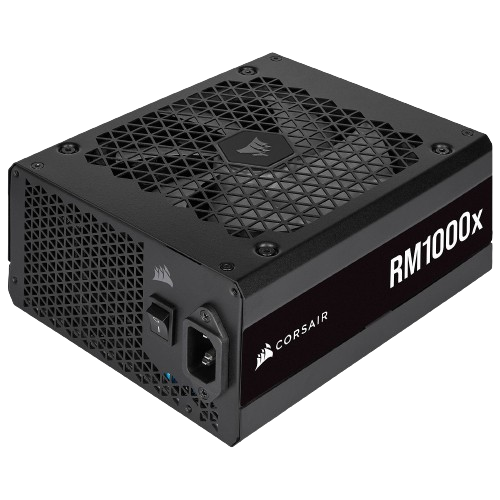
Power Supply
The power supply unit (PSU) provides the energy your system needs. A 650W to 750W power supply is generally sufficient for most gaming setups.
Recommended Setups for a Gaming PC
Entry-Level Gaming PC
For those on a limited budget but still want to enjoy modern games, a configuration with an Intel Core i5 or AMD Ryzen 5, 16 GB of RAM, and a NVIDIA RTX 4060 or an AMD RX 7600 to play in Full HD (1080P).
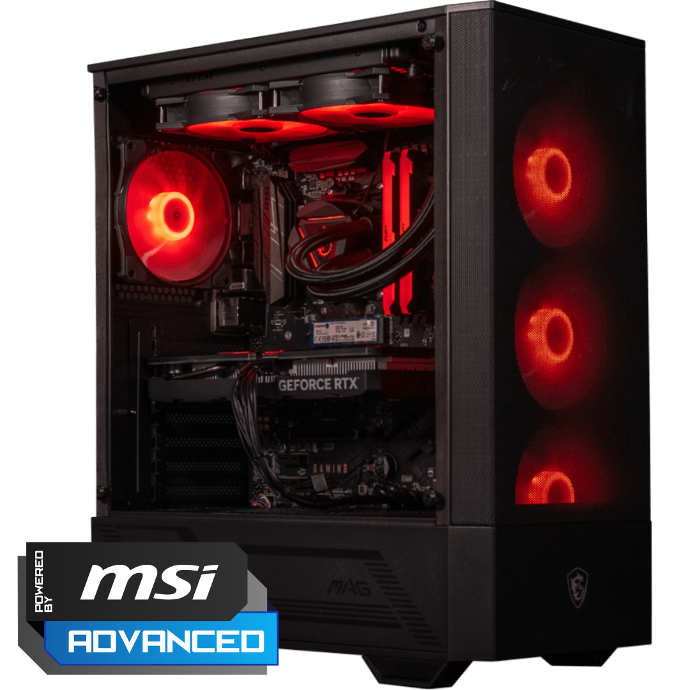
Mid-Range Gaming PC
A mid-range gaming PC can include an Intel Core i5 14th/ i7 or AMD Ryzen 7, 32 GB of RAM, and a NVIDIA RTX 4070 Super or an AMD RX 7800XT.
This setup can handle most games in high resolution with high graphics settings, all at QHD resolution (1440P).
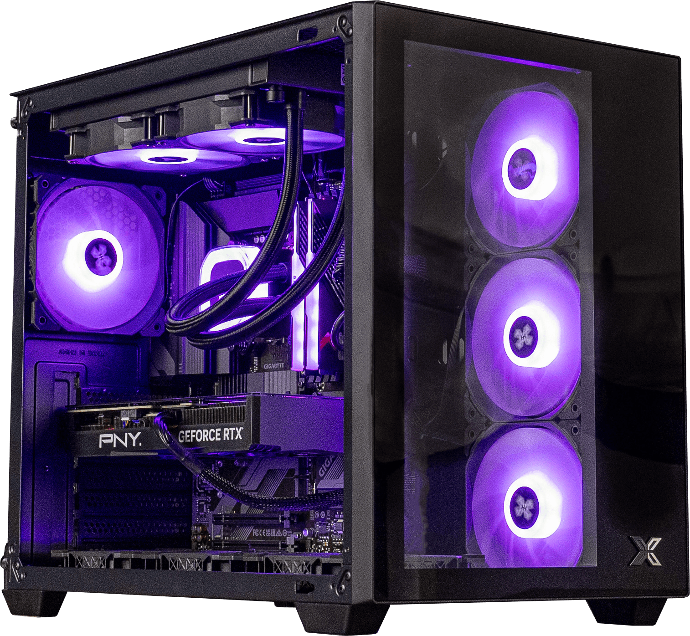
High-End Gaming PC
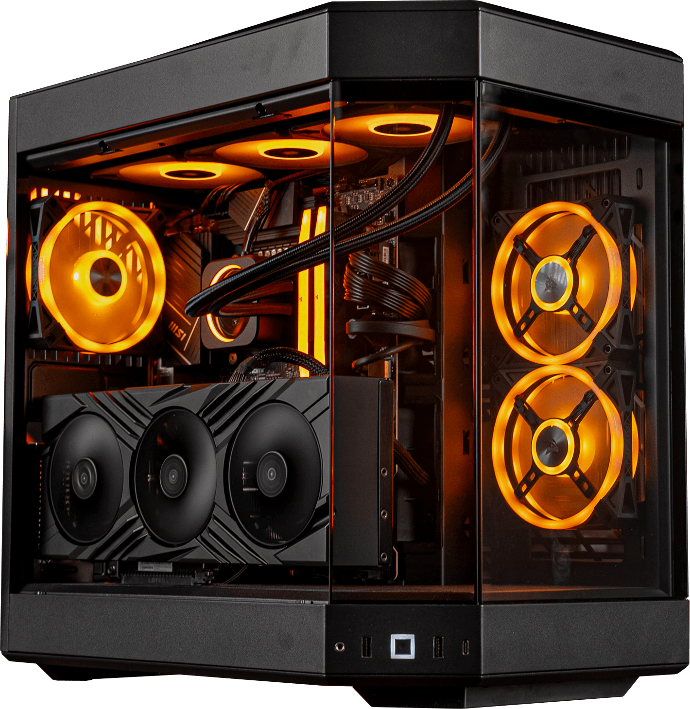
For those who don’t want to compromise at all, a PC with an Intel Core i9 or AMD Ryzen 9, 32 or 64 GB of RAM, and a NVIDIA RTX 4080 Super or 4090 is ideal. This configuration guarantees maximum performance for 4K games and virtual reality.
Optimising a Gaming PC for the Best Games
Graphics Settings
To get the most out of your gaming PC—especially for competitive FPS games—adjust the games’ graphics settings.
Turn off unnecessary options like motion blur and optimise resolution and graphical details according to your GPU’s capabilities.
Update Drivers
Keep your drivers up to date to ensure compatibility and the best performance with new games. Regular updates can also fix bugs and improve stability.

The Best PC Component Brands for 2024


Tips for Choosing the Right Gaming PC
Assess Your Needs
Identify the types of games you want to play and their system requirements. 4K games or virtual reality require more robust—and therefore more expensive—setups.
Set a realistic budget. It’s often recommended to put a larger share of the budget into the graphics card and the processor, while balancing the other components to avoid bottlenecks.
Never skimp on the power supply, or you could end up with your new PC choked by dust. Pre-built PCs are often well balanced and tested to prevent this kind of disaster.
Essential Accessories for a Gaming PC
Gaming Mice and Keyboards
A good gaming mouse and keyboard improve your gaming experience. Look for peripherals with features such as programmable buttons and customizable backlighting.
High-Quality Displays
A monitor with high resolution, a high refresh rate, and low latency is crucial for gaming. 144 Hz or 240 Hz displays deliver exceptional smoothness for fast-paced games.
Choose a graphics resolution (Full HD, QHD, 4K) depending on your graphics card/processor capabilities.
Maintenance and Care for a Gaming PC
Regular Cleaning
Dust can affect performance and the lifespan of your PC. Clean the internal and external components regularly to maintain good airflow.
Performance Monitoring
Use monitoring software to keep an eye on your PC’s temperatures and performance, such as MSI Afterburner.
This lets you quickly detect and resolve potential issues.

The Most Demanding Games of 2024
AAA Games
AAA games like Cyberpunk 2077, Red Dead Redemption 2, and future 2024 releases require high-end setups for optimal performance.

Virtual Reality (VR) Games
VR games require even more robust setups. Powerful graphics cards and fast processors are essential for an immersive experience without latency.
Conclusion
Choosing the right gaming PC to run all games requires research and an assessment of your specific needs.
Whether you opt for a pre-built machine or build your own PC, high-quality components are essential for the best possible gaming experience.
FAQs
What budget should I allow for a gaming PC that can run all games?
For a configuration that can run all games with high settings, a budget of at least €1,500 to €2,000 is recommended.
Should I prioritise an Intel or AMD processor for gaming?
Both brands offer excellent performance. Intel is often preferred for its core performance, while AMD is appreciated for its performance-to-price ratio.
How long does a gaming PC last?
A good-quality gaming PC can last between 3 and 5 years before needing major upgrades for the latest games.
Can a gaming laptop rival a desktop PC for gaming?
Gaming laptops can deliver good performance, but they’re generally less powerful and more expensive than desktop PCs in the same tier.
Is it necessary to have a liquid cooling system for a gaming PC?
A good air cooling system is often sufficient. However, for high-end or overclocked configurations, liquid cooling can offer better thermal performance.
Which games are the most demanding on resources in 2024?
Games like Cyberpunk 2077, Red Dead Redemption 2, and future AAA titles require very powerful configurations for an optimal experience.
