Pay for your PC in installments (up to 12 payments)
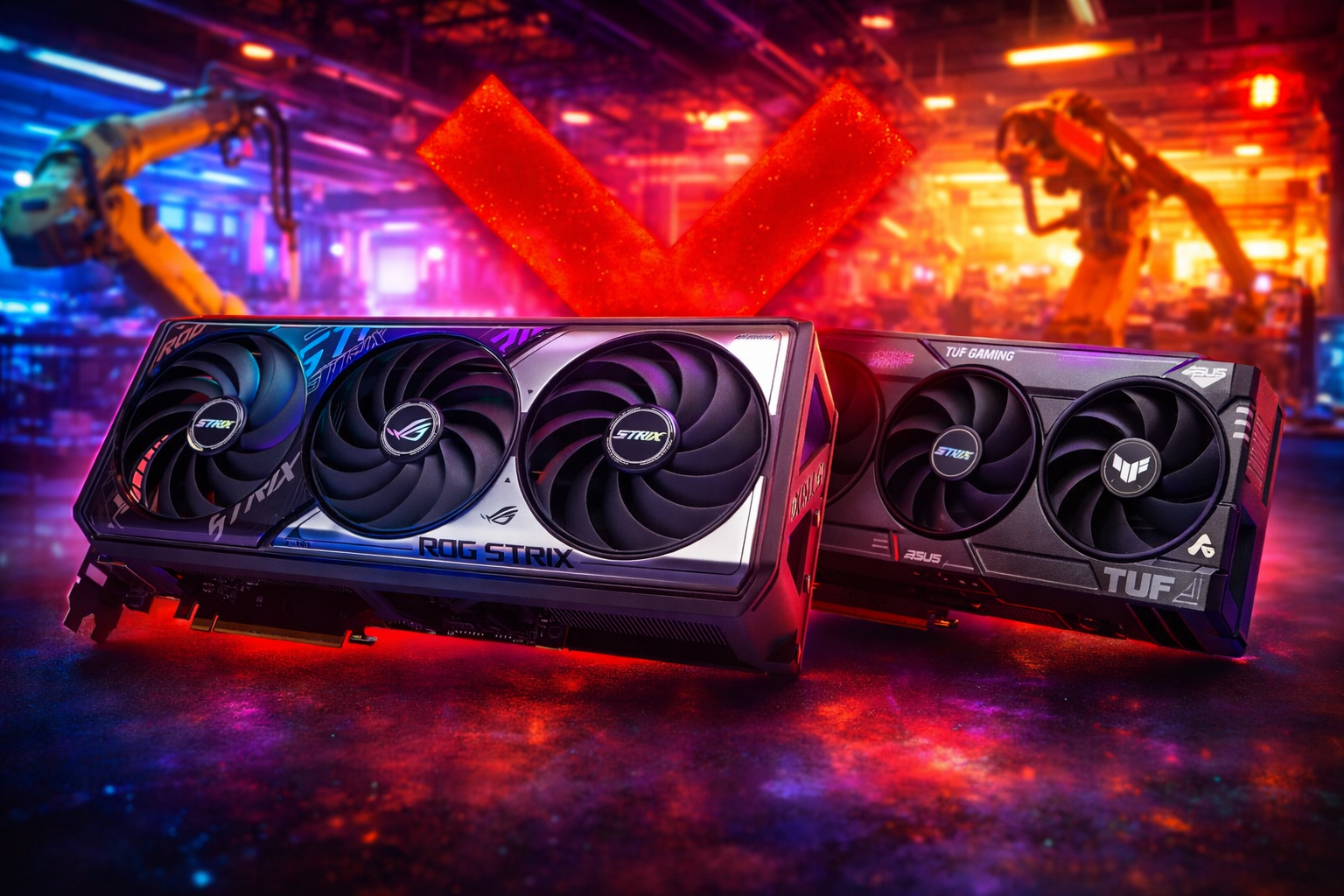
If you’re looking for an RTX 5070 Ti or a RTX 5060 Ti 16GB, you’ve probably seen the term “EOL” (end of life) doing the rounds. The problem is: we’ve had contradictory information. On the one hand, some articles reported an “end-of-life” update linked to a memory shortage ; on the other, ASUS has published an official statement : no discontinuation, but fluctuations in stock caused by memory supply constraints that disrupt production and replenishments.
What’s really going on (and why it affects the 16GB versions especially)
When an AIB (ASUS, MSI, etc.) faces a component constraint, it can streamline its range (fewer variants, irregular restocks) without the NVIDIA chip being “switched off”. ASUS says, specifically, that the memory limits production/restock cycles.
And in this context, “high-demand” SKUs (typically 16GB) automatically become more sensitive: fewer batches, greater variation in availability—so more price volatility.
Which graphics card should you buy?
1) Switch from brand (often the best move)
If your priority is buying at the right price without waiting 3 weeks: yes, switching brands is generally more sensible than getting stuck on “ASUS only”. What’s more, other manufacturers are saying they will continue/launch models (e.g. PNY says it’s planning a RTX 5070 Ti “dual-slot slim” for February).
2) Switch from model (if the 16GB is too tight)
If the RTX 5060 Ti 16GB becomes hard to find or is overpriced, there are two realistic options:
- Stick to the same range but switch to the 8GB version for the VRAM (if you mainly play at 1080p/1440p with reasonable settings).
-
Or move up a tier if you’re aiming for “high” 1440p / heavy textures / more headroom over time with the RTX 5070 12GB.
Key point: 8GB can still work in quite a lot of cases at 1080p, but it becomes limiting much faster once you push textures/ray tracing (proxy: VRAM tests/analyses). The vast majority of players don’t use these technologies and rely on multi-frame generation to boost their FPS. Not very future-proof, friendly, but even today, very few games go beyond 8GB of VRAM (obviously excluding 4K resolution).
3) Switch to GPU alternatives (AMD) if the segment becomes unbalanced
If the NVIDIA mid-range becomes too volatile, looking at GPU alternatives on the Radeon side can be completely sensible—especially if your priority is the performance-to-price ratio and availability. Caution: AMD also warned that component costs won’t stay “flat”, so the alternative isn’t a magic solution if the memory crisis lasts.
The most reliable “hack”: go through an integrator (when retail becomes unreadable)
During periods of volatility, integrators often have allocations and stock management that cushion some of the retail yo-yos. And above all, they secure what hurts DIY: case/PSU compatibility, clean assembly, and testing.
At FlowUP, our promise is simple: fair pricing (not necessarily the cheapest), transparency on the components, 2-year warranty, and after-sales support that follows through. And when GPUs become irregular, a full PC can be as interesting—if not more so—than building it yourself, without any stock stress or nasty surprises.