Pay for your PC in installments (up to 12 payments)
The new graphics card Nvidia rtx5000 have just been released and all you want is to be able to add them to your setup. However, you need to pay attention to one thing, are they compatible with the other components?
RTX5000, what are they?
One of the most striking announcements of CES 2025, and probably the one that will generate the most buzz this year, is without a doubt Nvidia’s reveal of its new GeForce RTX 5070, 5070 Ti, 5080 and 5090 graphics cards in Las Vegas.
These cards, packed with the very latest technological innovations, include advanced artificial intelligence capabilities, enabling performance to be optimised in spectacular fashion. Thanks to these improvements, they promise even more immersive gaming experiences, with smooth, detailed graphics close to photorealism.
Since their unveiling, the new GeForce have already sparked a lot of discussion among the gaming community and tech enthusiasts.
Many people online are wondering whether they’re compatible with current PC configurations and what adjustments are needed to get the most out of the new, never-before-seen features they offer. Nvidia seems to have really gone all out, and it’s likely that these cards will redefine PC gaming standards in the months ahead.

wHICH COMPONENT SHOULD YOU CHECK?
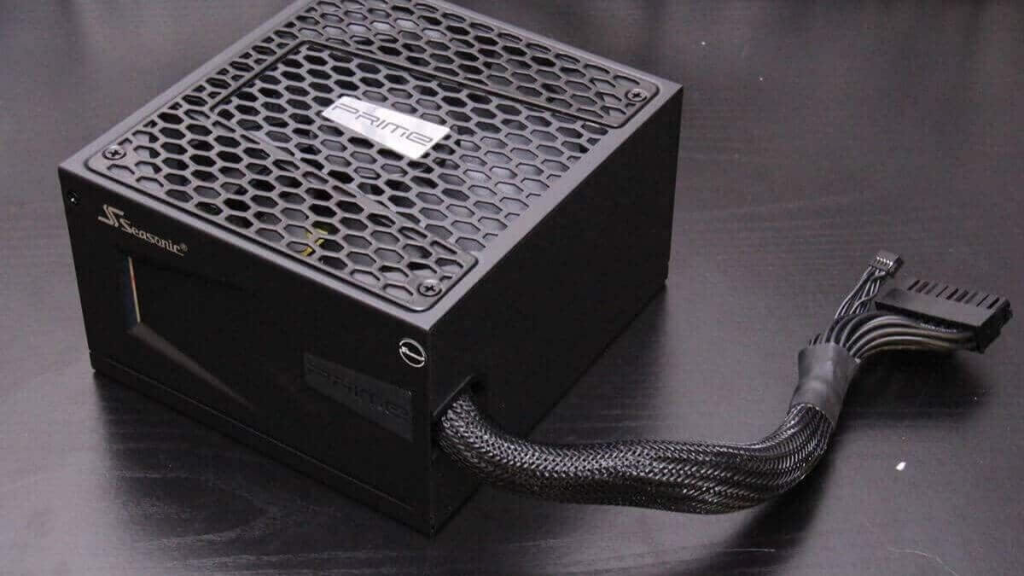
Is your power supply sufficient for the new GeForce RTX 5000 ?
One of the main compatibility concerns with the new GeForce RTX 5000 graphics cards is the power required by the power supply. These new cards, as Nvidia has announced, use more power than the previous generations, in particular the GeForce RTX 4000 and 3000.
TGP (Total Graphics Power) of Nvidia cards:
- GeForce RTX 5090 : 575W
- GeForce RTX 5080 : 360W
- GeForce RTX 5070 Ti : 300W
- GeForce RTX 5070 : 250W
To power these cards, Nvidia continues to use the standard PCIe Gen 5 connector, which can provide up to 600W. However, it is also possible to use standard 8-pin PCIe adapters, with up to 4 connectors required for a RTX 5090.
Nvidia power supply recommendations:
- 650W for the RTX 5070
- 750W for the RTX 5070 Ti
- 850W for the RTX 5080
- 1000W for the RTX 5090
These recommendations are intentionally set high, which is normal for official guidance aimed at ensuring system stability.
Assess the power you’ll need for your setup
An online tool such as Outervision can help you estimate your setup’s real power consumption. For example, a high-end configuration including an AMD Ryzen 9 9950X, 4×32GB of DDR5 RAM, 3 NVMe SSDs, 5×120 mm fans, a 360 mm water-cooling system and 10 USB devices results in power consumption of around 340W under load (excluding the graphics card).
Even taking into account the energy needs of the new cards, it seems possible to choose power supplies that are slightly lower than Nvidia’s recommendations, except in the extreme case of the RTX 5090, where power draw under load could come close to 700W.
check your real power draw
To determine whether your power supply is sufficient, it’s essential to consider the specific needs of your setup. Analyse the total power required under full load, including the graphics card and other components. If your current power supply is close to Nvidia’s recommendations, but you haven’t planned any heavy overclocking, you could consider a small tolerance margin.
Is your case compatible with the new GeForce RTX 5000 ?
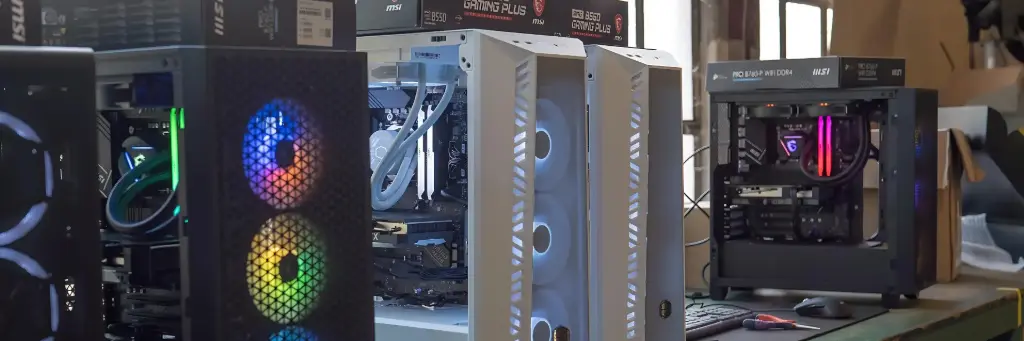
Good news for users who care about housing compatibility: the new GeForce RTX 5000, at least the Founders Edition models designed and sold directly by Nvidia, are far more compact than you might have feared. This size reduction makes them easier to fit in most cases, including compact form factors.
Dimensions of the Founders Editions in the RTX 5000 range:
- RTX 5070 : 242 mm x 112 mm x 2 slots
- RTX 5080 : 304 mm x 137 mm x 2 slots
- RTX 5090 : 304 mm x 137 mm x 2 slots
The cards are limited to two slots in height, which is still reasonable for most builds. The maximum length, set at 304 mm for the RTX 5080 and 5090, as well as the 137 mm width, shouldn’t cause any issues in standard cases. What’s more, all Founders Editions meet Nvidia’s SFF (Small Form Factor) requirements, ensuring compatibility with compact desktop PCs.
Why is this compatibility an advantage?
Unlike some graphics cards from previous generations, which could require roomy cases and lead to airflow issues, the RTX 5000 range offers easier integration—even in smaller enclosures. This makes it possible to make the most of space without sacrificing the build’s power.
check your case’s specifications
If you’re planning to install a Founders Edition, the dimensions shouldn’t pose any major problems. However, if you go for a version customised by a third-party manufacturer (ASUS, MSI, Gigabyte, etc.), it’s better to check the specific card dimensions, as some custom models may be longer or wider. A quick look at your case specifications—particularly regarding the maximum length for the graphics card—will let you confirm compatibility.
Is your motherboard compatible with the GeForce RTX 5000?
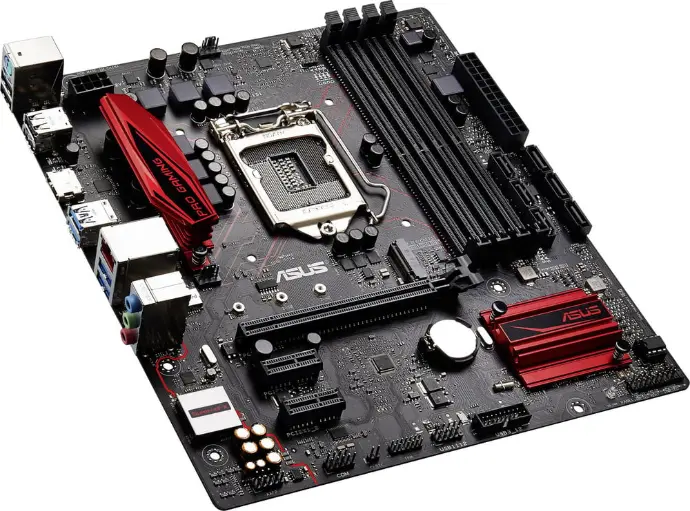
The new GeForce RTX 5000 brings a major step forward with the use of the PCI Express Gen 5 bus, enabling ultra-fast communication between the graphics card and the motherboard. But before you worry about compatibility, here’s some good news: PCI Express is designed to be backwards compatible.
Backwards compatibility: PCIe Gen 5, Gen 4 and Gen 3
If your motherboard is equipped with a PCI Express Gen 4 slot—or even Gen 3—you can still install a GeForce RTX 5000 without any issues. This bidirectional compatibility is a major plus, allowing many users not to have to replace their motherboard immediately.
What impact does backwards compatibility have?
Plugging an RTX 5000 into a PCIe Gen 4 or Gen 3 port means the graphics card will run with reduced bandwidth compared to what a PCIe Gen 5 port would offer. Put simply:
- PCIe Gen 5 : optimal bandwidth to fully take advantage of the RTX 5000’s performance.
- PCIe Gen 4 : bandwidth that’s still more than enough for the majority of games and applications, even if tiny differences could be detected in some very specific cases.
- PCIe Gen 3 : performance could be slightly affected, especially if you use high resolutions (4K, for example) or very demanding graphics settings.
A lack of comparative testing for now
The precise impact of this bandwidth limitation hasn’t yet been tested in detail. However, based on feedback from previous generations, the performance difference between PCIe Gen 4 and Gen 5 could be marginal in most gaming scenarios. PCIe Gen 3, on the other hand, could show noticeable performance drops in certain specific cases.
Should you change your motherboard?
If your motherboard is recent and has a PCIe Gen 4 port, you probably don’t need to worry: the RTX 5000’s performance will be very close to its maximum potential. On the other hand, if you’re using a motherboard with PCIe Gen 3 and you’re aiming for demanding use (such as 4K gaming or heavy workloads in AI), it could be worth considering a future replacement to get the most out of the graphics card’s capabilities.
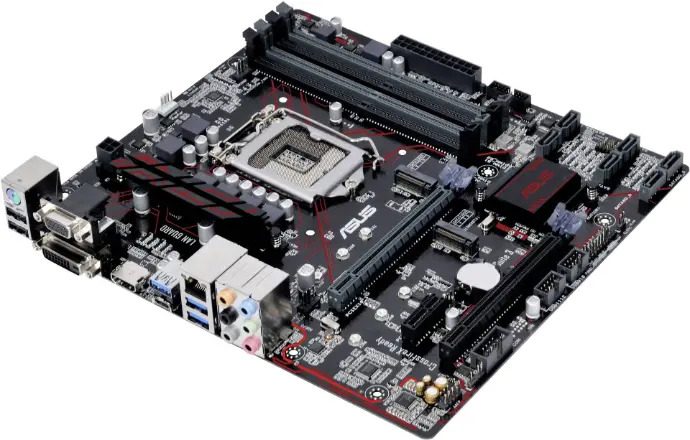
GeForce RTX 5000 bring major advances, but your system still needs to be able to keep up. Check the power supply wattage, the available space inside your case, and your motherboard compatibility. Thanks to PCIe backward compatibility and the optimised dimensions of the Founders Edition models, most current setups can accommodate them. If you’re unsure, a few minor adjustments will be enough to get the most out of these cards and maximise your performance.
Would you like to stay informed about the latest technological innovations and discover our new PC FlowUp ranges? Sign up now for our newsletter so you don’t miss anything!
the selection FLOWup
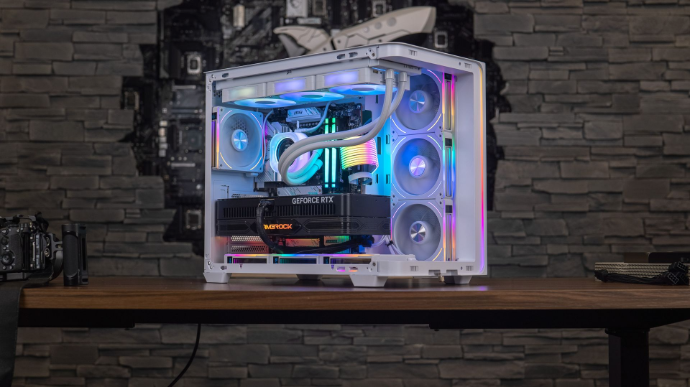
For the launch of the new RTX 5000, FlowUp has thought of you and offers you an entirely new configuration, specially designed to make the most of the technological advances of this new generation of graphics cards.
The Orion PC GEFORCE RTX® 5080
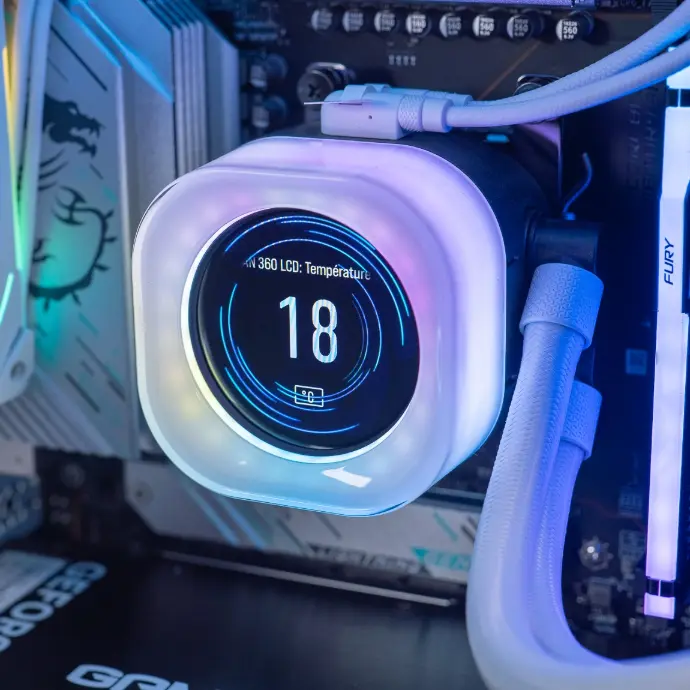
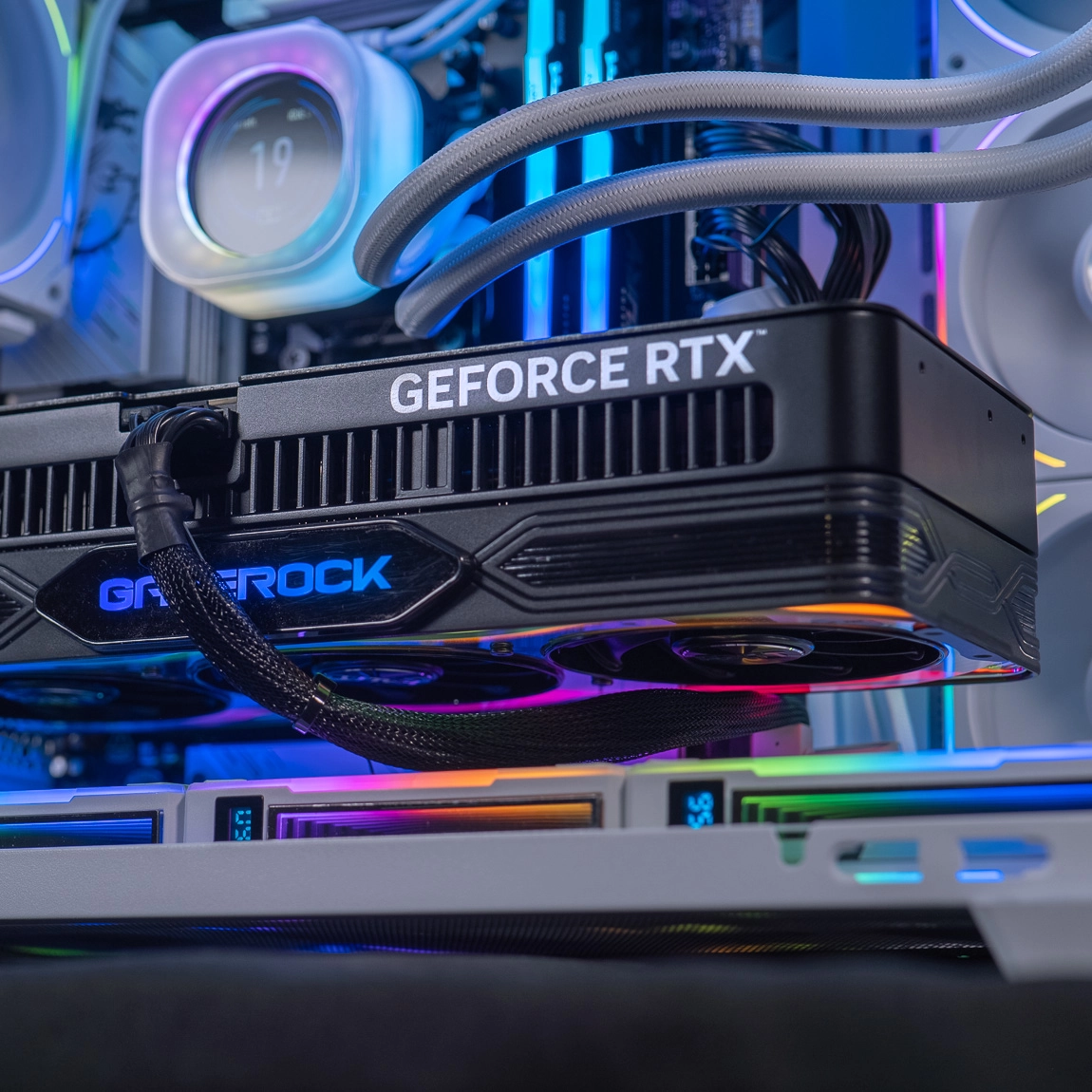
list of components
of the Orion PC
NVIDIA® GeForce RTX™ 5080
The NVIDIA RTX 5080 is a new-generation graphics card based on the Blackwell architecture, delivering revolutionary performance in ray tracing and AI.
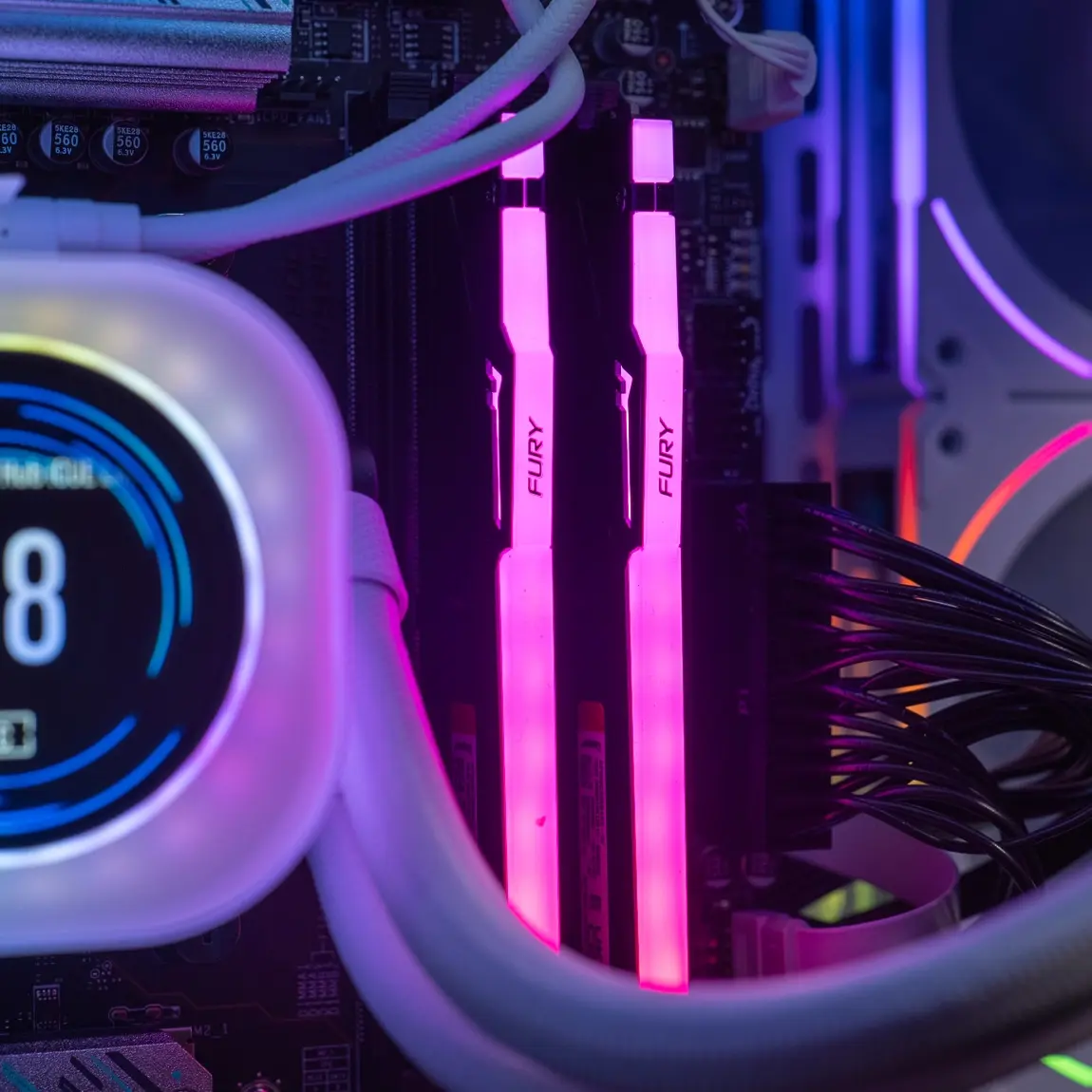
Kingston FURY Renegade RGB 2x16 GB DDR5 6000 MHz
The Kingston Fury Renegade RGB is a premium DDR5 memory kit, made up of 2 x 16 GB sticks running at 6000 MHz. Thanks to its ultra-fast speed and customisable RGB lighting, it’s ideal for gamers and creators looking for maximum performance and style.
AMD Ryzen 7 9800X3D
The AMD Ryzen 9 9800X3D, based on the Zen 5 architecture, is an ultra-high-end processor that integrates 3D V-Cache technology for optimised data handling.
Kingston Fury Renegade 2TB
The Kingston Fury Renegade 2 TB is an ultra-high-performance NVMe SSD designed to deliver impressive read and write speeds, ideal for gaming, content creation, and demanding applications. With a capacity of 2 TB, it provides massive storage while ensuring reduced loading times and optimal fluidity.
MSI X670E GAMING PLUS WIFI
The MSI X670E Gaming Plus WiFi is a high-end motherboard compatible with the latest-generation AMD Ryzen processors. Featuring built-in WiFi connectivity, PCIe Gen 5 ports, and a wide range of customisation options, it delivers stability, performance and flexibility for gamers and demanding users.
Equipped with the brand-new RTX 5080 graphics card, harnessing revolutionary DLSS 4 and Multi-Frame Generation technologies, the Orion PC pushes the limits of gaming. Add the 9800X3D— the most powerful gaming processor on the market— and you get a machine built to dominate all your opponents. This racing beast takes you to over 120 FPS in 4K across a wide range of games with unrivalled smoothness and ultra-detailed graphics.
It’s more than a PC—it’s a breath-taking gaming experience.
The Orion PC
Join our Discord group and follow us on social media!