 Your PC in instalments (up to 12x)
By the FlowUP team, gaming PC builder in Genappe (Belgium) · Updated 30 September 2026
In short: ATX 3.0 (2022) and ATX 3.1 (2023) are Intel’s standards for PC power supplies. ATX 3.0 introduced management of the power spikes of recent graphics cards (up to 200% of rated power for 100 microseconds) and the 12VHPWR 600 W connector. ATX 3.1 replaces it with the 12V-2x6, safer thanks to shorter sense pins, and reduces the hold-up time from 17 to 12 ms. For an RTX 5000 or a recent Radeon, an ATX 3.1 PSU is the best choice.
ATX 3.0 and ATX 3.1: what are we talking about?
The ATX standard sets the rules that a PC power supply must meet: voltages, connectors, tolerances. For years, we lived with ATX 2.x. Then graphics cards changed their behaviour: an RTX 4090 or an RTX 5090 may demand, for a few microseconds, much more than its average power consumption.
Intel therefore published the ATX 3.0 standard in March 2022, then the ATX 3.1 standard in September 2023. The second one corrects and complements the first one, especially for the graphics-card connector.
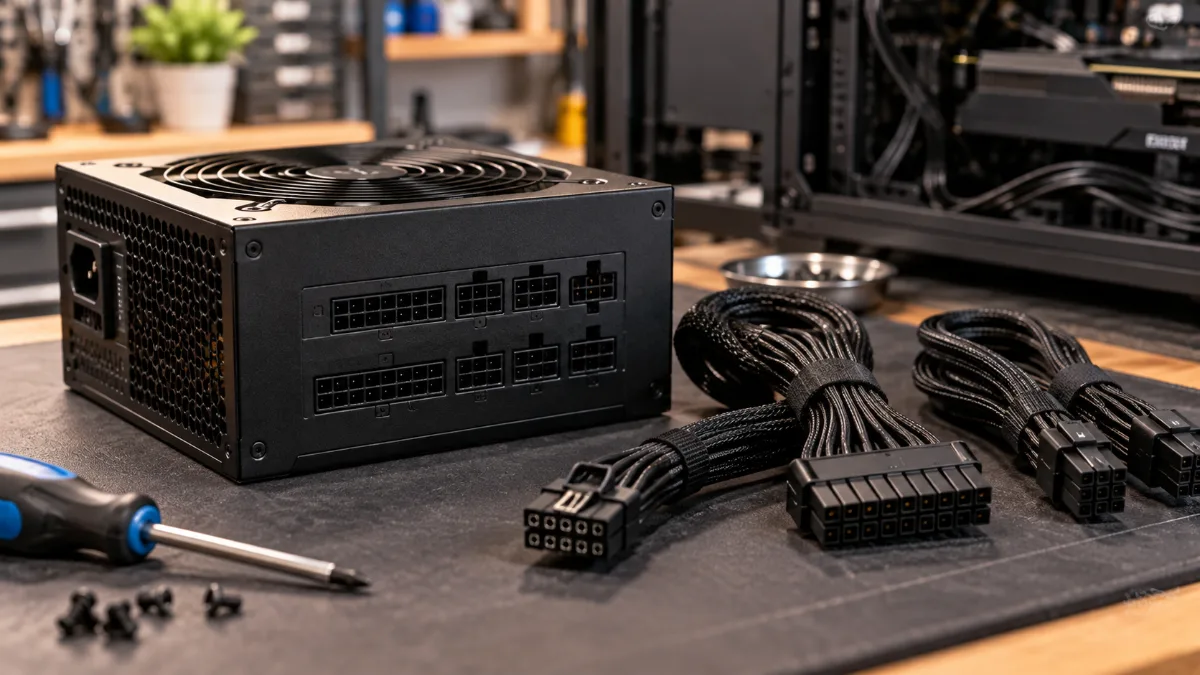
The power supply: the part you look at the least, and the one that protects everything else.
Differences between ATX 3.0 and ATX 3.1
| Criteria | ATX 3.0 | ATX 3.1 |
|---|---|---|
| Date | March 2022 | September 2023 |
| Graphics-card connector | 12VHPWR (16 pins, 600 W) | 12V-2x6 (16 pins, 600 W) |
| Allowed power spikes | 200% for 100 µs, 180% for 1 ms, 160% for 10 ms | Same thresholds |
| Hold-up time at full load | 17 ms | 12 ms |
| Spikes via the motherboard’s PCIe port | Not specified | Up to 13.75 A (165 W) for 0.1 ms |
Sources: Hardware Busters (September 2023), Seasonic, Corsair.
The hold-up time is the length of time during which the power supply keeps providing current after a brief mains power drop. ATX 3.1 reduces it to 12 ms at full load. In practice, you won’t notice it day to day.
12VHPWR and 12V-2x6: what changed
The 12VHPWR arrived with ATX 3.0 and the RTX 4000. A single 16-pin cable replaced up to four 8-pin PCIe cables, for up to 600 W. The problem: a connector that wasn’t fully inserted could heat up, and a few cases of melting caused a lot of noise.
The 12V-2x6 from ATX 3.1 keeps the same shape and power rating, but the power pins are longer and the four small sense pins are shorter. As a result, the card only draws current if the connector is inserted all the way. Both connectors are compatible with each other.
Our builder’s take: whatever the connector, the key gesture is the same. Push it in until it clicks, without any visible gap, and avoid bending the cable right at the connector outlet.
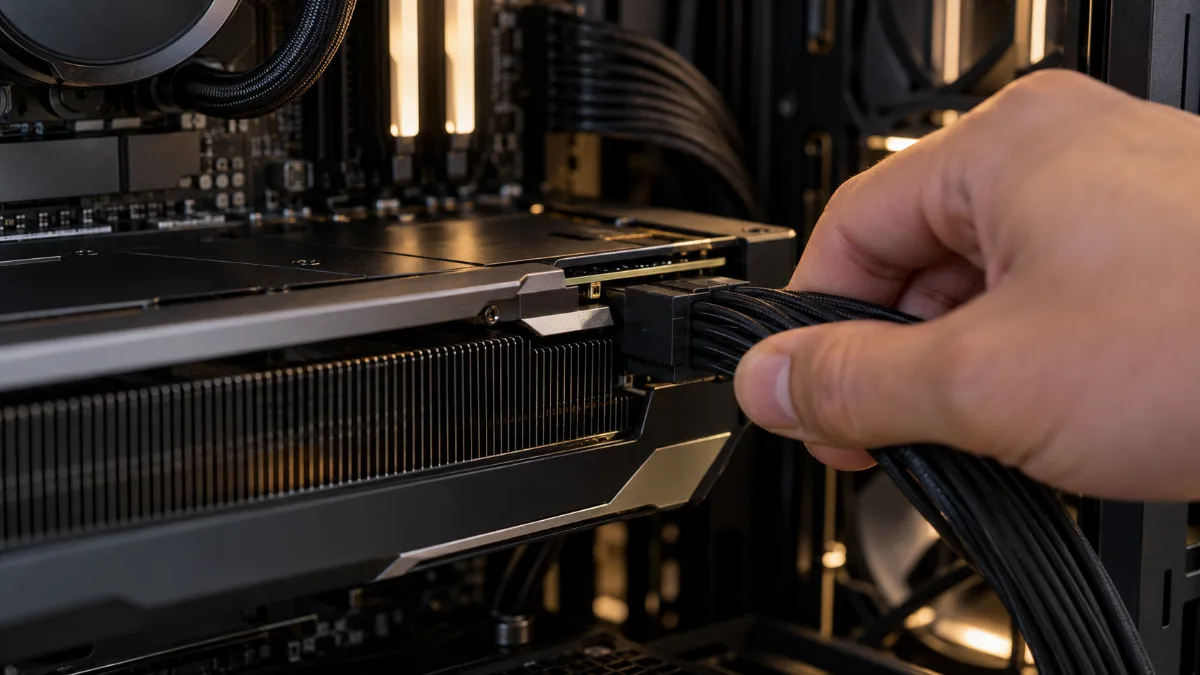
The 12V-2x6: push it in until it clicks, without putting strain on the cable.
Do you need an ATX 3.1 power supply?
- RTX 5070 Ti, 5080, 5090: yes, ideally. Most of these cards use the 16-pin connector, and a native cable avoids bulky adapters.
- RTX 5060, 5060 Ti, Radeon RX 9060 XT and 9070 XT: not required. Many models still use standard 8-pin PCIe connectors. A good-quality ATX 2.x or 3.x PSU, correctly sized, gets the job done.
- You’re upgrading your PSU anyway: go for ATX 3.1, you’ll be ready for the next graphics card.
The standard doesn’t do everything: power and quality matter just as much. For power, follow our guide how to choose a PC power supply in 2026. For the RTX 5000 in particular, read which power supply, case and motherboard for an RTX 5000. And to check your current PSU: how to tell if your PC power supply is sufficient.
How can you tell if your power supply is ATX 3.0 or 3.1?
- The label on the side of the PSU or on the box: the standard is often listed there, with the mention “PCIe 5.0” or “PCIe 5.1”.
- The cable: a native 16-pin cable marked 12V-2x6 indicates an ATX 3.1 power supply. Marked 12VHPWR usually means ATX 3.0.
- Manufacturer sheet, with the exact reference: certain models exist in several versions, such as the Corsair RMe from 2023 (ATX 3.0) and from 2025 (ATX 3.1).
Our gaming PCs for high-end graphics cards
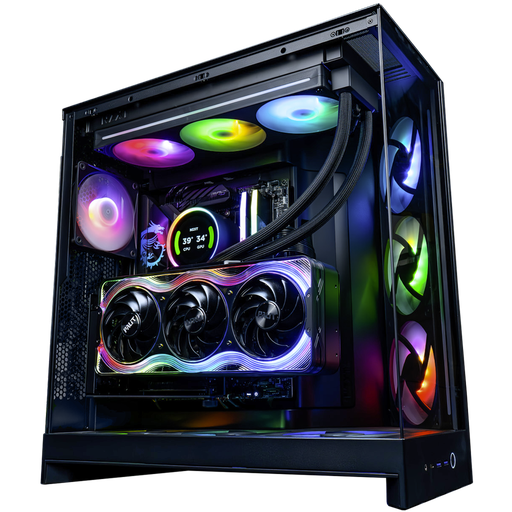
Kraken PC: 1200 W ATX 3.1 power supply
RTX 5090 32 GB, Ryzen 9 9950X3D, and a 1200 W Antec GSK1200 ATX 3.1 with native 16-pin cables.
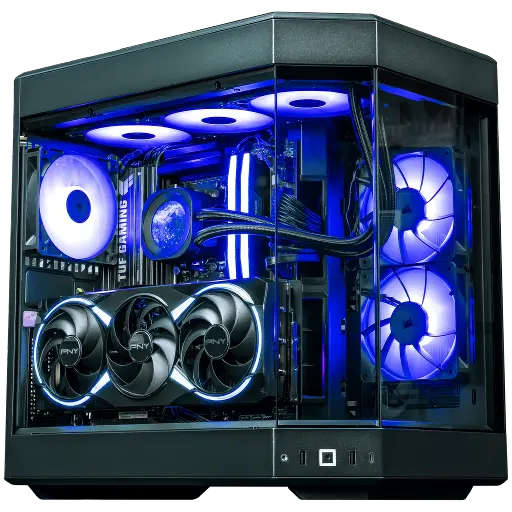
Orion PC: 1000 W 80 Plus Gold
RTX 5080 16 GB and Ryzen 7 7800X3D, powered by a 1000 W Corsair RM1000e: plenty of headroom for the card’s spikes.
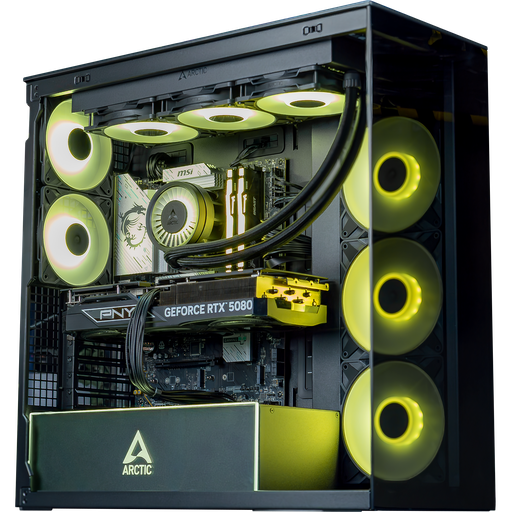
Arctic PC: 850 W 80 Plus Gold
RTX 5080 16 GB and Core Ultra 7 265KF with an MSI MAG A850GL 850 W, 80 Plus Gold power supply.
FAQ: ATX 3.0 and ATX 3.1
What is the difference between ATX 3.0 and ATX 3.1?
ATX 3.1 replaces the 12VHPWR connector with 12V-2x6, which is safer; it reduces the hold-up time from 17 to 12 ms at full load, and defines power spikes through the PCIe port. The power spike thresholds remain the same.
Does an ATX 3.0 power supply work with an RTX 5090?
Yes, if it’s powerful enough. The 12VHPWR connector is compatible with the card’s 12V-2x6. Above all, check that it’s fully seated.
Is 12VHPWR compatible with 12V-2x6?
Yes, they have the same shape. The 12V-2x6 has shorter detection pins to cut the power if the connector isn’t fully inserted.
Do you need to replace an ATX 2.x power supply that works well?
Not necessarily. If it’s good quality and powerful enough for your graphics card, you can keep it. For an RTX 5080 or 5090, an ATX 3.1 is more suitable.
Is an ATX 3.1 power supply more efficient?
No, the standard doesn’t change the efficiency. It’s indicated by the 80 Plus or Cybenetics certification.
