
By the FlowUP team, gaming PC builder in Genappe (Belgium) · Updated 28 September 2026
In brief: the best gaming PC in 2026 is the one that fits your screen. In 1080p, go for an RTX 5060 or an RX 9060 XT with a Ryzen 5 (budget around €1,000). In 1440p, an RTX 5070 or an RX 9070 (around €1,500). For lasting longer or aiming for 1440p at a high refresh rate, a Ryzen 7 X3D with an RTX 5070 Ti or an RX 9070 XT (around €2,000). Beyond that, 4K needs an RTX 5080.
Choosing the best gaming PC in 2026 can seem complicated. Between GeForce RTX 50, Radeon RX 9000, Ryzen X3D, DLSS 4, or DDR5, the market moves fast and all spec sheets look alike.
Our position is simple: the best gaming PC isn’t the most expensive, it’s the one that fits your resolution, your games and your budget. A PC that’s overkill for a 1080p screen is money you won’t see on-screen.
Best gaming PC for your budget
Here’s a summary of the three budget tiers we recommend for 2026. The details of each tier follow just below.
| Budget | Target resolution | Processor | Graphics card | RAM | Storage |
|---|---|---|---|---|---|
| Around €1,000 | 1080p | CPU: Ryzen 5 5600 / Ryzen 5 7500F / Core i5-12400F | RTX 5060 / RX 9060 XT | 16 GB | 1 TB NVMe |
| Around €1,500 | 1440p | CPU: Ryzen 5 7500F / Core i5-14600KF | RTX 5070 / RX 9070 | 16 to 32 GB DDR5 | 1 to 2 TB NVMe |
| Around €2,000 | 1440p high refresh rate, entry-level 4K | Ryzen 7 7800X3D / 9800X3D | RTX 5070 Ti / RX 9070 XT | 32 GB DDR5 | 2 TB NVMe |
| Beyond that | 4K | Ryzen 7 9800X3D / Core Ultra 7 265KF | RTX 5080 and up | 32 GB DDR5 | 2 TB NVMe |
Best gaming PC around €1,000
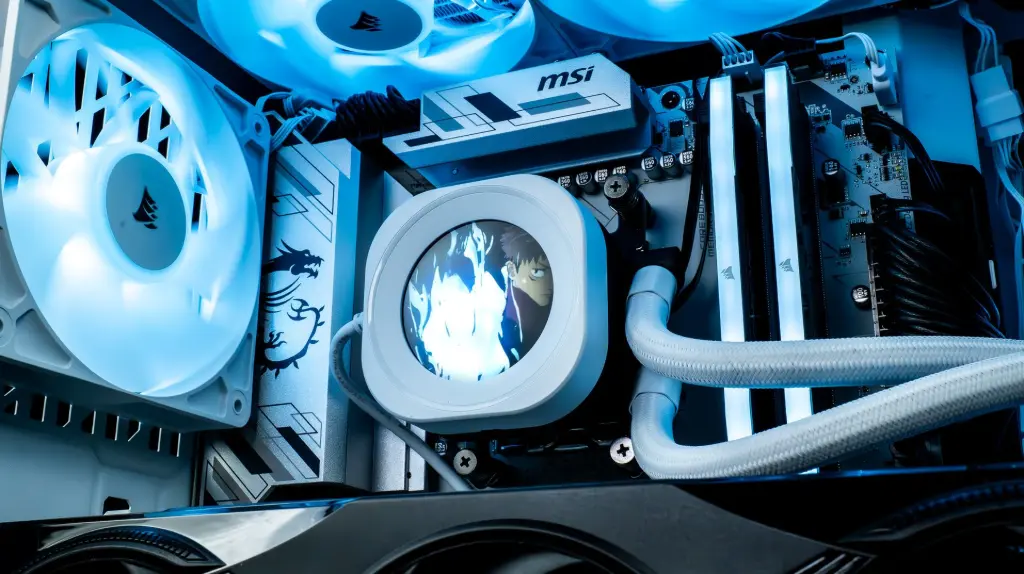
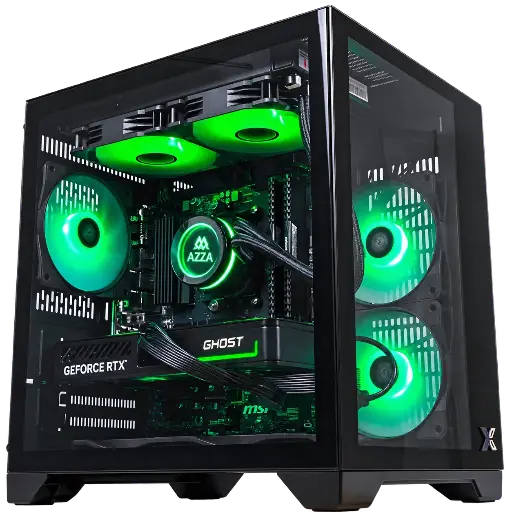
For many players, €1,000 is the ideal budget for a first gaming PC. It’s the 1080p tier: the most common resolution, and the one for competitive games such as Fortnite, Valorant, Warzone or Apex Legends.
Balanced configuration:
- Processor: Ryzen 5 5600 / Ryzen 5 7500F / Core i5-12400F
- Graphics card: RTX 5060 or RX 9060 XT
- RAM: 16 GB
- SSD: 1 TB NVMe
Best gaming PC around €1,500
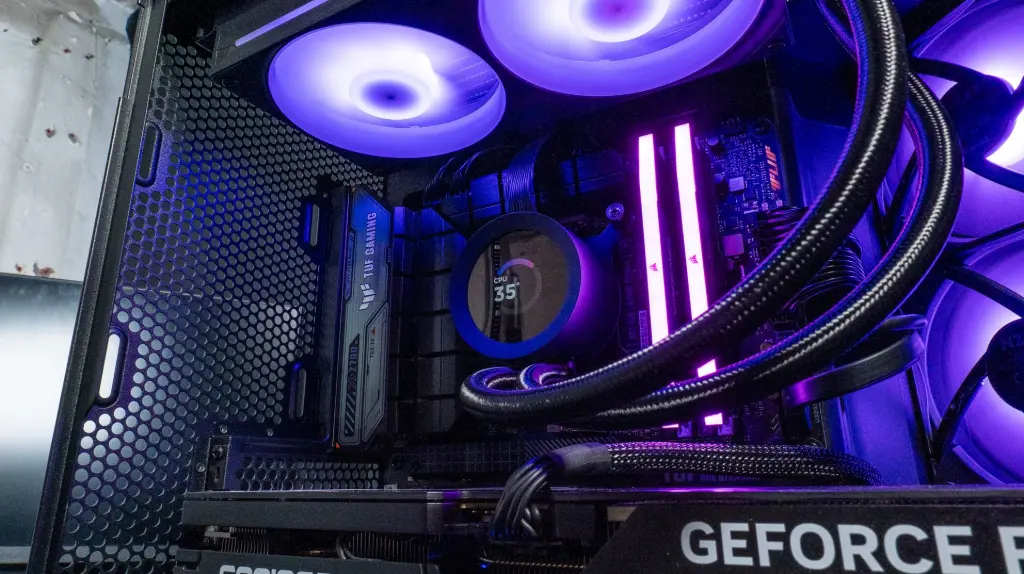
Today, the €1,500 budget delivers the best performance-to-price ratio, and it’s the ideal tier for playing in 1440p, the resolution that offers the biggest visual improvement over 1080p.
Recommended configuration:
- Processor: Ryzen 5 7500F / Core i5-14600KF
- Graphics card: RTX 5070 / RX 9070
- RAM: 16 GB DDR5, 32 GB for more comfort
- SSD: 1 to 2 TB NVMe
RTX 5070 or RX 9070? Both are neck and neck in 1440p. The GECID Benchmarks test below compares them across 18 1440p games, with the frame rates shown live:
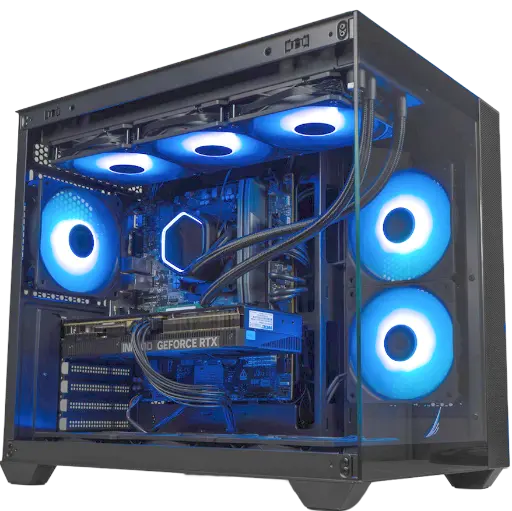
Umbra PC, GeForce RTX 5070
Ryzen 5 7500F and RTX 5070 12 GB: exactly the configuration of our 1440p tier.
Best gaming PC around €2,000
If you want a powerful gaming PC that can last for years and handle 1440p at a high refresh rate, a budget around €2,000 is the right choice.
Recommended configuration:
- Processor: Ryzen 7 7800X3D / Ryzen 7 9800X3D
- Graphics card: RTX 5070 Ti / RX 9070 XT
- RAM: 32 GB DDR5
- SSD: 2TB NVMe, to install several big games
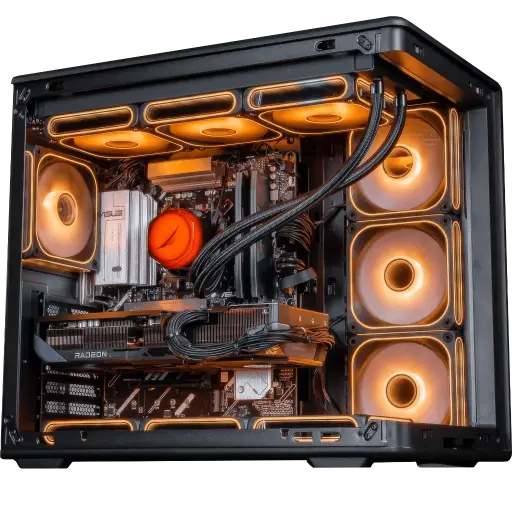
Apex V2 PC, Radeon RX 9070 XT 16 GB
Ryzen 7 7800X3D and RX 9070 XT 16 GB: the CPU + graphics card combo for our €2,000 tier.
Above €2,000: the PC for 4K
4K is still the domain of high-end graphics cards. To play comfortably in today’s demanding new games, aim for at least a RTX 5080, with 32 GB of DDR5 and a 2 TB SSD. To choose the card, our guide which GPU to buy in 2026 compares the current models.
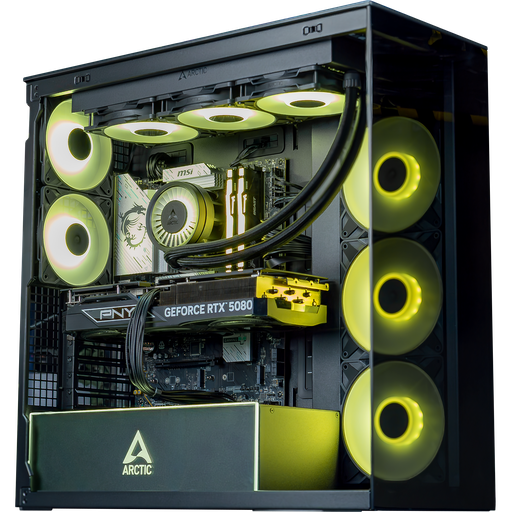
Arctic PC, GeForce RTX 5080
Core Ultra 7 265KF and RTX 5080: the graphics card level to aim for in 4K.
What is a good gaming PC in 2026?
A good gaming PC depends on balancing its components. Each one has a specific role:
| Component | Role | What matters |
|---|---|---|
| Graphics card (GPU) | Calculates game images | The most important component for FPS |
| Processor (CPU) | Handles game logic and feeds the graphics card | Crucial in competitive games at high refresh rates |
| System memory (RAM) | Stores data in use | Minimum 16 GB, increasingly recommended 32 GB |
| Storage (NVMe SSD) | Hosts Windows and games | Loading times, minimum 1 TB |
| Power supply | Provides power to the whole PC | Stability, headroom for power spikes |
| Cooling | Dissipates heat | Constant performance and controlled noise |
To go further on the balance of a build, read our complete guide: how to choose your gaming PC configuration in 2026.
The processor
The best gaming processors currently are the Ryzen 7 7800X3D and Ryzen 7 9800X3D, thanks to their large 3D V-Cache. On the Intel side, the Core i5-14600KF remains a safe choice in the mid-range. To understand why X3D chips dominate gaming, read Ryzen 7 7800X3D: king of gaming?.
The graphics card
The graphics card determines most of the performance in games. The most popular models in 2026 are the RTX 5060, the RTX 5070, the RTX 5070 Ti, the RX 9070 and the RX 9070 XT. Our article which GPU to buy in 2026 despite rising prices will help you make a decision.
Pre-built gaming PC or building one yourself?
Building your own PC offers full customisation and a precise choice of every component. In return, you need to check compatibility, successfully assemble the system, and configure the BIOS.
Buying a pre-built gaming PC means a PC that’s ready to play, with a configured BIOS and components tested together. This is the solution many players choose if they want to start gaming right away.
Compare the two options in detail here: build your PC or buy a pre-built one.
Mistakes to avoid when buying a gaming PC
- A graphics card that’s too powerful for the processor: the CPU then limits the FPS, especially in 1080p.
- Too weak or low-quality power supply: this is the first source of instability.
- Insufficient cooling: the components heat up, reduce their frequency, and make more noise.
- Too little storage: a large modern game often exceeds 100 GB.
- Targeting the wrong resolution: a PC built for 4K on a 1080p screen will give you almost nothing.
If your PC is experiencing stability issues after modifying the BIOS, this guide can help: Clear CMOS: what is it and how do you do it?
Conclusion: what is the best gaming PC in 2026?
The best gaming PC depends above all on your screen and your budget:
- 1080p: a PC around €1,000, with an RTX 5060 or RX 9060 XT
- 1440p: a PC around €1,500, with an RTX 5070 or RX 9070
- 1440p, demanding and future-proof: around €2,000, with Ryzen 7 X3D and RTX 5070 Ti or RX 9070 XT
- 4K: beyond that, with an RTX 5080 at minimum
What matters most is the balance of the build. At FlowUP, our gaming PCs are designed with this balance in mind.
FAQ: best gaming PC
What is the best gaming PC in 2026?
It depends on the budget, but a configuration around €1,500 with a Ryzen 5 7500F and an RTX 5070 (or an RX 9070) offers an excellent balance for playing in 1440p today.
How much does a good gaming PC cost?
A good gaming PC generally costs between €1,000 and €2,000, depending on the power you want and the game resolution. Below €1,000, you have to accept compromises on the graphics card.
Which gaming PC should you choose for 1440p?
A PC with an RTX 5070 or an RX 9070 and a mid-range processor such as the Ryzen 5 7500F is perfect for playing in 1440p.
16 GB or 32 GB of RAM for a gaming PC?
16 GB is enough for gaming, but 32 GB is more comfortable for newer games and multitasking. Do you stream while gaming? We break down the hardware and settings in our guide to the streaming setup.
Which graphics card should you choose for a gaming PC?
The most chosen cards in 2026 are the RTX 5060 and RX 9060 XT for 1080p, the RTX 5070 and RX 9070 for 1440p, the RTX 5070 Ti and RX 9070 XT for demanding 1440p, and the RTX 5080 for 4K.
