 Your PC in instalments (up to 12x)
By the FlowUP team, gaming PC builder in Genappe (Belgium) · Updated 30 September 2026
In brief: for a gaming PC, a PCIe Wi-Fi card (or Wi-Fi built into the motherboard) is more stable than a USB Wi-Fi dongle: its antennas are larger and it loses less speed through walls. The USB dongle remains a simple stopgap solution. Aim for at least Wi-Fi 6, and Wi-Fi 6E or 7 if your router supports them. And if you can run a cable, Ethernet is still the best choice for online gaming.
First things first: Wi‑Fi or Ethernet cable?
For online play, the cable is still the best option. No interference from neighbours, no micro‑dropouts when someone starts a 4K film in the next room. If your PC is only a few metres from the router, a Category 6 Ethernet cable will perform better than any Wi‑Fi card.
But often, the router is in the living room, the PC is in the bedroom, and nobody wants to drill a wall. In that case, the choice between a card and a dongle makes the difference.
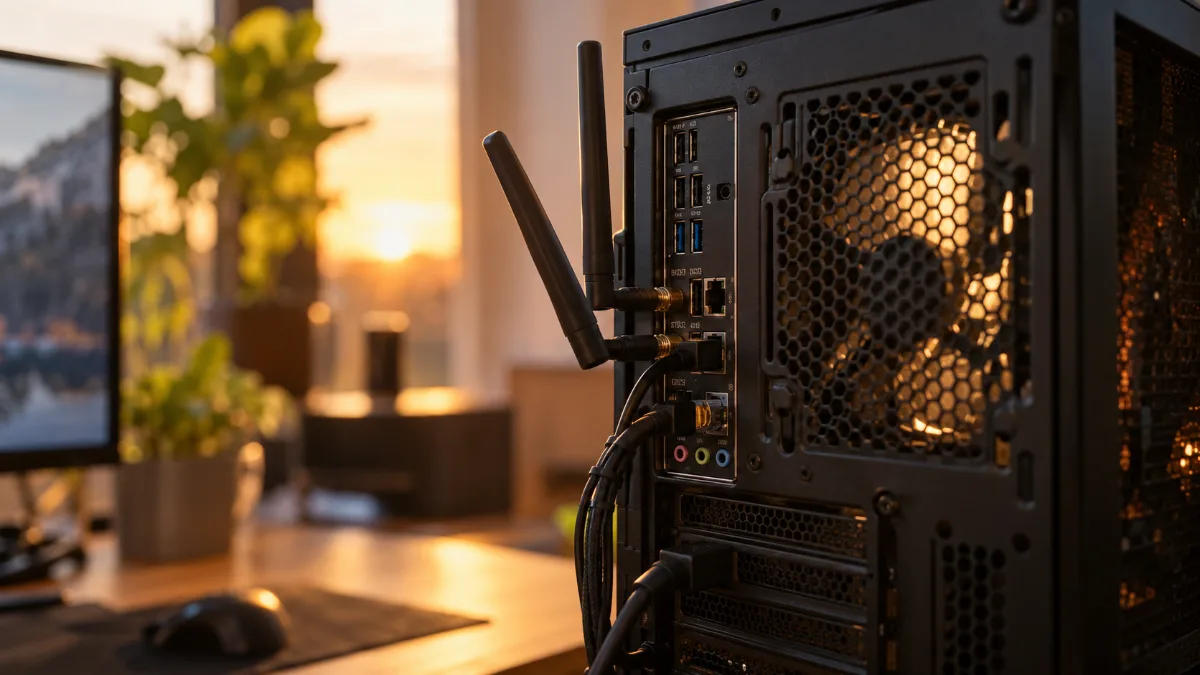
Antennas at the back of the tower: it’s them that determine the connection quality.
PCIe Wi‑Fi card or USB Wi‑Fi dongle: the differences
| Criteria | PCIe Wi‑Fi card or built-in Wi‑Fi | USB Wi‑Fi dongle |
|---|---|---|
| Installation | In the tower, in a PCIe slot (or already built into the motherboard) | In a USB port, in a few seconds |
| Antennas | Large external antennas, adjustable, sometimes placed remotely | Small built-in antennas or a single external antenna |
| Stability | Better, especially through walls | More variations and dropouts |
| Bluetooth | Often included | Seldom included |
| Who is it for? | Desktop PC that plays online over Wi‑Fi | Troubleshooting, older laptop, light use |
CGDirector’s measurements clearly show the gap: through a concrete wall, a PCIe card reached 381 Mbit/s, compared with 188 to 230 Mbit/s for the USB dongles tested. At one metre from the router, the difference shrinks (632 vs 543 to 581 Mbit/s). The further your PC is from the router, the more the card makes a difference.
Wi‑Fi 5, 6, 6E or 7: which standard should you choose?
| Standard | Bands | Maximum speed | Our take |
|---|---|---|---|
| Wi‑Fi 4 (802.11n) | 2.4 and 5 GHz | 150 Mbit/s for the “N150” models | Only for troubleshooting |
| Wi‑Fi 5 (802.11ac) | 5 GHz | Around 7 Gbit/s in theory | Fair, but outdated |
| Wi‑Fi 6 (802.11ax) | 2.4 and 5 GHz | Around 9.6 Gbit/s in theory | The recommended minimum in 2026 |
| Wi‑Fi 6E | 2.4, 5 and 6 GHz | Around 9.6 Gbit/s in theory | Fewer interferences thanks to the 6 GHz band |
| Wi‑Fi 7 (802.11be) | 2.4, 5 and 6 GHz | Over 30 Gbit/s in theory | Channels up to 320 MHz and MLO |
Sources: Intel, Wi‑Fi generation chart; Wi‑Fi Alliance (Wi‑Fi 6 certifications in 2019, 6E in 2021, 7 in January 2024).
These speeds are theoretical maximums, never reached in your home. For gaming, stability matters more than bandwidth. The 6 GHz band, opened to Wi‑Fi in France by Arcep in 2021, is still not very crowded: that’s the advantage of Wi‑Fi 6E and 7 in an apartment building where everyone has their own router. The MLO feature in Wi‑Fi 7 also allows you to use multiple bands at the same time, which helps limit dropouts. Provided, of course, that your router or access point supports these standards.
When a USB Wi‑Fi dongle is enough
A USB dongle has its good sides: it plugs in in ten seconds, without opening the PC, and it bails you out on the day the network card acts up. For updates, browsing, or a single‑player game, it gets the job done.
Two tips if you go for a dongle: choose a Wi‑Fi 6 dongle with an external antenna rather than a nano dongle, and plug it into a USB extension lead placed on the desk rather than at the back of the tower, stuck to the metal of the case. Nano dongles in N150, like the TP-Link TL-WN725N, are made to tide you over, not to play online.
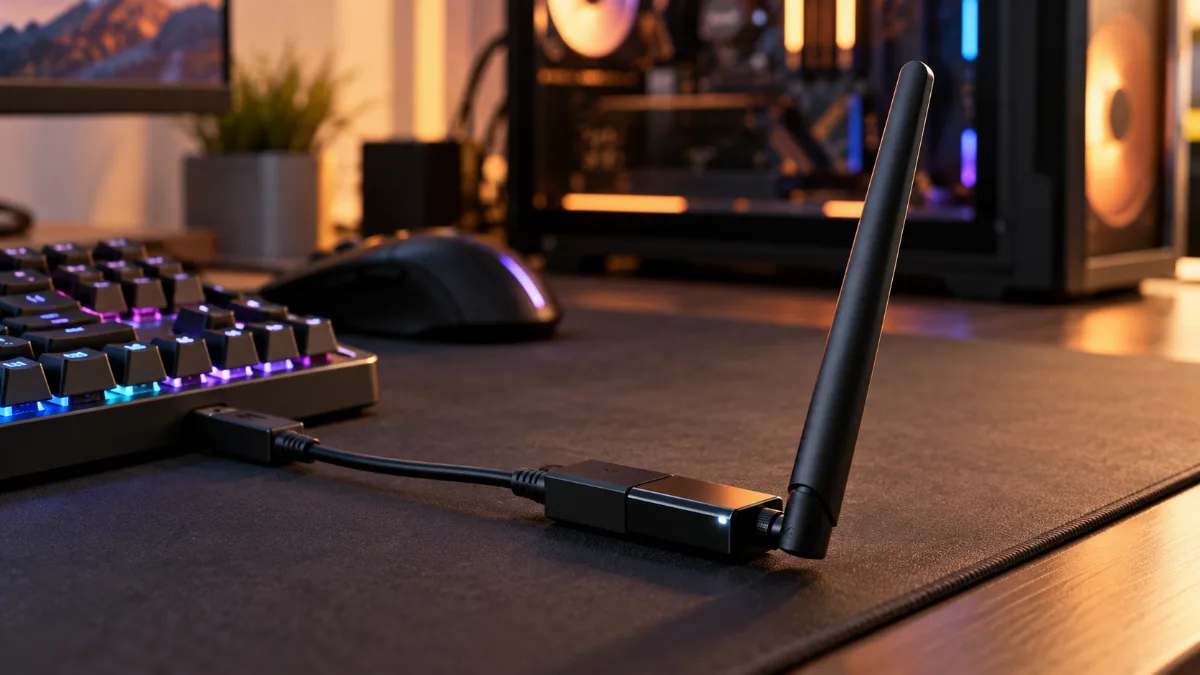
A USB dongle on an extension lead, placed on the desk, picks up the signal better than at the back of the tower.
Our build tips for stable Wi‑Fi
- Screw on the antennas: they’re included separately, in the box. Without them, the built-in Wi‑Fi picks up a lot worse.
- Point them the right way: one vertical antenna, one tilted one, and clear the back of the tower.
- Switch to 5 or 6 GHz when the PC is close enough to the router: faster and less crowded than 2.4 GHz.
- Update the Wi‑Fi driver from the motherboard manufacturer’s website.
The same chip often handles Bluetooth too: handy for a controller, as we explain in our guide for connecting a PS5 controller to a PC.
Our gaming PCs with built-in Wi‑Fi
These PCs are built with a motherboard that has built-in Wi‑Fi: no need for an extra card or dongle.
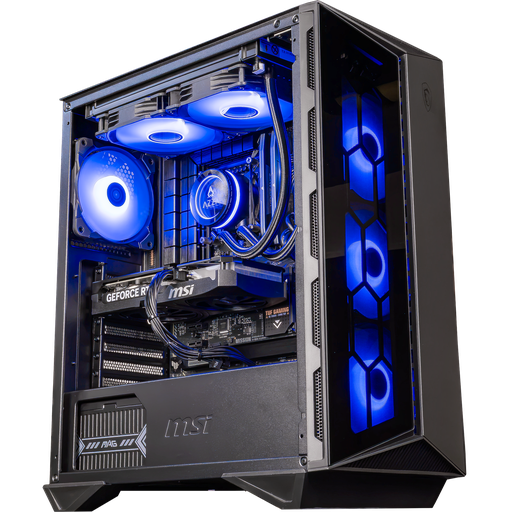
Swift PC: built-in Wi‑Fi 6
ASUS TUF Gaming B760-Plus WiFi, Core i5 14400F and RTX 5060 Ti 16GB: 1080p and 1440p, wireless.
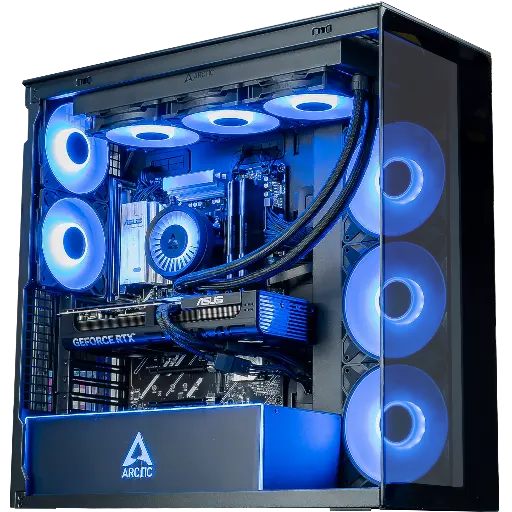
Cheetoh PC: built-in Wi‑Fi 6E
MSI B850 Gaming Plus WiFi 6E, Ryzen 7 7800X3D and RTX 5070: the 6 GHz band for gaming online.
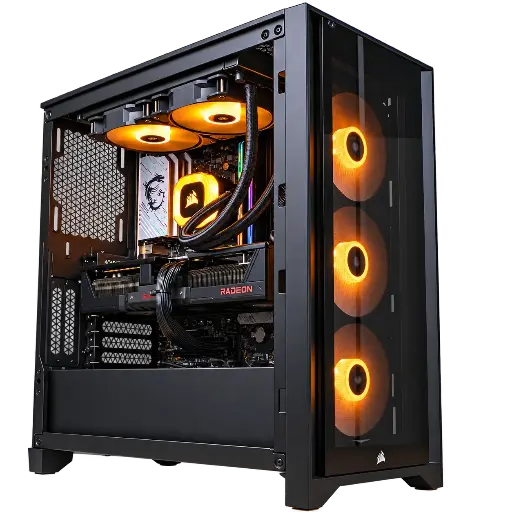
Prism PC: built-in Wi‑Fi 7
RX 9070 XT 16GB and Wi‑Fi 7 compatible with 2.4, 5 and 6 GHz: 1440p in ultra settings, without cables.
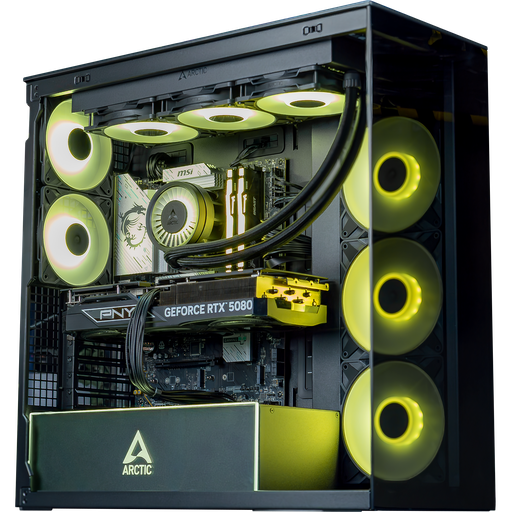
Arctic PC: built-in Wi‑Fi 7
ASUS TUF Gaming B860-Plus WiFi with Wi‑Fi 7 and Bluetooth 5.4, RTX 5080: premium wireless.
FAQ: Wi‑Fi card or Wi‑Fi key for a gaming PC
Wi‑Fi card or Wi‑Fi dongle: which is best for gaming?
A PCIe Wi‑Fi card, or the Wi‑Fi built into the motherboard: larger antennas, better stability through walls. The USB dongle remains a temporary solution.
Does a Wi‑Fi dongle increase ping?
Ping depends mainly on signal stability. A dongle that doesn’t pick up well causes more fluctuations and packet loss, which you’ll notice while gaming. A properly positioned good Wi‑Fi 6 dongle limits the problem.
Do you need Wi‑Fi 7 to game?
No, Wi‑Fi 6 is enough. Wi‑Fi 6E and Wi‑Fi 7 bring the 6 GHz band, which is less congested, but only if your box or router supports it.
How can I tell if my PC has Wi‑Fi?
Check the motherboard name: “WiFi” in the name means it has built-in Wi‑Fi. In Windows, an in the taskbar confirms it.
Is Wi‑Fi as good as Ethernet for gaming?
Not quite. The cable is still more stable. But a properly configured Wi‑Fi 6, 6E or 7 connection with the antennas in place allows you to game online comfortably.
