
By the FlowUP team, a gaming PC assembler in Genappe (Belgium) · Updated 28 September 2026
The frequency of a processor, expressed in gigahertz (GHz), tells you how many calculation cycles it performs every second: 1 GHz equals a billion cycles per second. The higher it is, the faster each core processes its instructions. But in 2026, GHz are no longer enough to compare two processors: architecture, the number of cores and cache memory matter just as much. Here’s how to read this figure without falling for the trap, and how many GHz to aim for depending on your use.
In short
- 1 GHz = 1 billion clock cycles per second.
- Base frequency: the guaranteed operating speed. Boost frequency: the maximum reached when the workload demands it and the temperature allows it.
- Same generation, more GHz = faster. Between two generations or two brands, the comparison no longer holds.
- For gaming in 2026, aim for a recent processor with 6 to 8 cores, with a boost of at least 4.2 to 4.6 GHz.
- Good cooling helps the processor keep its boost for longer.
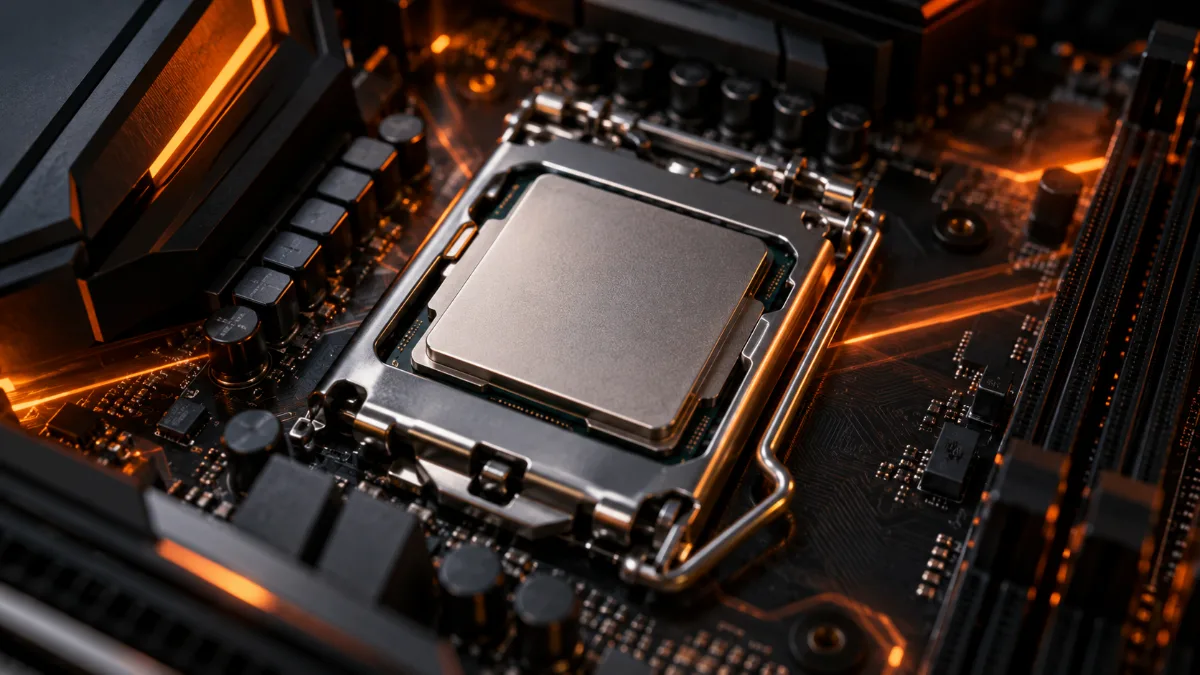
GHz and CPU frequency: what exactly is it?
A processor runs on the rhythm of its internal clock. With every “tick”, its cores can execute part of an instruction. Frequency measures the number of ticks per second: a 5 GHz processor therefore performs 5 billion times per second.
In practice, a higher frequency makes the PC more responsive for short tasks (opening an application, loading a page) and helps in games that rely heavily on one or two cores, such as many competitive titles. To understand the processor’s role fully, see our guide on the CPU, the PC’s brain.
Base frequency and boost frequency: the difference
The specifications always show two values, and the second one matters most in practice.
Base frequency (base clock)
The frequency the processor guarantees in all circumstances, even under heavy, prolonged load. It serves as a reference, but the processor rarely runs as low as this when you’re gaming.
Boost frequency (boost clock)
The maximum frequency the processor automatically reaches when the workload calls for it, as long as temperature and power allow it. That’s the one that makes the difference in games.
The gap can be huge: an Intel Core i5-12400F shows a base frequency of 2.5 GHz, but can boost up to 4.4 GHz. Judging this processor based on its base frequency alone would be a mistake.
| Processor | Cores | Base frequency | Max boost frequency |
|---|---|---|---|
| AMD Ryzen 5 5500 | 6 | 3.6 GHz | 4.2 GHz |
| Intel Core i5-12400F | 6 | 2.5 GHz | 4.4 GHz |
| AMD Ryzen 7 5700X | 8 | 3.4 GHz | 4.6 GHz |
| AMD Ryzen 7 7800X3D | 8 | 4.2 GHz | 5.0 GHz |
| AMD Ryzen 7 9800X3D | 8 | 4.7 GHz | 5.2 GHz |
| Intel Core i9-14900KS | 24 | 3.2 GHz (P-cores) | 6.2 GHz |
Clock speeds announced by AMD and Intel on their product pages. The Core i9-14900KS is among the fastest consumer processors in terms of frequency.
Why GHz aren’t enough to compare two processors
Two processors with the same frequency can show very different performance. Three reasons for this:
- Architecture: each new generation does more work per cycle (you’ll hear talk of IPC, instructions per cycle). So a recent processor running at 4.5 GHz can beat an older model at 5 GHz.
- Number of cores: frequency measures the speed of one core, not how many tasks you can run in parallel. In video editing or streaming, more cores often matters more. Our guide on the cores of a processor details this point.
- Cache memory: AMD’s “X3D” processors come with a large 3D V-Cache. The Ryzen 7 9800X3D, with a boost of 5.2 GHz, is therefore well known for excellent gaming performance compared with processors that can boost to higher frequencies.
The simple rule: compare the GHz between processors of the same generation and the same brand. Beyond that, rely on real-world gaming tests. To decode Intel model names, also read our guide to the names of Intel processors.
Processor clock speed explained in a video (Max’s Tech channel).
How many GHz do you need in 2026?
Rather than a single number, think in terms of use:
| Use | What we recommend |
|---|---|
| Office work, multimedia | Any recent processor with 4 to 6 cores is enough |
| Gaming in Full HD | 6 cores, boost of at least 4.2 GHz |
| Gaming in 1440p, competitive gaming at a high refresh rate | 8 cores, boost of at least 4.6 GHz, ideally an X3D model |
| Streaming, video editing, 3D | 8 to 16 cores: frequency takes a back seat |
Don’t forget the rest of the build: in games, the graphics card often matters more than the processor. A balanced PC is better than a 6 GHz processor paired with an entry-level graphics card. For more, see how to choose your processor.
Boost frequency cooling boost allied
The boost frequency isn’t guaranteed: the processor keeps it as long as its temperature and power draw stay within their limits. If the cooling is too minimal, it drops back sooner, and you lose performance without realising it. That’s why a good air cooler or suitable water cooling matters just as much as the spec sheet. More details in our guide air cooler or water cooling and in our article on a PC that runs too hot.
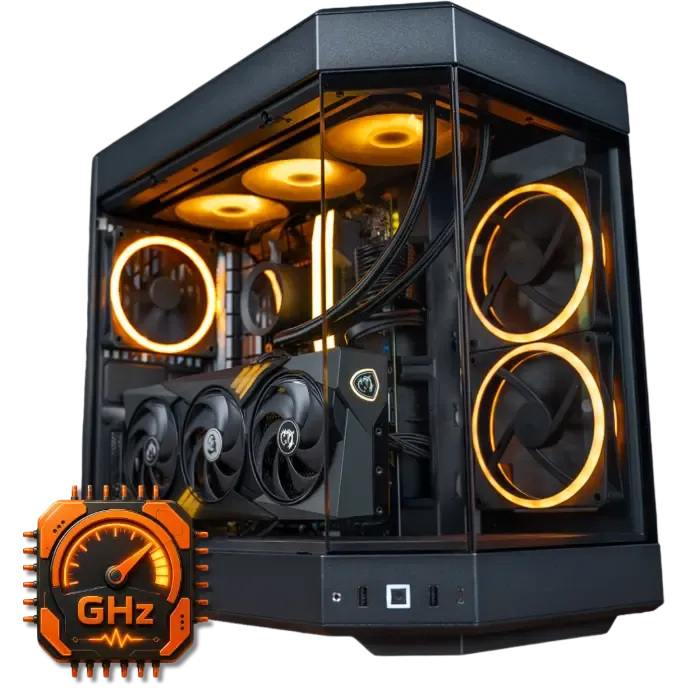
A properly sized cooling system allows the processor to stay at boost frequency for longer.
Which FlowUP PC should you choose based on the frequency?
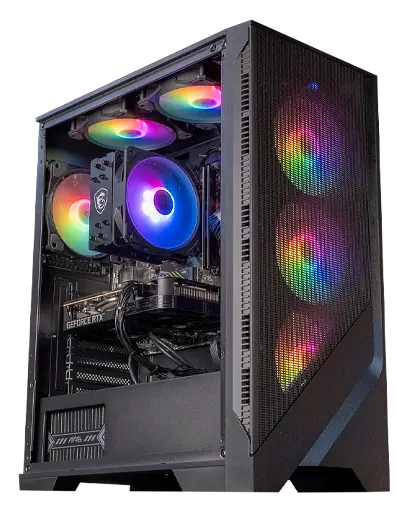
Corvus GeForce RTX 5050 PC
Ryzen 5 5500 (6 cores, up to 4.2 GHz) and RTX 5050: a solid foundation for Full HD gaming.
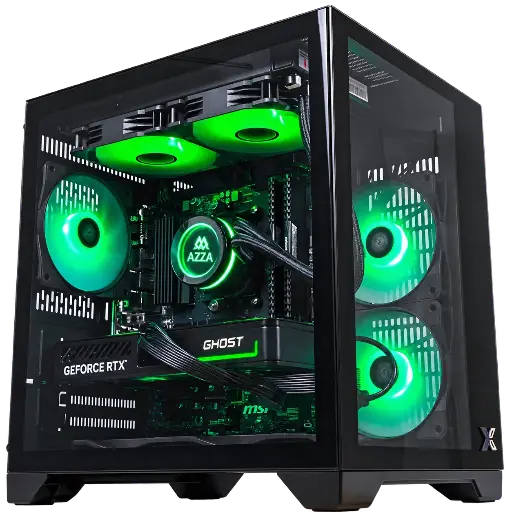
CUBI GeForce RTX 5060 PC
Ryzen 7 5700X (8 cores, up to 4.6 GHz), RTX 5060, and 240 mm liquid cooling to hold the boost.

PC Novara GeForce RTX 5070 12GB
Ryzen 5 7500X3D, RTX 5070 12GB, 16 GB DDR5 and 1 TB M.2 SSD: a configuration ready to play straight out of the box.
FAQ
What does the gigahertz value of a processor mean?
It’s the number of clock cycles per second, in billions. A 4.6 GHz processor performs 4.6 billion cycles per second on each of its active cores.
Is 3.5 GHz good?
It all depends on whether it’s the base frequency or the boost frequency. At base frequency, it’s common and fine. At boost frequency, it’s a bit tight for a newer gaming PC.
Does more GHz mean more FPS?
Often, at the same generation, especially in competitive games. But beyond a certain point, the graphics card limits the FPS, and a few extra hundred MHz almost make no difference.
Should you overclock your processor?
No, it isn’t necessary: the automatic boost already makes use of most of the potential. Manual overclocking requires good cooling, increases power consumption, and is only possible on certain models.
GHz or number of cores: what should you prioritise?
For gaming, a good balance with 6 to 8 fast cores. For creating (editing, 3D, streaming), the number of cores comes first.
Sources: official AMD product sheets (Ryzen 5 5500, Ryzen 7 5700X, 7800X3D, 9800X3D) and Intel (Core i5-12400F, Core i9-14900KS), consulted on 28 September 2026.
