 Your PC in instalments (up to 12x)
By the FlowUP team, gaming PC builder in Genappe (Belgium) · Updated 30 September 2026
In brief: the socket is the motherboard’s mounting that holds the processor. A processor only works with the socket it was designed for: AM4 and AM5 from AMD, LGA1700 and LGA1851 from Intel for PCs sold in 2026. The socket also determines the memory type (DDR4 or DDR5) and your upgrade options. Today, the AM5 is the most future-proof choice: AMD has announced support up to 2029.
The CPU socket: what is it?
It’s the square socket in the middle of the motherboard, with its locking lever. The processor is placed in only one orientation, and then a plate holds it in place. Hundreds of contacts connect its circuitry to the rest of the PC: memory, graphics card, SSD.
There are two main families. In PGA, the pins are underneath the processor and go into holes (that’s the case with AM4). In LGA, the pins are in the socket and the processor only has flat pads: that’s the case with AM5 and all recent Intel sockets. The number in the name indicates the number of contacts: 1700 for LGA1700, for example.
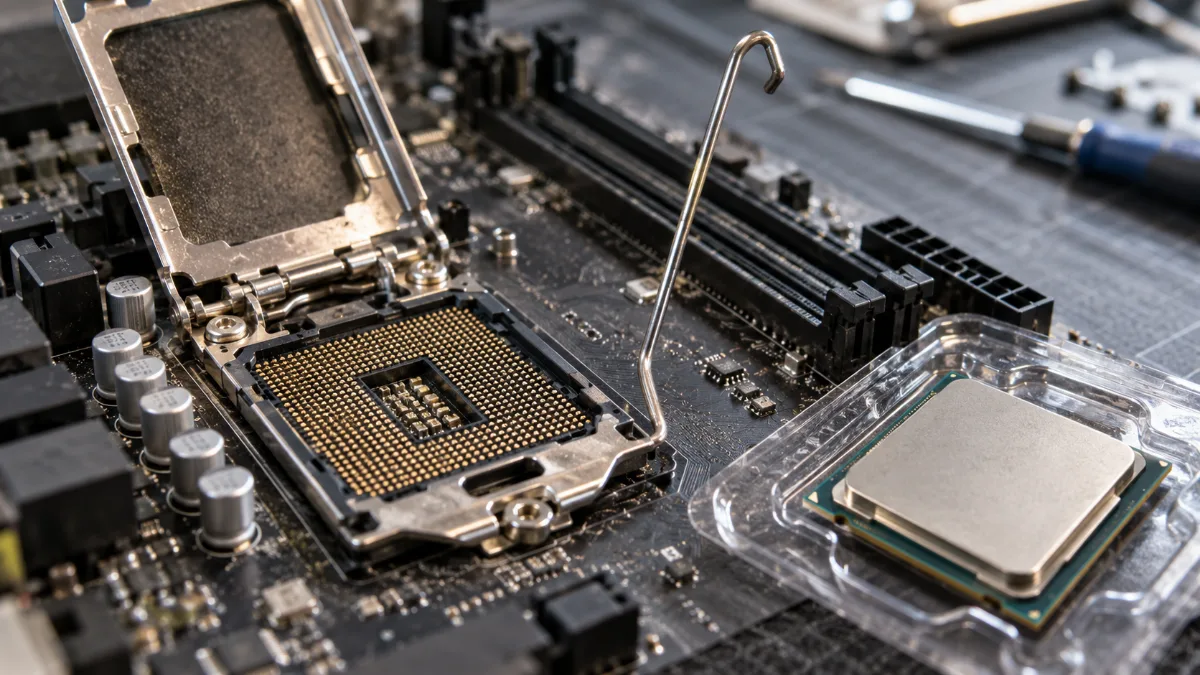
An open LGA socket: the pins are on the motherboard, not underneath the processor.
AMD and Intel sockets in 2026
| Socket | Brand | Type | Processors | Memory | Release |
|---|---|---|---|---|---|
| AM4 | AMD | PGA, 1,331 pins | Ryzen 1000 to 5000 | DDR4 | 2017 |
| AM5 | AMD | LGA 1718 | Ryzen 7000, 8000 and 9000 | DDR5 | 2022, supported until 2029 |
| LGA1700 | Intel | LGA 1700 | 12th, 13th and 14th gen Core | DDR4 or DDR5 depending on the motherboard | 2021 |
| LGA1851 | Intel | LGA 1851 | Core Ultra 200S | DDR5 | 2024 |
Sources: AMD and Intel; AM5 support up to 2029 announced by AMD at Computex 2026 (TweakTown, May 2026).
An AM5 processor won’t fit an AM4 motherboard, and a 14th-gen Core won’t run on an LGA1851 motherboard. Even within a single manufacturer, changing sockets almost always means changing the motherboard, and often the memory as well.
Why the socket matters when you buy a PC
Our builder’s take: the socket is your room to grow. On an AM5 PC, you can start with a Ryzen 5 7500F and later move up to a Ryzen 7 9800X3D by changing only the processor, after a BIOS update. With support announced up to 2029, the platform should keep welcoming new generations.
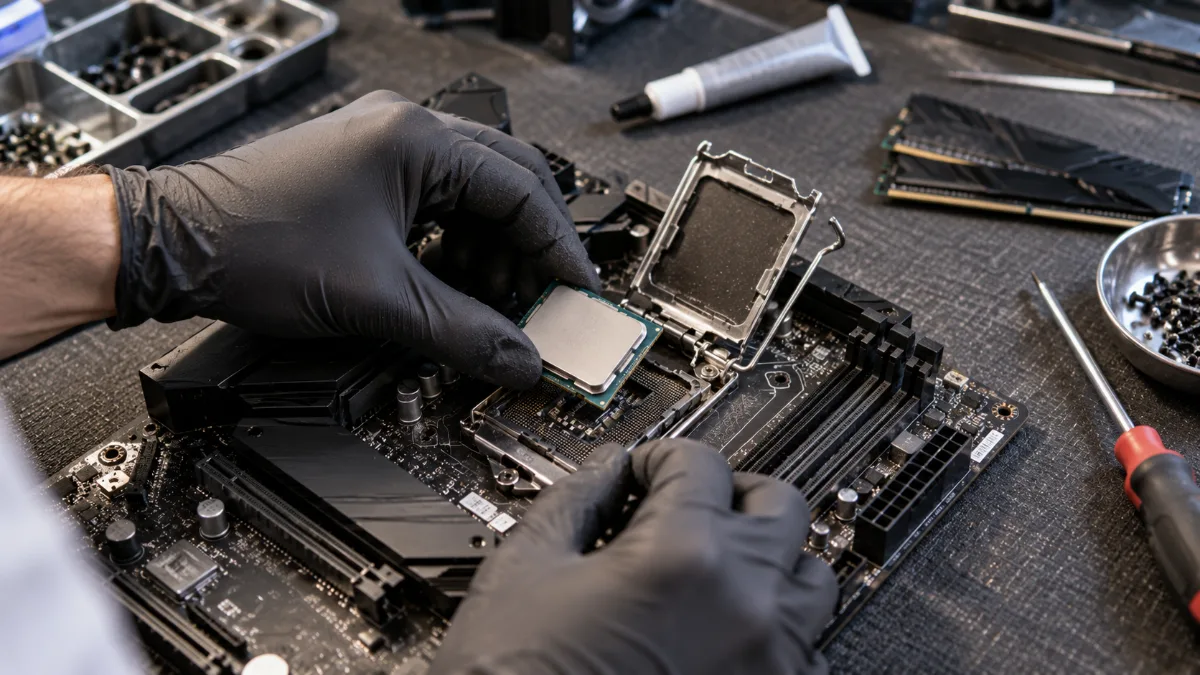
In the workshop: a processor fits without forcing it, while respecting the corner reference.
At Intel, LGA1700 reached the end of the line with the 14th generation, but it remains a very solid base: a Core i5 14400F runs today’s games without breaking a sweat. LGA1851 is where you’ll find the Core Ultra 200S. Leaks from September 2026, unconfirmed by Intel, point to a new LGA1954 socket for the next generation, expected in 2027. To compare the two brands, read our article Intel or AMD in 2026.
How to tell which socket your PC has?
- Identify your processor: Windows Settings, then System and System Information. A Ryzen 7000 or 9000 is on AM5, a Ryzen 5000 on AM4, a Core from the 12th to 14th gen on LGA1700, and a Core Ultra 200S on LGA1851.
- Use CPU-Z (free): the CPU tab shows the socket spelled out (“Package”).
- On a FlowUP PC: the product page states the exact motherboard model, including the socket listed on the manufacturer’s site.
Changing processor: precautions
Before swapping to a new processor on the same socket, update the motherboard BIOS: that’s what lets it recognise the new chips. Then reapply thermal paste. Good news for cooling: AM4 air coolers and AIO liquid coolers generally mount on AM5, and LGA1700 coolers mount on LGA1851.
In this video from FrenchHardware, we see the full build of a gaming PC, processor included, sitting in its socket:
FrenchHardware, “How to build your gaming PC in 2026”.
Our PCs by socket
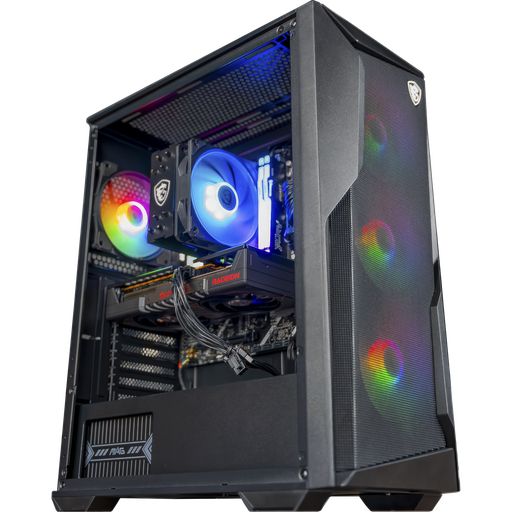
PC Rift: AM5 socket
Ryzen 5 7500F on an B840 motherboard in AM5, and RX 9060 XT 16 GB: the platform that will evolve up to 2029.
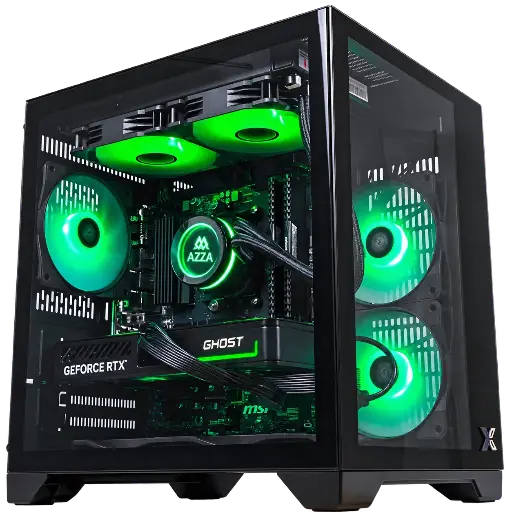
PC Cubi: AM4 socket
Ryzen 7 5700X, 16 GB DDR4 and RTX 5060: AM4, tried-and-tested and affordable, for gaming in 1080p.
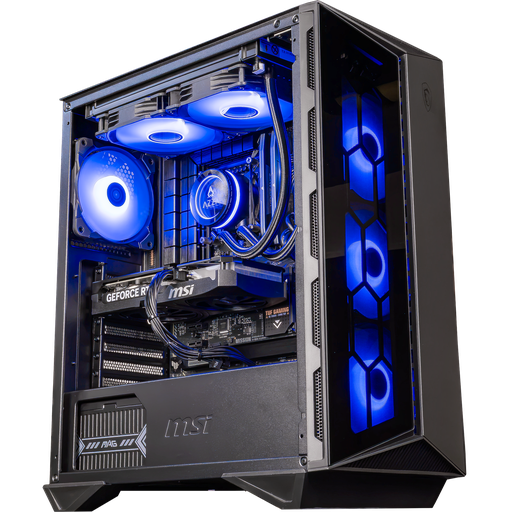
PC Swift: LGA1700 socket
Core i5 14400F on a B760 motherboard in DDR5, with RTX 5060 Ti 16 GB: the balance for 1080p and 1440p.
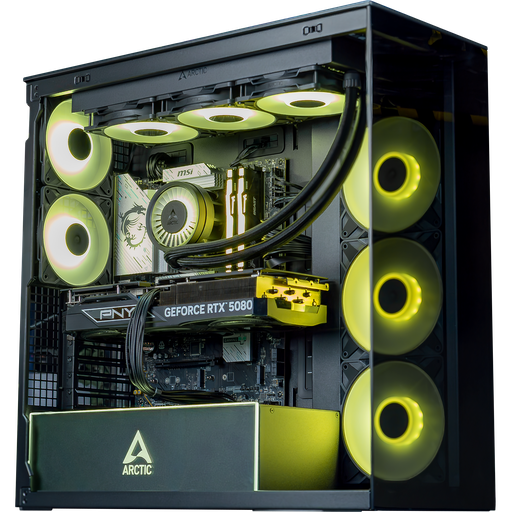
PC Arctic: LGA1851 socket
Core Ultra 7 265KF on B860 motherboard and RTX 5080: Intel’s latest platform.
FAQ: the CPU socket
What is a CPU socket?
It’s the support on the motherboard where the processor is fitted. Each socket only accepts certain processor generations.
Does an AM4 processor work on an AM5 motherboard?
No. AM4 and AM5 have neither the same shape nor the same memory (DDR4 versus DDR5). However, most AM4 CPU coolers can be mounted on AM5.
Which socket for 14th-generation Intel processors?
LGA1700, the same as for 12th and 13th generations. The Core Ultra 200S use LGA1851.
Which socket is the most future-proof in 2026?
AM5: AMD announced at Computex 2026 that it will be supported until 2029.
How do I find out the socket on my motherboard?
With the free CPU-Z software ("Package" line), or by looking up the model of your processor or motherboard on the manufacturer’s website.
Sources
- TweakTown, AM5 socket support up to 2029 (May 2026)
- Tom’s Hardware, Nova Lake schedule and the LGA1954 (leak, September 2026)
- CPUID, CPU-Z software
