
By the FlowUP team, assembling a gaming PC in Genappe (Belgium) · Updated 28 September 2026
A core ("core" in English) is a complete computing unit inside the processor. Each core reads, decodes and executes instructions independently. So an 8-core processor can handle 8 streams of work at the same time, whereas a single-core processor would run them one after the other.
In short: in 2026, 6 cores are enough for gaming, 8 cores are the right choice for gaming and streaming, and 12 to 16 cores become useful for video editing, 3D rendering or compiling. Beyond 8 cores, the number of cores barely moves the FPS: cache and clock speed matter more.

What exactly is a processor core?
Imagine a restaurant kitchen. The processor is the entire kitchen. Each core is a cook with their own worktop and utensils. One very fast cook can churn through the dishes one after another, but four cooks prepare four dishes at the same time. That’s exactly what a multi-core processor does.
More specifically, each core contains its own computing units (for integers and floating-point numbers), its registers, and its cache memories at levels one and two (L1 and L2). The cores then share a larger L3 cache, and finally the system RAM. For an overview of the processor, read our guide CPU: what is it and what is it for?
| Core element | Role |
|---|---|
| Computing units (ALU, FPU) | Carry out operations on integers and floating-point numbers |
| Registers | Very fast small memories for the data currently being processed |
| L1 and L2 cache | Fast memory dedicated to the core, to avoid waiting for RAM |
| L3 cache (shared) | Common buffer for all cores, huge on Ryzen X3D |
Core or thread: what’s the difference?
A core is physical, a thread is logical. Thanks to simultaneous multithreading (SMT on AMD, Hyper-Threading on Intel), one core can process two instruction threads in an alternating fashion and fill its idle time. A Ryzen 7 9800X3D therefore shows 8 cores and 16 threads.


| Core | Thread | |
|---|---|---|
| Nature | A physical unit etched into the chip | Logical execution thread |
| Role | Actually performs the calculations | Distributes the work to keep the core busier |
| Gain | Nearly linear for parallel tasks | Varies depending on the software, always less than one full core |
So a thread is never worth a full core. And some chips do without it: the Intel Core Ultra 200S desktop models have dropped Hyper-Threading. All the details are in our article thread: the logical execution thread.
Cores and threads explained in video by the Alt+Tab channel (in French).
How many cores do you need in 2026?
Short answer: 6 cores for gaming, 8 cores for gaming and streaming, 12 cores and up for content creation. Here are the tiers, with matching FlowUP PCs:

4 cores
Office work, browsing, video. Too tight for today’s games, which quickly max out 4 cores.

6 cores
The recommended minimum for gaming at 1080p and 1440p. Example: Ryzen 5 5500 from the Corvus PC.

8 cores
The sweet spot in 2026: game, stream, Discord and browser all at the same time. Example: Ryzen 7 5700X from the Savannah PC.

12 cores and up
4K editing, 3D rendering, local AI, compiling. Example: up to 20 cores with the Core i7-14700K from the Rainbow V2 PC.
| Processor | Cores | Threads | Typical use |
|---|---|---|---|
| Ryzen 5 5500 / Ryzen 5 7500F | 6 | 12 | 1080p and 1440p gaming |
| Ryzen 7 5700X / Ryzen 7 9800X3D | 8 | 16 | High-end gaming, streaming |
| Core i5-14400F | 10 (6 P-cores + 4 E-cores) | 16 | Gaming and multitasking |
| Core i7-14700K | 20 (8 P-cores + 12 E-cores) | 28 | Gaming, creation, streaming |
| Ryzen 9 9950X3D | 16 | 32 | Heavy content creation and gaming |
Number of cores and threads according to the official AMD and Intel specsheets.
P-cores, E-cores, Zen 5c: not all cores are equal
Counting cores isn’t enough anymore. Since the 12th generation (Alder Lake, end of 2021), Intel mixes two types of cores, and AMD also uses compact cores on some chips.

P-cores and E-cores (Intel)
The P-cores (performance) handle gaming and heavy tasks. The E-cores (efficiency) take care of background tasks and multitasking while using less power. A Core i7-14700K has 8 P-cores and 12 E-cores.

Zen 5 and Zen 5c (AMD)
On our desktop Ryzen chips, all cores are identical. Zen 5c cores, which are more compact and run at lower clock speeds, are found mainly on laptop PC chips.

The NPU: a core for AI
Some recent processors include an NPU, a dedicated unit for artificial intelligence (video-conference effects, Windows features). It’s not for gaming.
To decode Intel references and spot these cores, read how to understand the naming of Intel processors.
More cores, more FPS?
Not beyond 8 cores. A game spreads its workload across a handful of main threads. After a certain point, the extra cores just wait. What then makes the difference is clock speed (see our guide CPU clock speed) and above all, cache.
The perfect example is the Ryzen 7 9800X3D: with “only” 8 cores but 96MB of L3 cache thanks to the 3D V-Cache technology, it’s among the best CPUs for gaming, ahead of 16-core models without that cache. Conversely, for video editing or 3D rendering, each additional core translates directly into saved time.
One last point, often overlooked: the balance with the graphics card determines your FPS. A 16-core processor with an entry-level graphics card won’t work miracles. Our guide how to choose a processor helps you find the right pair.
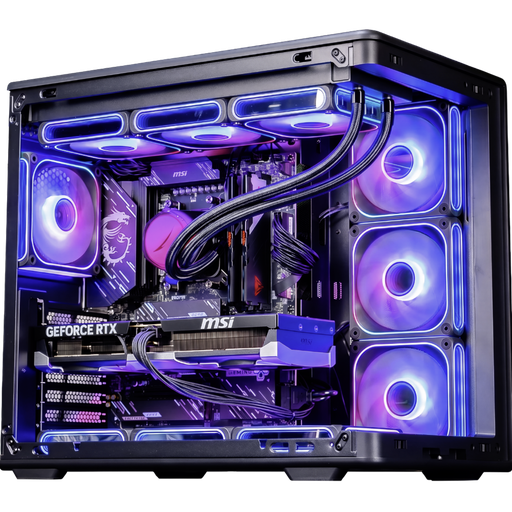
Ascent X3D PC: Ryzen 7 9800X3D and RTX 5080
8 cores, 16 threads and 96MB of L3 cache: proof that in gaming, cache matters more than the number of cores. Ryzen 9 9900X3D and 9950X3D versions available for creation.
Frequently asked questions about CPU cores
More cores, does that mean more FPS?
Up to 6 to 8 cores, yes in recent games. Beyond that, very little: clock speed, cache and above all the graphics card weigh more. A well-balanced PC is better than an oversized processor.
Cores or clock speed: what matters the most?
For gaming, once you reach 6 to 8 cores, clock speed and cache take priority. For editing, 3D rendering or streaming with CPU encoding, the number of cores makes the difference.
What’s the difference between a core and a thread?
A core is a physical unit that executes calculations. A thread is a logical strand: thanks to SMT or Hyper-Threading, a single core can handle two for better multitasking, without being equal to two cores.
How many cores do you need for gaming and streaming?
Aim for 8 cores and 16 threads, for example, a Ryzen 7. That leaves room for OBS, Discord and the browser. If you encode the stream with the graphics card (NVENC or AMF), a modern 6-core can be enough.
Is a 4-core processor enough in 2026?
For office work and video, yes. For recent games, no: many use 6 to 8 cores, and a 4-core system causes stuttering even with a good graphics card.
How can I find out how many cores my PC has?
In Windows, open Task Manager (Ctrl + Shift + Esc), the Performance tab, then Processor: the number of cores and logical processors (threads) is shown at the bottom.
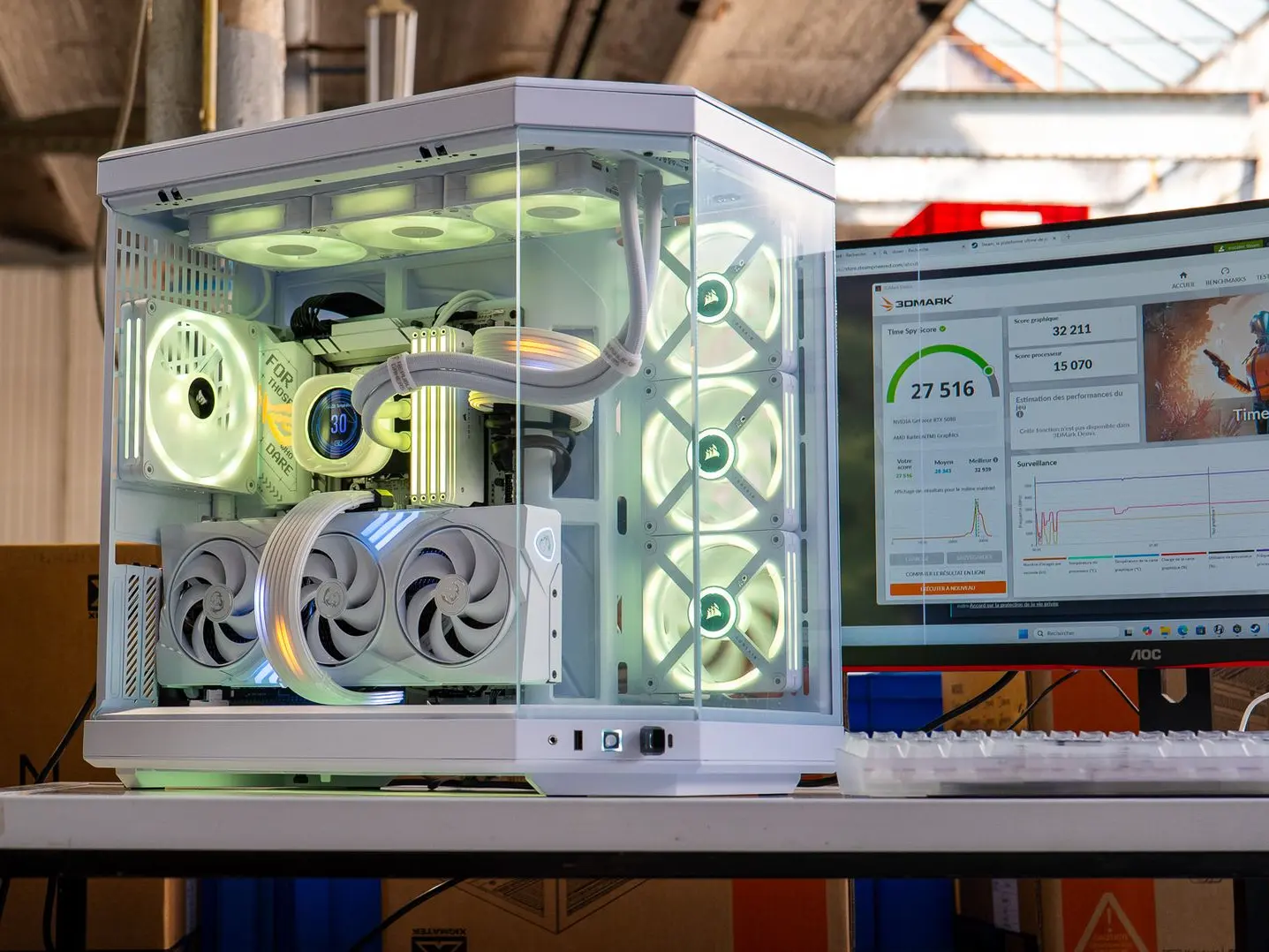
Find the right number of cores for your use
Gaming, streaming, creation or multitasking: our configurations are balanced between processor, graphics card and memory.
