
By the FlowUP team, gaming PC builder in Genappe (Belgium) · Updated 19 October 2026
In short:
- The best PC controller for most players is a 2.4 GHz wireless controller in Xbox format, recognised by Windows without a driver.
- Go for Hall-effect triggers or thumbsticks: they don’t wear out like standard sensors, which are responsible for “drift”.
- Small budget: a wired controller does the job perfectly, no latency and no battery to recharge.
- A PS5 controller also works on PC, especially via Steam.
A PC controller completely changes the experience in racing, action or sports games: you sink into your chair, you play relaxed, and some titles are simply made for it. The trick is choosing the right one, because not all controllers are equal on Windows.
Here are the criteria that really matter in 2026: connection, thumbstick and trigger technology, extra buttons and compatibility. And in the end, the controllers we sell, and who they’re made for.
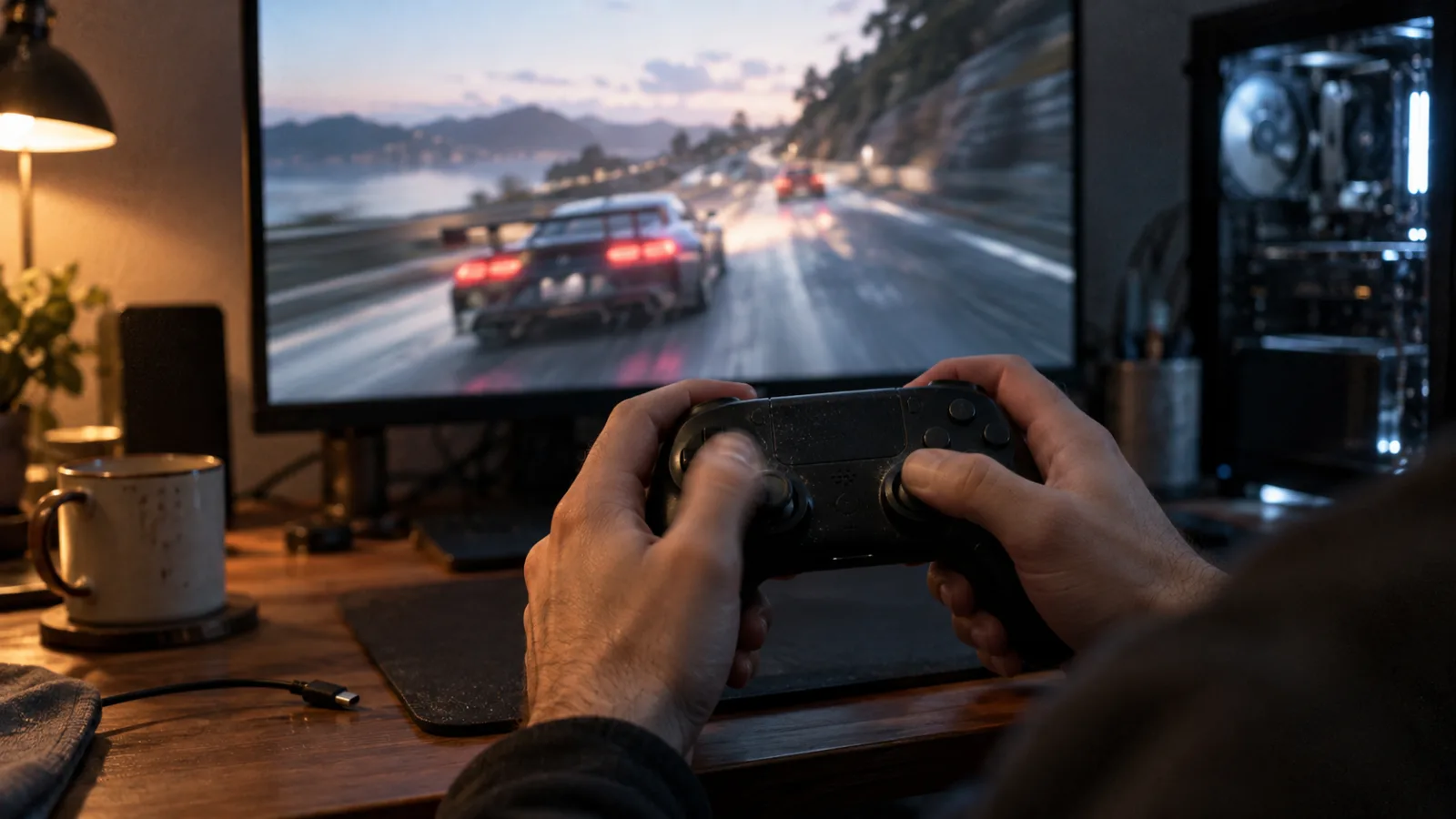
The controller, queen of racing and action games on PC
Which PC controller should you choose in 2026?
The right PC controller is the one Windows recognises straight away (XInput format, like Xbox or MSI controllers), with a 2.4 GHz connection for lag-free wireless play and Hall-effect sensors for lasting performance. The rest depends on your budget and your games.
| Criteria | What we recommend | Why |
|---|---|---|
| Connection | Wired USB or 2.4 GHz | 2.4 GHz provides wireless with no noticeable latency |
| Compatibility | XInput (natively recognised by Windows) | no driver or software to install |
| Sensors | Hall-effect thumbsticks and triggers | no mechanical wear, no drift |
| Extra buttons | paddle buttons or back buttons | jump or reload without letting go of the thumbstick |
| Battery life | 15 to 20 hours or more | several gaming evenings between charges |
Benchmarks based on the manufacturers’ datasheets (October 2026).
Wired or wireless PC controller: which should you choose?
A wired PC controller is the simplest and cheapest solution: plug it in, play, no battery management. A wireless PC controller offers the couch-comfort, as long as you use its 2.4 GHz receiver instead of Bluetooth to play.
| Criteria | Wired (USB) | Wireless 2.4 GHz | Bluetooth |
|---|---|---|---|
| Latency | the lowest | very low | higher |
| Freedom | limited by the cable | total | total |
| Battery | none | to recharge | to recharge |
| For who | office, small budget | couch, PC in the living room | smartphone, tablet, emergency |
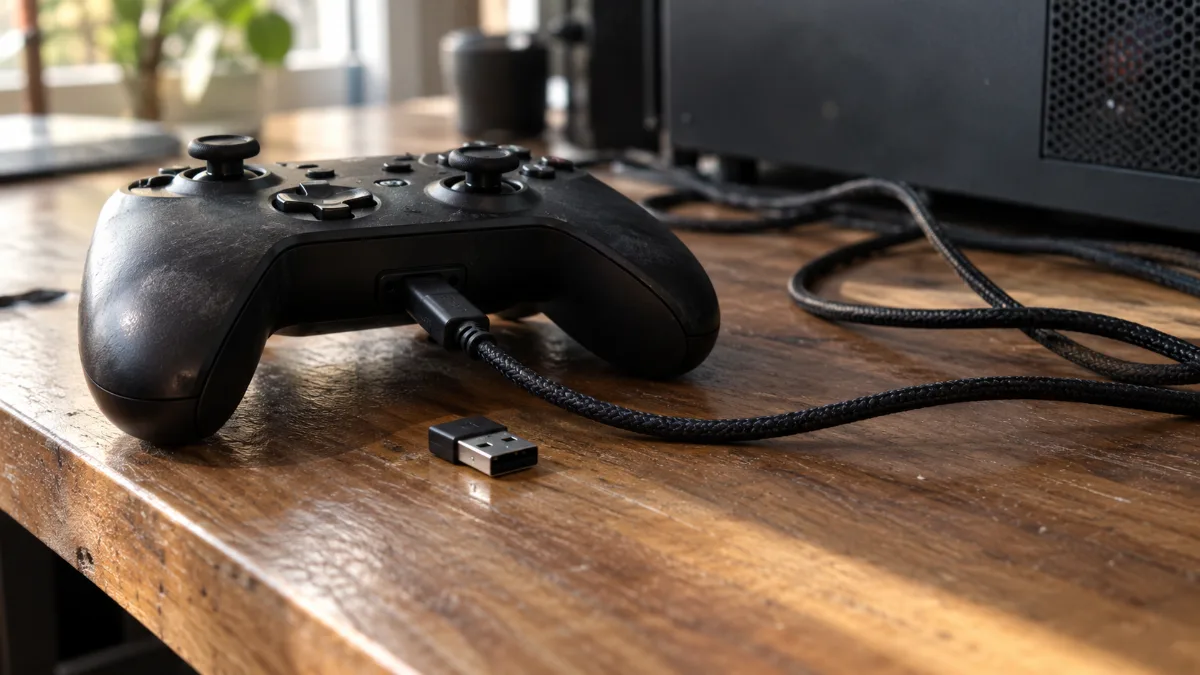
USB cable or 2.4 GHz receiver: two ways to connect a PC controller with no latency.
A Bluetooth controller for PC remains handy for gaming on a laptop or tablet, but for a fixed gaming PC, we always prefer the included receiver.
Hall effect controller sticks and triggers: why does it matter?
A Hall-effect sensor measures the position of the thumbstick or trigger using a magnet, without physical contact. Traditional controllers use potentiometers, tracks that wear out due to friction, causing the well-known “drift”: the character moves on its own while you’re not touching anything.
- No wear: no friction, so no drift over time.
- More precision: the trigger’s travel is measured finely, useful in racing games.
- Example: the MSI FORCE GC300W features Hall-effect triggers with two levels.
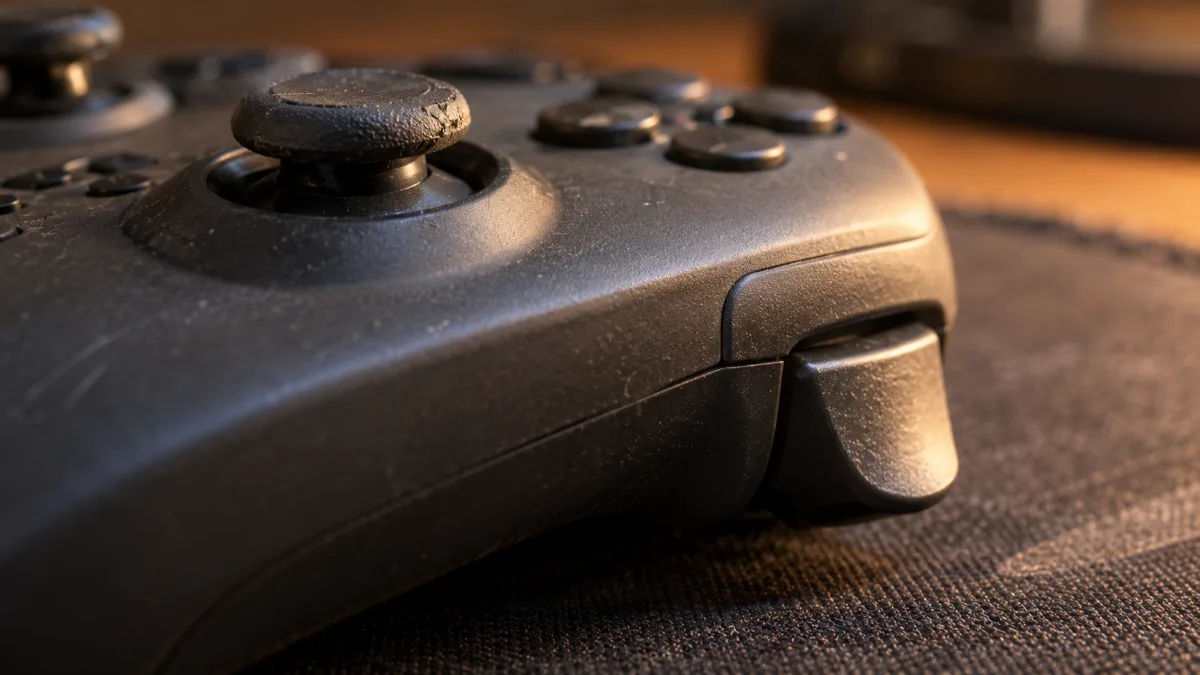
Thumbsticks and triggers: the parts that wear out fastest on a standard controller
Gaming PC controller: which buttons and settings should you look for?
A good gaming PC controller adds programmable back buttons, dual-motor vibrations and battery life of at least a couple of dozen hours. Those details make the difference after two hours of play.
- Back buttons: two programmable buttons on the GC300W, for jumping, reloading or crouching without letting go of the right thumbstick.
- Vibrations: dual motor on all our MSI controllers, so you can feel impacts and off-road exits.
- D-pad: the GC20 V2 offers a replaceable magnetic cross, appreciated in fighting and platform games.
- Weight: around 230 g for the GC300W, an amount that won’t tire your wrists.
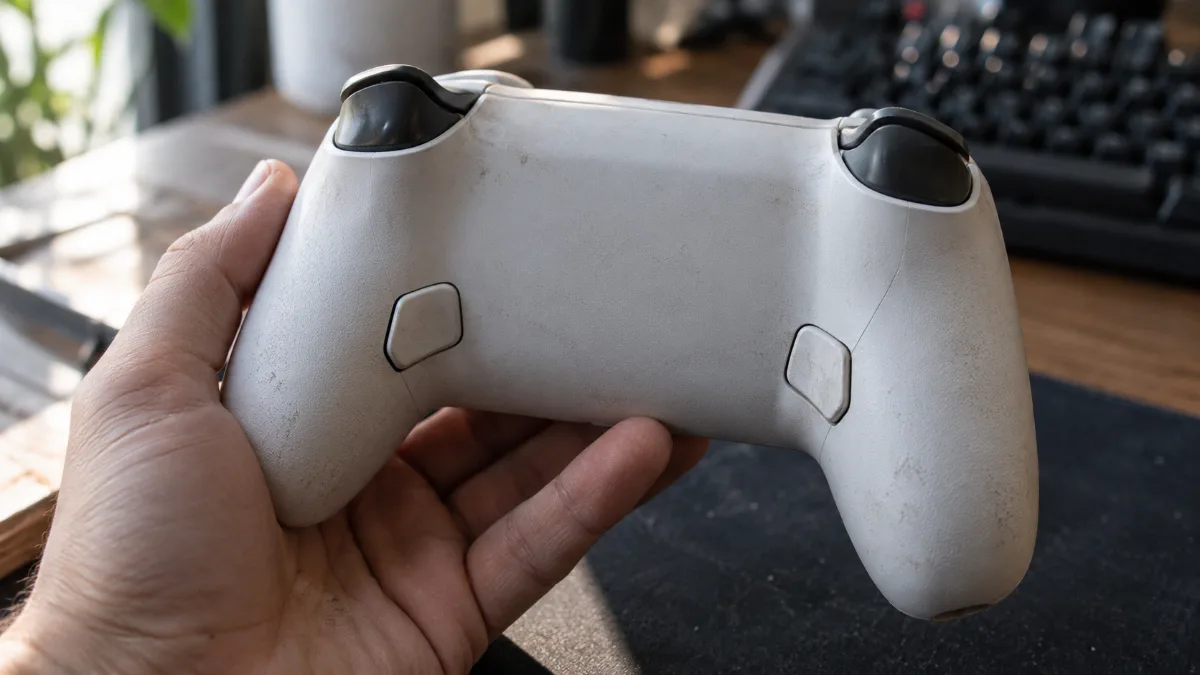
Two rear buttons: the little plus that changes everything in action games.
Which PC games play best with a PC gaming controller?
Racing, action-adventure, sports, fighting and platform games are best played with a controller. Competitive FPS and strategy games remain the domain of keyboard and mouse.
- Racing: Forza Horizon, F1, EA Sports WRC. Progressive triggers help you modulate acceleration. See our article which PC for Forza Horizon.
- Action and adventure: third-person games, often designed first for consoles.
- Sports and fighting: EA Sports FC, NBA 2K, Street Fighter or Tekken.
- Avoid playing these with a controller: Valorant, CS2 and strategy games, where the mouse is far more precise (our gaming mouse guide will help you choose).
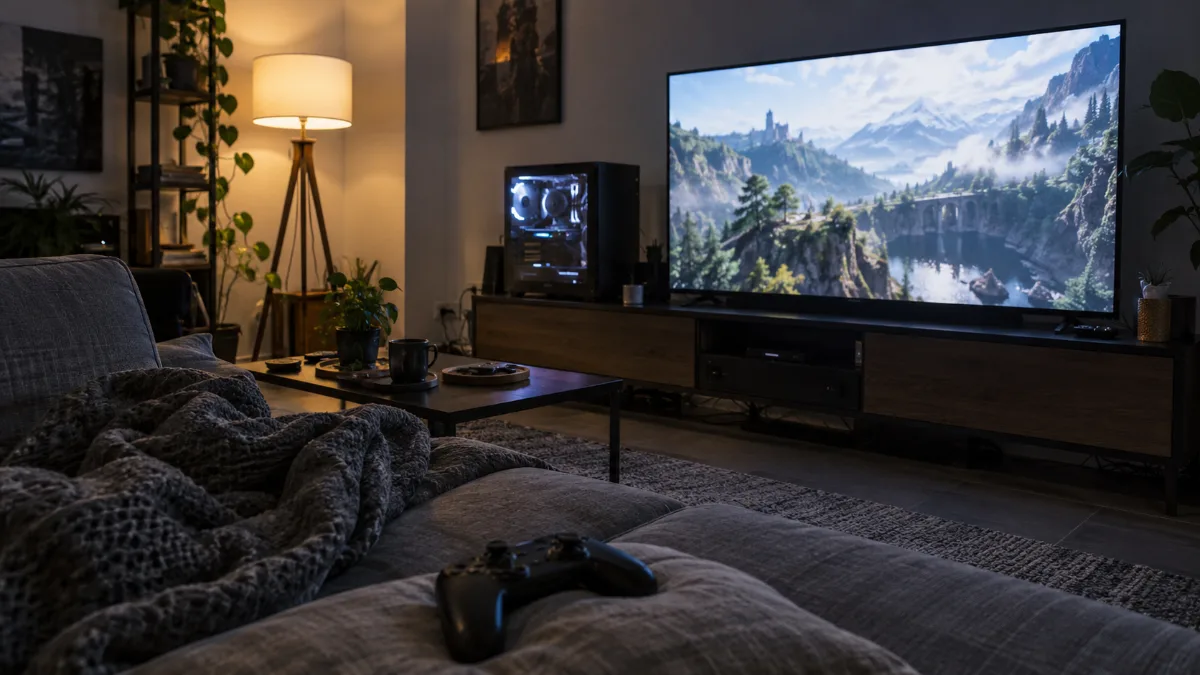
A gaming PC in the living room and a wireless controller: the console experience, only better.
PS5 controller, Xbox controller or PC controller: which works best on Windows?
Controllers in Xbox format (XInput), like the MSI FORCE, work directly with Windows, in all games, without any software. A PS5 DualSense controller also works, especially via Steam, which recognises and configures it for you, but some games outside Steam require tweaking.
We’ve laid out the steps in our tutorial for connecting a PS5 controller to a PC.
Our controller models for gaming PCs
Here are the controllers we sell, each one is recognised by Windows as soon as you plug it in:
| Controller | Connection | Highlight | Battery life |
|---|---|---|---|
| MSI FORCE GC300W | 2.4 GHz, Bluetooth, USB-C | Hall triggers, 2 rear buttons | up to 20 hrs |
| MSI FORCE GC30 V2 | 2.4 GHz and USB | precise joysticks, dual vibration | up to 8 hrs |
| MSI FORCE GC20 V2 White | wired USB (braided cable) | interchangeable magnetic D-pad | no battery |
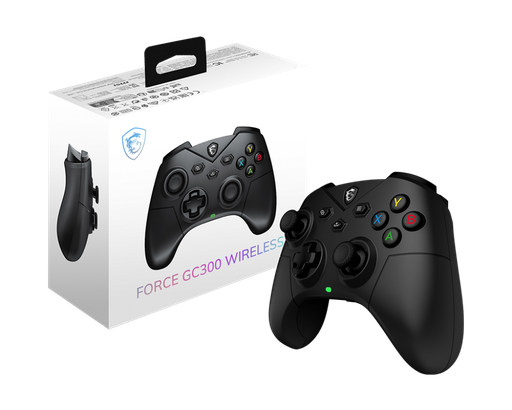
MSI FORCE GC300W
Wireless 2.4 GHz, Bluetooth or USB-C, Hall-effect triggers, two programmable rear buttons and up to 20 hours of battery life: the most complete wireless PC controller in our range. Also available in white.
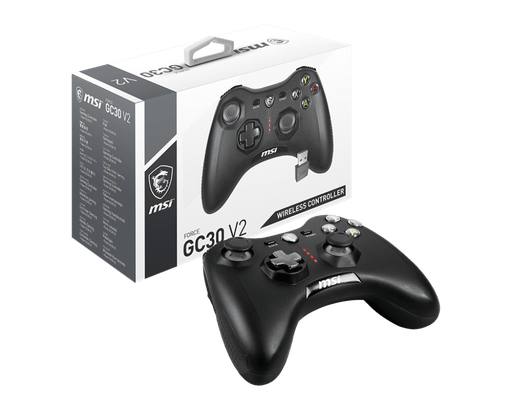
MSI FORCE GC30 V2
Wireless 2.4 GHz or wired USB, precise joysticks and dual vibration: a versatile wireless controller for PC and Android.
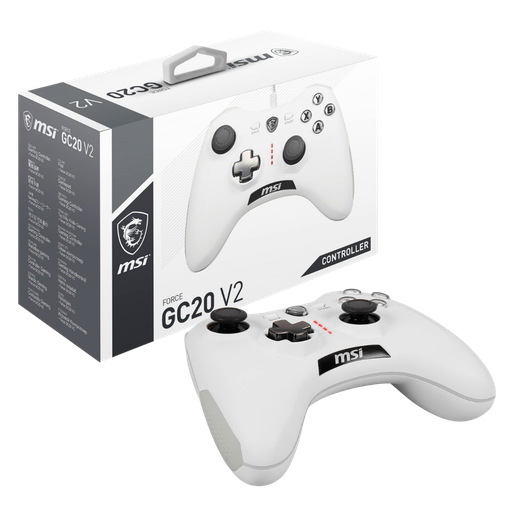
MSI FORCE GC20 V2 White
Wired with a braided cable, dual vibration and interchangeable magnetic directional pad: the simple and reliable wired PC controller, with no battery to recharge.
Workshop opinion
If you play from your sofa or in front of the TV, go for the GC300W: the 2.4 GHz wireless and Hall triggers are worth the difference. If the controller stays on your desk, the wired GC20 V2 does the job just as well. And if your current PC struggles with recent games, take a look at our gaming PCs.
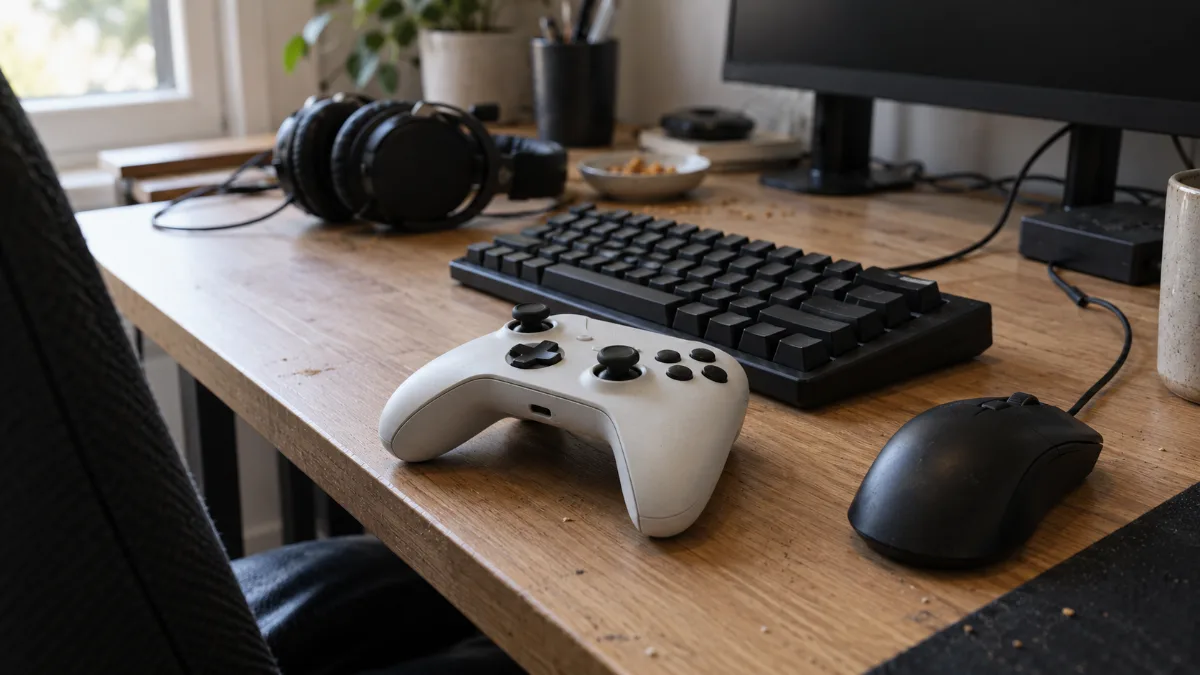
Controller, keyboard and mouse: every game has its best way to grip.
Also read: Gaming keyboard: how to choose the right one in 2026
Also read: Gifts for gamers: 12 Christmas 2026 ideas they’ll genuinely love
PC controller FAQ
What is the best controller for PC?
For most players, a 2.4 GHz wireless controller in Xbox format, with Hall-effect sensors. In our range, the MSI FORCE GC300W ticks all the boxes: wireless, Hall triggers, rear buttons and 20 hours of battery life.
Does a wireless controller add latency on PC?
On 2.4 GHz with its receiver, the latency of a recent controller is very low and barely noticeable in most games. Bluetooth adds more latency: reserve it for on-the-go use.
Do you need to install a driver for a PC controller?
No for an XInput-format controller (Xbox, MSI FORCE): Windows recognises it as soon as you plug it in. A PS5 controller works without a driver in Steam, but may require settings in some games outside Steam.
Can you use a PS5 controller on PC?
Yes, via USB or Bluetooth. Steam recognises it and configures it automatically. We explain all the steps in our dedicated tutorial for the PS5 controller on PC.
What is controller drift?
It’s when the character or the camera moves without you touching the joystick. It’s caused by wear on the potentiometers. Hall-effect joysticks and triggers, which work without contact, prevent this problem.
