 Your PC in instalments (up to 12x)
By the FlowUP team, gaming PC builder in Genappe (Belgium) · Updated 30 September 2026
In brief: a high ping means data takes too long to travel between your PC and the game server. Under 50 ms, you can play comfortably; beyond 100 ms, actions arrive late. To bring it down: switch to an Ethernet cable, close background downloads and resource-hungry apps, choose the closest server, and test your router’s bufferbloat. The PC itself matters little, unless it has trouble picking up Wi-Fi.
Ping and latency: what are we talking about?
Latency is the time it takes for data to travel from one point to another on the network. Ping measures the round trip between your PC and the game server, in milliseconds. The lower it is, the faster your actions arrive: a shot, a jump, a spell cast.
Don’t confuse it with bandwidth. A 1 Gbit/s fibre connection can still show a bad ping if the Wi‑Fi is saturated or if the server is on the other side of the world. And when ping changes from one second to the next, it’s called jitter: it’s what causes those little teleports during a match.

In online play, every millisecond of latency delays your actions.
What ping is good for gaming?
| Ping | Quality | For which games |
|---|---|---|
| Less than 30 ms | Excellent | Competitive games (FPS, fighting games) |
| 30 to 50 ms | Very good | All online games |
| 50 to 100 ms | Fair | Less responsive games (MMO, strategy) |
| More than 100 ms | High | Visible delays, to be fixed |
Reference points: TP-Link, “latency, ping, jitter and bandwidth” (June 2025). These are ballpark figures, not a standard.
According to Cloudflare, latency to a nearby server is measured in a few milliseconds, and it rises to several dozen milliseconds for a distant server. Distance therefore matters: playing on a European server from France or Belgium gives a much better ping than a US server.
Why is my ping so high?
- Wi‑Fi: Riot Games reminds us that Wi‑Fi interference causes lag spikes and packet loss.
- Downloads in the background: a Steam update, a torrent, 4K streaming on the TV in the living room.
- Bufferbloat: the router holds too much data in the queue when the connection is busy, and latency explodes.
- The server: too far away, or struggling. Publishers post the status of their servers.
- A VPN or proxy, which makes the data route longer.
How to lower your ping in 7 steps
- Connect an Ethernet cable between the PC and the router/modem. This is Riot Games’ number one piece of advice.
- Close resource-hungry applications: Discord in streaming mode, Spotify, your browser with videos, Steam downloads.
- Disable the VPN during the match.
- Choose the closest server in the game options.
- Update your network driver from the motherboard manufacturer’s website.
- Disable delivery optimisation in Windows Update, which shares your updates with other PCs.
- Test for bufferbloat using an online test (Waveform, Cloudflare Speed Test). A score below B indicates a queue problem on the router.
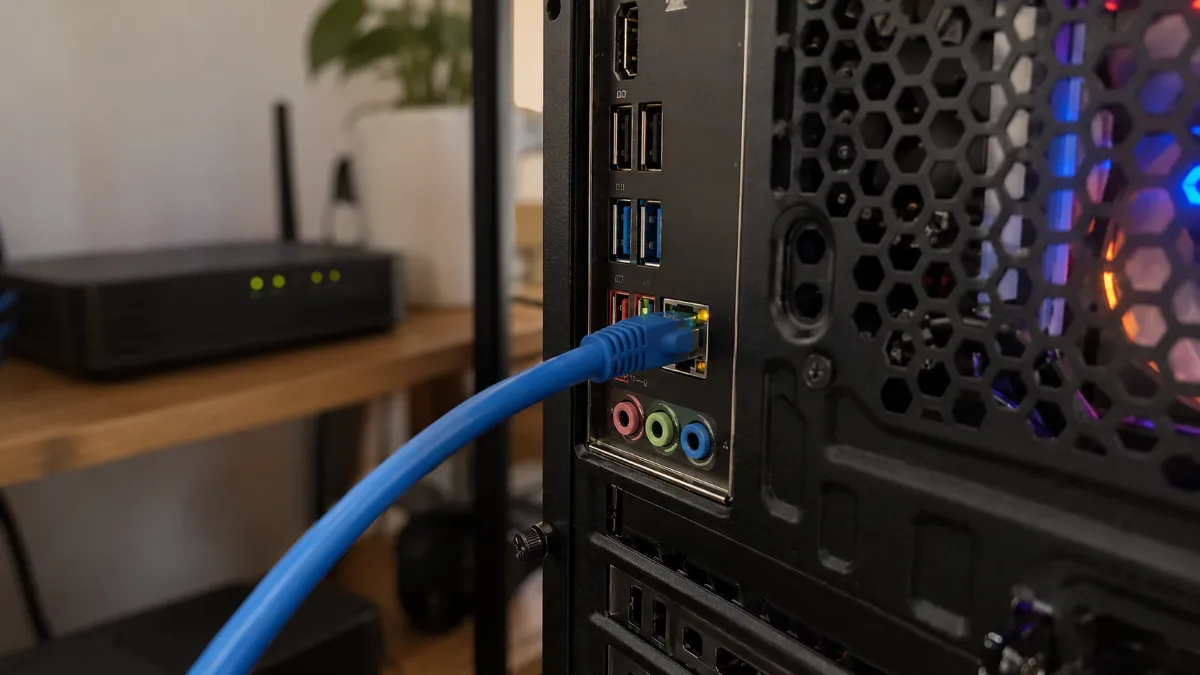
The Ethernet cable: the most effective solution against unstable ping.
Our builder’s take: if a cable isn’t possible, take extra care with Wi‑Fi. Screwed-in, correctly oriented antennas, the 5 or 6 GHz band, and a recent modem/router: we’ve covered everything in our guide Wi‑Fi card or Wi‑Fi dongle for a gaming PC.
Ping, FPS and input lag: don’t mix them up
A game that stutters doesn’t necessarily have a ping issue. If the frames-per-second counter drops, it’s the PC that’s struggling: the graphics card or the processor. If the images stay smooth but opponents “teleport”, then it’s the network. And the delay between your click and the action on screen (input lag) also depends on the monitor and the graphics settings. To understand frames per second properly, read what the FPS number means.
Our gaming PCs with a good connection
All these PCs have an Ethernet port and built-in Wi‑Fi on the motherboard.
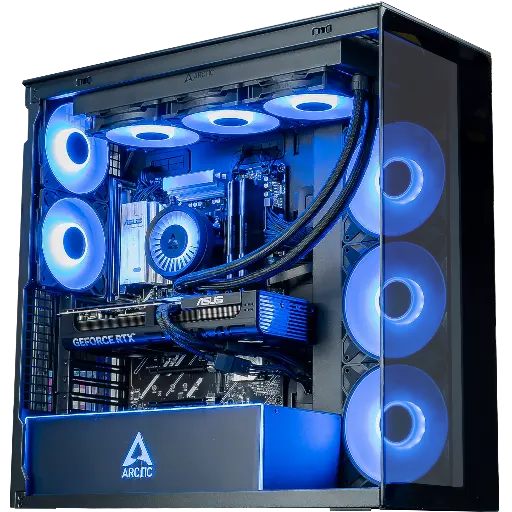
Cheetoh PC: Wi‑Fi 6E
Ryzen 7 7800X3D and RTX 5070 on a B850 Wi‑Fi 6E motherboard: competitive 1440p, wired or wireless.
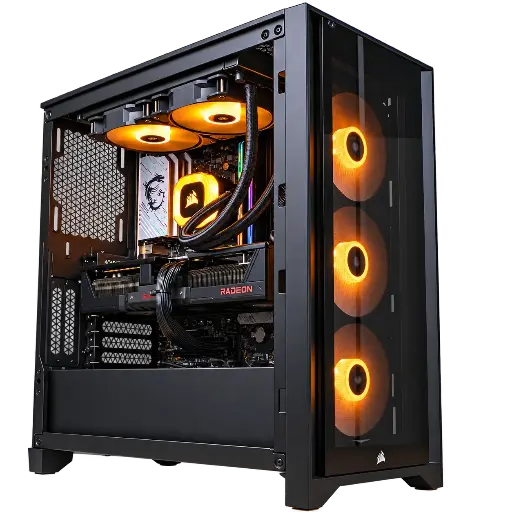
Prism PC: Wi‑Fi 7
RX 9070 XT 16 GB and Wi‑Fi 7 compatible with 2.4, 5 and 6 GHz: the 6 GHz band for a more stable ping.
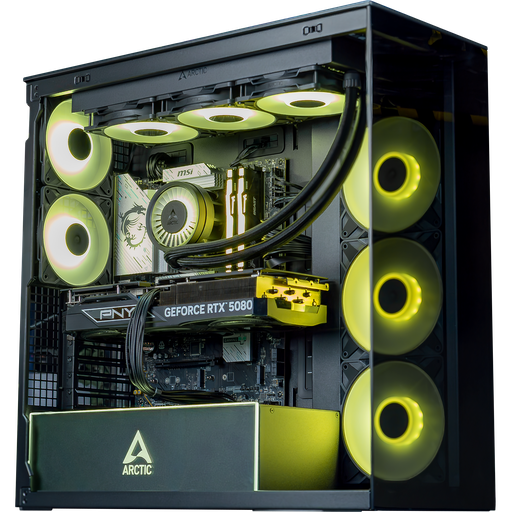
Arctic PC: Wi‑Fi 7 and 2.5 GbE Ethernet
RTX 5080 16 GB, Wi‑Fi 7 and 2.5 Gbit/s Ethernet on an ASUS TUF B860 motherboard: top-end, well connected.
FAQ: high ping
What is a good ping for gaming?
Under 50 ms for comfortable play, under 30 ms for competitive games. Beyond 100 ms, the delays are noticeable.
Why is my ping high even though I have fibre?
Download speed doesn’t affect ping. Saturated Wi‑Fi, background downloads, router bufferbloat or a distant server are enough to make it rise.
Does an Ethernet cable really improve ping?
Yes, especially its stability: it removes Wi‑Fi interference, the leading cause of lag spikes according to Riot Games.
Does a more powerful PC reduce ping?
No, ping depends on the network. A more powerful PC increases the number of frames per second, reducing display lag, not the data travel time.
What is bufferbloat?
Unnecessary latency created by a router that keeps too much data waiting when the connection is busy. An online test like Waveform’s can detect it.
