 Your PC in instalments (up to 12x)
By the FlowUP team, building gaming PCs in Genappe (Belgium) · Updated 27 September 2026
Reflections that truly follow the scene, soft shadows, light bouncing from one wall to the next: that’s what ray tracing brings to a game. And since Cyberpunk 2077 or Doom: The Dark Ages offer path tracing, the difference is obvious from the very first minutes.
Here’s what those two techniques do, what sets them apart from traditional rasterisation, and the graphics card you need to enjoy them under good conditions.
In brief
- Rasterisation “paints” an image from a single viewpoint; ray tracing calculates the path of light rays to produce realistic reflections, shadows and lighting.
- Path tracing goes further: it tracks multiple bounces of light across the entire scene. It’s the most reality-accurate rendering in games today.
- To enjoy it, you need a graphics card with dedicated units and an upscaling technology (DLSS 4 from NVIDIA, FSR 4 from AMD).
- At 1440p, a GeForce RTX 5070 is the ideal entry point for path tracing.
In the table of contents
- What is ray tracing exactly?
- Rasterisation, ray tracing and path tracing: the comparison
- Path tracing vs ray tracing: what’s the difference?
- In which games does it really change the image?
- Which graphics card for ray tracing?
- Ray tracing FAQ
What is ray tracing exactly?
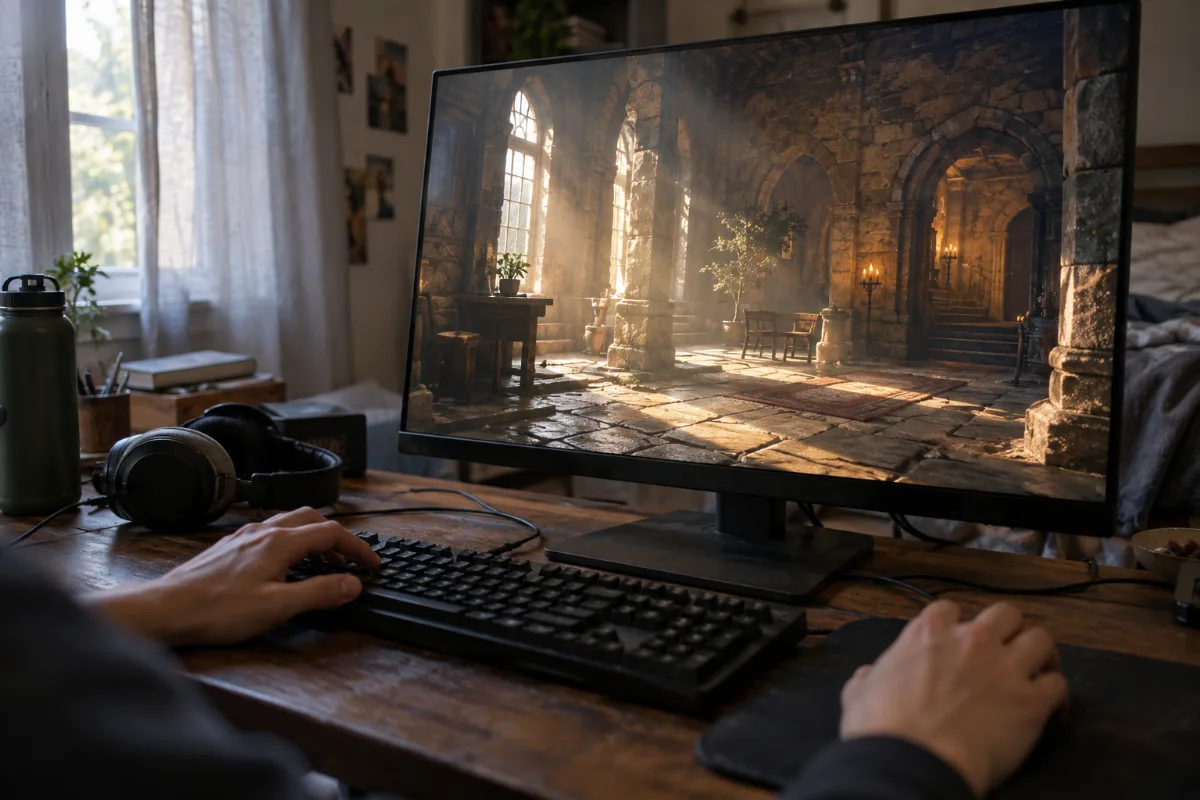
Ray tracing (ray casting) is a rendering technique that simulates the path of light. The graphics card sends rays from the camera, checks what they hit, then calculates the resulting reflections, shadows and lighting. Where rasterisation “paints” the image from a single viewpoint, ray tracing can determine what’s visible from many points and in many directions, as NVIDIA explains.
Concretely, in-game you’ll notice it in three places: reflections (a shop window that reflects the street, even things that are off-screen), shadows (soft and consistent with the light source) and global illumination, when a room lights up thanks to light bouncing off the walls.
These calculations are heavy. That’s why recent graphics cards include dedicated units: the RT cores in GeForce RTX cards from NVIDIA, and AMD’s “Ray Accelerators” (56 on a Radeon RX 9070, according to AMD’s specs).
Rasterisation, ray tracing and path tracing: the comparison
Rasterisation remains the foundation of almost all games: it projects the scene’s triangles onto the screen and simulates lighting using tricks (precalculated shadows, screen-space reflections). It’s fast, but lighting quickly shows its limits. Ray tracing corrects those limitations in places, and path tracing replaces all lighting with a physical simulation.
| Technique | Principle | Rendering | Performance cost |
|---|---|---|---|
| Rasterisation | Triangle projection, lighting simulated with tricks | Clean, but “fixed” lighting | Low |
| Ray tracing | Rays for certain effects: reflections, shadows, global illumination | Realistic reflections and shadows | Medium to high |
| Path tracing | All light simulated, with multiple bounces | The most realistic in-game | Very high, upscaling is essential |
Path tracing vs ray tracing: what’s the difference?
Path tracing is a complete form of ray tracing: instead of reserving rays for just a few effects, it simulates the physical behaviour of light by following multiple bounces throughout the entire scene. It solves what specialists call the rendering equation, introduced by Jim Kajiya in 1986, using a statistical method (known as Monte Carlo): you sample enough light paths to obtain a photorealistic image.
In the ray tracing vs path tracing showdown, in-game the biggest difference is mainly in indirect lighting. In Cyberpunk 2077, the Ray Tracing: Overdrive mode, released in April 2023, makes thousands of objects emit light and causes it to bounce multiple times across the city, according to NVIDIA. The neon lights really light up the streets, and interiors take on the colours of the light sources around them.
Path tracing produces a “noisy” image that needs cleaning up. That’s the job of DLSS Ray Reconstruction, launched by NVIDIA in August 2023 with DLSS 3.5: an AI network replaces traditional filters and improves the sharpness of ray tracing effects across all GeForce RTX cards.
In which games does it really change the image?
Ray tracing is found in a large number of recent releases, but three examples clearly show the visual leap:
- Cyberpunk 2077: in path tracing, the Overdrive mode remains the showcase for the technology.
- Doom: The Dark Ages: the June 2025 update adds path tracing, DLSS Ray Reconstruction and Multi Frame Generation. According to NVIDIA, torches, lamps and weapons now illuminate their surroundings realistically.
- Minecraft: Minecraft ray tracing (Minecraft with RTX edition) is actually real-time path tracing, which completely transforms the atmosphere of caves and buildings.
To see the difference in motion, this Ultra+ channel comparison (February 2025, in English) shows Cyberpunk 2077 without ray tracing, with Ultra ray tracing and with path tracing.
Which graphics card for ray tracing?
For ray tracing, two things matter: the power of dedicated units and upscaling. NVIDIA’s DLSS 4, with its Multi Frame Generation, lets you enable path tracing while keeping the game smooth; in Doom: The Dark Ages, NVIDIA says it delivers, on average, four times as many frames per second in 4K on GeForce RTX 50 thanks to DLSS 4.
That’s where the GeForce RTX 5070 really shines: in TechSpot’s September 2026 update, it beats the Radeon RX 9070 XT by 32% on path tracing in Doom: The Dark Ages at 1440p. With traditional ray tracing, Tom's Hardware measures a tie between the RTX 5070 and the RX 9070 at 1440p.
And what about AMD ray tracing?
AMD has taken a big step with the Radeon RX 9070 and RX 9070 XT: their new-generation Ray Accelerators and FSR 4 make them very comfortable with traditional ray tracing. For games with path tracing, NVIDIA still has the edge.
Workshop verdict
If you’re tempted by path tracing (Cyberpunk 2077, Doom: The Dark Ages, Alan Wake 2), go for a GeForce RTX 5070 or a RTX 5070 Ti: that’s where DLSS 4 and Ray Reconstruction make all the difference. If you mainly play with classic ray tracing and want 16 GB of memory, the Radeon RX 9070 XT is an excellent choice.
Here are the PCs we build in Genappe to enjoy ray tracing:

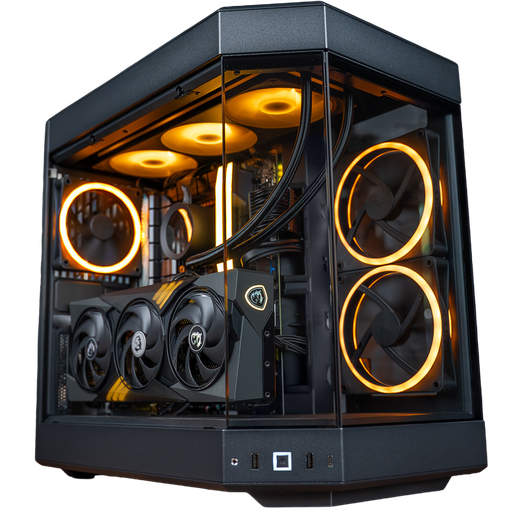
Novara PC GeForce RTX 5070
The RTX 5070 with a Ryzen 5 7500X3D: 1440p path tracing with DLSS 4.
Nightmare PC GeForce RTX 5070 Ti
More power and 16 GB of memory to push 1440p path tracing at very high quality, or even at 4K with DLSS 4.
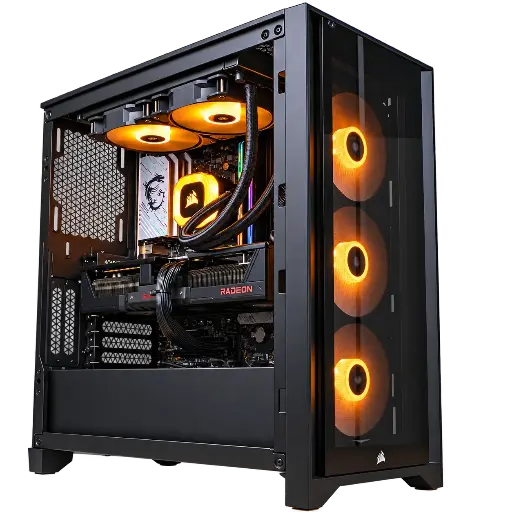
Prism PC Radeon RX 9070 XT
The AMD choice: 16 GB of memory, FSR 4, and very solid traditional ray tracing.
To go further, read our review of the RTX 5070 or browse all our gaming PCs built in Genappe.
Ray tracing FAQ
Does ray tracing reduce FPS?
Yes, because it requires a lot of calculations. That’s why we pair it with upscaling: NVIDIA’s DLSS 4 or AMD’s FSR 4 calculate the image at a lower resolution and then reconstruct it, which offsets a large part of the loss.
Ray tracing vs path tracing: which one should you enable in-game?
Traditional ray tracing works with all recent cards. Path tracing needs a more powerful GPU and DLSS 4: at 1440p, a GeForce RTX 5070 is the right place to start.
What is DLSS Ray Reconstruction?
It’s a DLSS feature launched in 2023 with DLSS 3.5, which uses AI to clean up ray tracing effects instead of using traditional filters. It works on all GeForce RTX GPUs, according to NVIDIA.
Will rasterisation disappear?
Not in the short term: the vast majority of games still rely on rasterisation and add ray tracing on top. Full path tracing remains reserved for a few flagship titles, but their number increases every year.
Sources
- NVIDIA, What Is Path Tracing? (March 2022, updated November 2022)
- NVIDIA, Cyberpunk 2077 Ray Tracing: Overdrive (April 2023)
- NVIDIA, DLSS 3.5 Ray Reconstruction (August 2023)
- NVIDIA, Doom: The Dark Ages path tracing update (June 2025)
- TechSpot, GeForce RTX 5070 vs Radeon RX 9070 XT, update 2026 (September 2026)
- Tom's Hardware, RTX 5070 vs RX 9070 (May 2025)
- AMD, Radeon RX 9070 product page (accessed September 2026)
