 Your PC in instalments (up to 12x)
By the FlowUP team, gaming PC builder in Genappe (Belgium) · Updated 7 October 2026
In brief: The DPI printed on the box tells you almost nothing about real-world accuracy: nearly all competitive players sit between 400 and 1600 eDPI. A modern 2.4 GHz wireless mouse adds no perceptible latency compared with a wired one. A 1000 Hz polling rate is enough for almost all uses. Weight and the shape you hold in your hand often matter more than the spec sheet. A consistent gaming keyboard and mouse combination prevents one of the two peripherals from holding the other back.
A good gaming mouse is chosen using a few specific criteria: the sensor and the actually useful DPI, the polling rate, weight, the shape in the hand, and the choice between wired and wireless. This guide answers point by point, with clear numbers and FlowUP workshop recommendations based on your budget.
What is a gaming mouse and how is it different from an office mouse?
Straight answer: a gaming mouse includes a more accurate optical sensor, a high polling rate and, often, programmable buttons, designed to track fast movement without dropping off or any perceptible latency. A typical office mouse prioritises quiet operation and everyday comfort, not high tracking speed in games.
The difference mainly comes down to three components: the sensor (its ability to track fast movement without “losing” the cursor, what’s called tracking drop-off or spinout), the switches under the buttons (their responsiveness and lifespan, measured in millions of clicks), and the electronics that manage communication with the PC (polling rate, processing latency). This is a classic in gaming hardware: the link that limits performance isn’t always the one you think, and even an entry-level mouse can bottleneck a setup that’s otherwise well equipped.
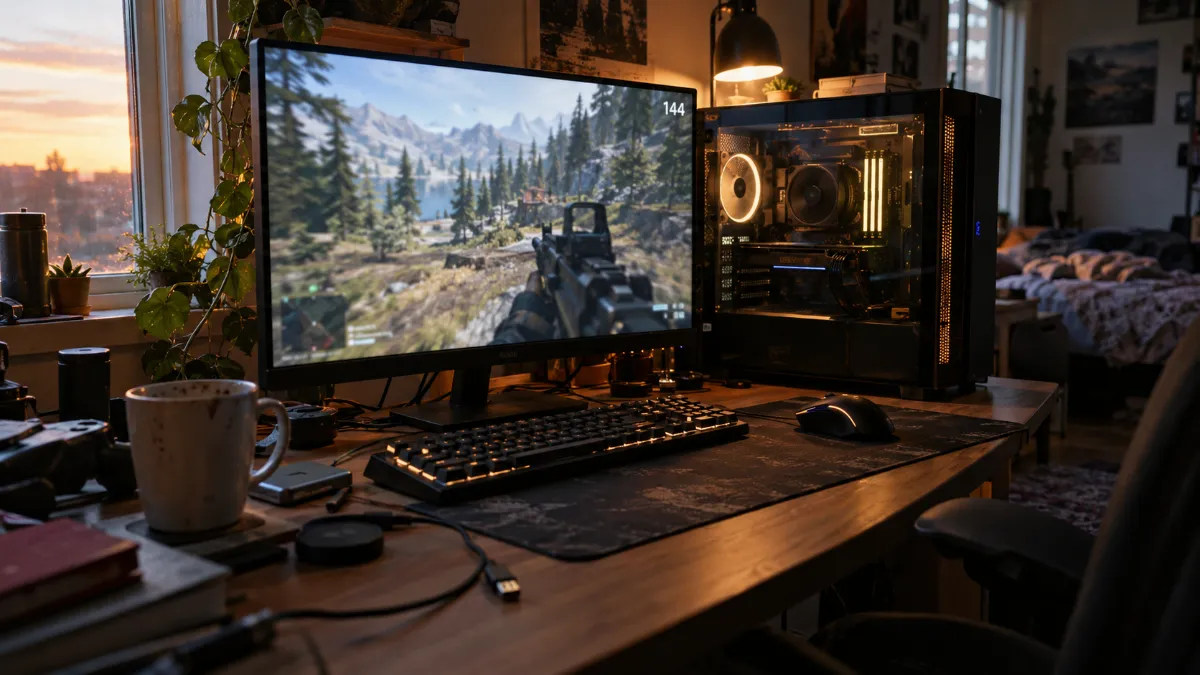
DPI and polling rate: the key benchmarks to know before you buy
Which DPI should you choose for a gaming mouse? DPI (dots per inch) measures the sensor’s raw sensitivity: the higher it is, the faster the cursor moves for the same hand movement. In practice, nearly all competitive FPS players use an eDPI (DPI multiplied by in-game sensitivity) between 400 and 1600, far from the 20,000 to 30,000 DPI that some mice advertise on their spec sheets.
In CS2, the eDPI range among professional players roughly runs from 400 to 1600, with most of them between 600 and 1200 and an average around 860; most set their mouse to 400 DPI and then adjust in-game sensitivity rather than increasing raw DPI (source: eDPI calculator CS2, csdb.gg, consulted on 7 October 2026). A high DPI is therefore not a guarantee of better aim: beyond a certain threshold, it mainly makes fine-tuning harder, because each micro-movement of your hand moves the cursor by far more pixels. What really matters when buying is that the sensor stays precise and stable across its entire DPI range, not the maximum advertised number.
| Usage | Typical DPI used | Typical eDPI |
|---|---|---|
| Competitive FPS (CS2, Valorant) | 400 to 800 | 400 to 1600 |
| Leisure FPS, battle royale | 800 to 1600 | variable |
| Office work, browsing | 1000 to 1600 | not relevant |
| Graphics, fine precision | 3200 and up depending on the screen | not relevant |
Polling rate: what is it for and what number should you aim for? The polling rate indicates how often the mouse sends its position to the PC, expressed in Hz. At 1000 Hz, a position is transmitted every millisecond; below that, the interval between two updates becomes longer and can introduce a micro-delay during fast movements.
The lower the polling rate, the longer the interval between two position reports: 8 ms at 125 Hz, 2 ms at 500 Hz, 1 ms at 1000 Hz, 0.25 ms at 4000 Hz and 0.125 ms at 8000 Hz. Between 1000 Hz and 8000 Hz, the real difference is only 0.875 ms, less than 0.5% of the total latency of a game chain for most setups; for around 99% of players, the difference is simply not noticeable, even on 144 Hz or 240 Hz screens. It only potentially becomes noticeable for very experienced players on 360 Hz or 540 Hz screens (source: polling rate analysis, redragonshop.com, consulted on 7 October 2026). Concretely: aiming for at least 1000 Hz is enough to play without compromise; 4000 or 8000 Hz remains a genuine technical plus, but it is rarely the criterion that should tip the balance between two gaming mice at the same budget.
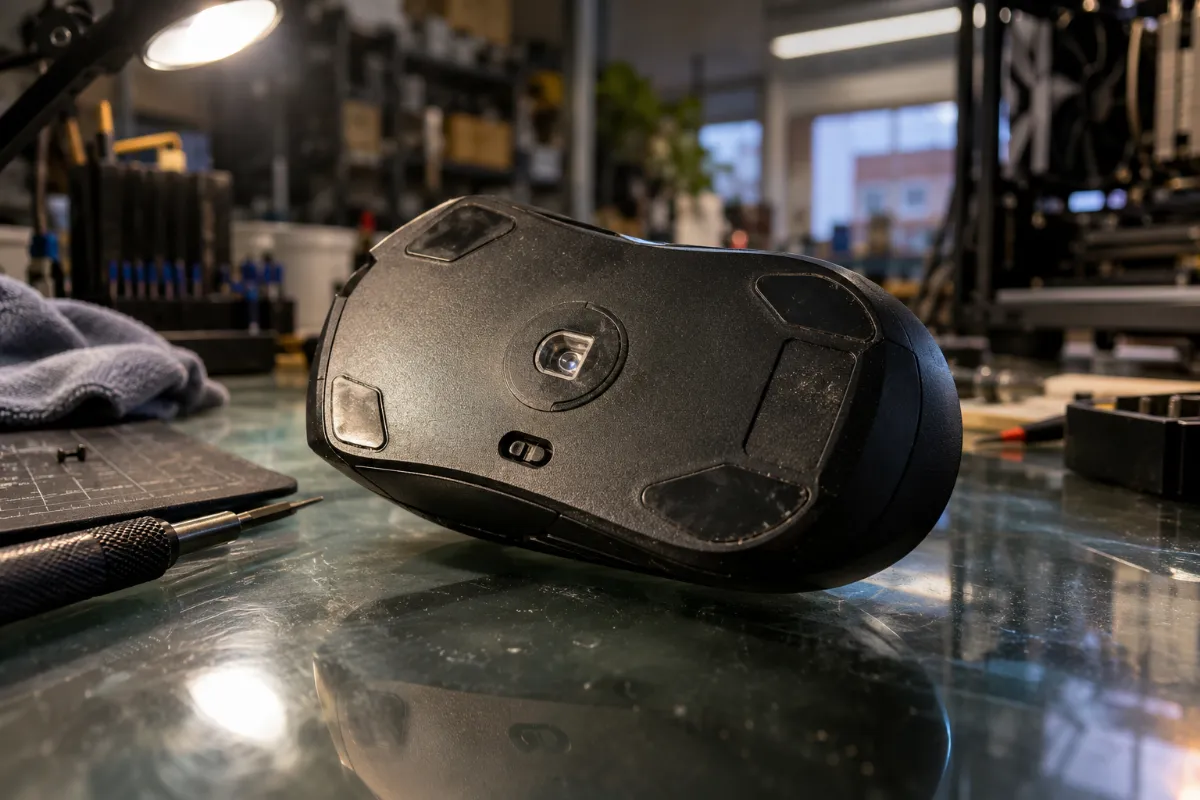
The optical sensor is the real precision component of a gaming mouse, far more than the maximum DPI advertised on the box.
Wired or wireless mouse: which should you choose for playing?
Direct answer: with today’s current 2.4 GHz wireless connections, the latency gap between a wireless gaming mouse and a wired gaming mouse has become negligible for the vast majority of players, competitive esports included. Wired still has its place to avoid any battery management and for smaller budgets, where wired models are generally cheaper for comparable specifications.
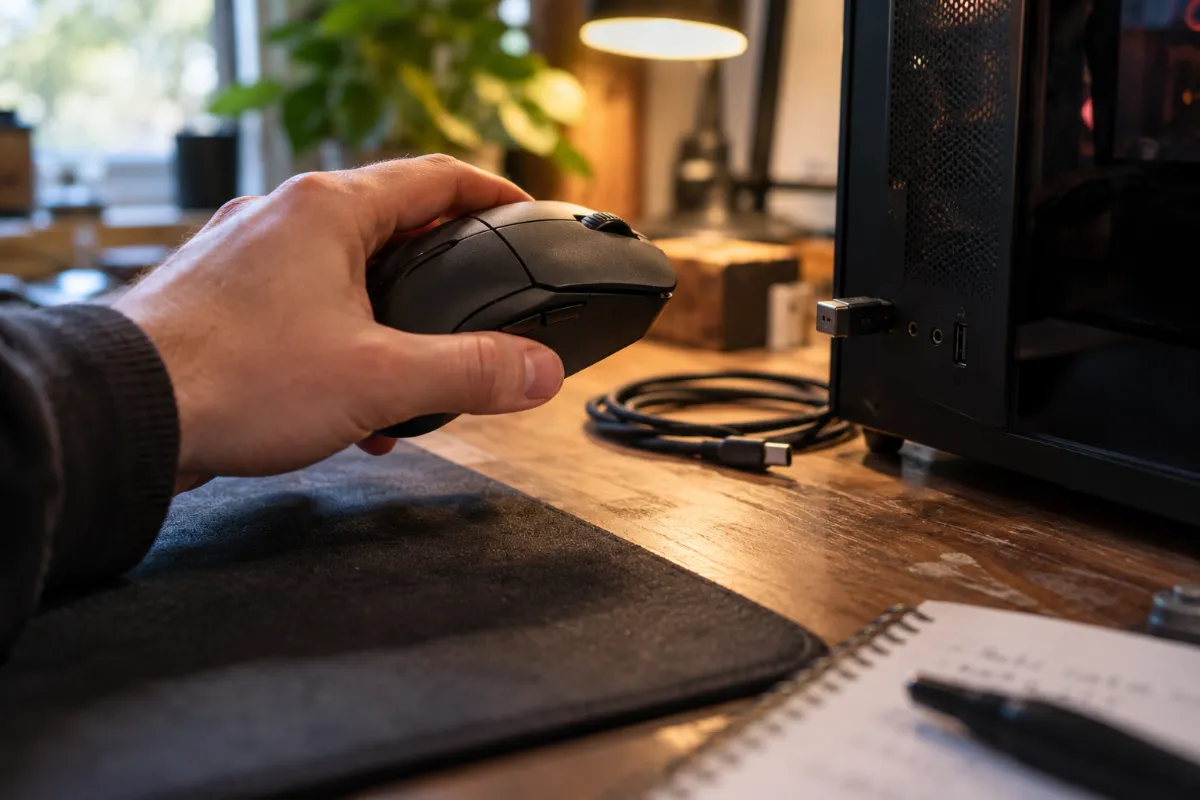
A recent gaming wireless mouse communicates on 2.4 GHz via a dedicated dongle, not Bluetooth (too unstable for gaming), with a polling rate as high as the wired models designed for competition. So the real question is no longer "wired or wireless" in terms of responsiveness, but battery life and weight: a wireless mouse has a battery on board, so it’s a bit heavier, and it means you have to think about charging it. For a first setup or a smaller budget, a wired gaming mouse is often the simplest and most economical choice; on models designed for competition, wireless now has virtually no disadvantages.
Gaming keyboard and mouse: should you choose them together?
Direct answer: nothing forces you to go for the same brand, but it’s useful to match the responsiveness level of the two devices: a very responsive mouse loses part of its value if it’s paired with a budget entry keyboard that introduces a higher input delay itself.
In a gaming chain, latency adds up at every link (mouse, keyboard, PC, screen). Choosing a consistent gaming keyboard-and-mouse setup mainly means making sure the two devices use comparable technologies (wired or 2.4 GHz wireless on both, not one on Bluetooth and the other on 2.4 GHz) and that neither of them becomes the weak link. For a first setup or a tight budget, an already matched gaming keyboard, mouse bundle avoids this kind of mismatch.
The same logic applies to the headset: before focusing on the spec sheet, our guide to choosing a gaming headset covers the same latency and comfort benchmarks, so this last piece of gear doesn't hold back the rest of your setup.
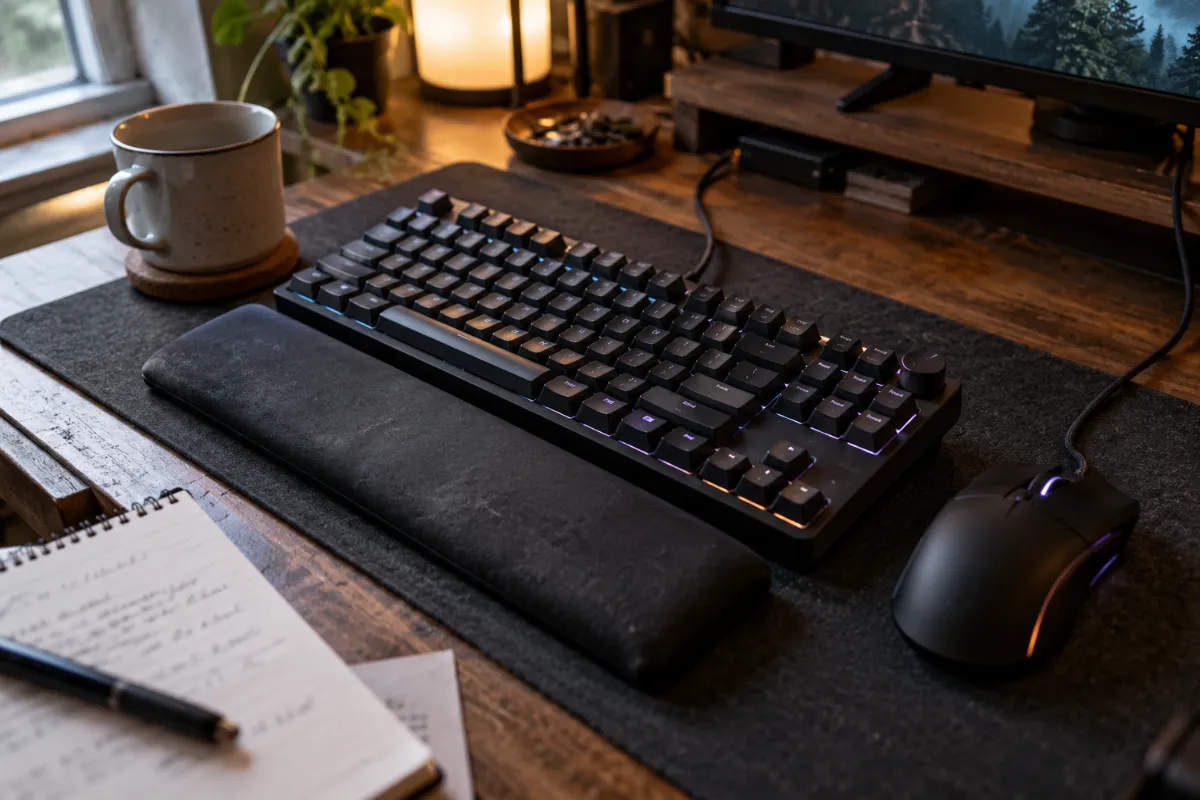
Matching the keyboard and mouse responsiveness level prevents one of the two devices from slowing the other down.
Which gaming mouse should you choose on FlowUP based on your budget?
Direct answer: at FlowUP, the choice ranges from an entry-level wired mouse to a high-end wireless mouse designed for competition. Here are four benchmarks based on use and budget.
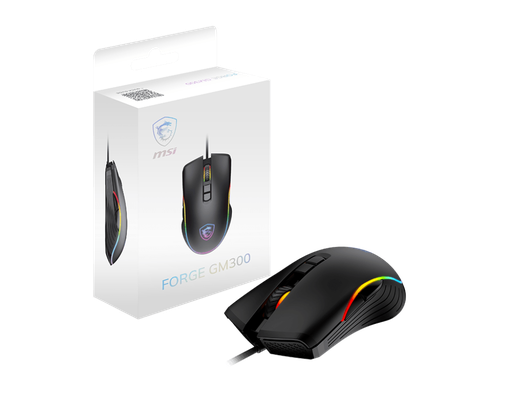
MSI Forge GM300, entry-level wired
7200 DPI sensor, reliable wired cable and entry price: the simple choice for getting set up without overthinking it, in office work as well as when you’re just starting out in gaming.
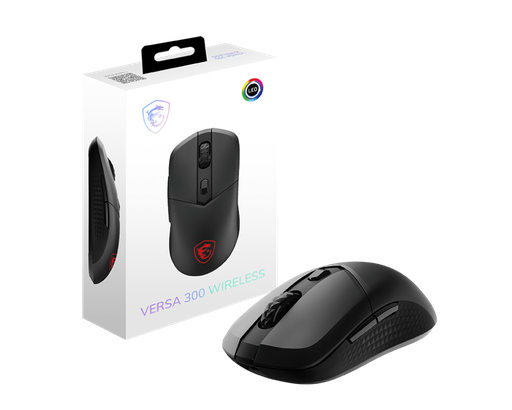
MSI Versa 300, mid-range wireless
2.4 GHz MSI SWIFTSPEED wireless connection, without the weight or the price of a high-end model: a good compromise to go wireless, with an accessible wireless gaming mouse.
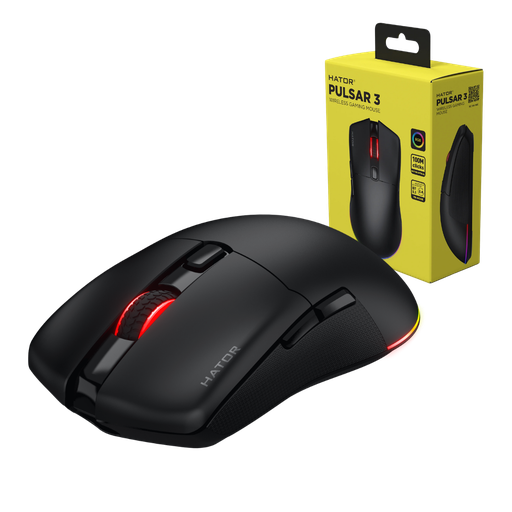
HATOR Pulsar 3 Wireless, performance wireless
12000 DPI sensor and 2.4 GHz wireless connection designed for responsive gaming: one step up for regular players who want a good wireless gaming mouse.
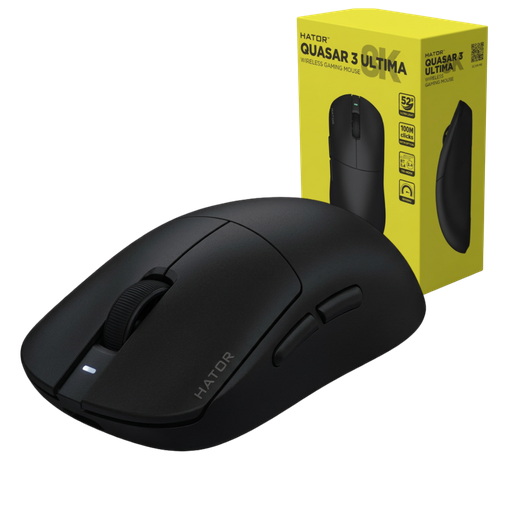
HATOR Quasar 3 Ultima, high-end competition
30,000 DPI sensor, polling rate up to 8000 Hz and tri-mode connectivity (2.4 GHz, Bluetooth, USB-C): for many, this is the best gaming mouse from FlowUP’s range for demanding competition.
FAQ
What is the best DPI for a gaming mouse?
There is no absolute best DPI: most competitive players play between 400 and 1600 eDPI. It’s better to choose a mouse with a precise and stable sensor, then adjust the DPI and sensitivity in-game until you find your own setting.
Do you need a wireless mouse to play in competition?
No, it’s no longer required: recent 2.4 GHz wireless mice deliver an equivalent polling rate and latency to wired. The choice mainly depends on budget and your preference for handling battery management.
How many programmable buttons are really useful on a gaming mouse?
For most games (FPS, battle royale), two side buttons are more than enough; mice with 8-12 programmable buttons are mainly for MMOs or for productivity shortcuts.
What weight should you choose for a gaming mouse?
There’s no universal weight: a light mouse (55 to 70 g) makes it easier to move quickly and make wide swipes in FPS, while a heavier mouse (90 g and up) suits a more relaxed, palm-style grip. The best option is still to try before deciding based on just this one criterion.
Does a 8000 Hz polling rate really make a difference in-game?
For almost all players, no: the gap with a standard 1000 Hz setup amounts to less than a millisecond, unnoticeable even on a 144 Hz or 240 Hz screen. The value of 8000 Hz is still real, but mainly measurable for very experienced players using very high refresh-rate displays.
Wired or wireless mouse: which lasts the longest?
A wired mouse has no battery to manage, so nothing to replace on that side; a modern wireless mouse typically offers several dozen hours of battery life per charge, with fast recharging via USB-C on recent models.
Sources
- eDPI calculator for CS2, csdb.gg, consulted on 7 October 2026: csdb.gg/fr/edpi-calculator
- “Mouse Polling Rate Explained: 1000Hz vs 4000Hz vs 8000Hz”, redragonshop.com, consulted on 7 October 2026: redragonshop.com
- FlowUP product sheets, specifications verified on 7 October 2026 on flowup.shop
