
By the FlowUP team, PC gaming assembler in Genappe (Belgium) · Updated 28 September 2026
In brief: a well-cooled graphics card generally lasts 5 to 8 years, often longer. What wears it down is heat, dust, and the wear-and-tear of the fans. In gaming, it stays comfortable for 3 to 5 years for a mid-range model, slightly longer for a high-end one. You need to replace it when your games no longer run correctly even after lowering the settings, when it crashes or shows artefacts, or when its drivers are no longer updated.
How long does a graphics card last?
You need to distinguish between two lifespans. The first is physical: how long the card powers on and runs without breaking down. The second is practical: how long it can run your games in good conditions. The second is almost always shorter than the first.
It’s not uncommon to come across graphics cards that are seven or eight years old and still work perfectly. They aren’t broken, they’re simply outpaced by newer games.
| Type of lifespan | Order of magnitude | What limits it |
|---|---|---|
| Physical lifespan | 5 to 8 years, often longer | Fans, thermal paste and thermal pads, dust, heat |
| Gaming comfort (high settings) | 3 to 5 years for mid-range, 4 to 6 years for high-end | Requirements of new games, amount of VRAM |
| Game drivers | Around 9 years (GTX 10: 2016 to October 2025) | End of support from the manufacturer |
| Warranty | Minimum 2 years in Europe; often 3 years with manufacturers | Manufacturer and seller conditions |
The physical and gaming-comfort lifespans are order-of-magnitude estimates based on our experience as assemblers, not guarantees. Drivers: NVIDIA’s support plan for Maxwell, Pascal and Volta, relayed by OC3D (July 2025).
What really wears out a graphics card
Heat
It’s the number-one enemy. A graphics chip running between 65 and 85 °C in games is within the norm. AMD even states that a hotspot temperature of up to 110 °C still falls within the specifications for its Radeon cards. What damages the card is permanent overheating, right up in the ceiling, in a poorly ventilated case, for years on end.
Dust and fans
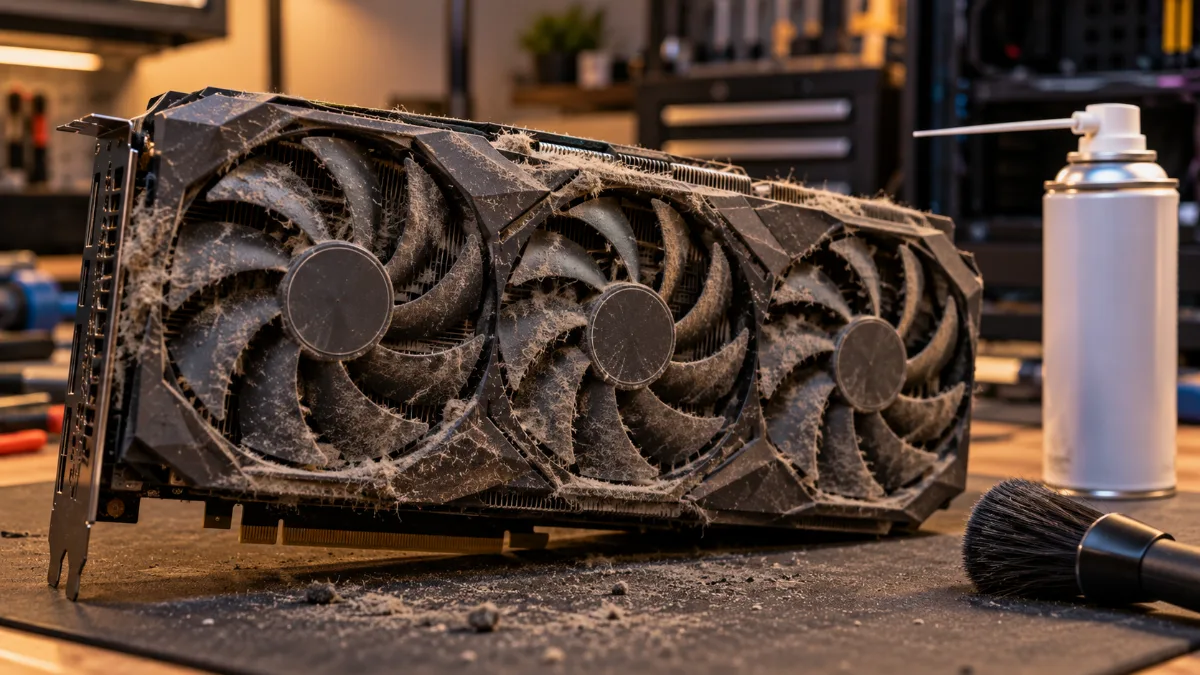
Dust clogs the heatsink; fans spin faster to compensate, wear out and become noisy. A fan that clicks or vibrates is often the first part to give up, and it’s also the easiest to replace.
Thermal paste and thermal pads
Between the chip and the heatsink, the thermal paste dries out over the years. The pads that cool the video memory compress. The result: a few extra degrees every year, until the card lowers its clock speeds to protect itself.
The power supply unit (PSU)
A low-end power supply or one that’s too close to the limit delivers a less stable current. With cards consuming 250 to 575 W at peak, the quality of the power supply matters as much as its wattage.
Mining and heavy overclocking
A card that was mining 24/7 has mainly worn out its fans and thermal pads. Overclocking with added voltage increases heat and electrical stress. Conversely, an undervolt reduces both.
Signs that a graphics card is getting tired
- Artefacts on the screen: checkerboard patterns, lines, flickering textures. Our guide on graphics-card artefacts helps you find the cause.
- Black screens or driver crashes in games, even though everything was fine before.
- Rising temperatures compared with the new card, at the same load.
- Noisy fans, that click or run at full speed all the time.
- Lower performance without any software reason: the card reduces its clock speeds to protect itself from the heat.
Obsolescence: when the card can no longer keep up with games
Most of the time, you don’t replace a graphics card because it’s dead, but because it can no longer keep up. Three limits come up again and again:
- Video memory. In 2026, 8 GB will be tight in 1440p in recent games with high textures. We discuss this in our article about the VRAM of the RTX 5090 and 5080.
- Hardware features. Indiana Jones and the Ancient Circle (December 2024) and Doom: The Dark Ages (May 2025) require a card capable of hardware ray tracing. A GTX, no matter how solid, can’t run them.
- Drivers. NVIDIA released the latest Game Ready driver for the GTX 900 and GTX 10 in October 2025. These cards will only receive security fixes until October 2028.
When should you replace your graphics card?
Replace it when it no longer meets your needs, not because it’s a certain age. Concretely, this is the moment if at least one of these points applies to you:
- Your games drop below 60 frames per second at your resolution, even with medium settings and upscaling (DLSS, FSR) enabled.
- A game you’re waiting for won’t launch because of missing hardware ray tracing or insufficient VRAM.
- The card crashes, shows artefacts, or overheats despite cleaning.
- Its drivers are no longer updated, and your newer games start to show it.
Before buying, also check the rest of the system. A new(er) card in a PC with an old CPU or a power supply that’s too underpowered won’t deliver what it promises. Our guide on the components of a gaming PC explains how the parts work together.
How to extend the life of your graphics card
- Dust it off every 6 months with dry air, by blocking the fans so they don’t spin too fast.
- Look after the airflow in the case: cool air coming in at the front, hot air exhausting out the back and up top.
- Try an undervolt: you rarely lose performance and you often gain several degrees.
- Support the big cards with an anti-sag bracket: the weight pulls on the PCIe slot.
- Replace thermal paste and pads after 4 or 5 years if temperatures are climbing. Note: opening the card can void the warranty, do it only once that warranty has ended.
Dan Ws’ tutorial shows the thermal paste replacement on a RTX 3080.
Used graphics card: the pitfalls to avoid
A used card can be a great deal, provided you check a few things. Ask for its history (mining or not), the original invoice for the remaining warranty, and test it under load for at least 15 minutes while monitoring temperatures and clock speeds. Loud fans or a hotspot temperature that’s far above the chip often point to thermal paste or pads that need to be redone.
Move to a newer card with a PC FlowUP
If your card has had its day and the rest of the PC too, a full PC avoids unpleasant compatibility surprises. Here are two current configurations, assembled and tested in our workshop:
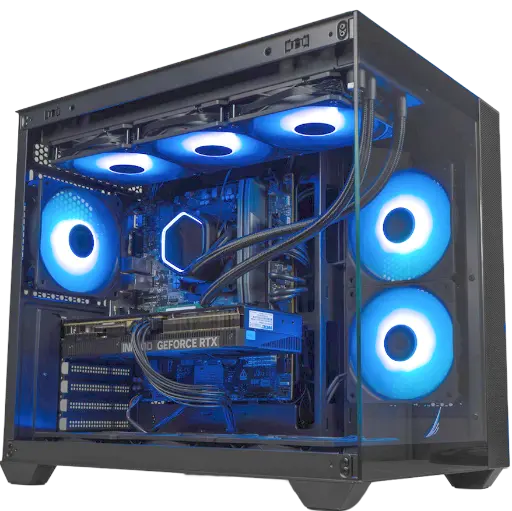
Umbra PC: GeForce RTX 5070 12 GB
To play in 1440p with DLSS 4 and image generation. A next-gen card that still has many years ahead of it.
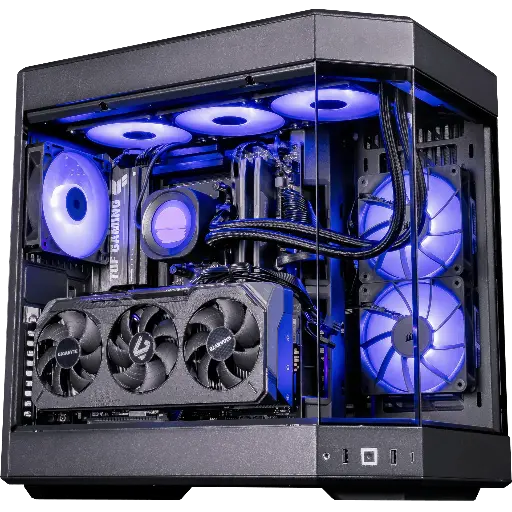
PC Shadow V2 : Radeon RX 9070 XT 16 GB
Ryzen 7 9800X3D, Radeon RX 9070 XT 16 GB and 32 GB of DDR5: XT power for 1440p and 4K.
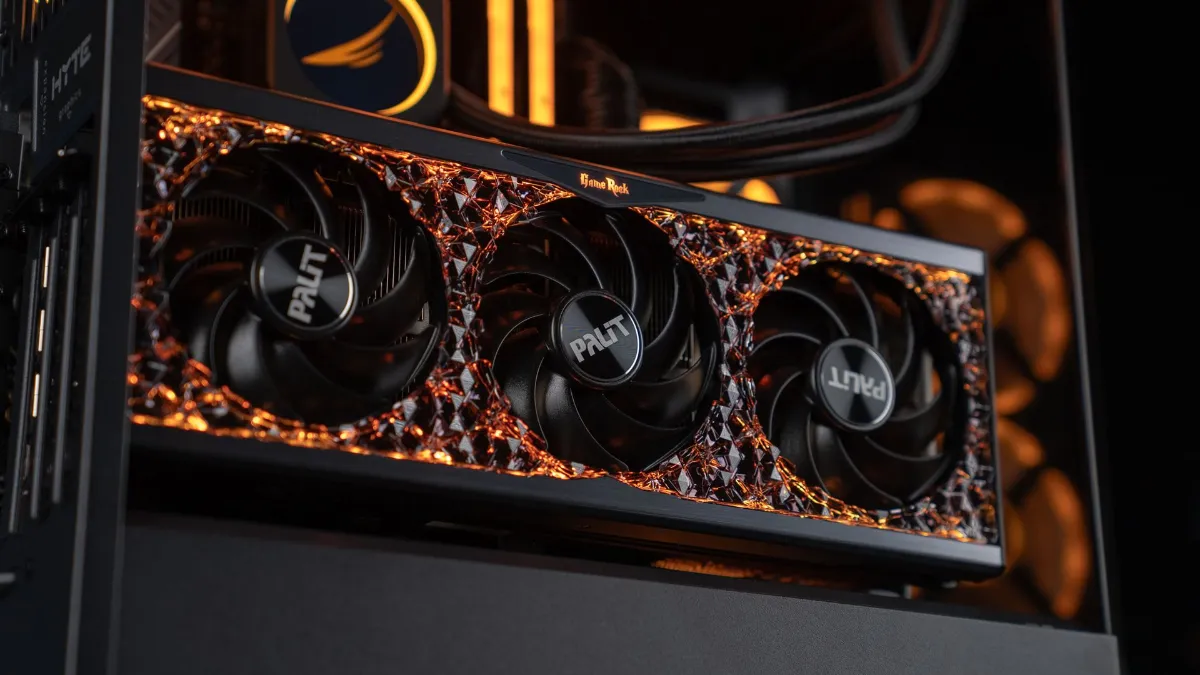
A generous heatsink and a well-ventilated case matter just as much as the chip itself. That’s what makes the difference over time: a card that runs 10 °C cooler ages better, stays quieter for longer, and keeps its clock speeds.
Frequently asked questions about graphics card lifespan
What is the average lifespan of a graphics card?
Physically, 5 to 8 years on average for a well-cooled and properly maintained card, often longer. For gaming, a mid-range model stays comfortable for 3 to 5 years before you have to seriously lower settings.
Can a graphics card last 10 years?
Yes, many cards still work after 10 years. However, they no longer run recent games, and their drivers are no longer updated.
Does gaming every day wear out the graphics card?
A bit, especially the fans and the thermal paste. A well-cooled card can handle several hours of gaming per day for years without any problem.
At what temperature is a graphics card in danger?
Between 65 and 85 °C while gaming, everything is fine. Beyond 90 °C on the chip continuously, you need to clean and check the airflow. The card protects itself by lowering its clock speeds before it gets damaged.
Should you avoid a graphics card that was used for mining?
Not necessarily. Mining mainly wears out the fans and thermal pads, which can be replaced. Test it under load and negotiate the price accordingly.
Should you replace the thermal paste on a graphics card?
Only if temperatures have increased noticeably, generally after 4 or 5 years. Do it out of warranty, because opening the card can void it.
