 Your PC in instalments (up to 12x)
Windows 10 is Microsoft’s latest operating system, released in July 2015. It is available in several editions, including Windows 10 Home, Windows 10 Pro, Windows 10 Enterprise and Windows 10 Education.
The trial version of Windows 10 is a version of Windows 10 that allows users to test the operating system before purchasing it. This version is available for free. After a 30-day period, you will be able to activate Windows if you want to upgrade to the full version of Windows 10.
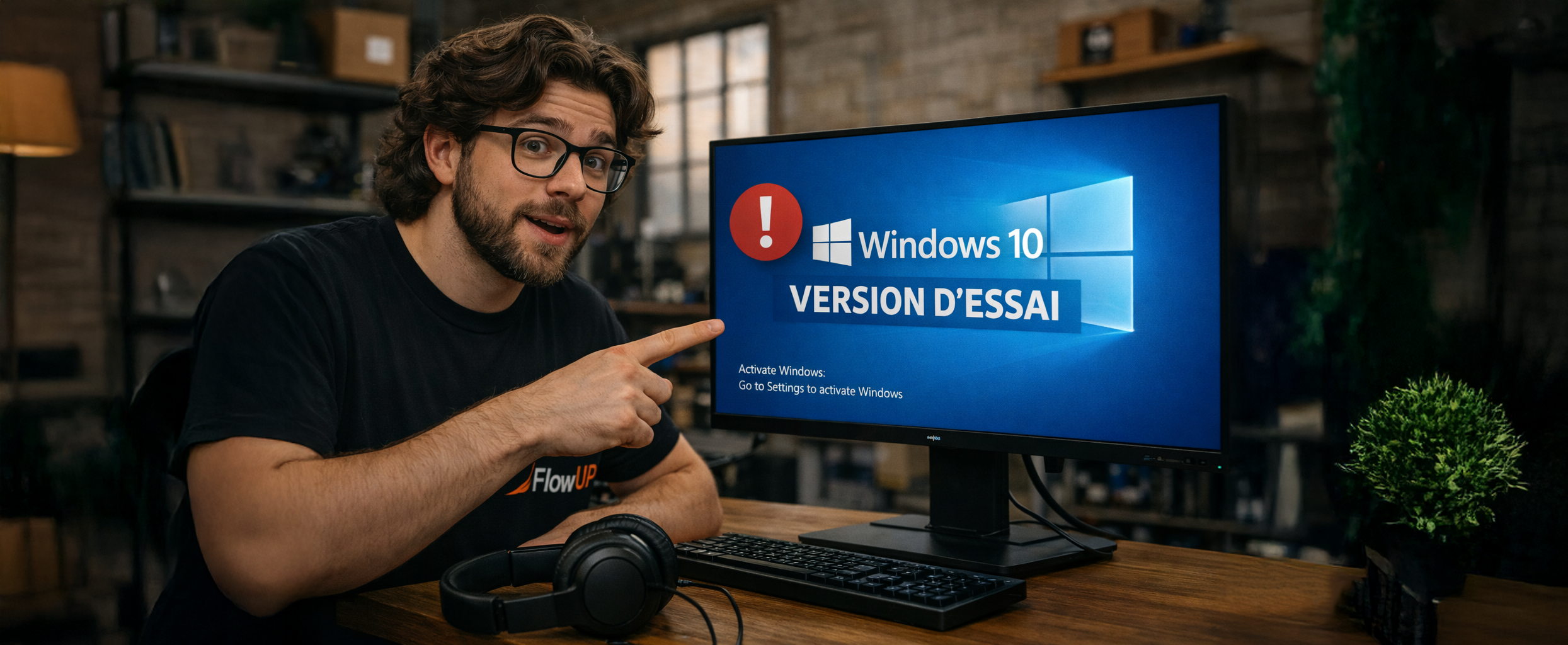
After installing Windows 10 without a key, it won’t actually be activated. However, an unactivated version of Windows 10 has very few restrictions.
The restrictions (essentially cosmetic) are as follows:
Windows is not activated
After installing Windows 10 without a key, it won’t actually activate. However, unactivated versions of Windows 10 have very few restrictions.
After a while, Windows will start suggesting that you use an activation key. First of all, you will see a watermark in the bottom-right corner of your screen. It also says “Windows is not activated. Click Activate Windows now” at the bottom of the Settings app.
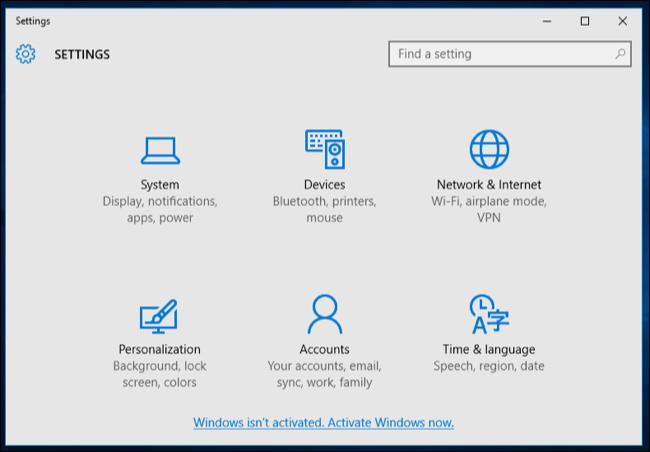
This is the only form of warning you’ll see. For example, no pop-up window.
Change the wallpaper
Secondly, you can’t change the desktop wallpaper from the customisation screen; background in the Settings app.
The message “To personalise your PC, you need to activate Windows” appears at the top of this window, and the wallpaper-change option is greyed out.
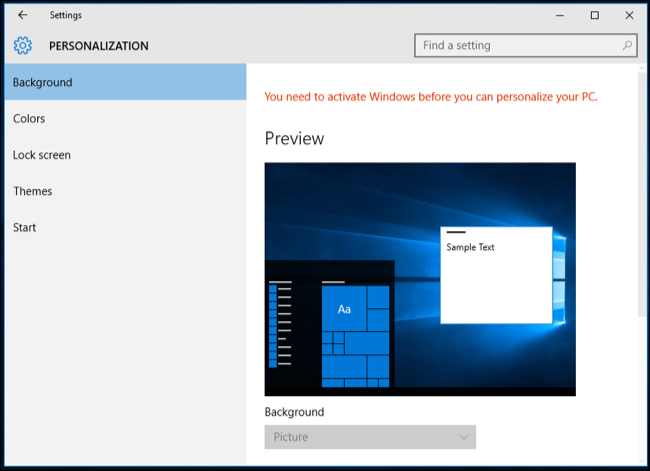
However, you can also change the wallpaper in other ways. For example, you can right-click an image in File Explorer and select Set as wallpaper.
You can also open the image in the Photos app, click the menu button, click Settings, and then click Set as background.
Apart from these basic limitations, your Windows 10 system will work without limits over time. No alerts other than watermarks. You have all the system updates and everything else works perfectly.
