 Your PC in instalments (up to 12x)

Why aren’t my fans spinning?
When you turn on your computer, you can hear the familiar sound of the fans starting up to vent the heat generated by the components. However, it can happen that the fans in your computer don’t spin, which can be a serious issue for your computer’s health.
In this blog post, we’ll look at the reasons why the fans may not be spinning and how you can fix this problem.
However, keep in mind that fans that don’t spin on the graphics card is a perfectly normal situation—it’s the passive mode. They will only start up when the computer gets too hot.
Why aren’t my computer fans spinning?
There are several reasons why a computer’s fans may not spin. Here are some of the most common causes:
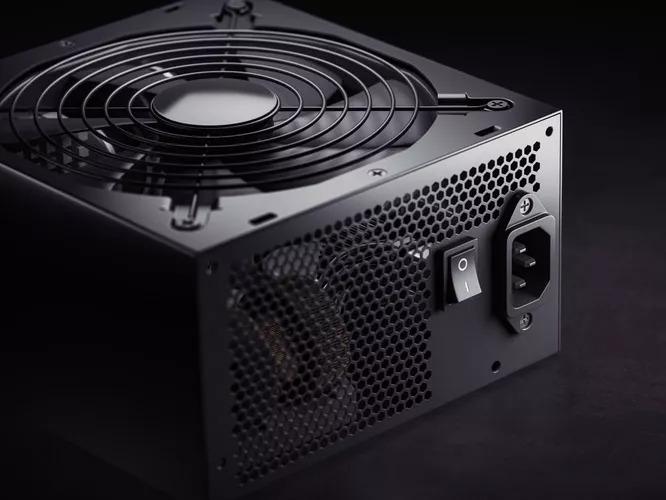
A power supply issue
If the fans in your computer don’t receive enough power, they won’t be able to spin properly.
By buying a FlowUP PC, you can be sure you won’t run into this problem because we know and test our PCs, as well as their different power supplies. We guarantee quality components that are compatible with each other.
A problem with unplugged fan connectors
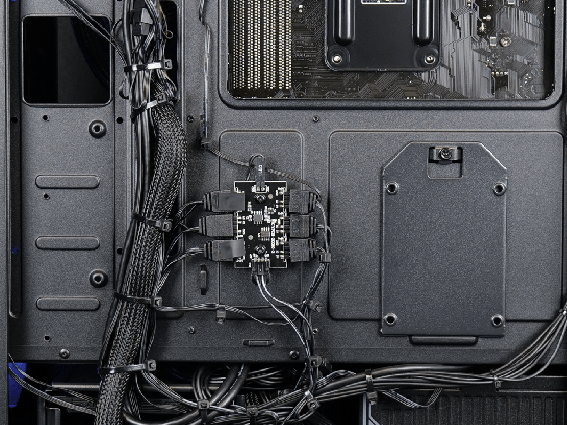
If the fan connector isn’t properly plugged into the motherboard, the fan won’t be able to work.
Check the connections by removing the backplate from the PC.
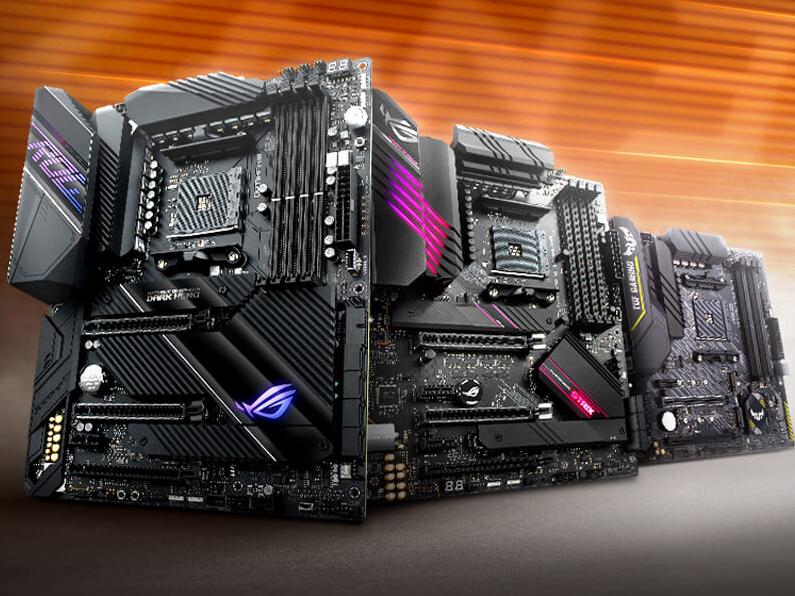
A motherboard issue
If your computer’s motherboard has a problem, the fans won’t be able to work.
A problem with the fans
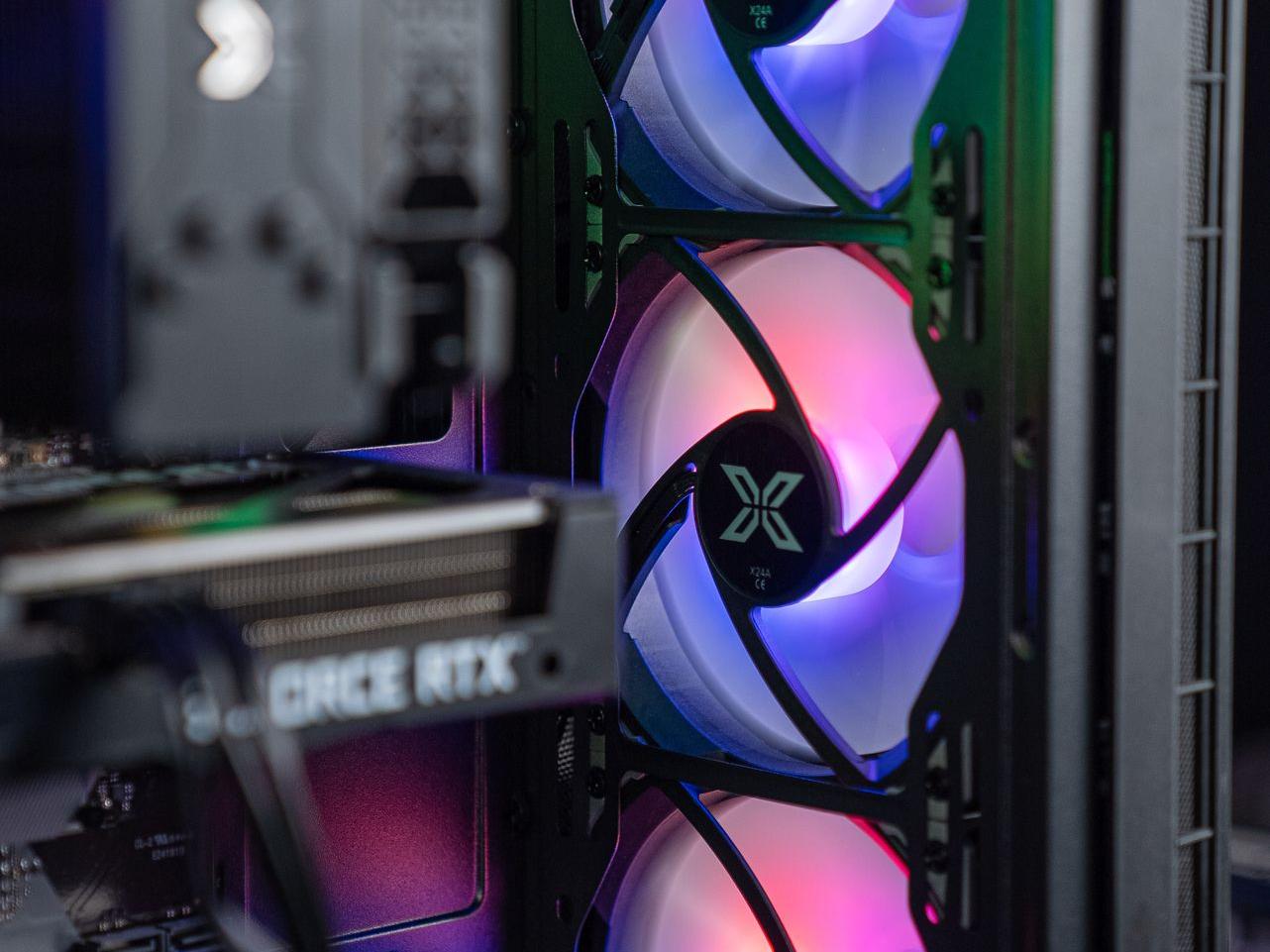
If the fan is faulty or damaged, it won’t be able to work properly.
How do you fix a fan problem where the fans aren’t spinning?
Here are a few steps you can follow to fix the problem of fans not spinning:
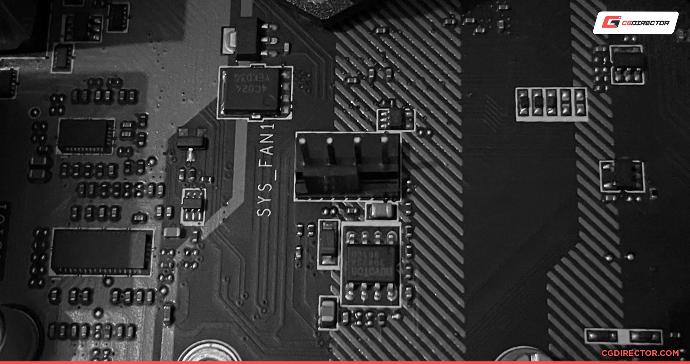
Check the connections
Make sure the fan connectors are properly plugged into the motherboard. If the connectors are unplugged, plug them in correctly and try again to get the fans working.
The fans should connect to the different Fan System on the motherboard; the watercooling or air cooler (ventirad) will connect to the CPU fan.
Check the fan connections at the back of the PC by removing the backplate; trace the fan cables to see whether they’ve come unplugged.
Check the motherboard settings
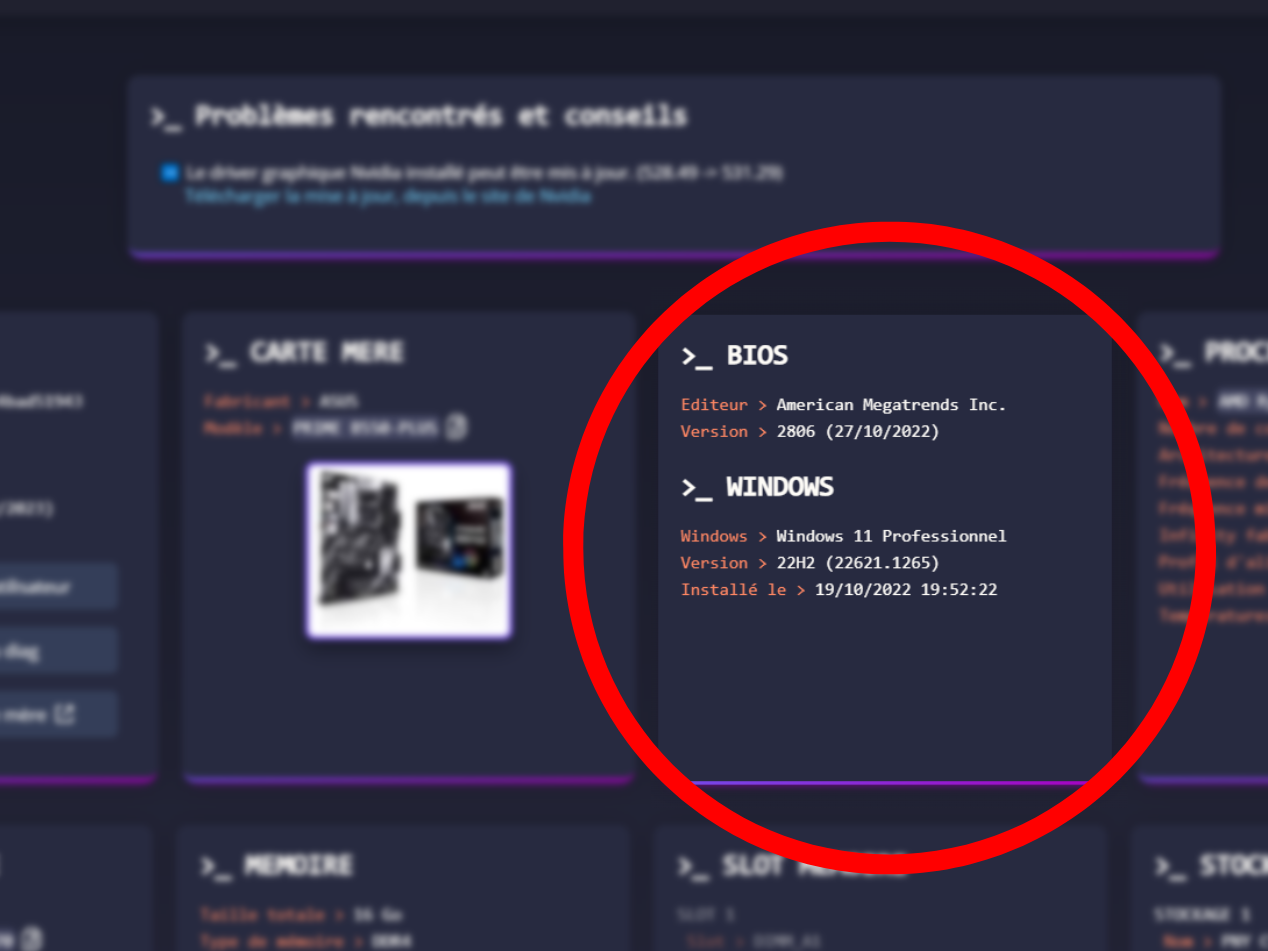
Check whether the motherboard settings are correct. The motherboard settings can be changed from the computer’s BIOS.
Make sure the motherboard settings are configured to allow the fans to run.
To do this, use userdiag.
Check the fans
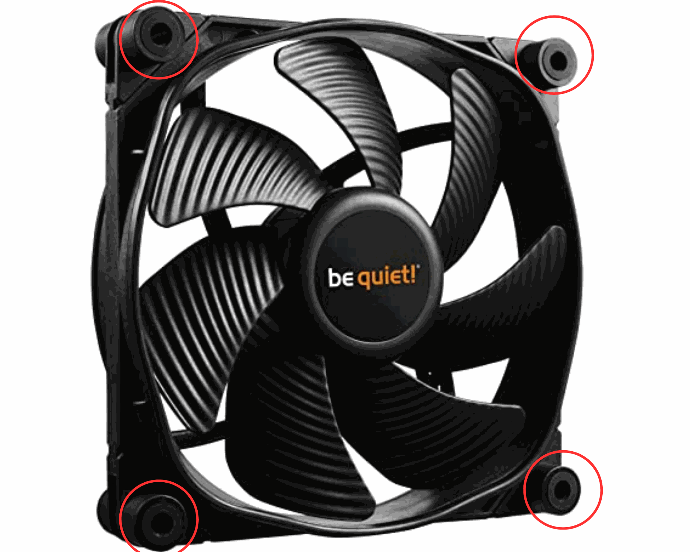
Check that the fans aren’t screwed in too tightly and therefore rubbing against the case, which could prevent them from spinning normally.
Loosen the fan on the case enough to let it spin without any physical strain.
Fans are an important part of any computer, and their proper operation is crucial to keep the components at a safe operating temperature.
If your fans aren’t spinning, it’s important to find the cause and fix it quickly.
By following the steps above, you should be able to resolve most problems with computer fans that aren’t spinning.
