 Your PC in instalments (up to 12x)
Before leaving the workshop, every PC has to prove itself.
A PC for €600 and a PC for €6,000 don’t have the same performance. But at FlowUP, both go through the same level of requirements.
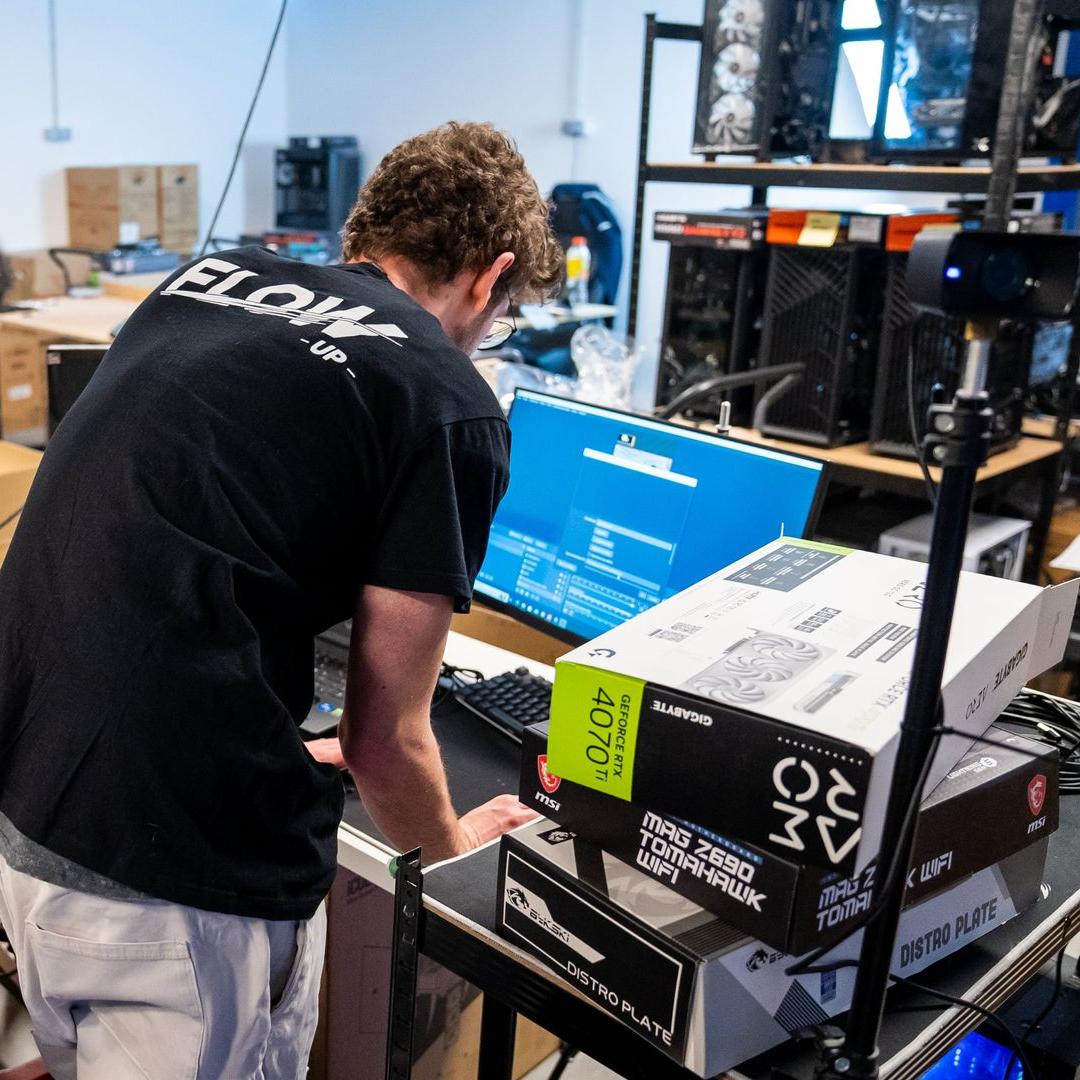
Tested before shipping, so what does that mean?
Checking that a PC displays Windows isn’t enough. Instability can show up only when the processor, memory, or graphics card are actually put under real load.
Our benchmark therefore combines human inspection, functional checks, and load testing. The goal: detect the problem in our workshop, not at your place.
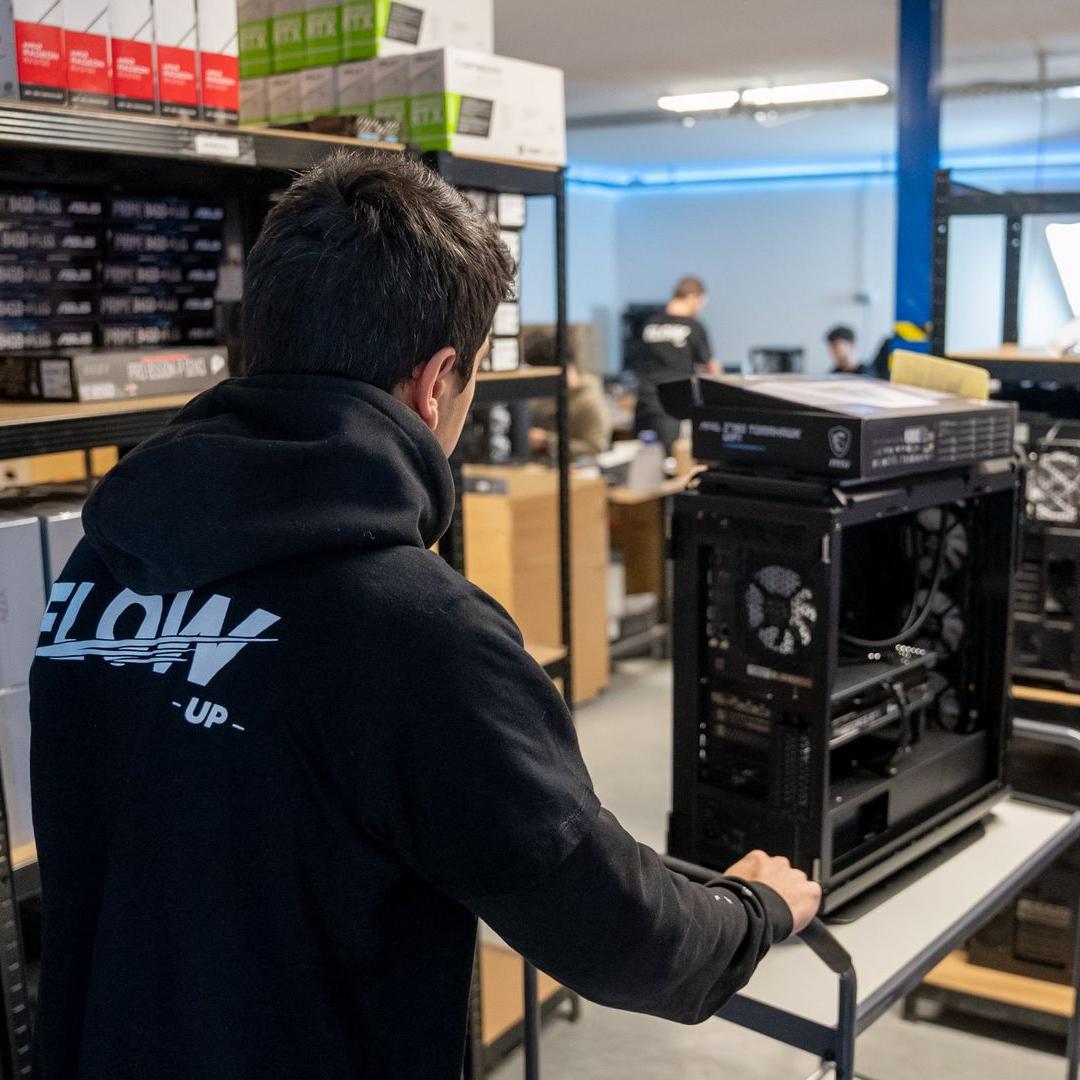
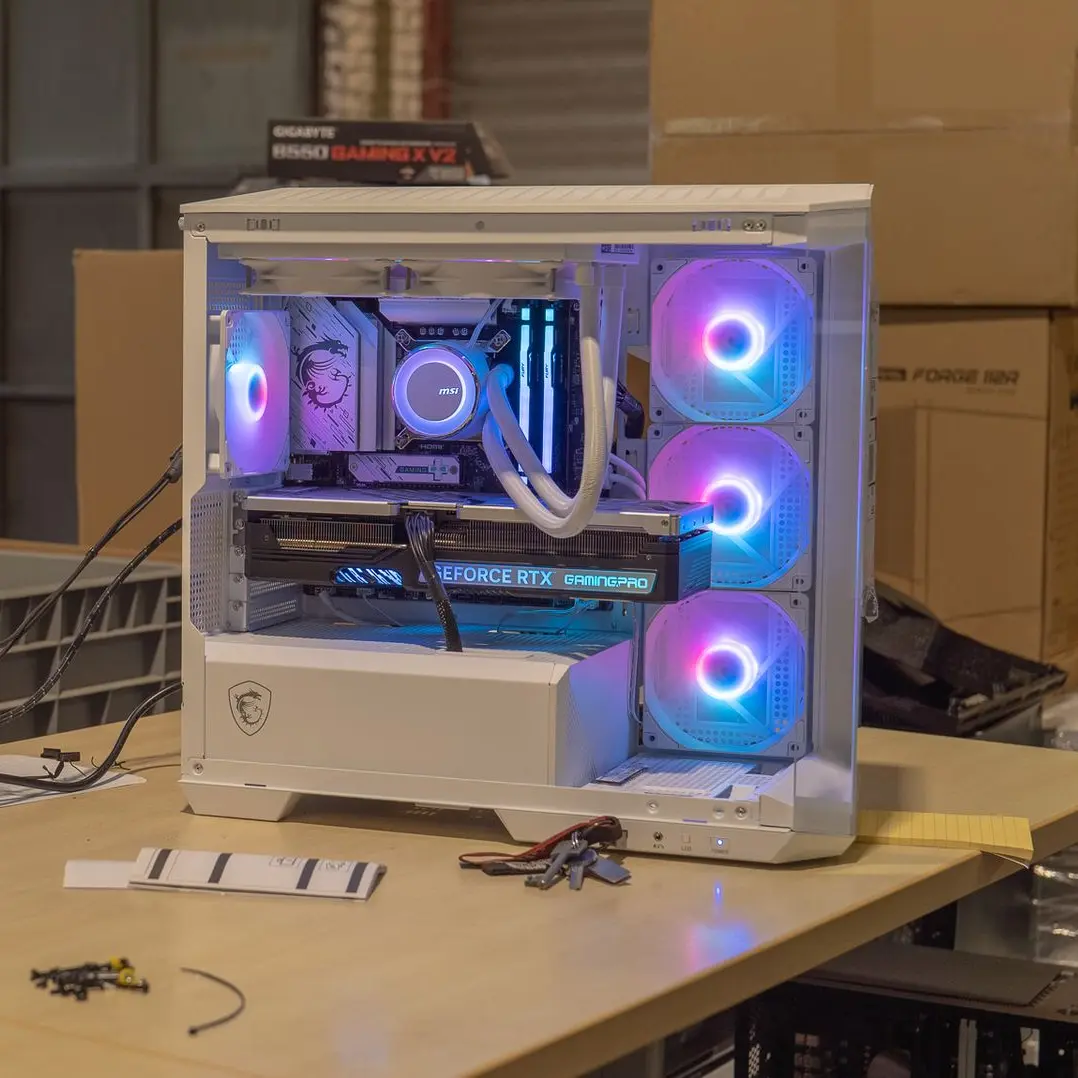
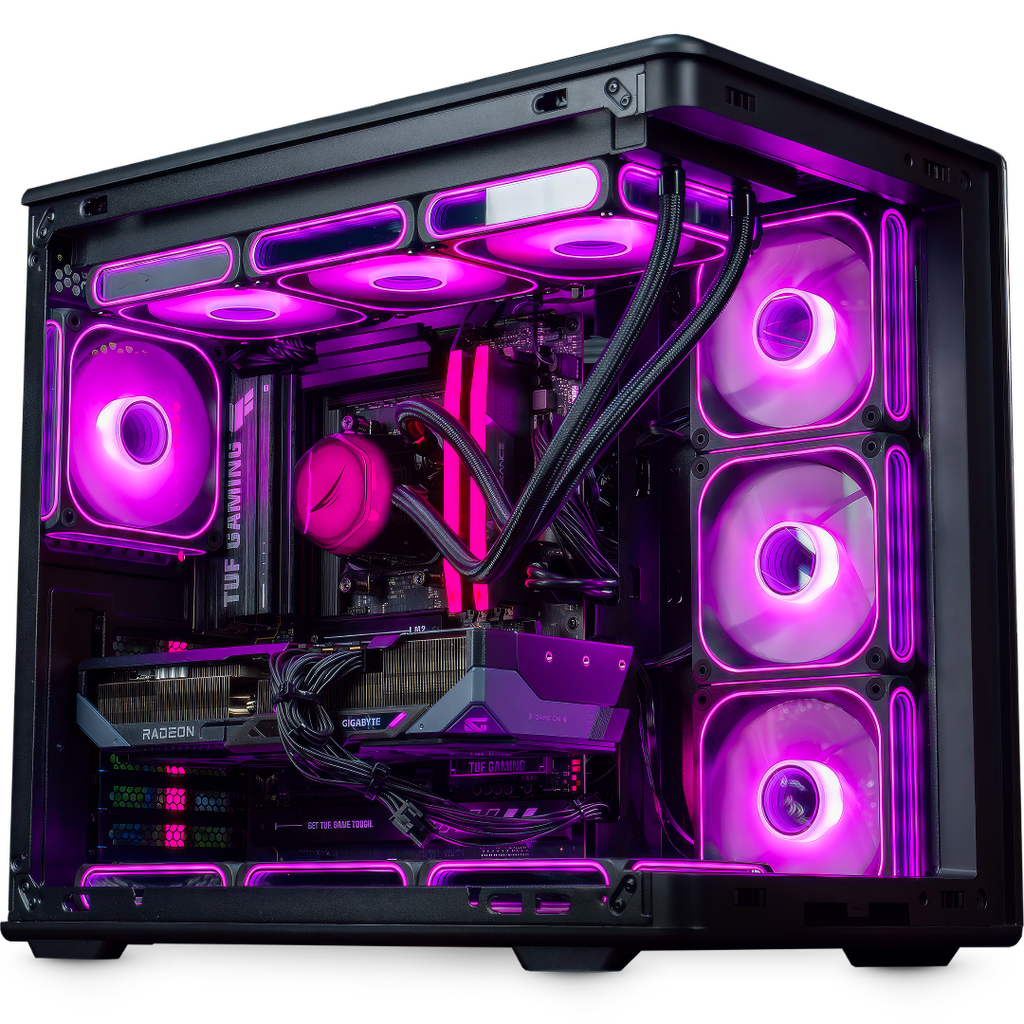
The checks can be seen, too.
Assembly, checks, and validation: real machines, verified by a real team in Belgium.
Six steps before the green light.
Open a step to see exactly what’s checked.
01The SSD is preparedWindows, updates, drivers, and useful software are prepared in advance.
Graphics drivers, chipset, network, and audio are installed. Depending on the motherboard, useful manufacturer tools such as Armoury Crate or MSI Center are also prepared.
02Assembly is inspectedScrews, connections, cooling, and cable management are checked.
We check the component mounting, power connections, the cables for fans and the pump, as well as the absence of any obstructing cable.
03Everything must workThe PC boots, Windows starts, and every visible function is checked.
Fans, cooling, RGB, component recognition, and launching applications: no freezes, restarts, or unusual behaviour should appear.
04The machine is pushedOCCT puts the components under 20 minutes of monitored load.
CPU, RAM, GPU, VRAM, power supply, and storage are stressed. Temperatures, frequencies, errors, and hardware events are tracked during the test.
05Connectivity is testedPorts and connections must be operational before validation.
USB, USB-C, audio, Ethernet, Wi‑Fi, and Bluetooth are checked depending on the equipment present in the configuration.
06Zero errors, otherwise back to the workshopOne error is enough to stop the machine’s validation.
The PC is diagnosed, corrected, and then goes through the entire benchmark again. If necessary, we continue with a manual check under real conditions.
OCCT looks for what the eye can’t see.
OCCT is specialised software for stress testing, monitoring and detecting instabilities. During the bench, it puts the components under load and tracks errors, temperatures, frequencies and hardware events in real time.
Processor
Load, frequencies, temperature and calculation errors.
Memory
RAM and memory controller stability under load.
Graphics card
3D load, rapid variations, artefacts and driver stability.
Video memory
Integrity of the graphics memory when it’s put under demand.
Power supply
Stability when the processor and graphics card work together.
Storage
Operation and stability of the drive that hosts the system.
A good temperature depends on the configuration.
A recent processor can work normally at a high temperature under extreme load, while a properly cooled graphics card will often be lower. The number alone isn’t enough.
We compare the readings for the processor, GPU, cooling and case ventilation. Above all, we make sure the behaviour is consistent, stable and without unusual loss of performance.
Every function has to deliver.
A stable PC with a faulty port isn’t a validated PC. The connections and available functions are checked before the next step.
The PC doesn’t leave the workshop.
The cause of the problem is diagnosed, then fixed: connection, adjustment, cooling, driver or component. If necessary, we continue with a manual test in real-world conditions.
✓The PC leaves only when everything is green.
Compliant assembly, normal boot, up-to-date drivers, stable components, consistent temperatures, functioning connections and zero detected errors: the bench is then validated.
The bench, without any grey area.
Why 20 minutes on OCCT?
OCCT puts the components under intense, monitored load immediately. These 20 minutes are part of an overall check that can last up to an hour, including inspection, boot, connections and human validation.
Do all PCs go through this process?
Yes. The performance level changes depending on the budget, but the stability requirement remains the same for every PC assembled by FlowUP.
Is XMP or EXPO enabled?
Memory and BIOS settings are checked and adjusted to the configuration and the requirements defined for the machine. For a custom project, they can be fine-tuned based on the client’s request.
What happens after a repair?
The machine runs the entire bench again. It doesn’t simply continue from where it previously failed.
Choose performance. We take care of stability.
Discover the gaming PCs assembled and tested in our workshop in Belgium.
Discover FlowUP PCs →Before leaving the workshop, every PC has to prove itself.
A PC for €600 and a PC for €6,000 don’t have the same performance. But at FlowUP, both go through the same level of requirements.
Tested before shipping, so what does that mean?
Checking that a PC displays Windows isn’t enough. Instability can show up only when the processor, memory, or graphics card are actually put under real load.
Our benchmark therefore combines human inspection, functional checks, and load testing. The goal: detect the problem in our workshop, not at your place.
The checks can be seen, too.
Assembly, checks, and validation: real machines, verified by a real team in Belgium.
Six steps before the green light.
Open a step to see exactly what’s checked.
01The SSD is preparedWindows, updates, drivers, and useful software are prepared in advance.
Graphics drivers, chipset, network, and audio are installed. Depending on the motherboard, useful manufacturer tools such as Armoury Crate or MSI Center are also prepared.
02Assembly is inspectedScrews, connections, cooling, and cable management are checked.
We check the component mounting, power connections, the cables for fans and the pump, as well as the absence of any obstructing cable.
03Everything must workThe PC boots, Windows starts, and every visible function is checked.
Fans, cooling, RGB, component recognition, and launching applications: no freezes, restarts, or unusual behaviour should appear.
04The machine is pushedOCCT puts the components under 20 minutes of monitored load.
CPU, RAM, GPU, VRAM, power supply, and storage are stressed. Temperatures, frequencies, errors, and hardware events are tracked during the test.
05Connectivity is testedPorts and connections must be operational before validation.
USB, USB-C, audio, Ethernet, Wi‑Fi, and Bluetooth are checked depending on the equipment present in the configuration.
06Zero errors, otherwise back to the workshopOne error is enough to stop the machine’s validation.
The PC is diagnosed, corrected, and then goes through the entire benchmark again. If necessary, we continue with a manual check under real conditions.
OCCT looks for what the eye can’t see.
OCCT is specialised software for stress testing, monitoring and detecting instabilities. During the bench, it puts the components under load and tracks errors, temperatures, frequencies and hardware events in real time.
Processor
Load, frequencies, temperature and calculation errors.
Memory
RAM and memory controller stability under load.
Graphics card
3D load, rapid variations, artefacts and driver stability.
Video memory
Integrity of the graphics memory when it’s put under demand.
Power supply
Stability when the processor and graphics card work together.
Storage
Operation and stability of the drive that hosts the system.
A good temperature depends on the configuration.
A recent processor can work normally at a high temperature under extreme load, while a properly cooled graphics card will often be lower. The number alone isn’t enough.
We compare the readings for the processor, GPU, cooling and case ventilation. Above all, we make sure the behaviour is consistent, stable and without unusual loss of performance.
Every function has to deliver.
A stable PC with a faulty port isn’t a validated PC. The connections and available functions are checked before the next step.
The PC doesn’t leave the workshop.
The cause of the problem is diagnosed, then fixed: connection, adjustment, cooling, driver or component. If necessary, we continue with a manual test in real-world conditions.
✓The PC leaves only when everything is green.
Compliant assembly, normal boot, up-to-date drivers, stable components, consistent temperatures, functioning connections and zero detected errors: the bench is then validated.
The bench, without any grey area.
Why 20 minutes on OCCT?
OCCT puts the components under intense, monitored load immediately. These 20 minutes are part of an overall check that can last up to an hour, including inspection, boot, connections and human validation.
Do all PCs go through this process?
Yes. The performance level changes depending on the budget, but the stability requirement remains the same for every PC assembled by FlowUP.
Is XMP or EXPO enabled?
Memory and BIOS settings are checked and adjusted to the configuration and the requirements defined for the machine. For a custom project, they can be fine-tuned based on the client’s request.
What happens after a repair?
The machine runs the entire bench again. It doesn’t simply continue from where it previously failed.
Choose performance. We take care of stability.
Discover the gaming PCs assembled and tested in our workshop in Belgium.
Discover FlowUP PCs →