


The SSD at the heartof your setup
When you launch a game, your PC pulls its files from the SSD. Discover the Intenso PCIe Premium and compare the two capacities for your library.

Read and write
Maximum sequential speeds announced by Intenso for both capacities.
- Read up to
- 2000 Mo/s
- Write up to
- 1000 Mo/s
500 GB or 1 TB for your games
Choose the size of a game to see how many you could keep installed on each SSD.
Choose your configuration
Filter the six Black Week PCs by capacity. You’ll find the price and full configuration on each product page.
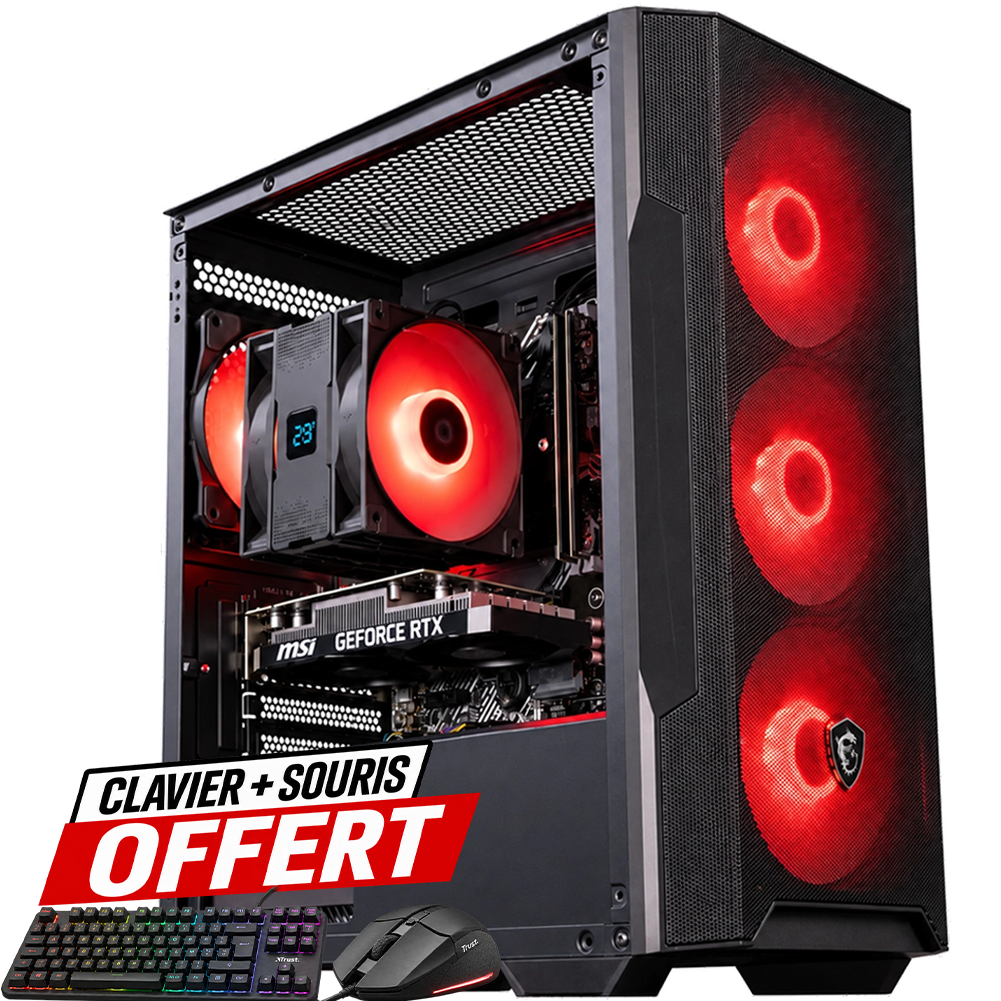
Bengal
500 GB SSDGeForce RTX 3050
Core i5-11400F · 16 GB DDR4
See the Bengal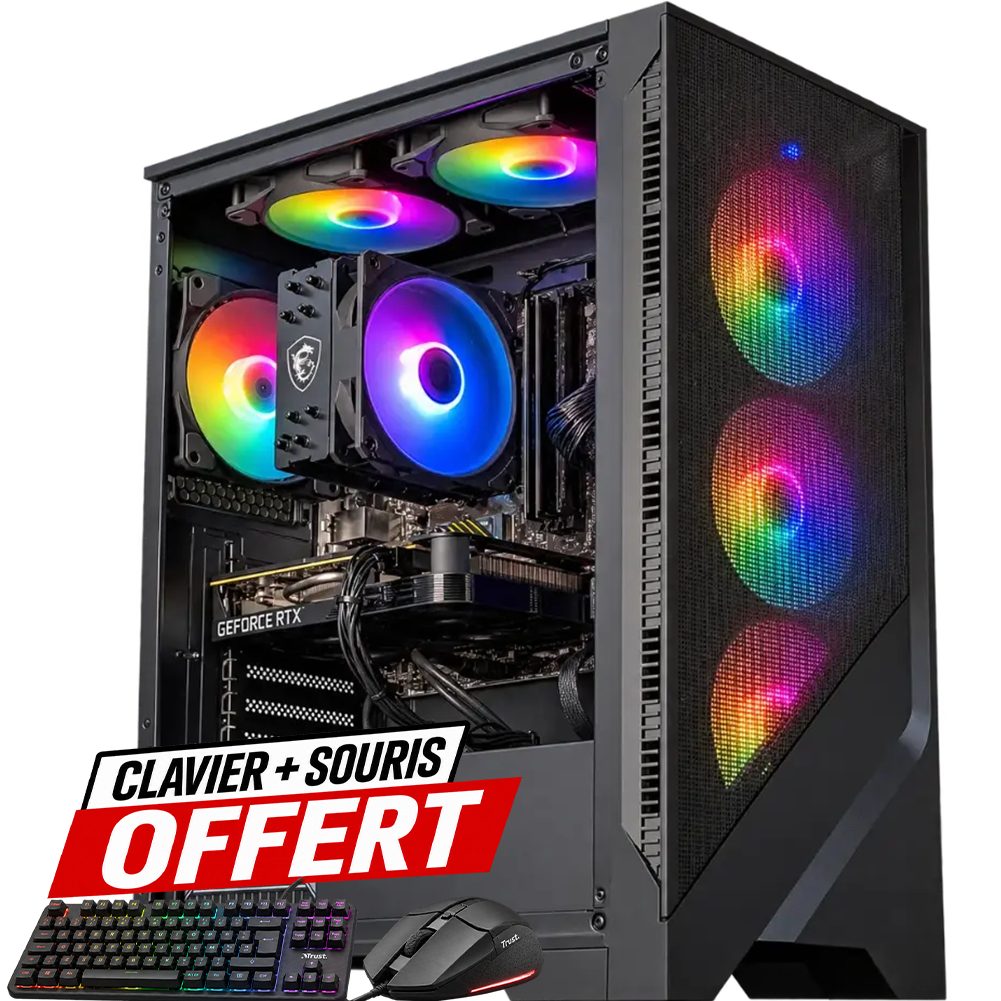
Corvus
500 GB SSDGeForce RTX 5050
Ryzen 5 5500 · 16 GB DDR4
See the Corvus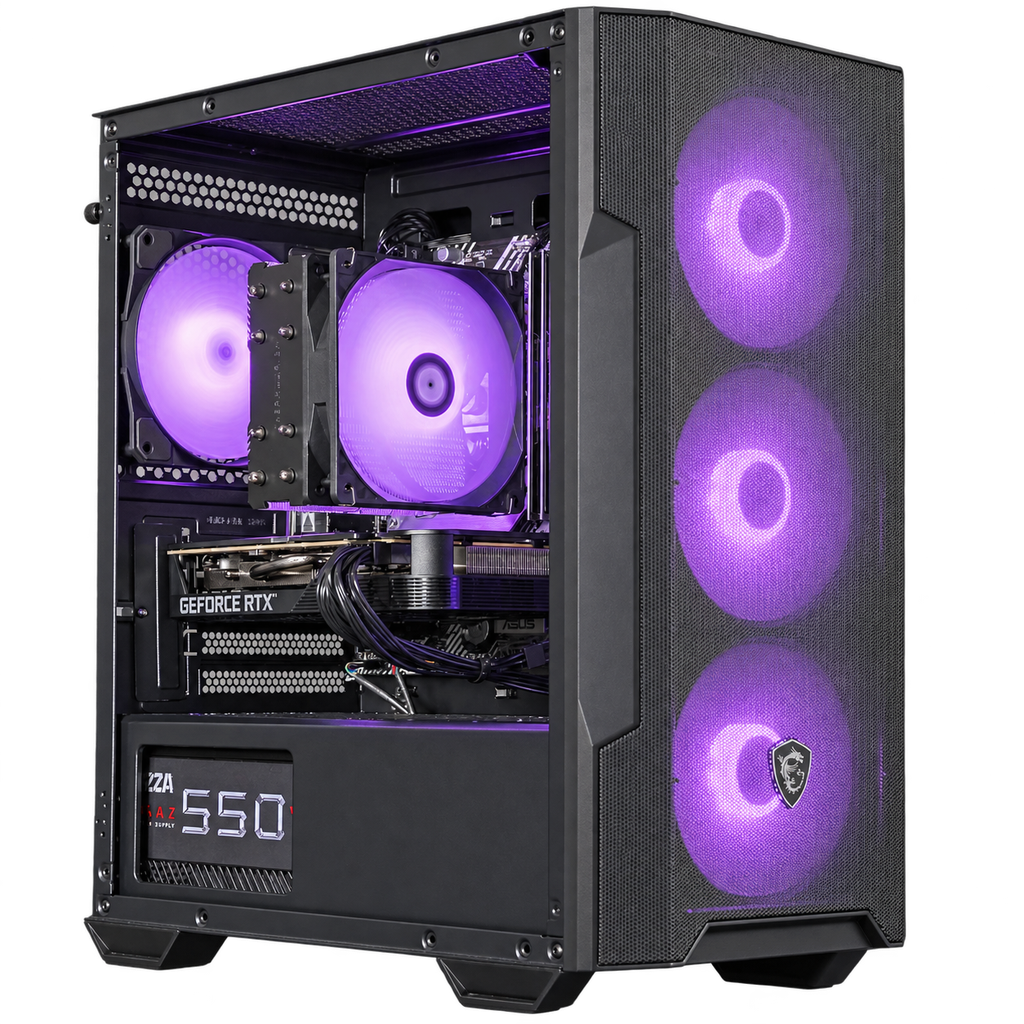
Bengal V2
500 GB SSDGeForce RTX 5050
Core i5-11400F · 16 GB DDR4
See the Bengal V2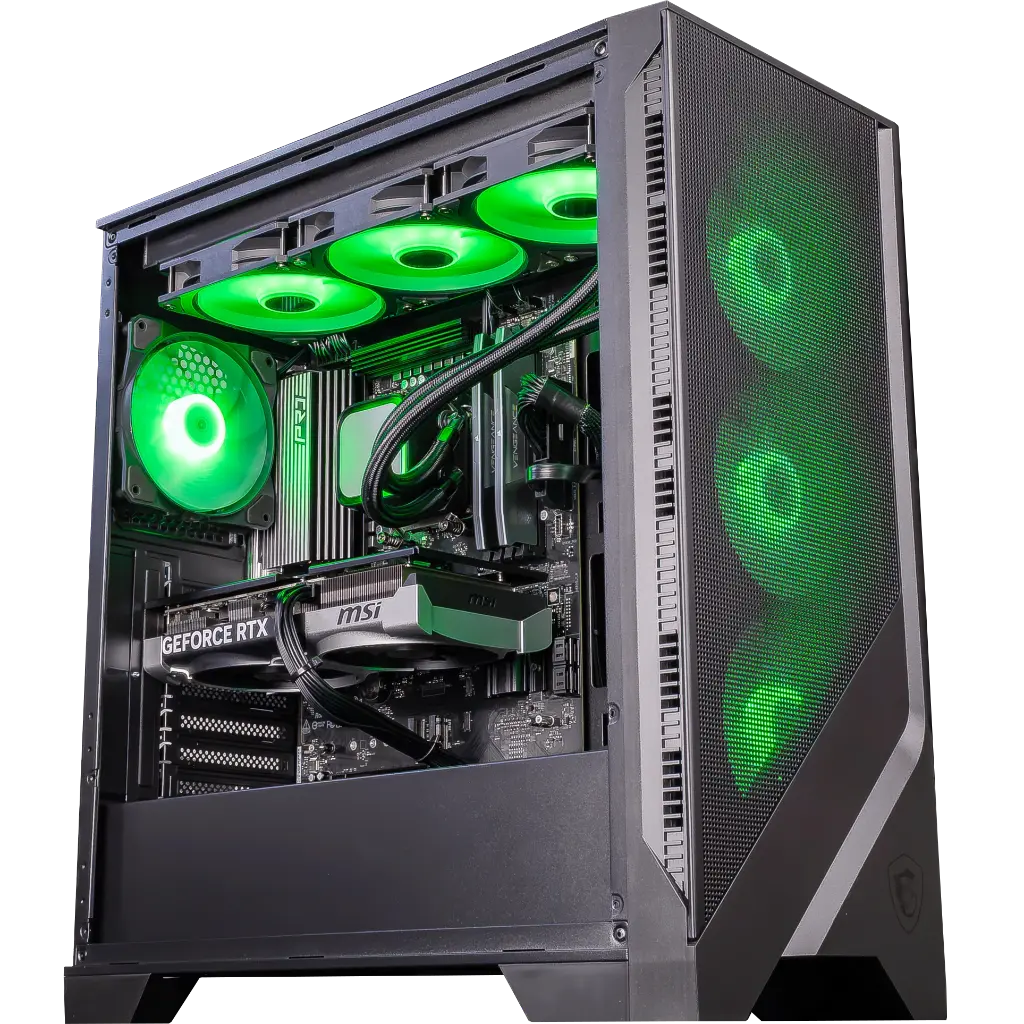
Spatium
1 TB SSDGeForce RTX 5070
Ryzen 5 9600X · 16 GB DDR5
See the Spatium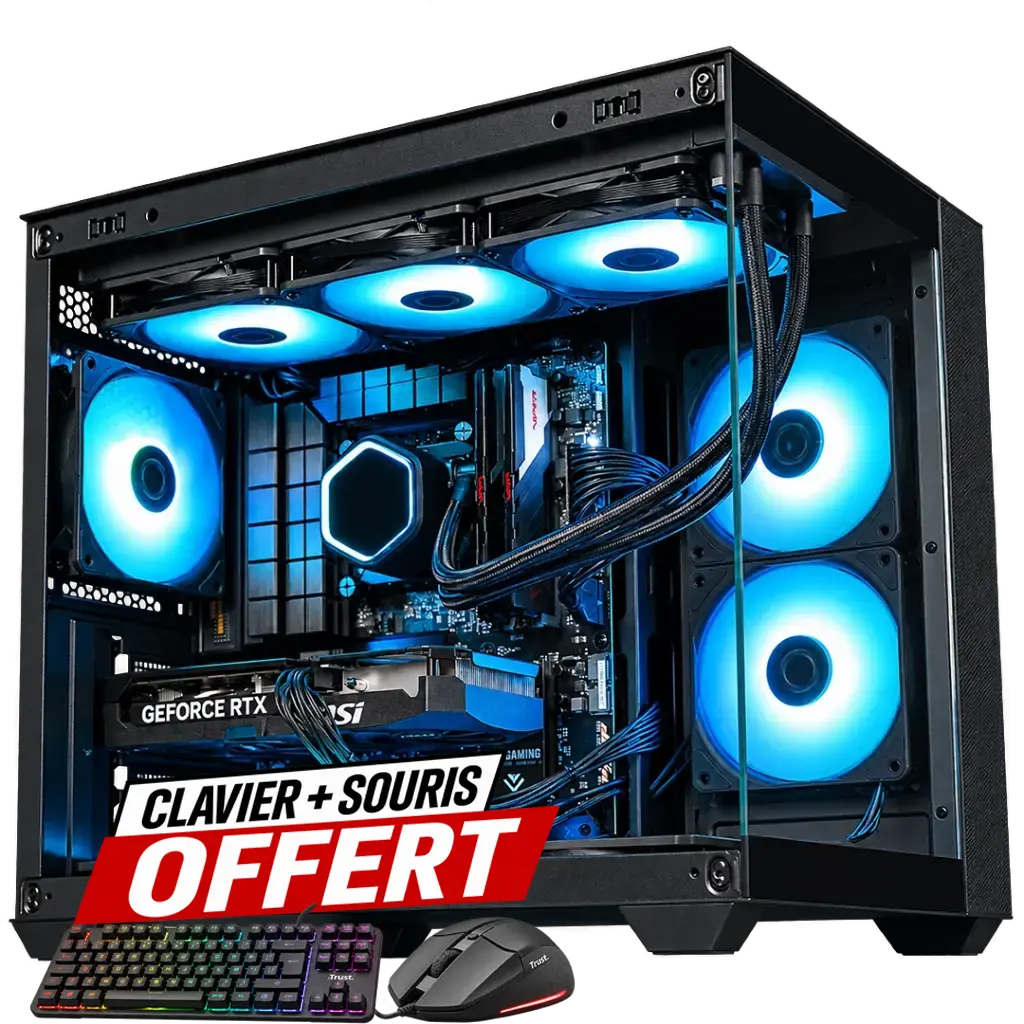
Rampage
1 TB SSDGeForce RTX 5070
Ryzen 7 5700X · 32 GB DDR4
See the Rampage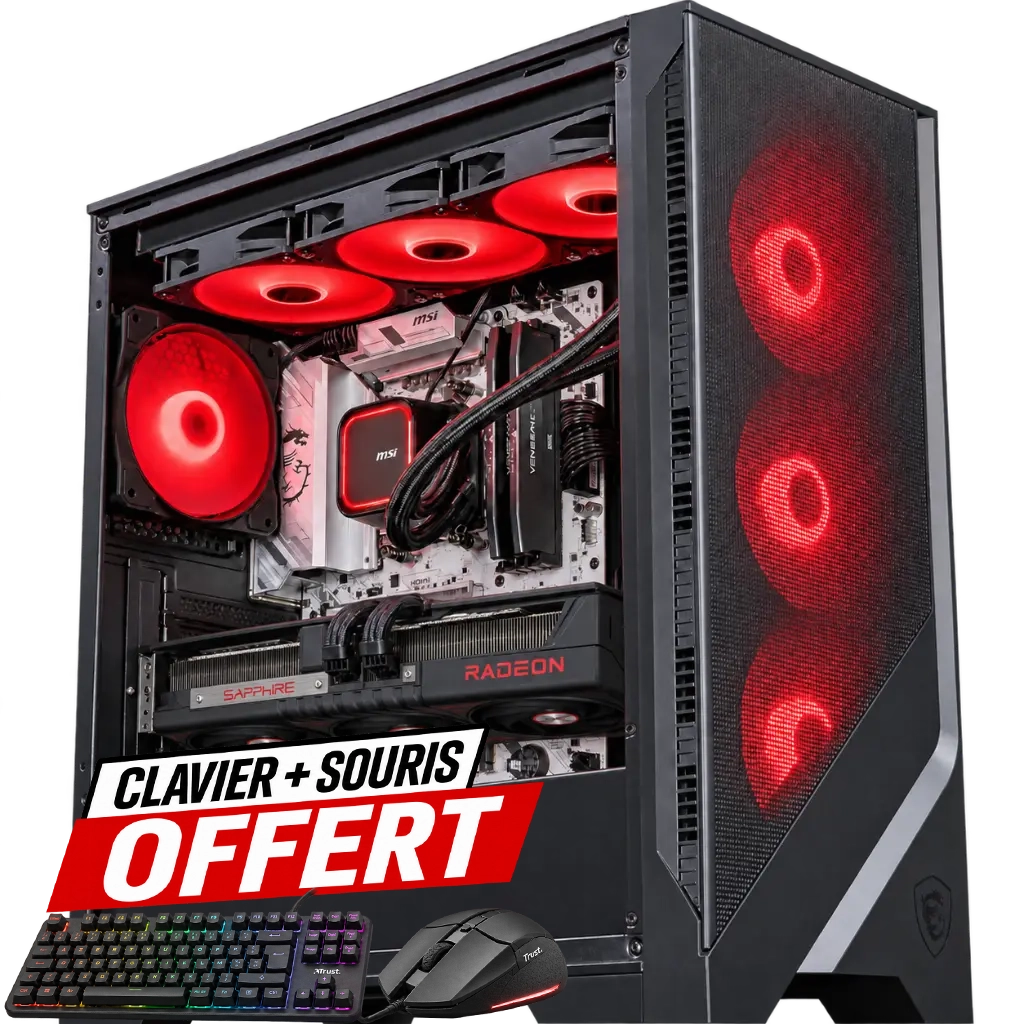
Good Deal
1 TB SSDRadeon RX 9070 XT
Ryzen 7 9700X · 32 GB DDR5
See the Good Deal22 mm
8 cm on your motherboard
“2280” indicates its dimensions. The SSD is 22 mm wide and 80 mm long. It plugs directly into your motherboard’s M.2 connector.
- Format
- M.2 2280
- Interface
- PCIe 3.0 ×4
- Protocol
- NVMe 1.3
From the SSD to your game
You open your save. What happens before your level appears on the screen?
The SSD reads the files
The game loads your save file, the level’s scenery and sounds from the SSD.
Memory takes them in
RAM keeps the useful data close to the processor during the game.
The level appears
The processor updates the world, and the graphics card draws the scene you see.
Before choosing
Revisit the 6 PCsIs the SSD already installed in the PC?
Yes. The SSD is part of the configuration. Its capacity is listed on the spec sheet of each PC, and the component details are on its product page.
Does the 1 TB model read files faster?
Intenso announces the same maximum sequential read speeds for the 500 GB and 1 TB versions of the PCIe Premium. With 1 TB, you double the available space to install your games.
Why is there less space left in Windows?
Windows counts space differently than the manufacturer. The system, applications and updates also take up part of the SSD.
The SSD at the heartof your setup
When you launch a game, your PC pulls its files from the SSD. Discover the Intenso PCIe Premium and compare the two capacities for your library.
Read and write
Maximum sequential speeds announced by Intenso for both capacities.
- Read up to
- 2000 Mo/s
- Write up to
- 1000 Mo/s
500 GB or 1 TB for your games
Choose the size of a game to see how many you could keep installed on each SSD.
Choose your configuration
Filter the six Black Week PCs by capacity. You’ll find the price and full configuration on each product page.
Bengal
500 GB SSDGeForce RTX 3050
Core i5-11400F · 16 GB DDR4
See the BengalCorvus
500 GB SSDGeForce RTX 5050
Ryzen 5 5500 · 16 GB DDR4
See the CorvusBengal V2
500 GB SSDGeForce RTX 5050
Core i5-11400F · 16 GB DDR4
See the Bengal V2Spatium
1 TB SSDGeForce RTX 5070
Ryzen 5 9600X · 16 GB DDR5
See the SpatiumRampage
1 TB SSDGeForce RTX 5070
Ryzen 7 5700X · 32 GB DDR4
See the RampageGood Deal
1 TB SSDRadeon RX 9070 XT
Ryzen 7 9700X · 32 GB DDR5
See the Good Deal22 mm
8 cm on your motherboard
“ 2280 ” indicates its dimensions. The SSD is 22 mm wide and 80 mm long. It plugs directly into the M.2 connector on your motherboard.
- Format
- M.2 2280
- Interface
- PCIe 3.0 ×4
- Protocol
- NVMe 1.3
From the SSD to your game
You open your save file. What happens before your level appears on screen ?
The SSD reads the files
The game loads your save file, the level’s scenery and sounds from the SSD.
Memory takes them in
RAM keeps the useful data close to the processor during the game.
The level appears
The processor updates the world, and the graphics card draws the scene you see.
Before choosing
Revisit the 6 PCsIs the SSD already installed in the PC ?
Yes. The SSD is part of the configuration. Its capacity is listed on the spec sheet of each PC, and the component details are on its product page.
Does the 1 TB model read files faster ?
Intenso announces the same maximum sequential read speeds for the 500 GB and 1 TB versions of the PCIe Premium. With 1 TB, you double the available space to install your games.
Why is there less space left in Windows ?
Windows counts space differently than the manufacturer. The system, applications and updates also take up part of the SSD.