 Your PC in instalments (up to 12x)
FlowUP team, gaming PC builder in Genappe (Belgium) · Updated 29 September 2026
In short: upgrade if your PC runs on a platform that’s still up to date (AM5, AM4 with a Ryzen 5000, Intel LGA1700 or LGA1851) and you only need one or two components: SSD, RAM or a graphics card. Replace your PC if you need to change the processor, motherboard and RAM at the same time, if you have to touch three major components or more, or if your processor isn’t compatible with Windows 11.
Does your PC really need an upgrade?
Before talking about upgrading or buying a new PC, rule out false problems. A sluggish PC often just needs a quick blast of compressed air, up-to-date graphics drivers, or fresh thermal paste: overheating lowers clock speeds and can convincingly mimic a lack of performance. Our guides PC overheating too much and why my PC lags in games help you decide.
If the PC is clean and up to date, the real signs of outdated hardware are these: fewer than 60 FPS at 1080p in games that are two or three years old, unstable FPS even on low settings, a boot-up that takes forever, or the need to close everything just to keep the game playable.
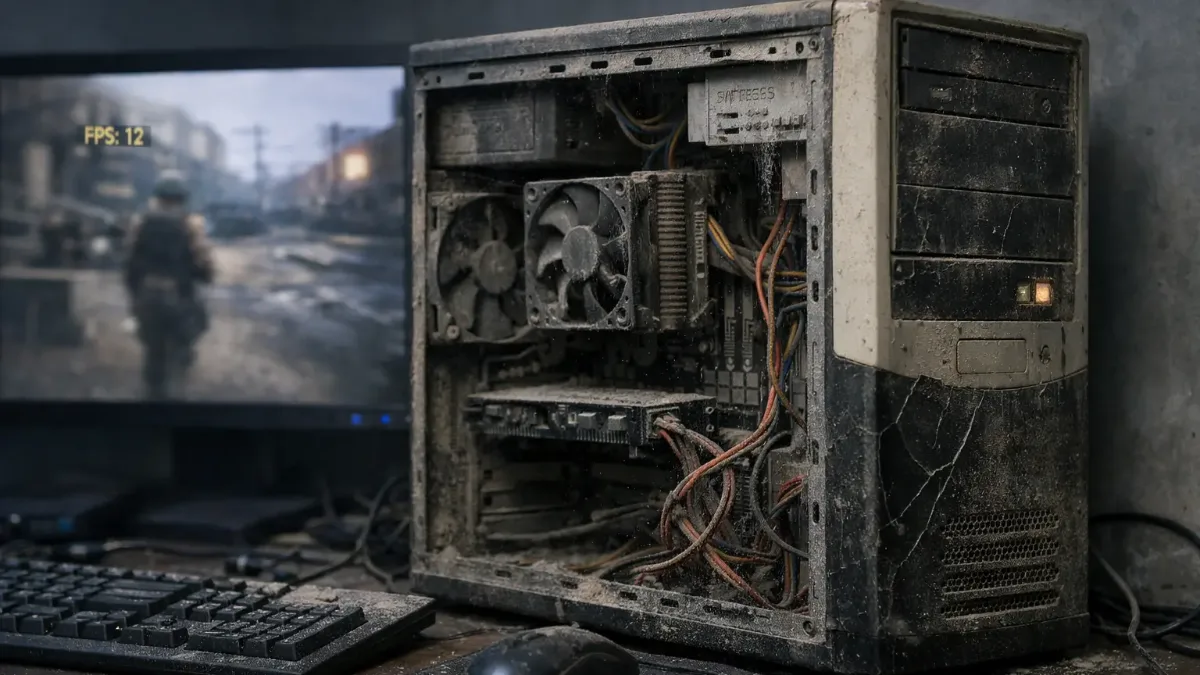
Dust and old thermal paste: check before concluding your PC is outdated.
Not sure whether your machine is at the end of the road? Read also How can I tell if my computer is getting too old?.
The real question: is your platform still current?
What determines the difference between an upgrade and a new PC isn’t the PC’s age as such, it’s the combination of motherboard and processor, what we call the platform. As long as it supports recent processors, you can upgrade the rest piece by piece. When it reaches the end of its life, every upgrade runs into it.
| Platform | Supported processors | Memory | Our verdict |
|---|---|---|---|
| AMD AM5 | Ryzen 7000, 8000 and 9000 | DDR5 | Current platform: easy to upgrade |
| AMD AM4 | Up to the Ryzen 5000 (including 5700X3D and 5800X3D) | DDR4 | Still upgradable with a Ryzen 5000, depending on the motherboard and its BIOS |
| Intel LGA1851 | Core Ultra 200S | DDR5 | Current platform: easy to upgrade |
| Intel LGA1700 | Core 12th, 13th and 14th gen | DDR4 or DDR5 depending on the motherboard | Upgradeable, updated BIOS required for 13th and 14th gen |
| Intel LGA1200 | Core 10th and 11th gen | DDR4 | End of the line: graphics card upgrade only |
| Intel LGA1151 and older | Core 6th to 9th gen | DDR4 or DDR3 | New PC recommended |
FlowUP synthesis based on AMD and Intel platforms. Always check your motherboard’s CPU compatibility list.
Another criterion has become decisive: Windows 11. Microsoft ended support for Windows 10 on 14 October 2025 (consumer extended security updates run until 12 October 2027). Windows 11 requires a processor from the official list, TPM 2.0 and Secure Boot, and some online games also require TPM 2.0 and Secure Boot, such as Warzone. So a PC whose processor isn’t on Microsoft’s list has an expiry date, even if it still runs your games.
When upgrading your gaming PC is the right decision
An upgrade makes sense when one or two components solve the problem without creating another one. Three scenarios come up again and again:
Go from a hard drive to an SSD
If your system is still running on a hard drive, that’s the upgrade to do first: Windows startup, loading times and overall responsiveness change completely. Warzone also requires an SSD from its minimum configuration.
Go from 8 to 16 GB of RAM
Fortnite recommends 16 GB, Warzone 12 GB. With 8 GB, the PC spills over onto the drive and stuttering appears: a kit of two identical sticks often fixes the problem.
Replace the graphics card on a recent platform
With a Ryzen 5000, a 12th-gen Core or newer, a graphics card from before 2020 is the component costing you the most FPS. It’s the most cost-effective upgrade for gaming.
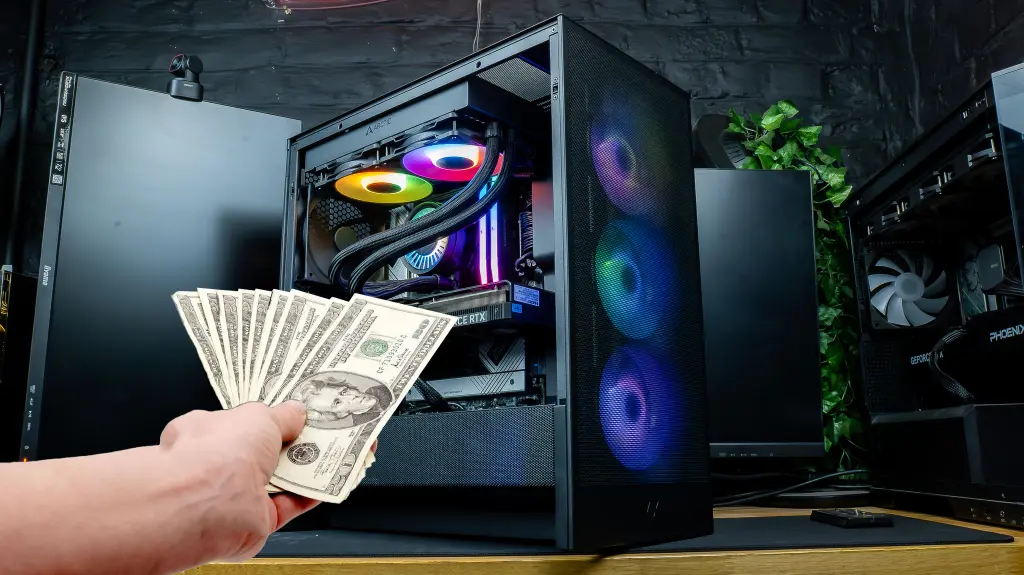
On a recent platform, the graphics card is the upgrade that gives you the most return.
To find out exactly which part is limiting your PC, follow the diagnosis in our guide which component to upgrade first.
The trap: upgrading a platform that’s at the end of its life
Let’s take a case we often come across: a 2018 PC with an 8th-gen Core i5 and an old graphics card. You install a new, recent graphics card: it works, but the processor can’t keep up anymore and the card won’t run at full power. To remove that bottleneck, you need a newer processor, so a new motherboard (the socket changed), which often means DDR5.
At this stage, you’ve changed the graphics card, processor, motherboard and RAM. The only parts left from the old PC are the case, the power supply and storage, which are also seven or eight years old. It’s a new PC made from individual parts, without an all-in-one warranty.

On an old platform, upgrades stack up quickly.
Our simple rule: one or two components, upgrade; three or more, change your PC.
When does buying a new gaming PC become necessary?
- Your platform is reaching the end of its life (LGA1151, LGA1200 or older) and the processor is already limiting your games.
- Your processor isn’t compatible with Windows 11: you’ll have to change your platform anyway.
- Upgrading to 1440p or 4K means the graphics card, the processor and often the PSU must keep up.
- You’re changing what you use it for: streaming, video editing, competitive gaming at 240 Hz. Processor and RAM needs change accordingly.
- Three major components or more need replacing.
If you’re torn between building it yourself and buying it pre-built, this FrenchHardware video makes it clear what a full build involves in 2026:
FrenchHardware, “How to build your gaming PC in 2026”.
Upgrade or new PC: the table to decide
| Your situation | Upgrade | New PC |
|---|---|---|
| AM5, AM4 platform (Ryzen 5000), LGA1700 or LGA1851 | Yes | Not necessary |
| Targeted need: only an SSD or RAM | Yes | No |
| Old graphics card, newer processor | Yes | No |
| LGA1151, LGA1200 platform or older | Limited | Yes |
| Processor not compatible with Windows 11 | No | Yes |
| Three major components or more to change | No | Yes |
| Moving to 1440p or 4K on an old PC | Rarely | Yes |
| Change of use (streaming, content creation…) | Depending on the platform | Often |
Build it yourself or buy it pre-built?
Building your PC yourself is still the cheapest option if you have the time, the desire, and a bit of experience: you choose every part and you learn a lot. In return, you handle compatibility, assembly, BIOS updates, testing on your own and, in case of a breakdown, the diagnosis to know which part to send back to which retailer.
A pre-built PC gives you a single point of contact and a warranty covering the entire machine, including the two-year legal conformity warranty in the European Union. It’s often the right choice if it’s your first PC, or if you simply want to start gaming straight out of the box.
What budget should you plan for a new gaming PC?
The budget depends mainly on the resolution you’re aiming for. We’ve broken down complete configurations by tier: Gaming PC around €1,000 for demanding 1080p, Gaming PC around €1,200 for comfortable 1440p, and Gaming PC around €1,500 for 1440p at high settings.
For an overview, read the best gaming PC in 2026 based on your budget.
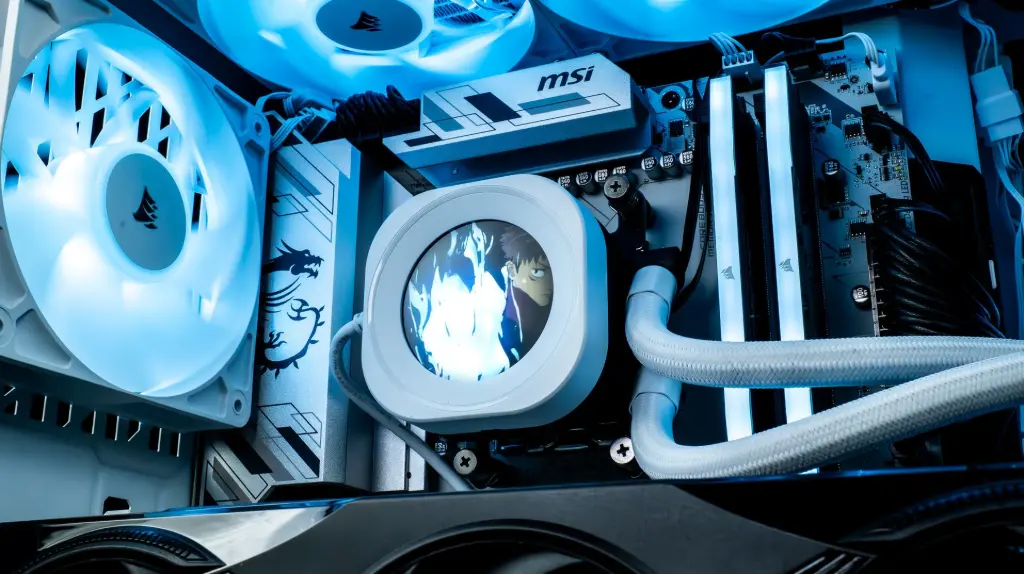
A newer platform also guarantees you’ll be able to upgrade later.
New gaming PCs on the AM5 platform
If you’re buying new, choose a platform that will still let you upgrade in a few years. These three configurations are on AM5, with DDR5:
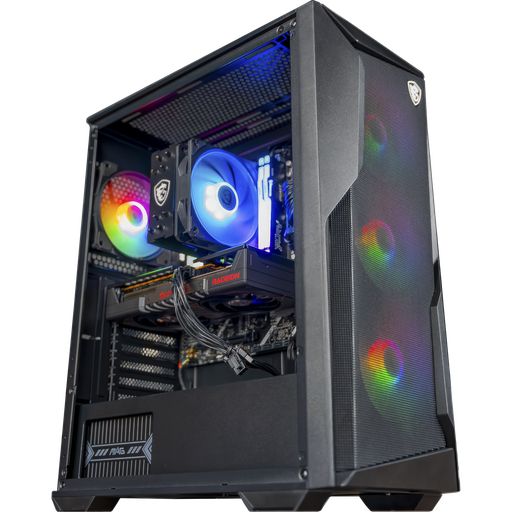
PC Rift, Radeon RX 9060 XT 16 GB
Radeon RX 9060 XT 16 GB, Ryzen 5 7500F and 16 GB of DDR5 on a B840 motherboard: an AM5 base for 1080p and 1440p.

Novara PC, GeForce RTX 5070
RTX 5070, Ryzen 5 7500X3D, 16 GB of DDR5 and NZXT Kraken Plus 240 liquid cooling in an NZXT H5 Flow.
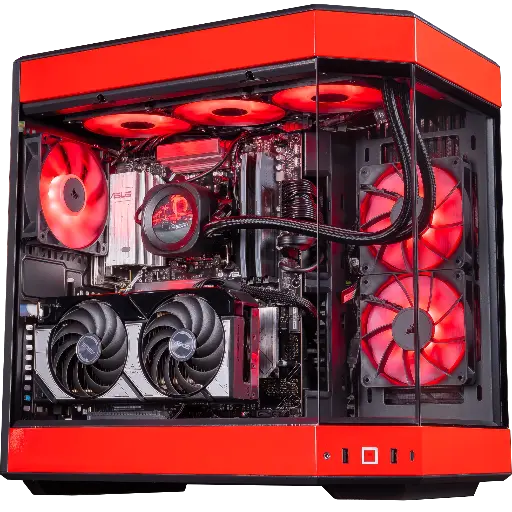
Rivals PC, GeForce RTX 5070
RTX 5070, Ryzen 7 9800X3D and 32 GB of DDR5: made for 1440p and high FPS in competitive play.
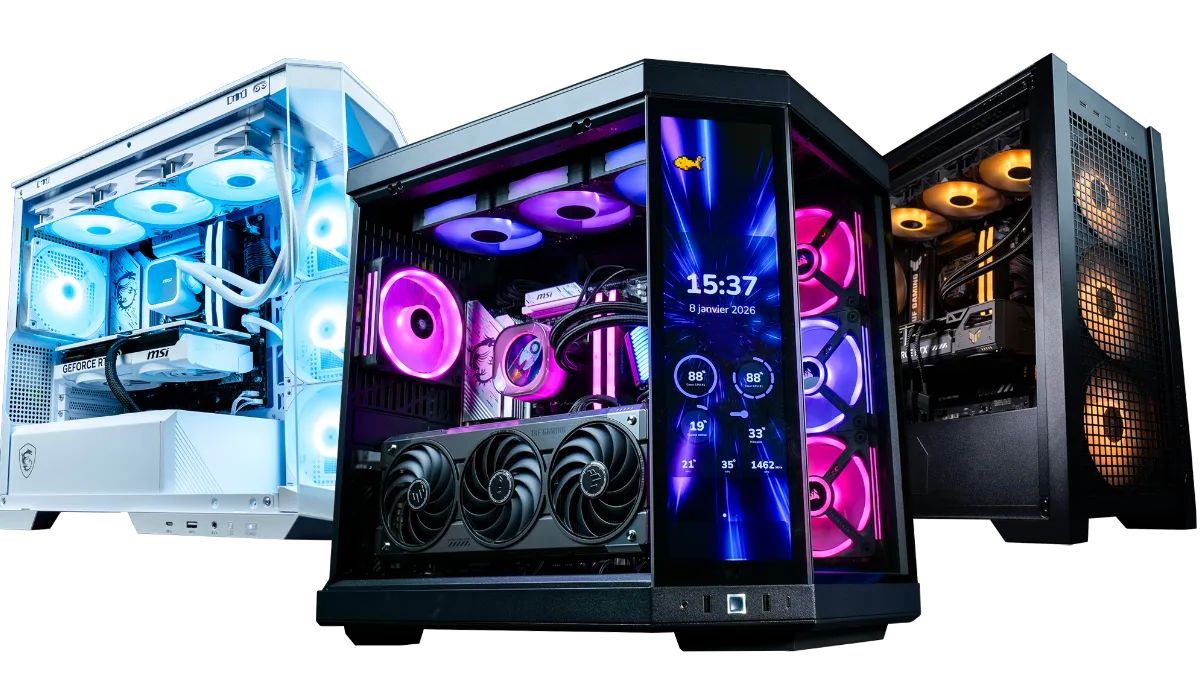
All models are in the category FlowUP gaming PCs.
FAQ: upgrade your gaming PC or buy a new one
Should you upgrade your gaming PC or buy a new one in 2026?
Upgrade if your platform is recent (AM5, AM4 with Ryzen 5000, LGA1700, LGA1851) and if one or two components are enough. Buy a new PC if you need to change the processor, motherboard and RAM, or three major components or more.
Can an old processor bottleneck a new graphics card?
Yes. This is what’s called a bottleneck: the processor can’t send the images fast enough to be prepared, and the graphics card doesn’t run at full capacity. You can spot it by displaying the GPU usage while gaming.
Does my PC need to be compatible with Windows 11?
Support for Windows 10 ended on 14 October 2025. Windows 11 requires a processor from Microsoft’s official list, TPM 2.0 and Secure Boot. An incompatible PC can still work, but it’s a strong argument to change platform.
Is going from 8 to 16 GB of RAM still useful?
Yes. Fortnite recommends 16 GB and Warzone 12 GB: with 8 GB, stuttering is common as soon as an application runs in the background.
Can an SSD be enough to give an old PC a new lease of life?
For responsiveness, yes: boot times, load times and Windows all improve a lot. It doesn’t increase FPS, but it has become essential for some games like Warzone.
Is building your PC yourself still cheaper?
Generally yes, provided you don’t count your time. A PC that’s bought pre-assembled gives you just one point of contact and a guarantee covering the whole machine.
Sources
- Microsoft, Windows 10 support ends (14 October 2025)
- Microsoft, extended security updates for Windows 10
- Microsoft, Windows 11 system requirements (March 2026)
- Activision, Warzone PC requirements (March 2026)
- Epic Games, system requirements for Fortnite on PC
- FrenchHardware, How to build your gaming PC in 2026 (YouTube)
