
By the FlowUP team, gaming PC builder in Genappe (Belgium) · Updated 29 September 2026
In brief: to choose a graphics card in 2026, start from your monitor: at 1080p, an RTX 5060 or RX 9060 XT is enough; at 1440p, aim for a RTX 5070 or RX 9070; at 4K, you’ll want an RTX 5070 Ti, an RX 9070 XT or better. Then check the video memory: 8 GB has become tight, 12 GB is the comfortable minimum at 1440p, and 16 GB gives you some breathing room. NVIDIA keeps the edge in ray tracing and upscaling (DLSS), while AMD often offers more raw performance and more memory for the same price. Finally, don’t forget the power supply or the card’s size.
Step 1: start from your screen
This is the rule that prevents most mistakes. The same graphics card can be overkill on a 1080p 60 Hz display and struggle on a 4K screen. Before looking at a specific model, note two numbers: your screen’s resolution (1080p, 1440p or 4K) and its refresh rate (60, 144, 240 Hz…).
- 1080p: the card isn’t heavily loaded; it’s often the processor that limits FPS in competitive games. A mid-range card is more than enough.
- 1440p: the best compromise in 2026 between sharpness and smoothness. The graphics card becomes the key component, and video memory matters.
- 4K: the requirements explode. A high-end card and upscaling (DLSS, FSR) become essential.
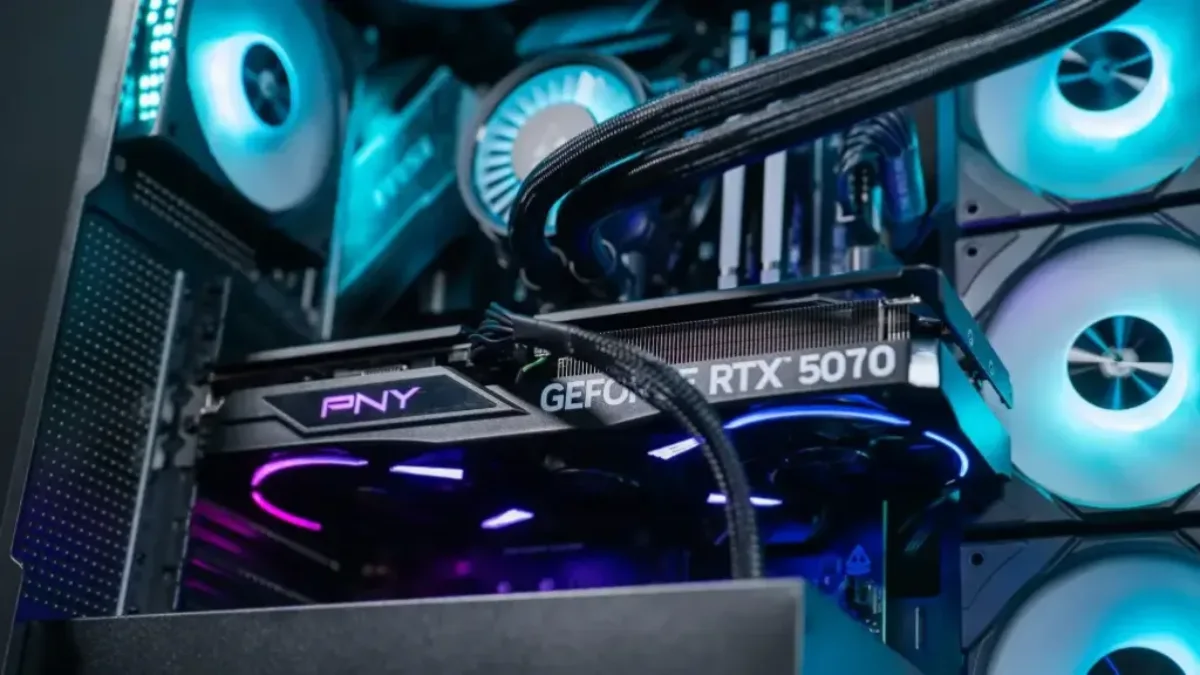
The graphics card delivers most of the FPS: it’s the one you choose first, based on your screen.
Which graphics card for which resolution?
| Goal | NVIDIA | AMD | Intel |
|---|---|---|---|
| 1080p, esports and new releases | RTX 5060, RTX 5060 Ti | RX 9060 XT 8 or 16 GB | Arc B570, Arc B580 |
| 1440p, high settings | RTX 5060 Ti 16 GB, RTX 5070 | RX 9060 XT 16 GB, RX 9070 | |
| 1440p very high, ray tracing | RTX 5070 Ti | RX 9070 XT | |
| 4K | RTX 5080, RTX 5090 | RX 9070 XT (with FSR) |
Our builder’s recommendation as of 29 September 2026, for recent games. The exact differences between cards are detailed in our comparisons, for example RTX 5070 vs RX 9070.
Step 2: video memory, the most underestimated factor
Video memory (VRAM) stores game textures and effects. When it overflows, FPS drop and stuttering appears, even if the chip is powerful. This is the most common trap in 2026.
| Video memory | What it’s for | Examples of cards |
|---|---|---|
| 8 GB | Low end: fine at 1080p, tight in some recent games | RTX 5060, RTX 5060 Ti 8 GB, RX 9060 XT 8 GB, RTX 5050 |
| 10 to 12 GB | Comfortable minimum at 1440p | Arc B570 (10 GB), Arc B580 (12 GB), RTX 5070 (12 GB) |
| 16 GB | Room to spare for demanding 1440p, 4K and mods | RTX 5060 Ti 16 GB, RX 9060 XT 16 GB, RX 9070, RX 9070 XT, RTX 5070 Ti, RTX 5080 |
| 32 GB | Creation and AI more than gaming | RTX 5090 |
Our rule: at similar performance, choose the version with more memory. That’s the whole point of choosing between the 8 and 16 GB versions of the same model, detailed in RTX 5060 or RTX 5060 Ti: 8 or 16 GB.
Step 3: NVIDIA, AMD or Intel?
| Brand | Strengths | Weak points |
|---|---|---|
| NVIDIA (GeForce RTX 50) | DLSS 4.5 and multi frame generation, more powerful ray tracing, very solid video encoder | Often higher prices for the same performance, memory sometimes tight |
| AMD (Radeon RX 9000) | Very good performance/price ratio, often 16 GB, FSR 4 and Redstone improving fast | Ray tracing and upscaling still a notch behind |
| Intel (Arc B) | Low price, 10 to 12 GB right from entry level | Limited to the entry-level range, drivers to keep an eye on depending on the games |
In practice: if you play a lot with ray tracing or at 4K, NVIDIA stays ahead thanks to DLSS. For rasterisation gaming at 1440p, AMD is often the best choice for the same budget. We compare upscaling technologies in DLSS 4.5 vs FSR Redstone and FSR 4.1, and the architecture of the RTX 50 in NVIDIA Blackwell architecture.
To see one of our PCs in real-world use, here’s the in-games test of our Rift PC (Radeon RX 9060 XT) by Mathis and Gauthier:
Mathis and Gauthier, review of the FlowUP Rift PC, September 2026.
Step 4: upscaling and ray tracing, the reality
Those famous “4K at 120 FPS” claims are almost always achieved thanks to upscaling (DLSS on NVIDIA, FSR on AMD, XeSS on Intel) and often frame generation. Without them, ray tracing remains very costly, even for high-end cards. In 2026, upscaling is no longer a bonus: it’s the normal way to play recent games. Just keep in mind that frame generation makes the display smoother without making the game more responsive.
Step 5: power supply, size and cooling
A new graphics card is also chosen together with the rest of the PC:
- The power supply: a recognised brand, with some headroom on the power recommended by the card manufacturer. See how to choose your power supply.
- Size: check the card’s length and thickness against your case, some exceed 30 cm.
- Airflow: a poorly ventilated card makes more noise and loses performance as it heats up.
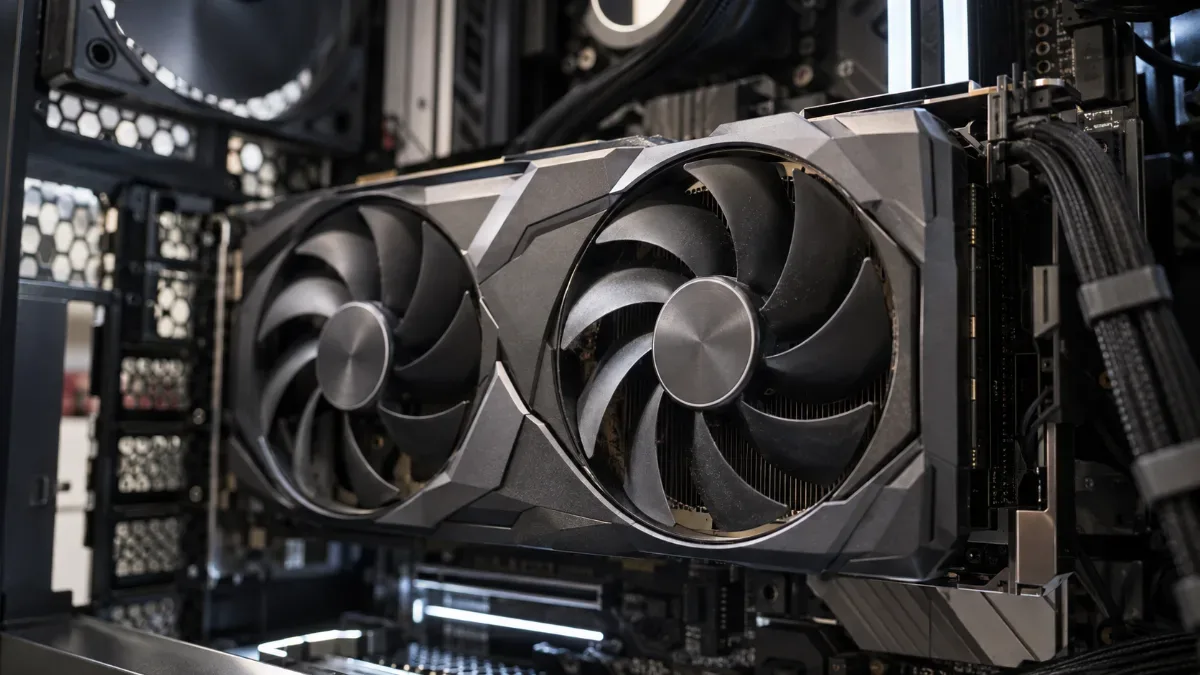
Length, thickness and airflow: a large card needs room to breathe.
Our gaming PCs, by graphics card
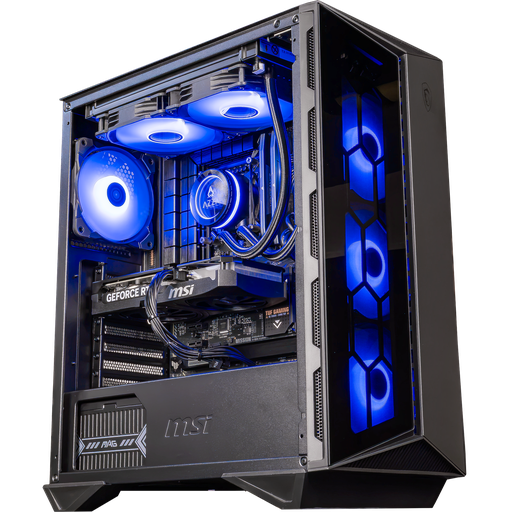
Swift PC: RTX 5060 Ti 16 GB
The 16 GB version of the RTX 5060 Ti, for high 1080p and 1440p with DLSS 4.

PC Novara GeForce RTX 5070 12GB
Ryzen 5 7500X3D, RTX 5070 12GB, 16 GB DDR5 and a 1 TB M.2 SSD: a configuration ready to play straight out of the box.
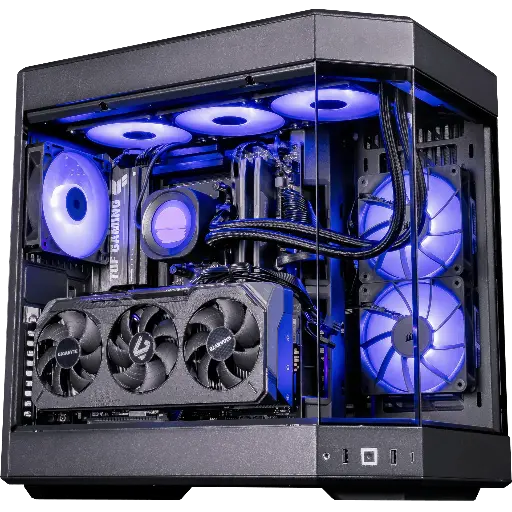
Shadow V2 PC: RX 9070 XT 16 GB
Radeon RX 9070 XT 16 GB and Ryzen 7 9800X3D: ultra-high 1440p and 4K with FSR.
FAQ: choosing your graphics card
Which graphics card should you choose in 2026?
Pick the one that matches your display: RTX 5060 or RX 9060 XT for 1080p, RTX 5070 or RX 9070 for 1440p, RTX 5070 Ti, RX 9070 XT or better for 4K.
How much video memory do you need in 2026?
At least 8 GB for 1080p, 12 GB to feel comfortable at 1440p, 16 GB for 4K, mods and longevity.
NVIDIA or AMD for gaming?
NVIDIA for ray tracing and DLSS, AMD for raw performance and memory at the same price. At 1440p without ray tracing, the two are often comparable.
Does the processor matter for FPS?
Yes, especially at 1080p and in competitive games, where it can become the limiting factor. At 1440p and 4K, it’s mainly the graphics card that matters.
What power supply for a recent graphics card?
Follow the power recommended by the card manufacturer, using a branded PSU and a little headroom.
